

Dashboards
that don't make
ops teams quit.
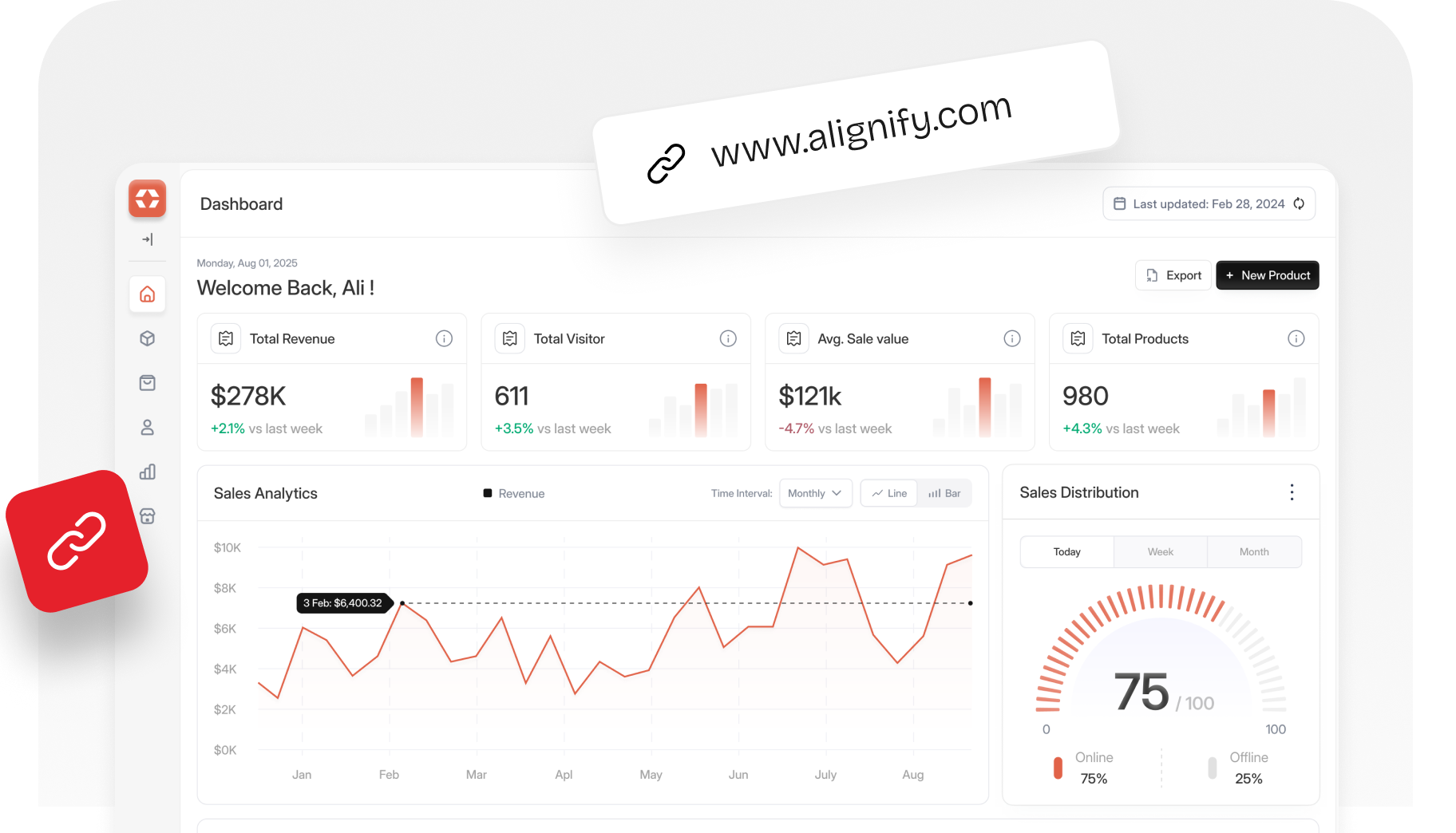
Web apps designed for the people who use them eight hours a day

31 apps. Fiveverticals










Five page types. One conversation bench.
A brand is a system, not a folder of assets. We design all six surfaces together — so the mark survives the social post, the type survives the pitch deck, and the voice survives the email-from-legal.
4 weeks. 12–18 screens.
Audit to production-ready design.
No 6-month discovery. No "phase one" trap. Same senior designer + senior product engineer from audit to handover. Daily 20-min standup in your Slack with PM + lead engineer. Async Figma reviews. Decisions logged in your Linear or Notion.
Audit the brief. Sign in 4 hours.
Slack kickoff, competitive scan, audience mapping, reference review. We come back with a positioning brief and an honest go/no-go.

The architecture decided once.
UI audit catalogs screens, maps user roles, defines navigation, structures information architecture, and diagrams five highest-frequency workflows for daily efficiency.
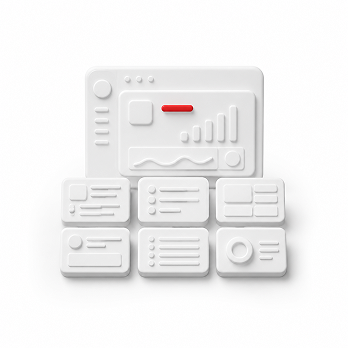
Six screens that carry the app.
Hi-fi designs for key workflows, light/dark themes, complete states, and daily shared Figma reviews throughout the entire design process.
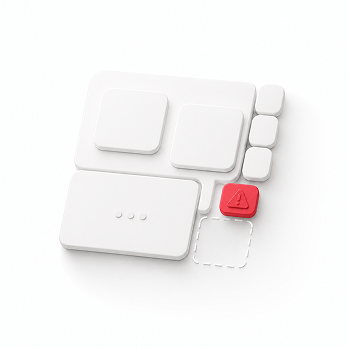
Long tail experience design
Secondary dashboards, admin pages, edge states, API logs, bulk actions, sub-settings, and accessible interactive components fully documented.
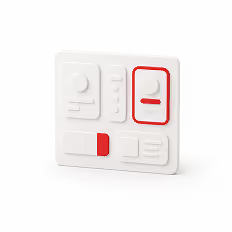
Handoff your engineers actually use.
Production-ready design system with tokens, Storybook, accessibility testing, visual regression, engineering handoff, and complete team documentation.
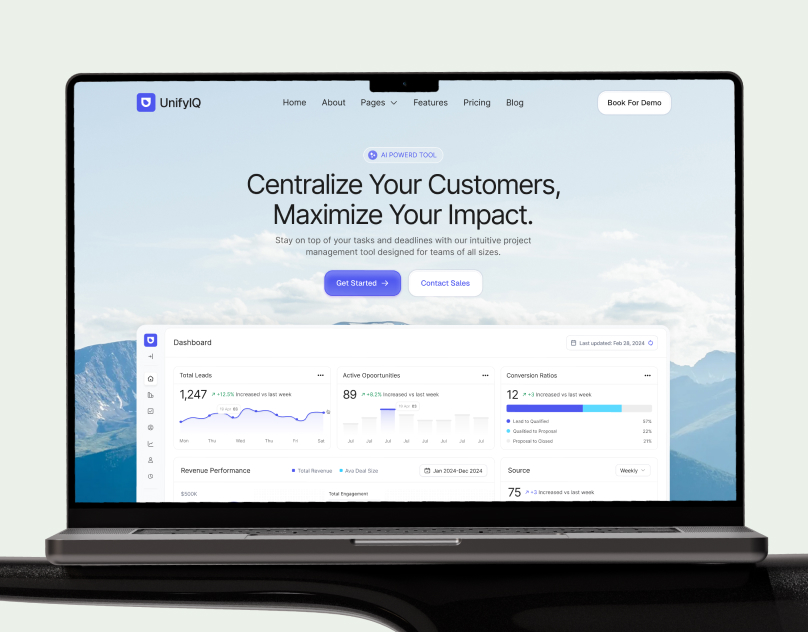
UnifyIQ-Sales Management Saas Platform
UnifyIQ case study: a sales management SaaS website designed and built in Webflow by Wolfpixel — UI/UX, product storytelling, and conversion-focused pages.
%201.svg)

Recent Web App works
Frequently asked, questions
What's the difference between Web App Design and SaaS Design?


SaaS Design is product-marketing-led — landing pages, pricing, sign-up flow, onboarding. Web App Design is the app surface itself: the dashboards, tables, settings, and admin tools your customer uses every day after they've signed up.
Different design problem entirely. Marketing pages optimize for a 30-second first impression; web apps optimize for a 4-hour daily workflow.
Do you design for ops teams or end users?
Both, but ops UX is our deepest expertise. Ops users are power users — they care about keyboard shortcuts, density, filterability, bulk actions, and resilience to small errors. End users care about clarity, defaults, and being told what to do next.
We design differently for each. On the same app, the analyst dashboard and the customer-facing report use different patterns by design.
Can you handle data-heavy tables and charts?
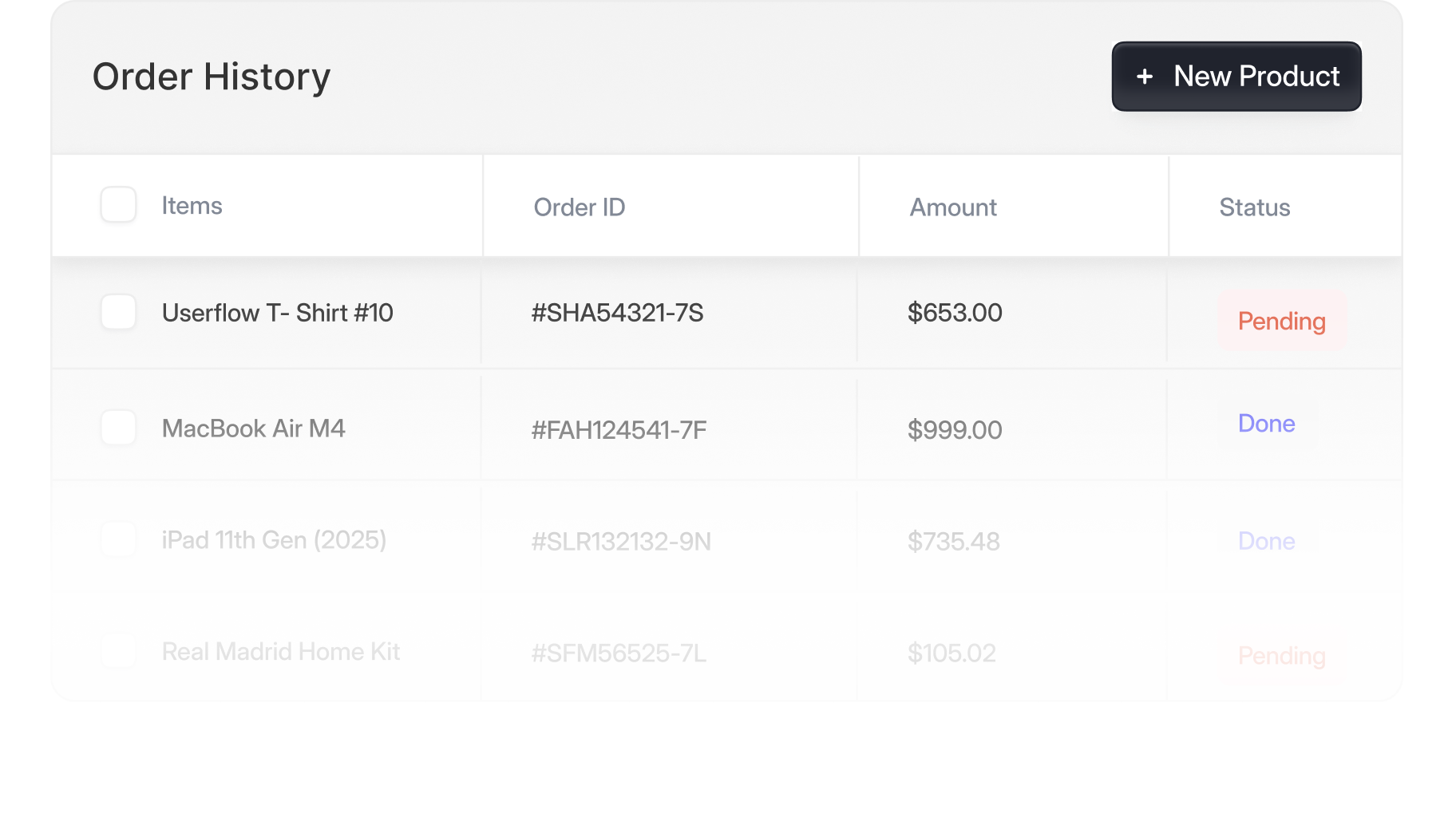
Yes — this is the heart of the practice. Sortable, filterable, virtualized tables for 100K+ row datasets. Time-series, distribution, funnel, cohort, and heatmap charts with proper accessibility.
We work with TanStack Table, AG Grid, Recharts, Visx, and ECharts depending on your stack. Always with keyboard navigation, column resizing, saved views, and CSV/Excel export designed in from day one.
How do you handle empty, error, and edge cases?
As first-class screens, not afterthoughts. Every primary surface gets an empty state (first-time use), loading state (skeleton or shimmer, not a spinner), error state (recoverable and non-recoverable variants), permission-denied state, and partial-data state.
Catalog of about 40-60 edge-case screens per app surface — documented in the Figma and the Storybook.
Do you do the React build, or just the Figma?
We do both, but typically partner on one or the other. Default: we ship the Figma + interactive Storybook + design tokens; your engineering team builds against that contract.
If your team needs the React build too, we pair with a front-end engineer (in-house or one of our partners). For the Multi-Product Platform tier we always include build alongside design — at that scale the handoff overhead is the cost.
Can you really design a full app surface in 4 weeks?
For a Full App Surface tier on defined scope (12-18 screens, existing brand language, your eng team writing the React) — yes. 4 weeks: Week 1 audit + IA + flow mapping. Week 2 hi-fi for the 6 most-used screens. Week 3 the rest of the surfaces + every edge case. Week 4 design tokens + Storybook handoff + 2-hour engineering workshop.
Average across our last 14 web app sprints: 4.2 weeks.
Do you work alongside our PM and engineering team?
Yes — and this is how the best sprints run. Daily 20-min standup in your Slack with PM + lead engineer. Async Figma reviews. Whiteboarding in FigJam or Whimsical for IA decisions. We log decisions in Linear or Notion (your tool, not ours).
We expect engineering pushback on feasibility and design pushback on PM scope creep — that's the point of the sprint.
Do you do motion identity?
Yes — included in the Full Brand System tier, available as an add-on to Brand Identity Sprint (+$3,400). Includes: animated primary mark, lower-thirds for video, button/CTA transitions, page-load animations, and a 2-page motion principles doc.
Delivered as Lottie JSON (lightweight for web), MP4 (for video presentations), and After Effects source. We don't do full motion design / animated video projects — that's a separate service.
Bring us the brief, We bring back the scope
Skip the call. Drop a one-pager — what your client needs, the metric you’d move, the timeline. Within 4 business hours, we send back a tailored package quote, the 3 cases closest to your client’s problem, and the next available slot.


.avif)
.avif)

.avif)

.avif)
.avif)
.avif)
.avif)
.avif)

.svg)



.svg)

.svg)

.svg)

.svg)

.svg)
.svg)


