UI/UX design agency for SaaS & businesses

A UI/UX design agency with senior designers only

The senior designer on your first call designs your product: flows, screens and a dev-ready handoff. No juniors after the pitch, no templates, and you don’t pay for a brief that doesn’t land.

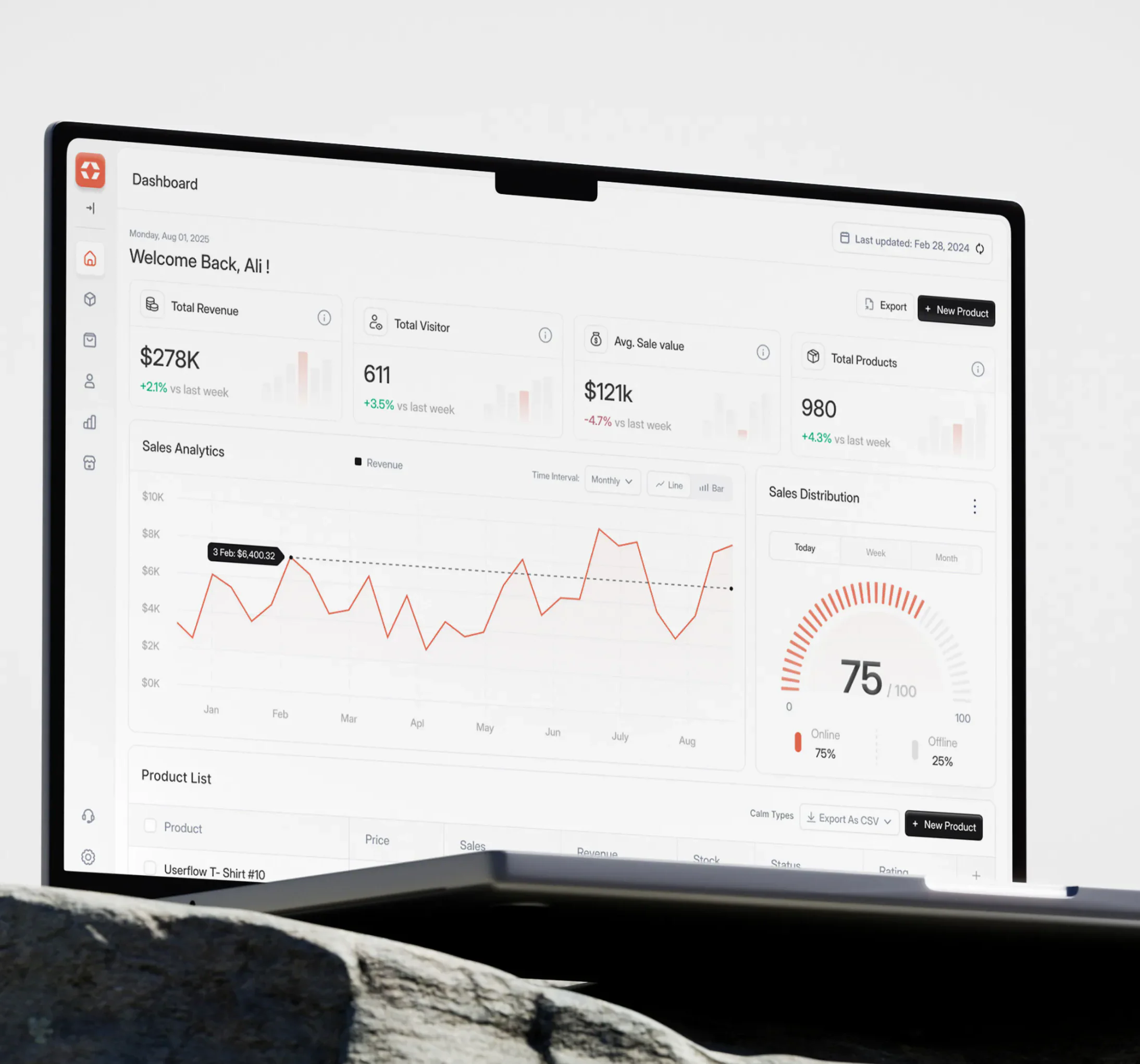
Alignify sales CRM dashboard designed by Wolfpixel, shown on a laptop mockup

Trusted by 125+ founders, from first raise to enterprise

  • RAK Properties
  • Telr
  • Sun Capture
  • Al Rajhi Takaful
  • Pentair
  • Axis Furniture
  • Asendia AI
  • R-Load
  • MasBirX
  • GoldMark
  • InDebted
  • boon
  • mergepoint.ai
  • Americas Retirement HQ
  • RAK Properties
  • Telr

The problem

Signs you need a UI/UX design agency, not another template

  • Users need a demo to start

    Trials stall because key actions and flows are unclear, so every signup needs a walkthrough before it does anything.

  • Features pile up as clutter

    Every release adds a menu item. The screens are full, the important tasks are buried, and activation drops.

  • Developers decide the UI

    Design happens in code at 11pm, so each screen uses a different button, spacing and modal.

  • The product looks older than it is

    A dated interface makes buyers doubt the engineering behind it and makes competitors look further ahead.

  • Freelancers keep changing

    Each one brings a new style and a new handoff format, and your design files no longer match your product.

  • The in-house hire is months away

    You need shipped screens this quarter, not a job post, a hiring loop and a 3-month ramp.

Scope of work

What our UI/UX design services include

Everything a product team needs to design, test and ship interfaces users understand, from the first flow to the dev handoff.

  1. 01

    User flows

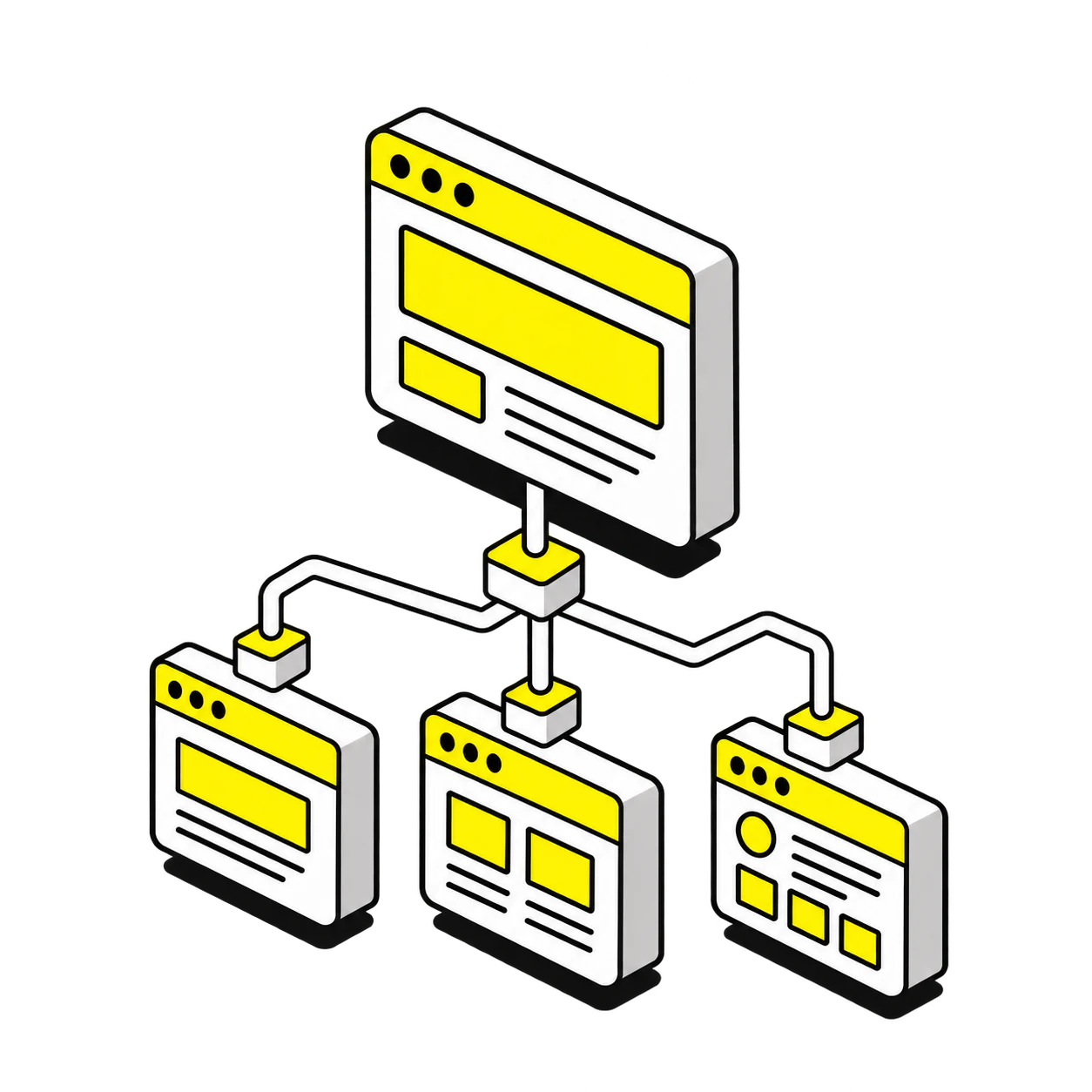
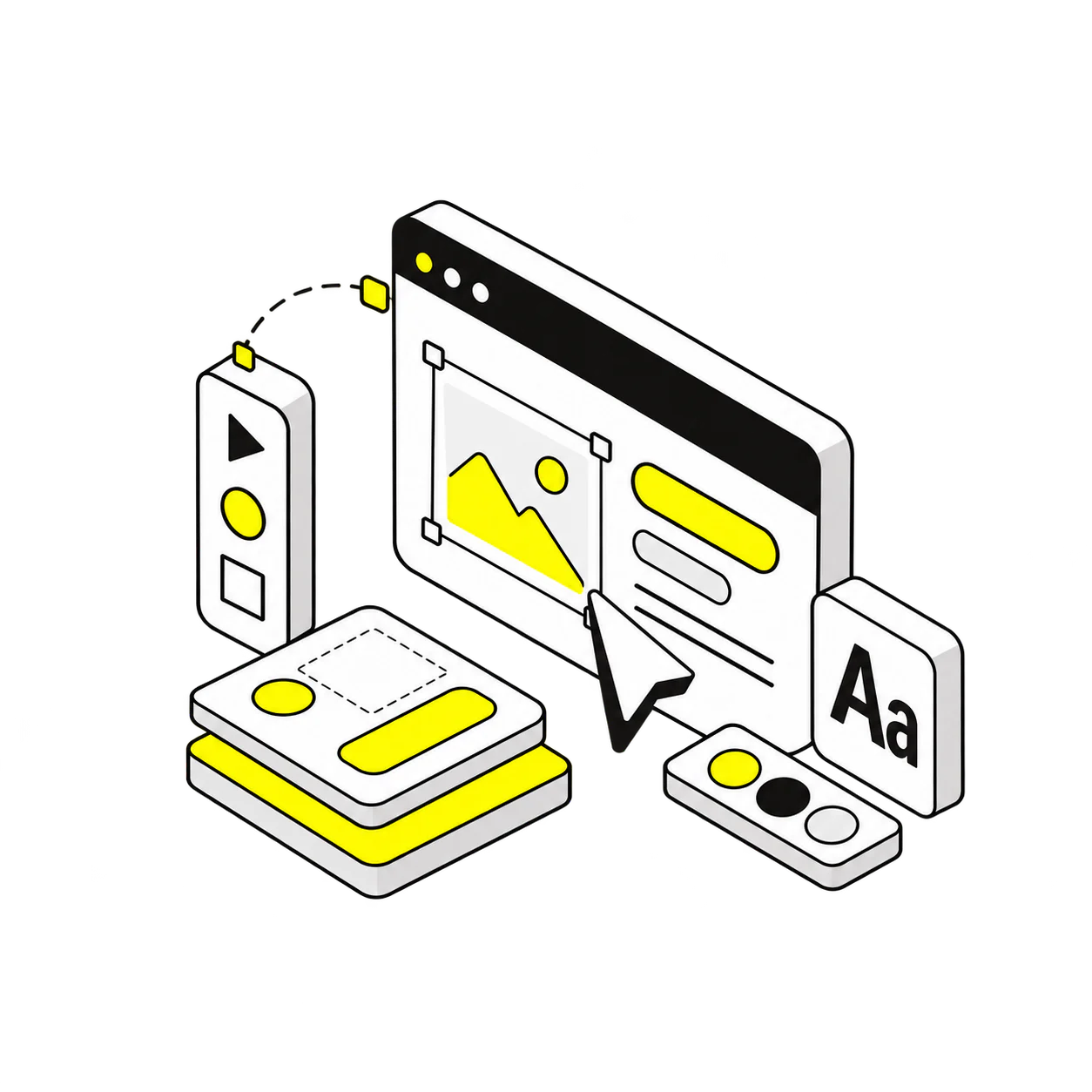
    Task-by-task journeys for signup, onboarding, the core job and billing, so people reach value without a demo and nothing important sits behind a dead end.

    User flows illustration for UI/UX design
  2. 02

    Information architecture

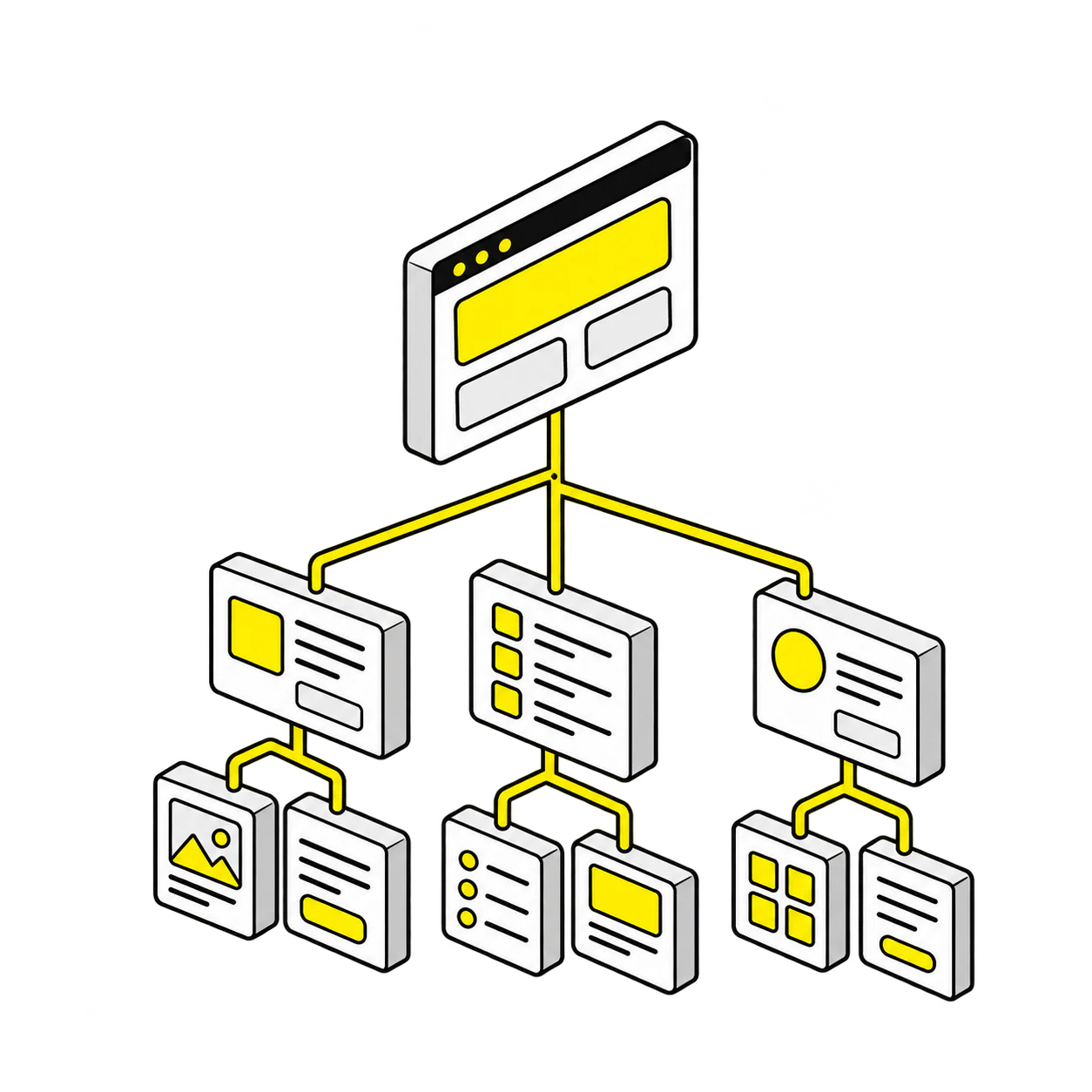
    Navigation, screen inventory and content structure that stay logical as features grow, with naming your users recognize on the first visit.

    Information architecture illustration for UI/UX design
  3. 03

    Wireframes

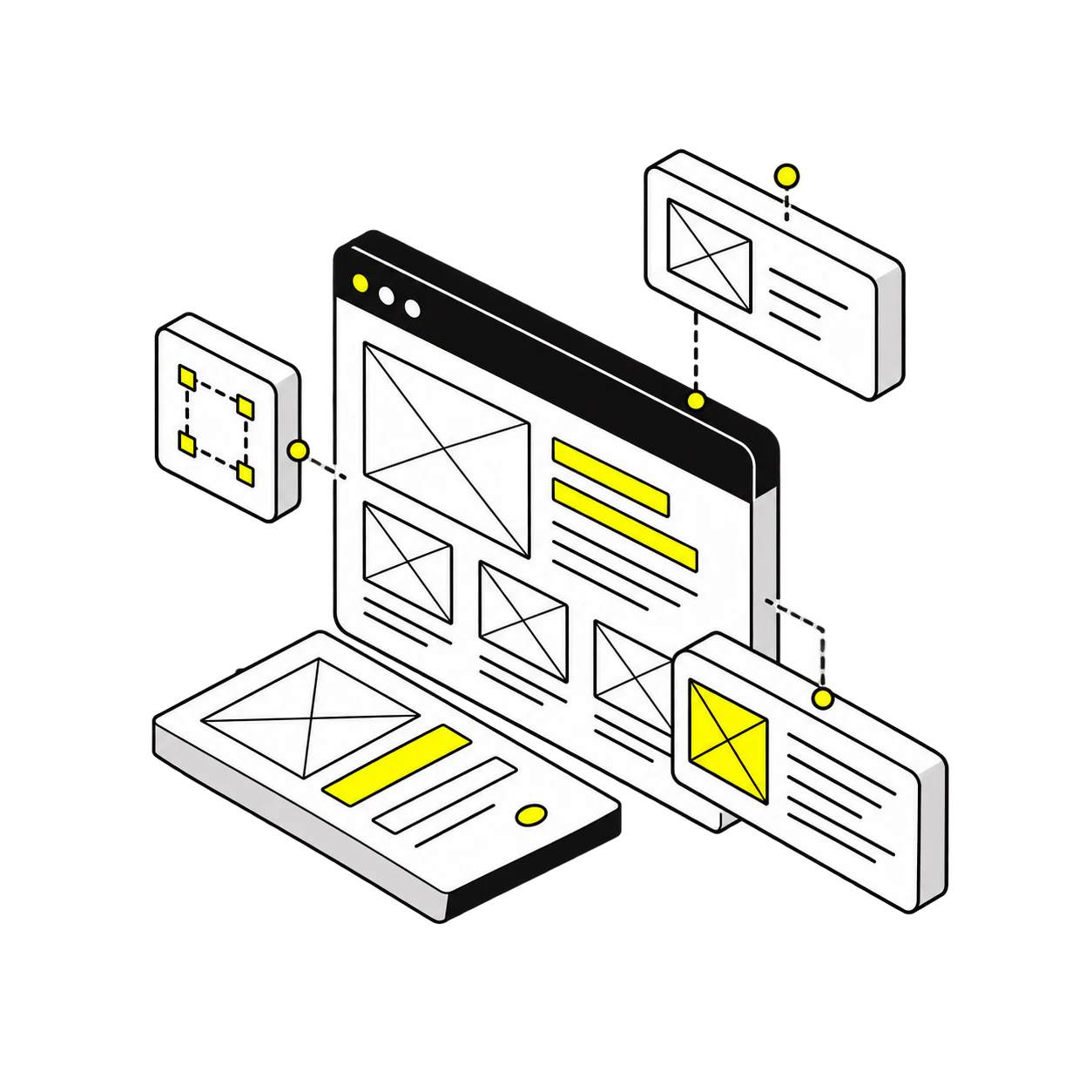
    Low-fidelity layouts for every key screen that settle hierarchy, states and copy placement before pixels, so reviews are about decisions, not colors.

    Wireframes illustration for UI/UX design
  4. 04

    UI design

    High-fidelity interfaces on a component library: consistent spacing, type and color, accessible contrast and a visual level that matches your brand and your pricing.

    UI design illustration for UI/UX design
  5. 05

    Interaction states

    Hover, focus, loading, empty, error and success states for every component, so the product feels finished on the first release, not after three patches.

    Interaction states illustration for UI/UX design
  6. 06

    Clickable prototype

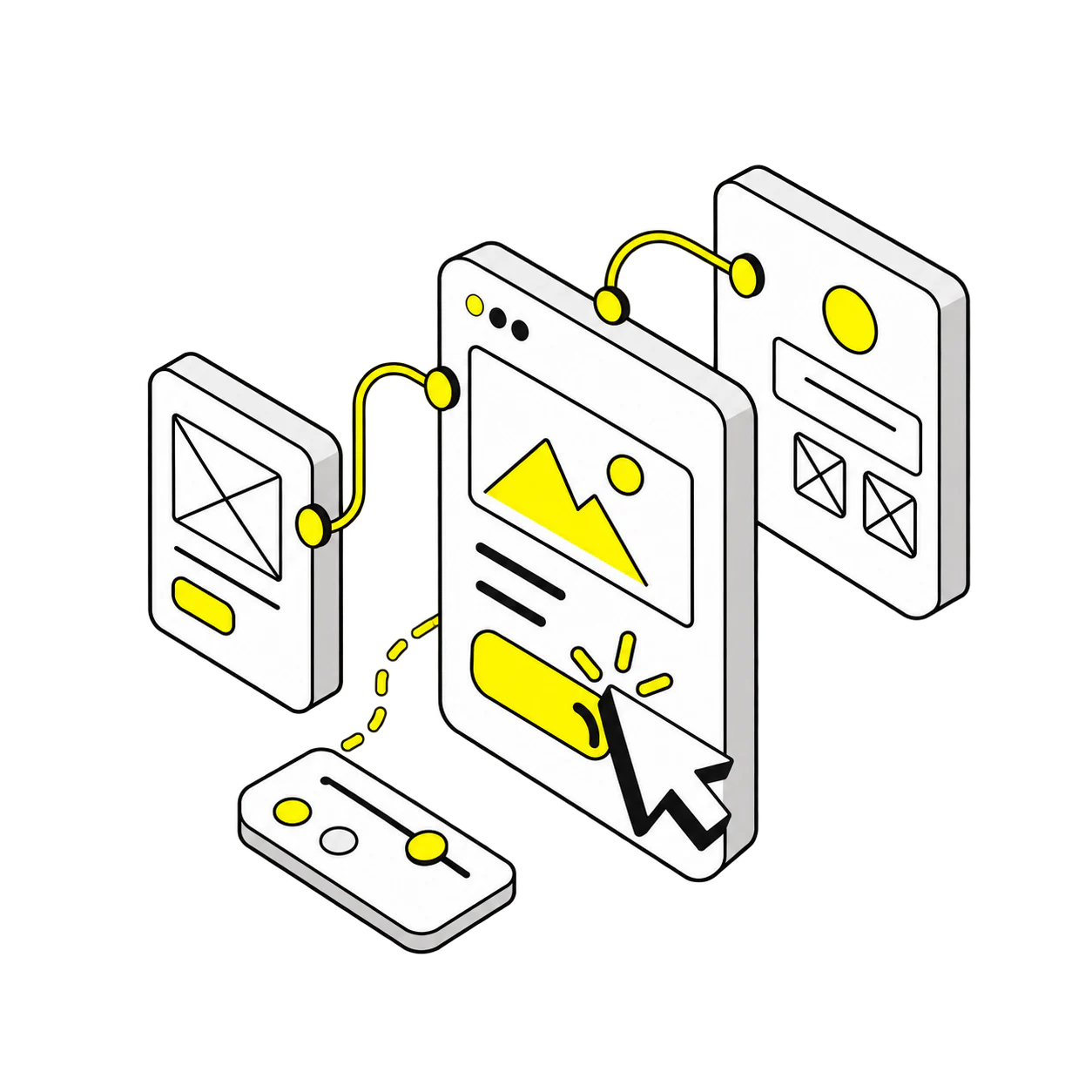
    A clickable Figma prototype of the main flows for stakeholder reviews, user tests and investor demos before a line of code is written.

    Clickable prototype illustration for UI/UX design
  7. 07

    Responsive layouts

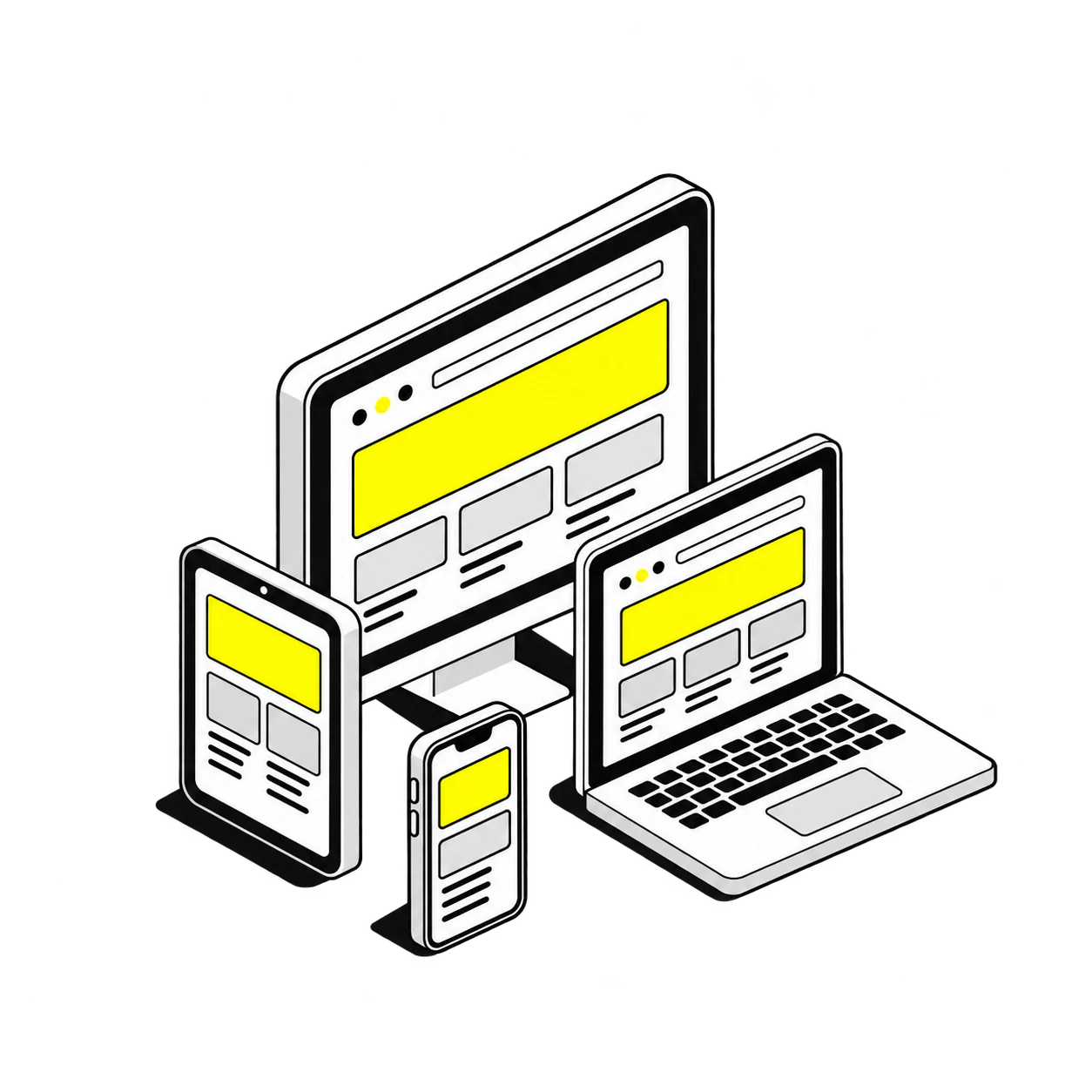
    Desktop, tablet and mobile layouts with documented breakpoints, so the same screen works on a sales call and on a phone in the field.

    Responsive layouts illustration for UI/UX design
  8. 08

    Dev handoff

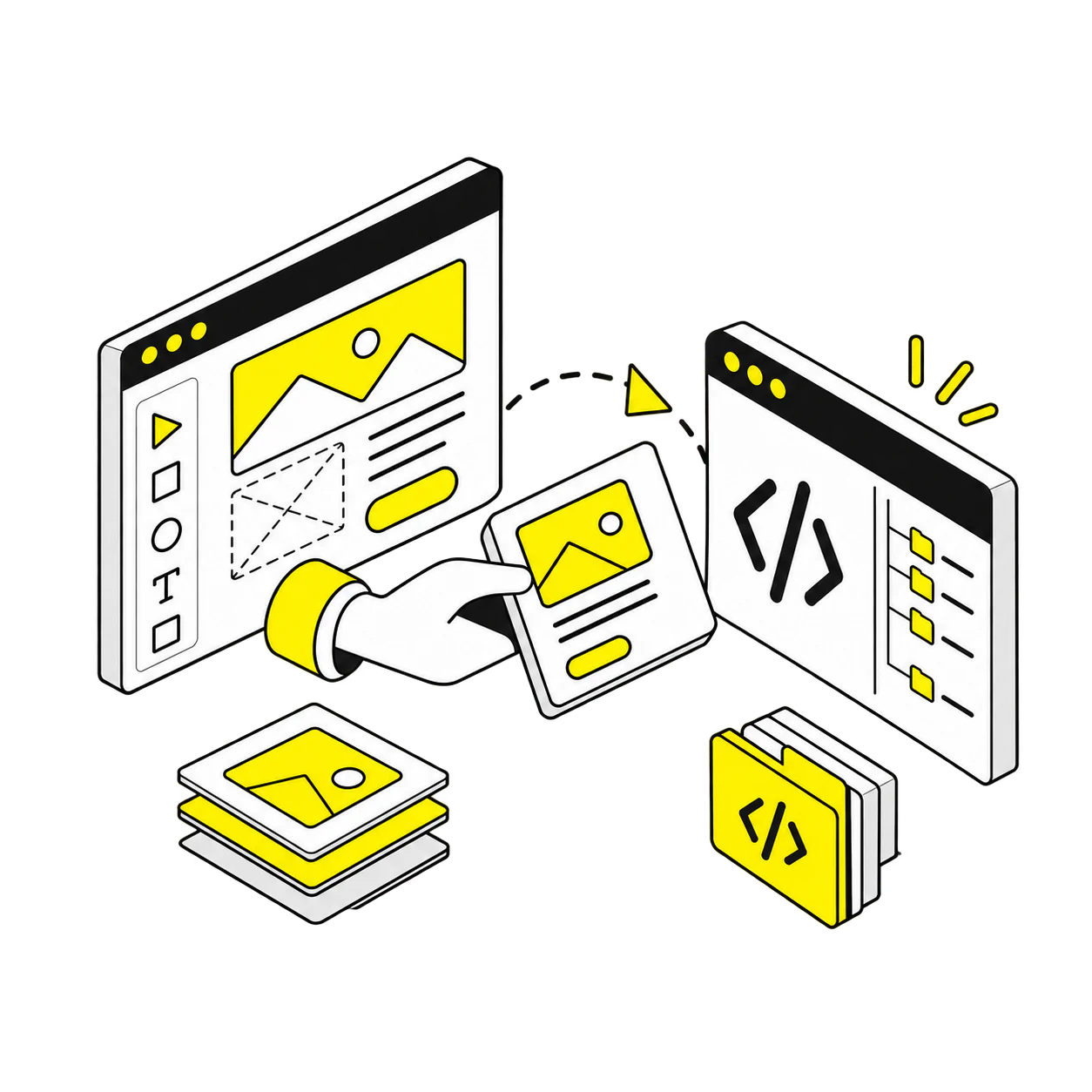
    Organized Figma files, annotated components, exported assets and a walkthrough with your engineers, plus QA support while they build.

    Dev handoff illustration for UI/UX design

What’s included

What’s included in your UI/UX design project

A fixed scope, a dated plan and a senior designer from the first call, so your engineers build from decisions, not guesses.

Get a proposal
  • Not included

    • Front end development (available as an add-on)
    • Copywriting beyond UX copy
    • Brand identity design
  • Revisions and timeline

    • Unlimited revisions
    • Dated plan with milestones
    • Weekly design reviews
  • Files and handoff

    • Organized Figma files and components
    • Clickable prototype
    • Handoff specs, assets and QA support

Which do you need?

UI/UX design project vs UX audit

A UX audit tells you what is broken and in what order to fix it. A UI/UX design project designs the fix: flows, screens, states and a handoff your engineers can build. Many teams start with the audit; here is how to tell which one you need now.

UI/UX design project

We design the screens

You getUser flows, wireframes, final UI, prototype and dev-ready handoff.
Best whenYou know what to build, or the audit is done, and you need shipped screens.
TimelineDated plan after the first call; screens ship in weekly-reviewed sprints.
TeamA senior product designer, 5+ years, on every brief.
RevisionsUnlimited, and you don’t pay for a brief that doesn’t land.
HandoffFigma files, components, assets and QA support for your engineers.
Start here ifThe problems are known and the roadmap has screens waiting.

Choose the UI/UX design project if

You have a product, a roadmap and users, and the screens are what is slowing activation, sales or engineering. A senior designer runs a short discovery, then ships screens in sprints against a dated plan.

Start my UI/UX design project

UX audit

We find and rank the problems

You getA scored review, session findings and a prioritized fix list.
Best whenSignups or trials are dropping and nobody agrees on why.
TimelineReport and walkthrough in 1 to 3 weeks.
TeamA senior product designer reviews, not a checklist tool.
RevisionsOne walkthrough and Q&A call, mid-audit check-in.
HandoffFix list your team or ours can design from.
Start here ifYou need evidence before you commit a design budget.

Choose the UX audit if

You see drop-off but not the cause. We review the product against heuristics, analytics and real sessions, hand you a ranked fix list, and the same senior designer can carry it into a design project.

See UX audit services

Not sure what your product UI needs? We’ll map it on the first call.

Book a free 30-minute call with a senior designer. We’ll review your product and recommend the right scope.

Book a free call

Industries

From SaaS to healthcare: UI/UX design for every industry

Every industry hides its drop-off in a different screen. Open yours to see where products usually lose users, what the design has to solve, and related work from that industry.

Start my UI/UX project
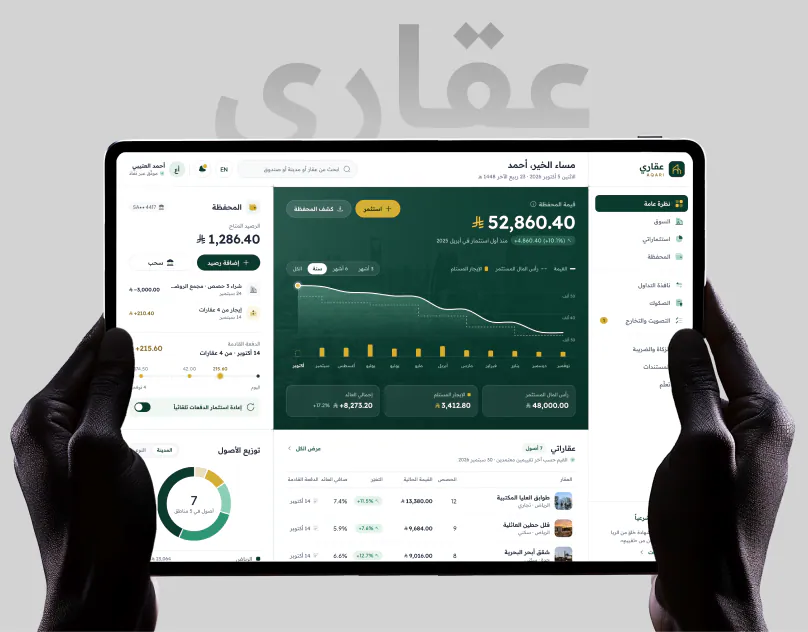
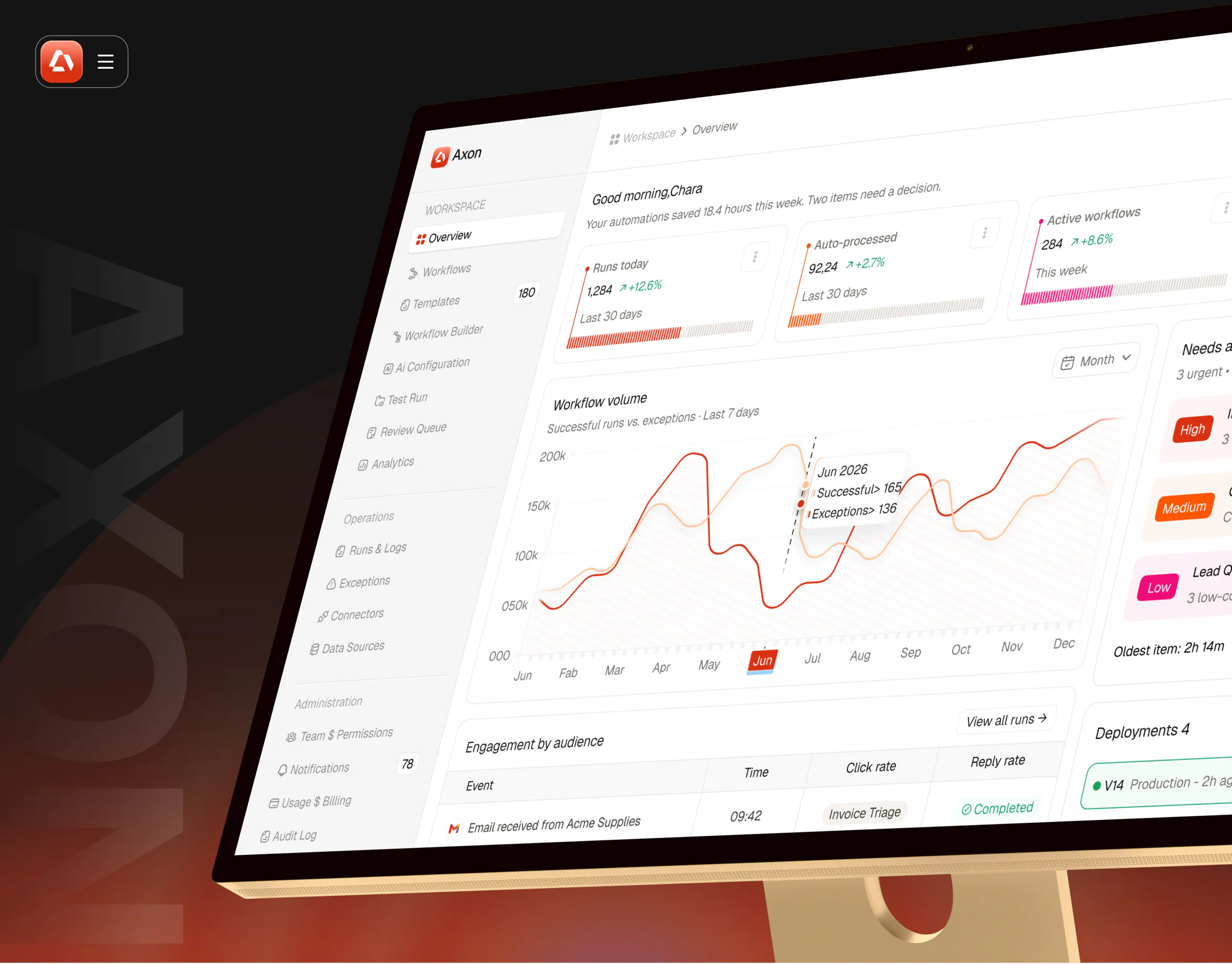
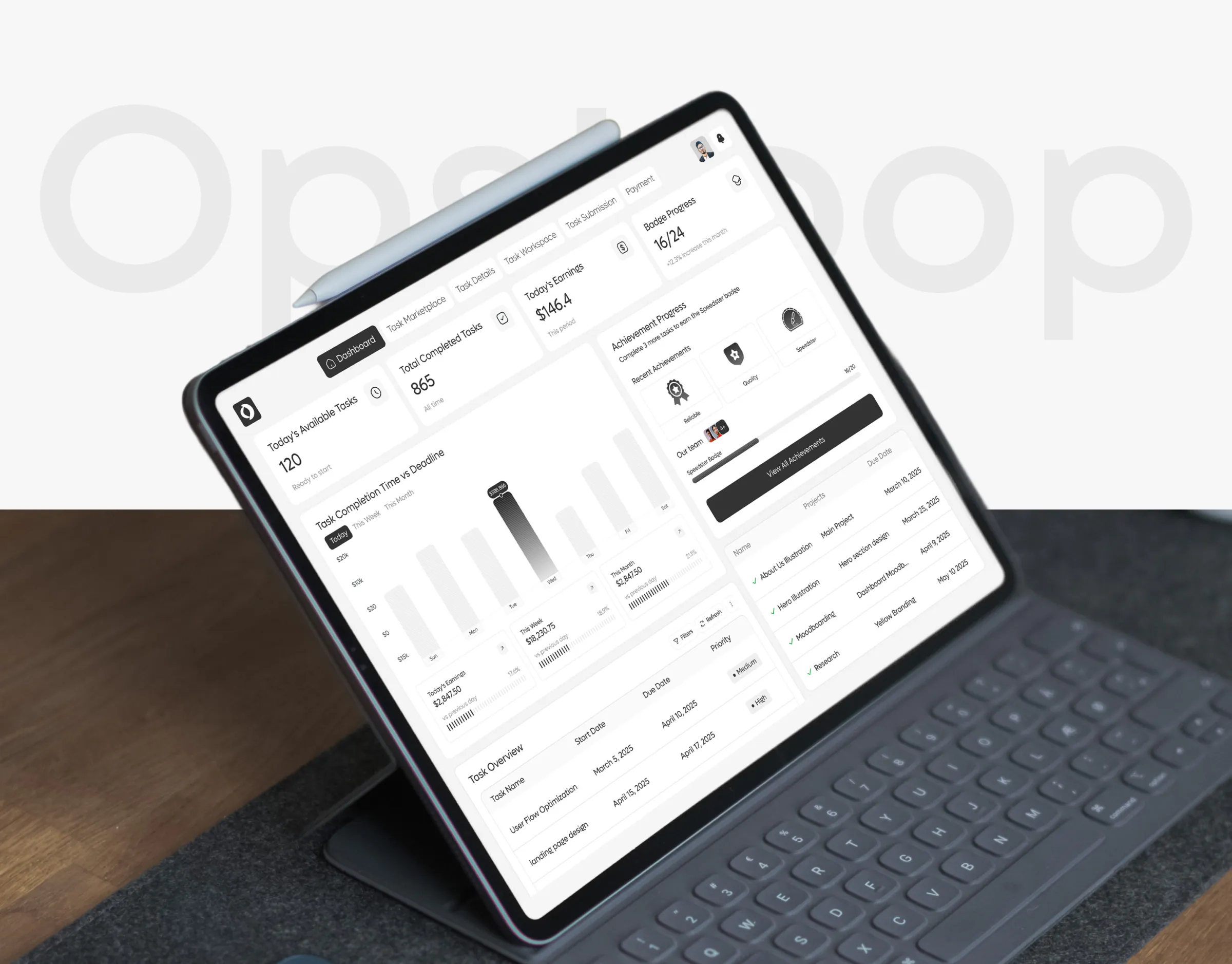
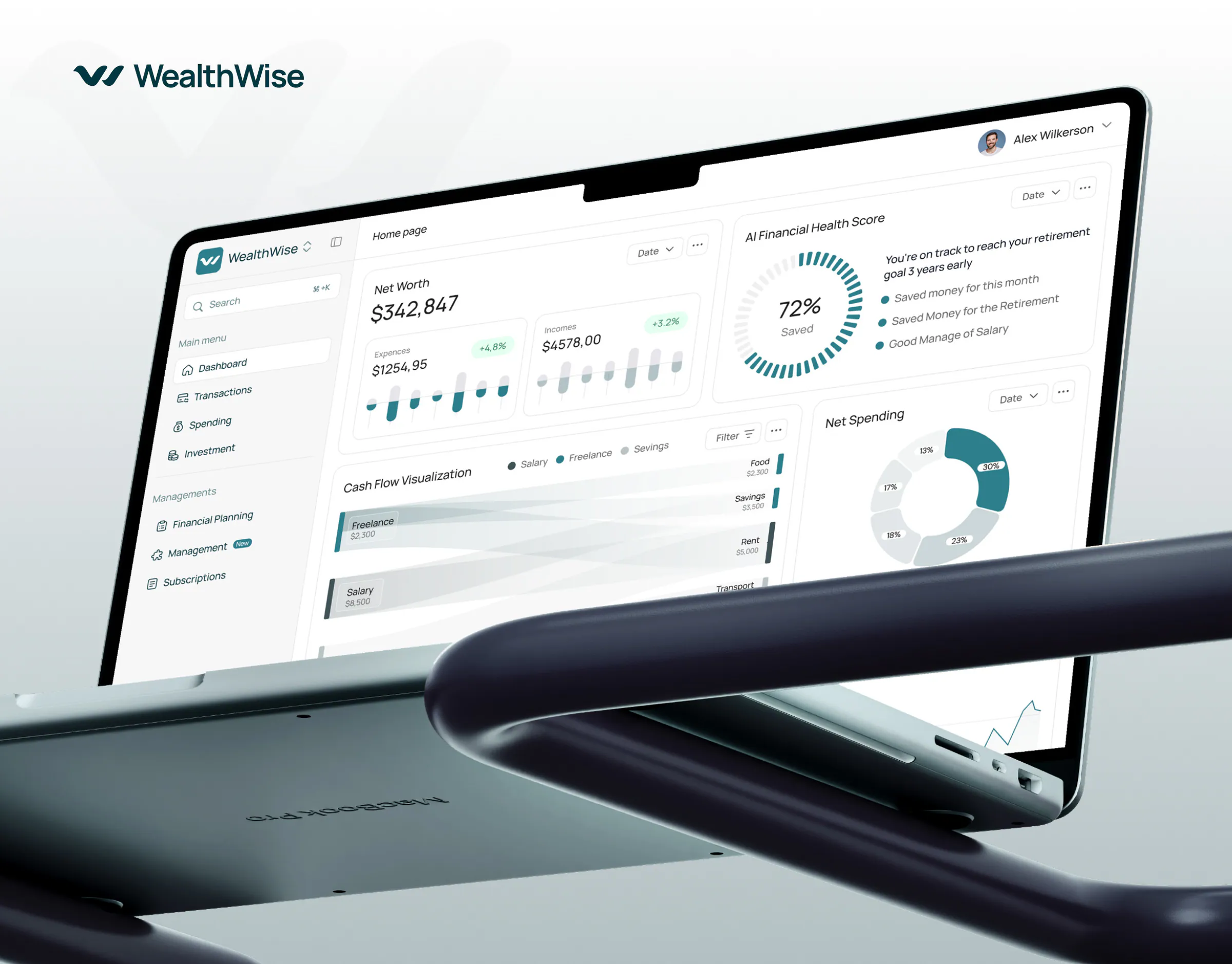
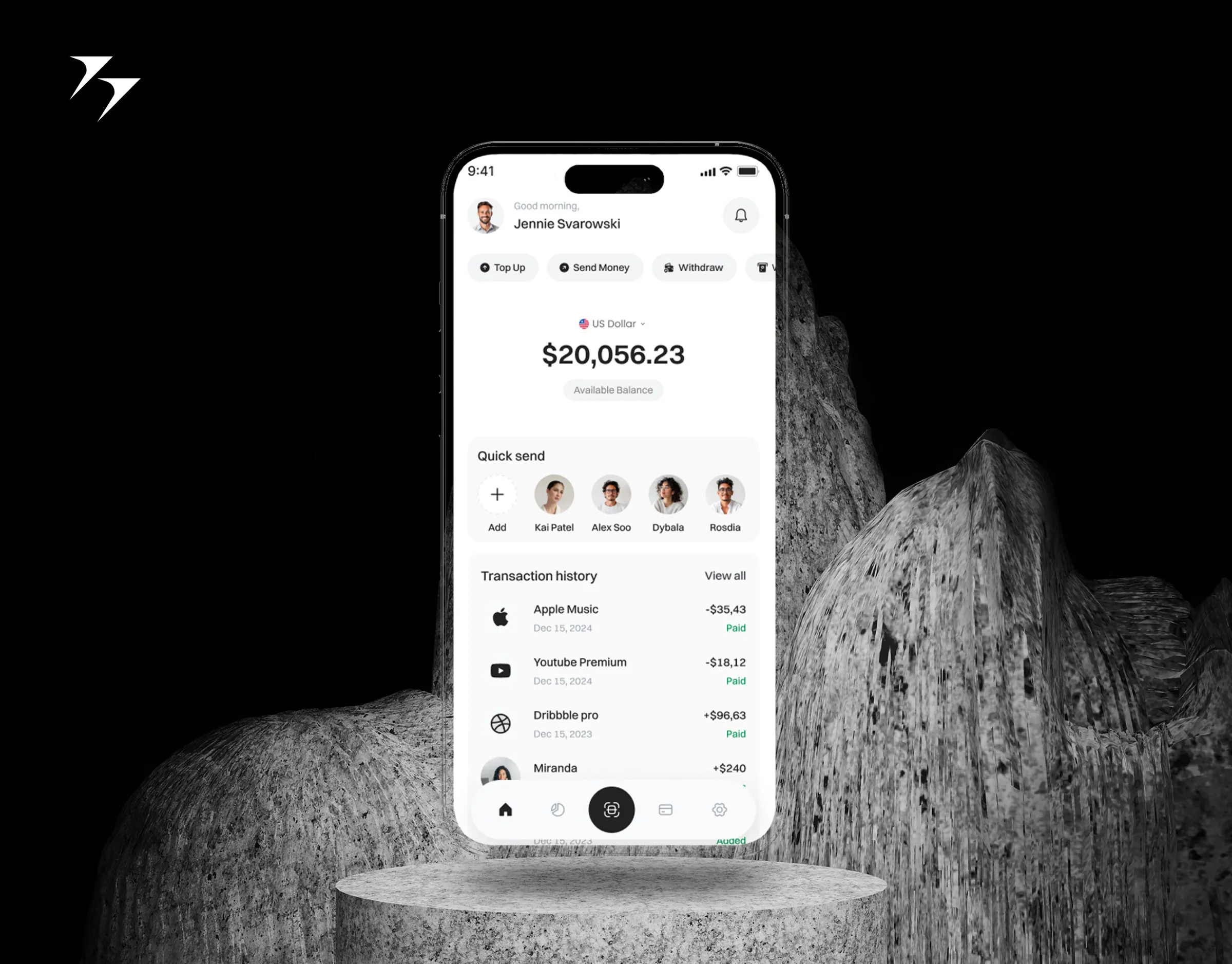
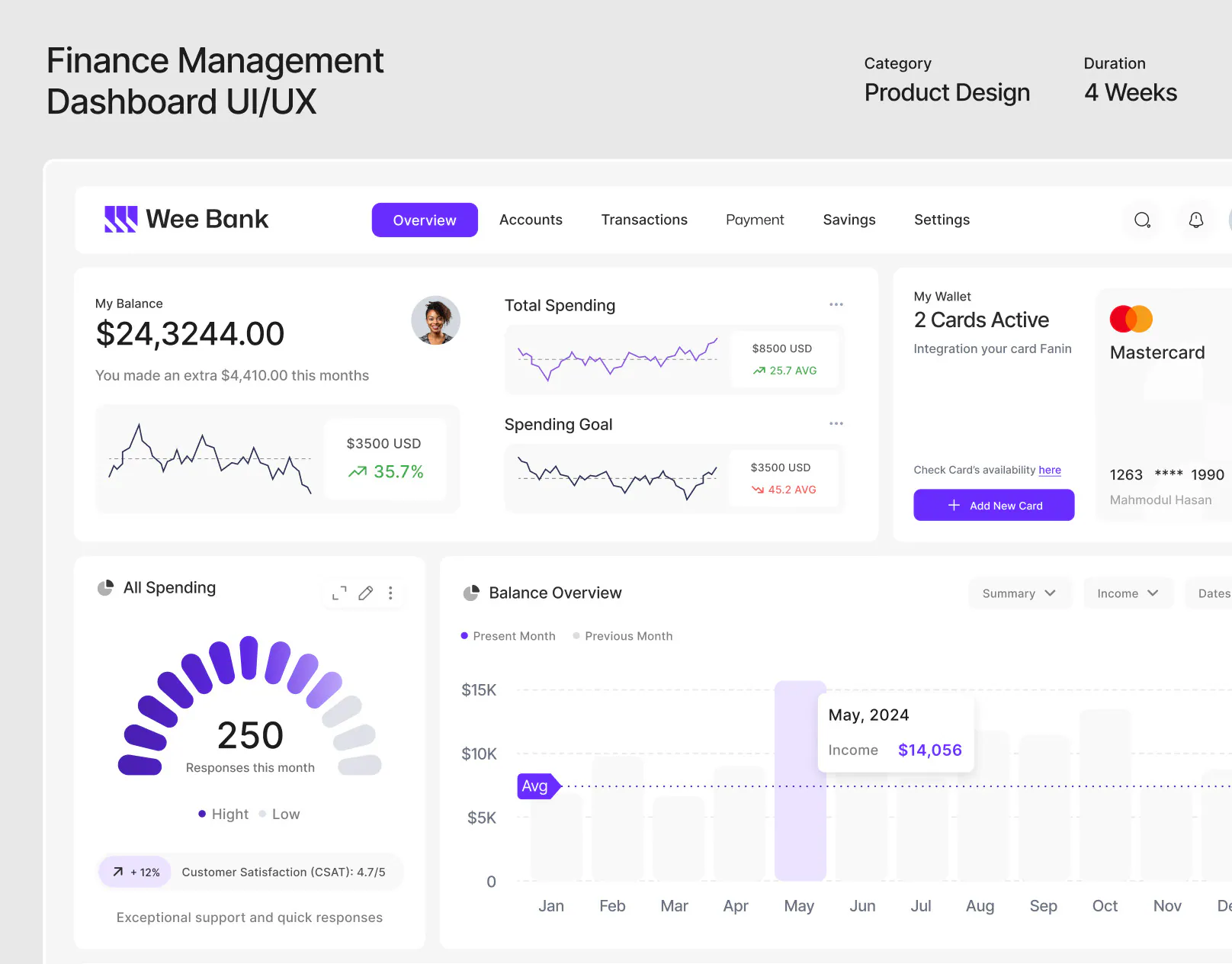
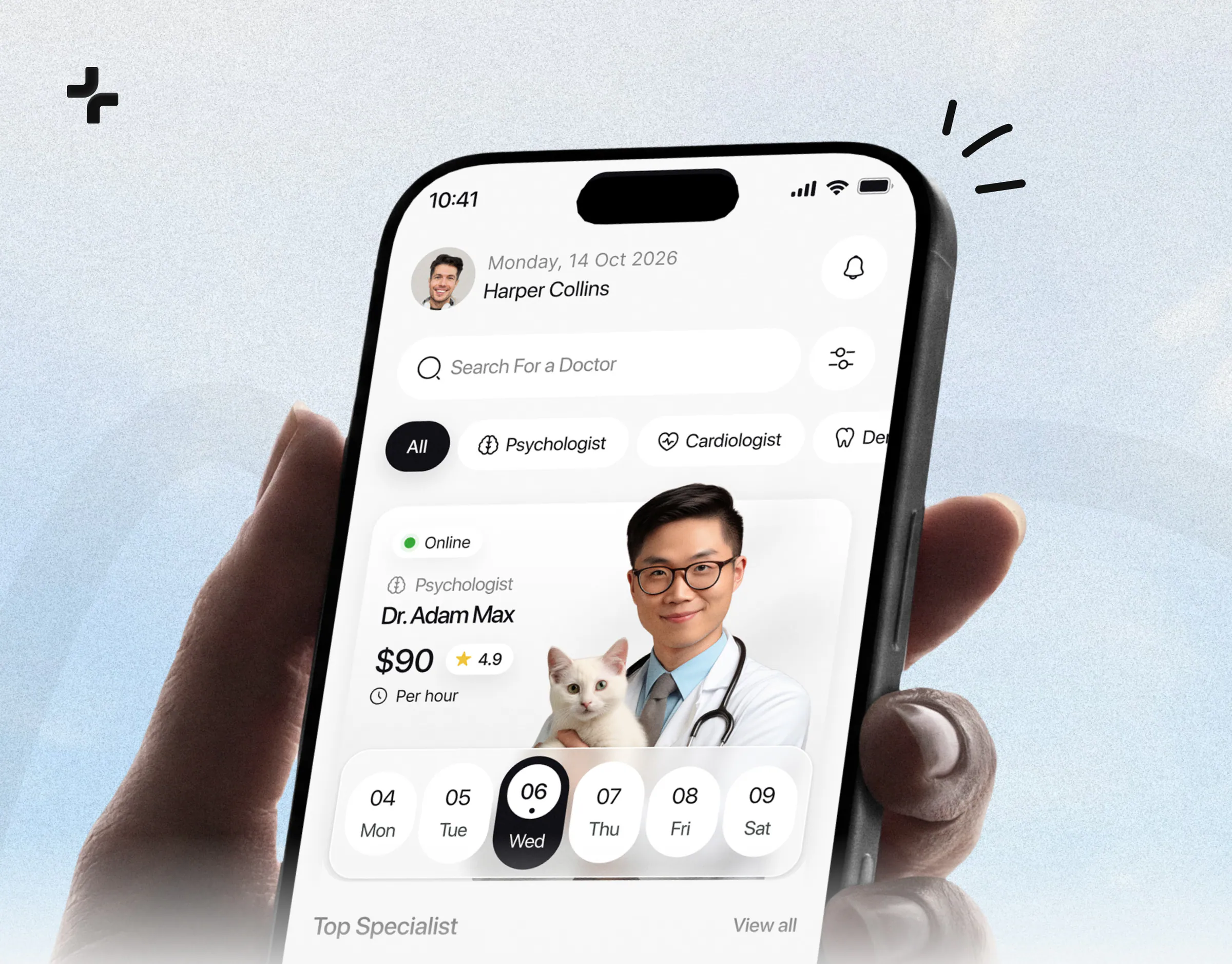
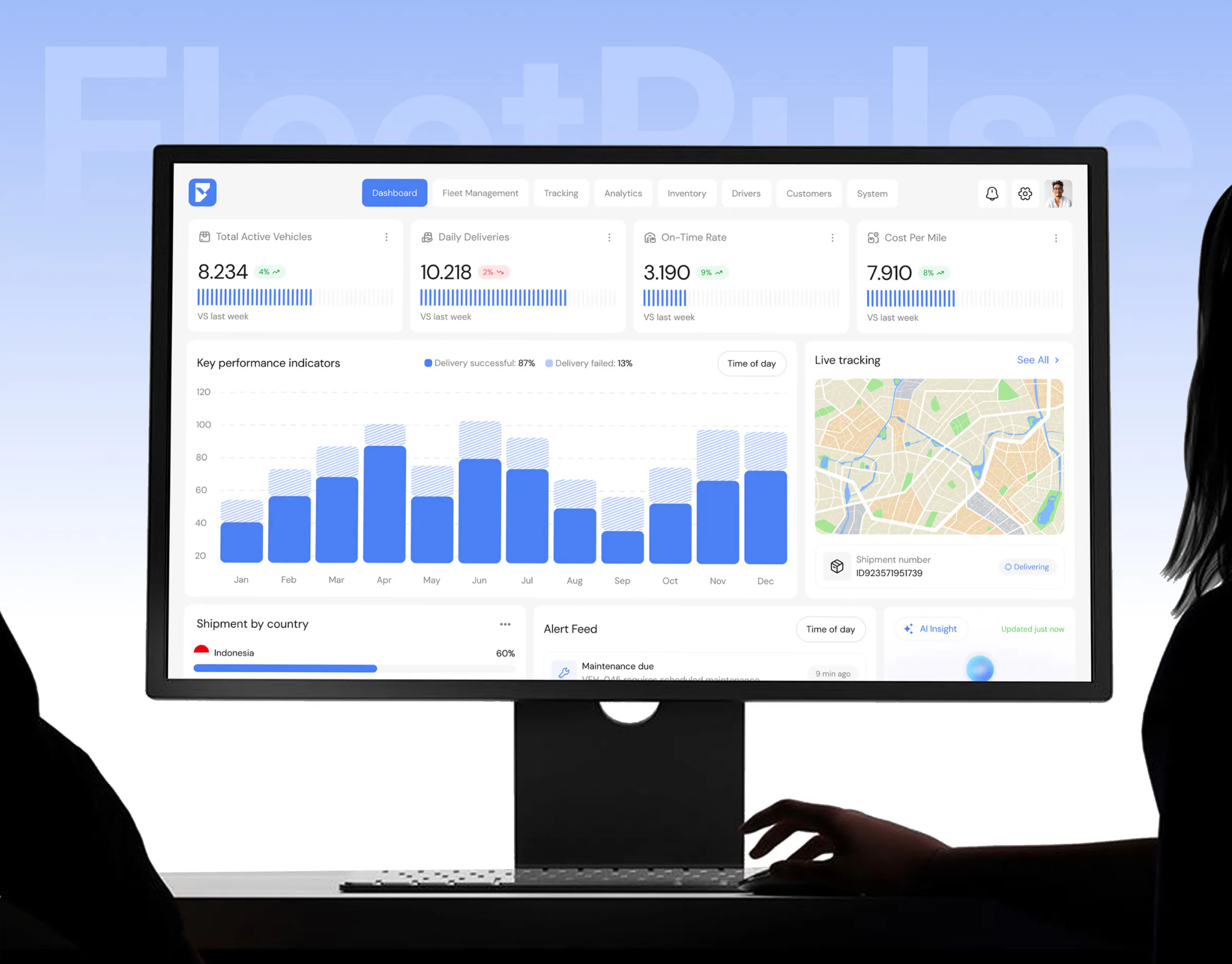
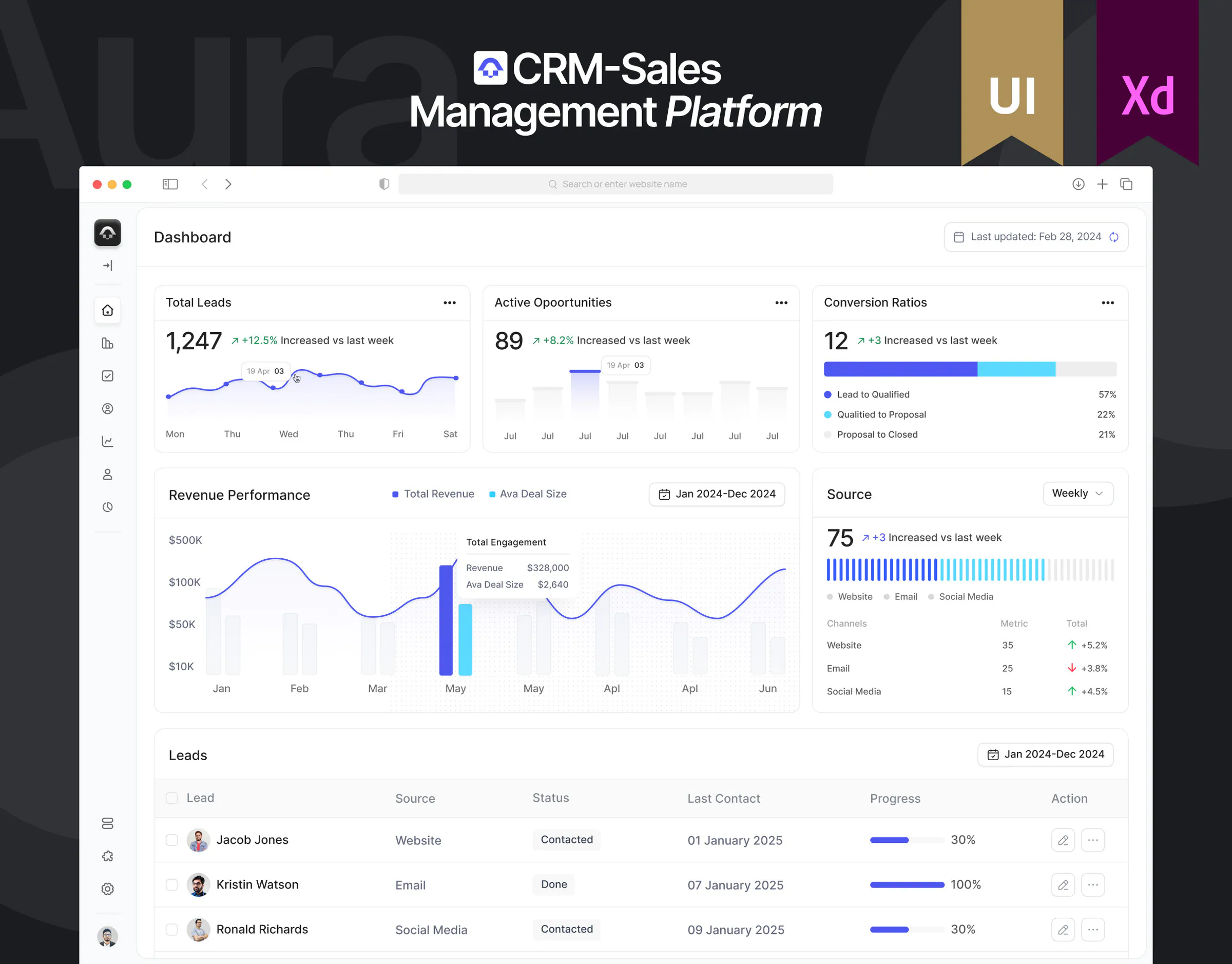
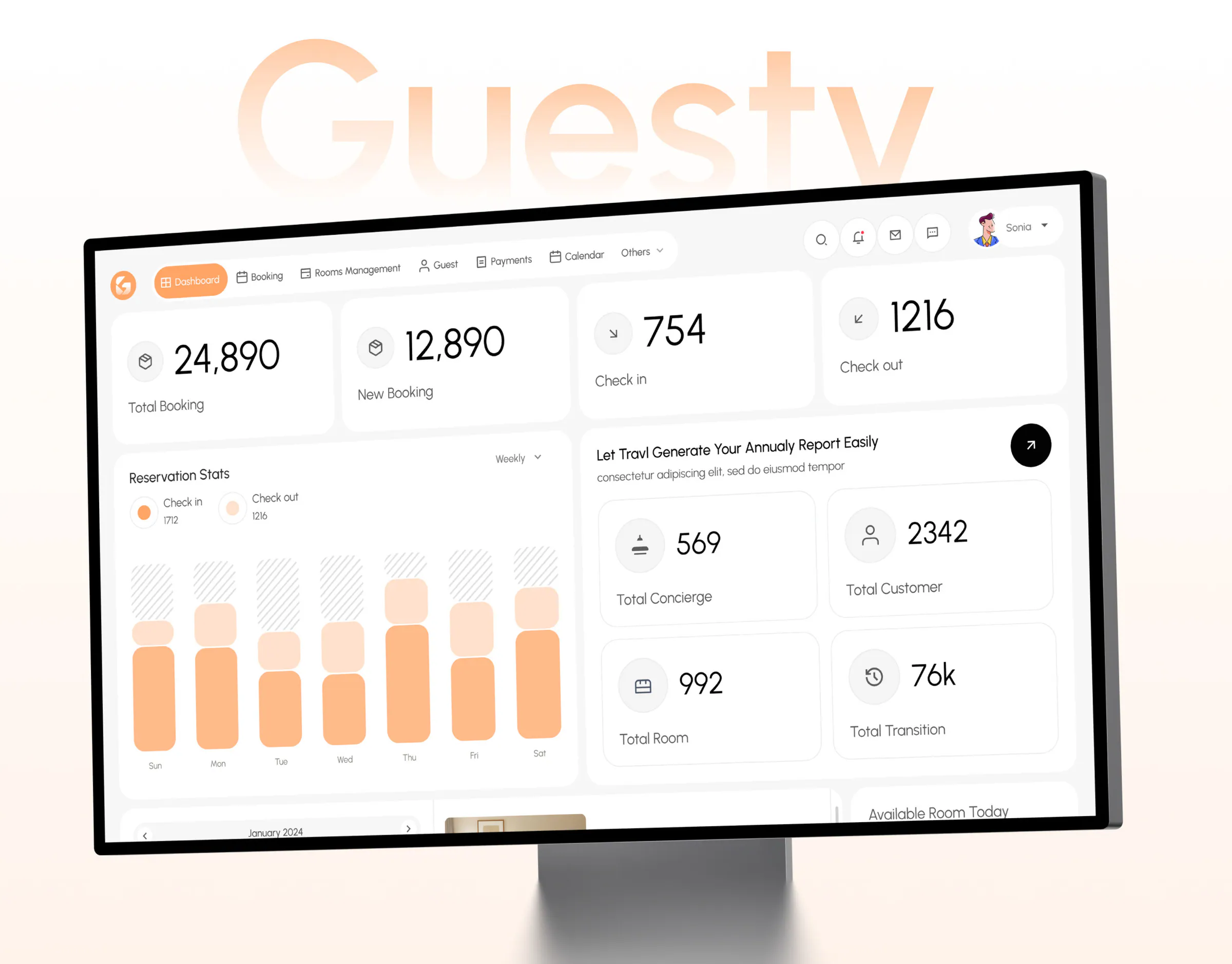
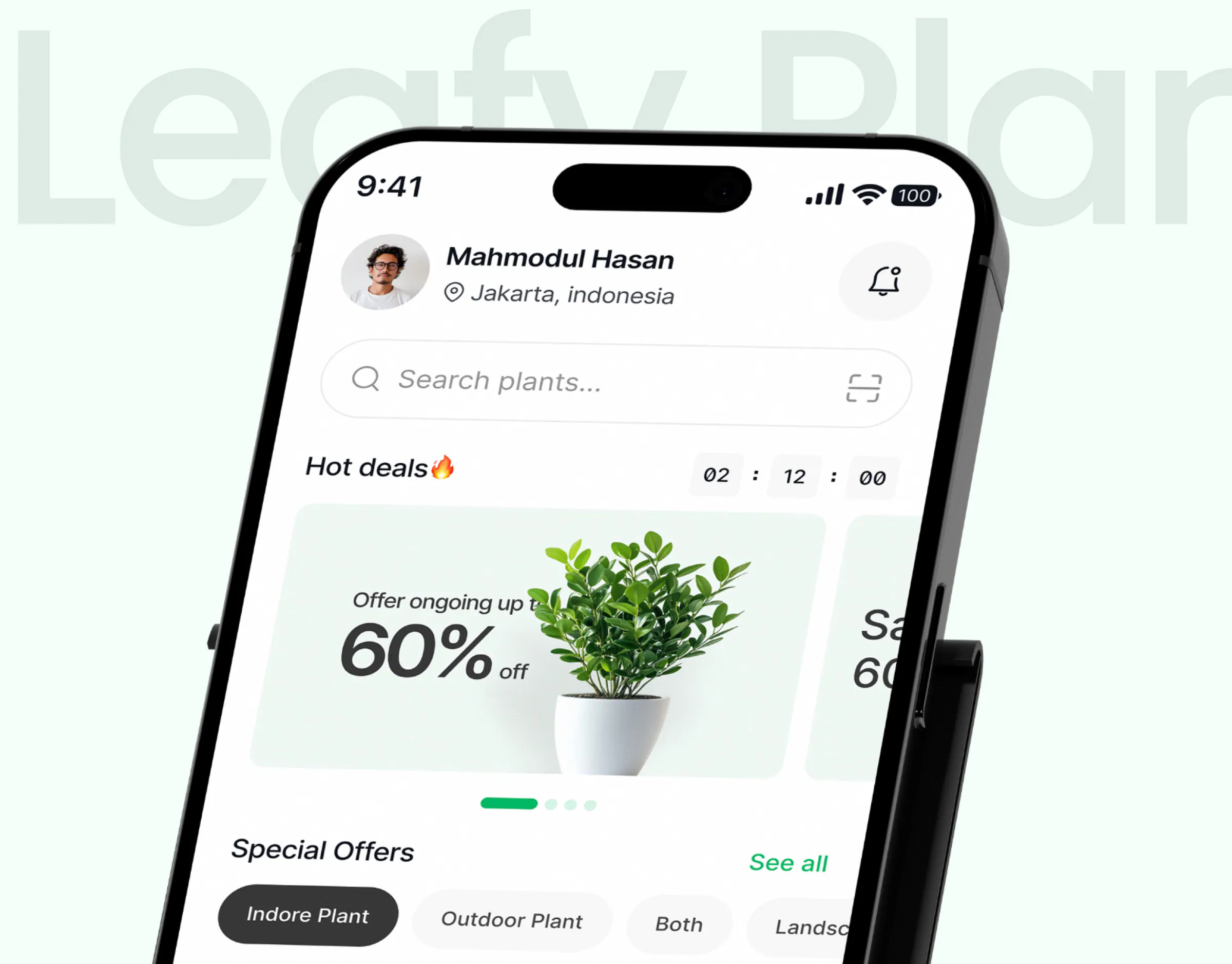
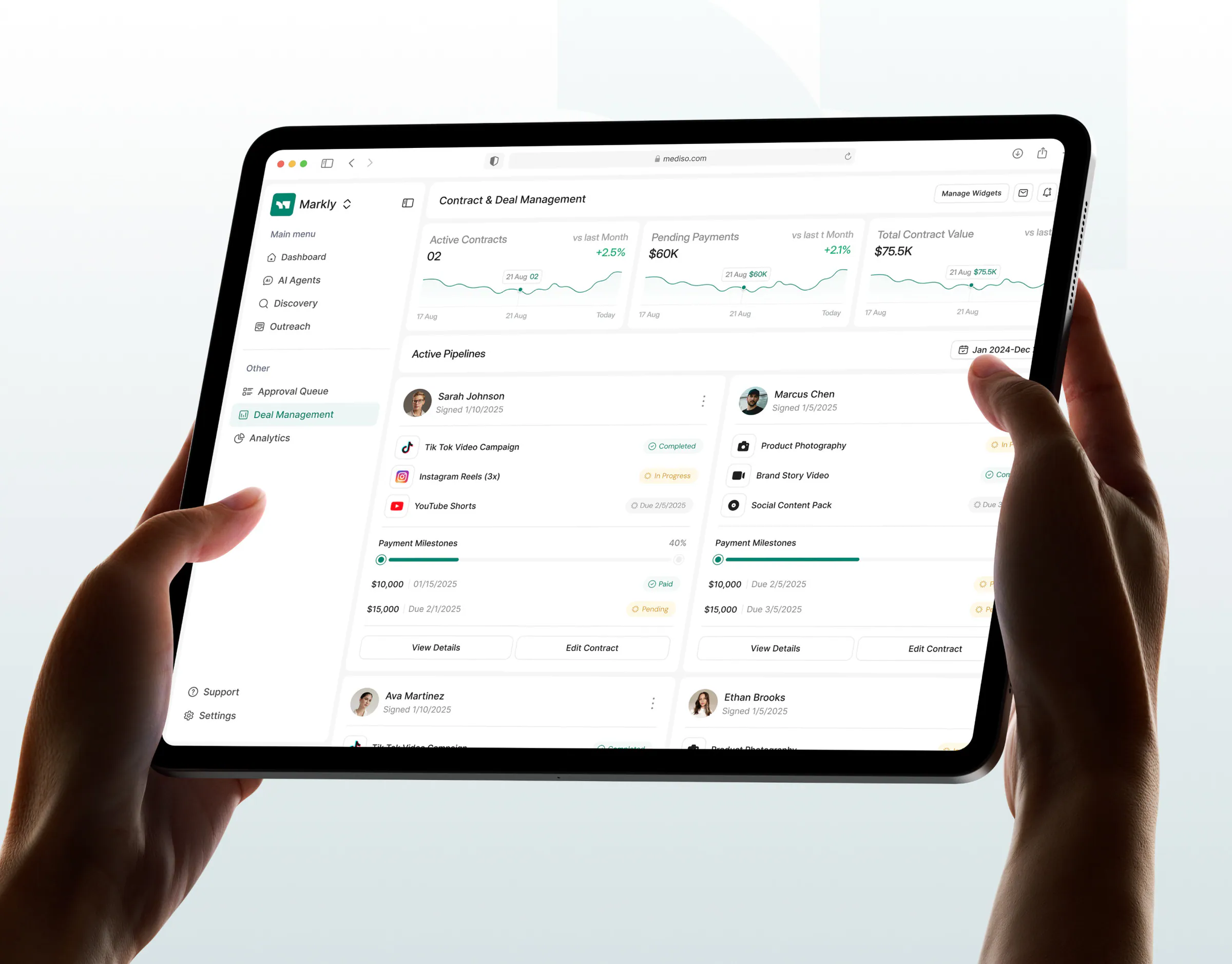
OpsLoop task dashboard on a tablet with a keyboardWealthWise finance dashboard on a curved monitorAxon automation dashboard on a desktop monitorCareUp doctor booking app on an iPhoneAQARI investment dashboard on a tablet held in two handsFleetPulse fleet dashboard on a desktop monitorCore.hr logo on a deep red gradientAura CRM dashboard screensGuesty hotel booking dashboard with chartsLeafy Plant app screens on a phoneMarkly campaign dashboard on a tablet held in one handRated 5.0 on ClutchSenior designers only
OpsLoopSaaS and B2B softwareWealthWiseFintech and bankingAxonAI productsCareUpHealthcareAQARIReal estate and proptechFleetPulseLogistics and mobilityCore.hrHR and operationsAuraSales and CRMGuestyHospitality and travelLeafy PlantConsumer and e-commerce appsMarklyMarketing and creator platforms

SaaS and B2B software

Trials stall in onboarding and settings. We design the first-session path to value, role-based dashboards and billing flows so activation and trial-to-paid go up.

OpsLoopAlignifyFor Chicago teams

Fintech and banking

Money screens need clarity and calm. We design balances, transfers, KYC and statements with clear states and no surprises, so people trust the app with their income.

WealthWiseZenPay

AI products

AI features confuse users when the model is a black box. We design prompts, agent flows, confidence and review moments so people adopt the feature and keep control.

AxonZapMail

Healthcare

Patients and staff need booking, records and alerts that work under pressure. We design accessible, step-by-step flows with large targets and plain language.

CareUpMediso

Real estate and proptech

Listings, investment and management tools drown users in filters and tables. We design search, comparison and portfolio views that get to a decision fast.

AQARIEmura

Logistics and mobility

Dispatchers and drivers use the product all day, often on the move. We design live tracking, scheduling and exception screens that work on a desk and a phone.

FleetPulseShipora

HR and operations

Attendance, leave, projects and payroll live in one tool used by everyone. We design admin and employee views that feel simple to both sides.

Core.hrHiveQ

Sales and CRM

Reps avoid CRMs that cost clicks. We design pipeline, account and analytics screens around the daily workflow, so data gets entered and reports get trusted.

AuraCrimino

Hospitality and travel

Bookings, availability and guest data change by the minute. We design calendars, status views and check-in flows that staff can run during peak hours.

Guesty

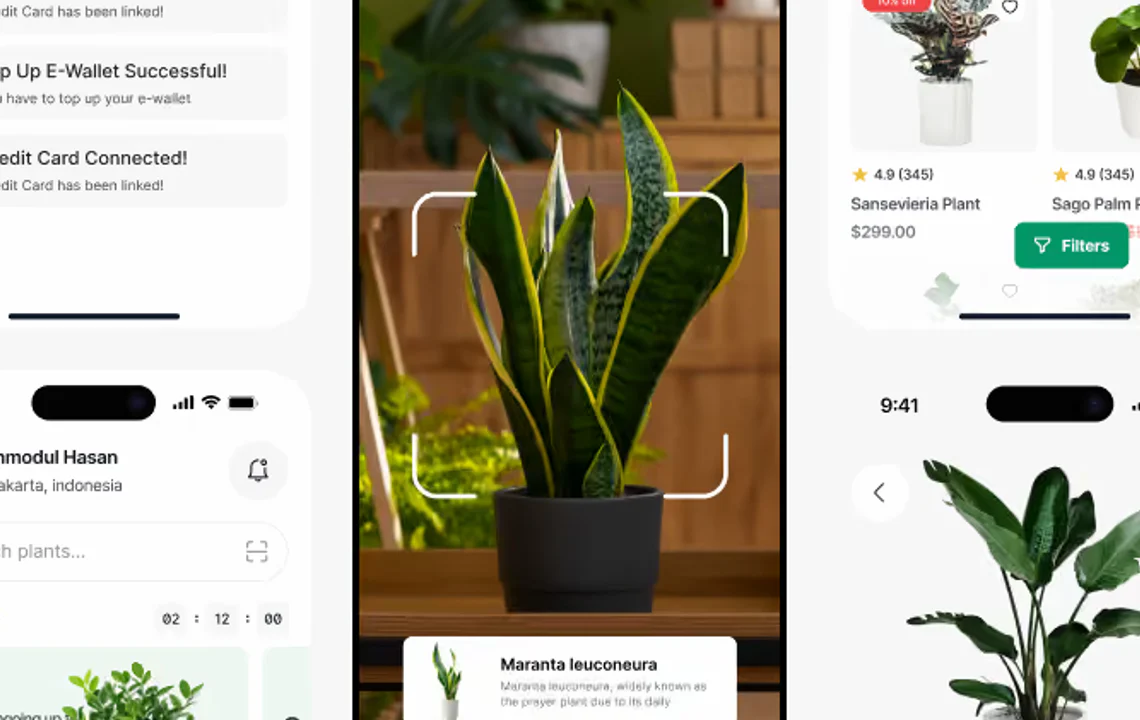
Consumer and e-commerce apps

Shoppers leave at discovery and checkout. We design product discovery, personalization and short checkout paths that turn browsing into orders.

Leafy PlantRoomMind AI

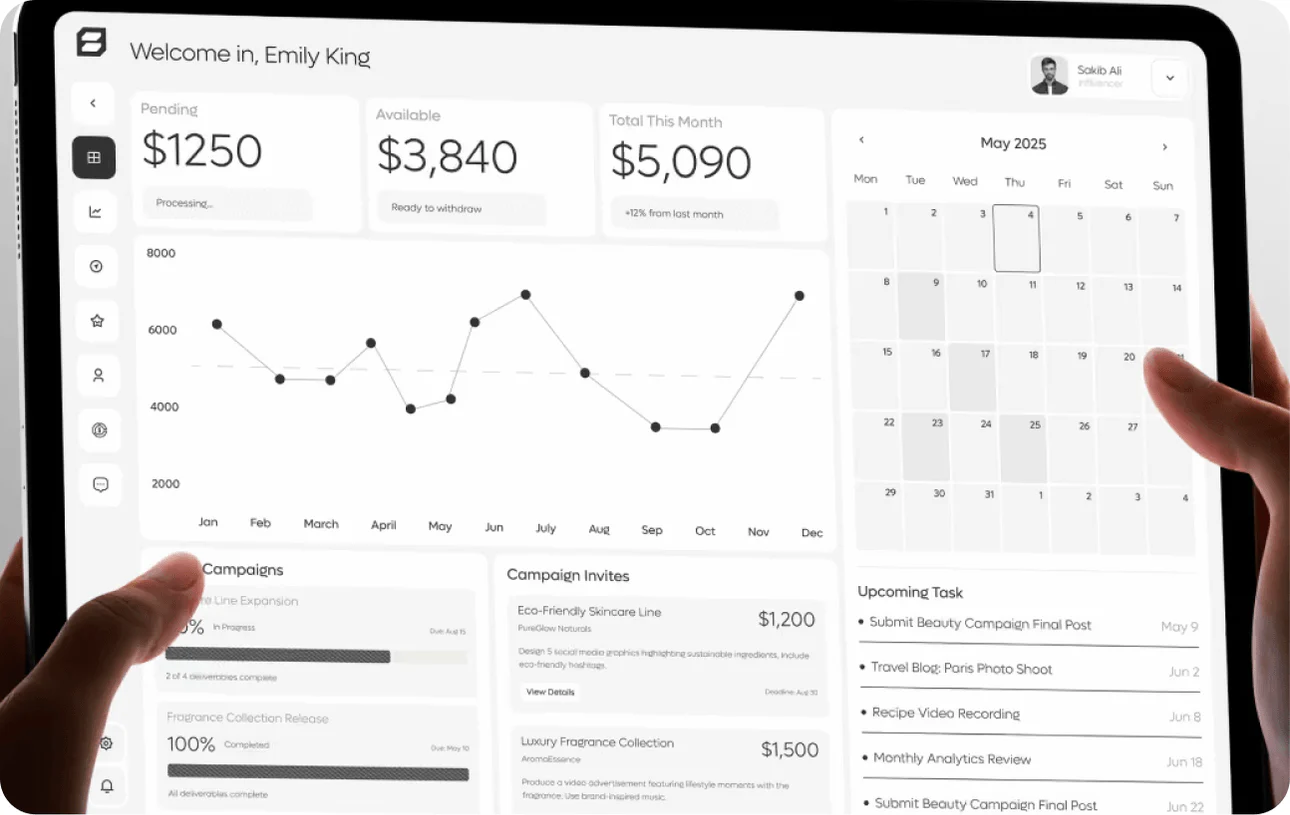
Marketing and creator platforms

Campaign tools juggle brands, creators and payouts in one place. We design discovery, negotiation and reporting views that make both sides feel in control.

MarklyBlenz

Why Wolfpixel

Why SaaS and startup teams choose our UI/UX design agency

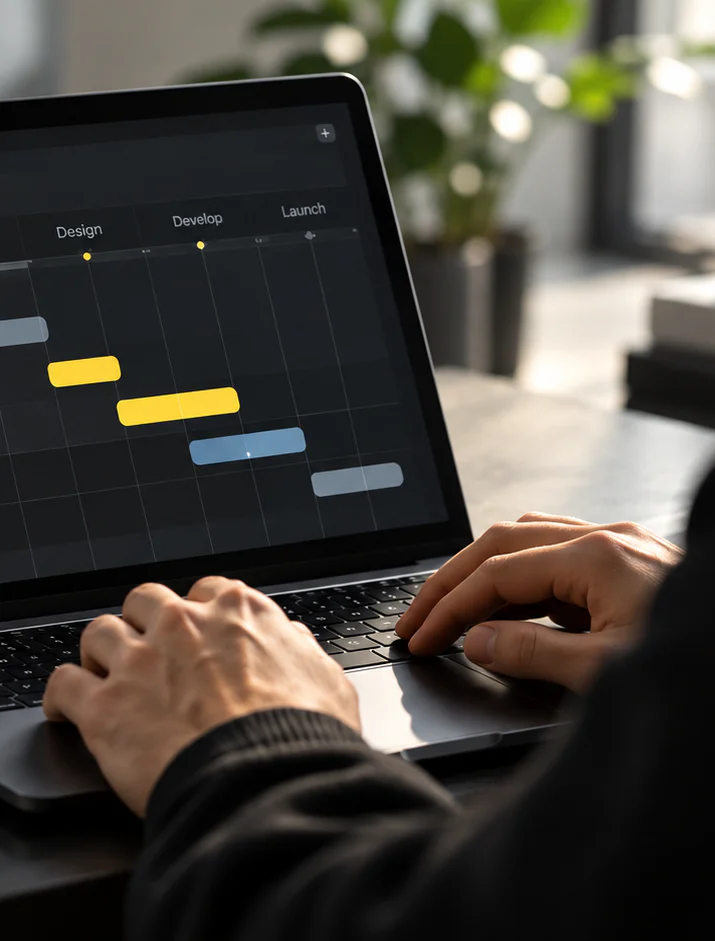
  • UI/UX design: a designer reviewing a dark product dashboard on a laptop

    Senior designers only

    Every screen is designed by a senior product designer with 5+ years of shipped SaaS, and reviewed by our product design lead. Never a junior, never a template.

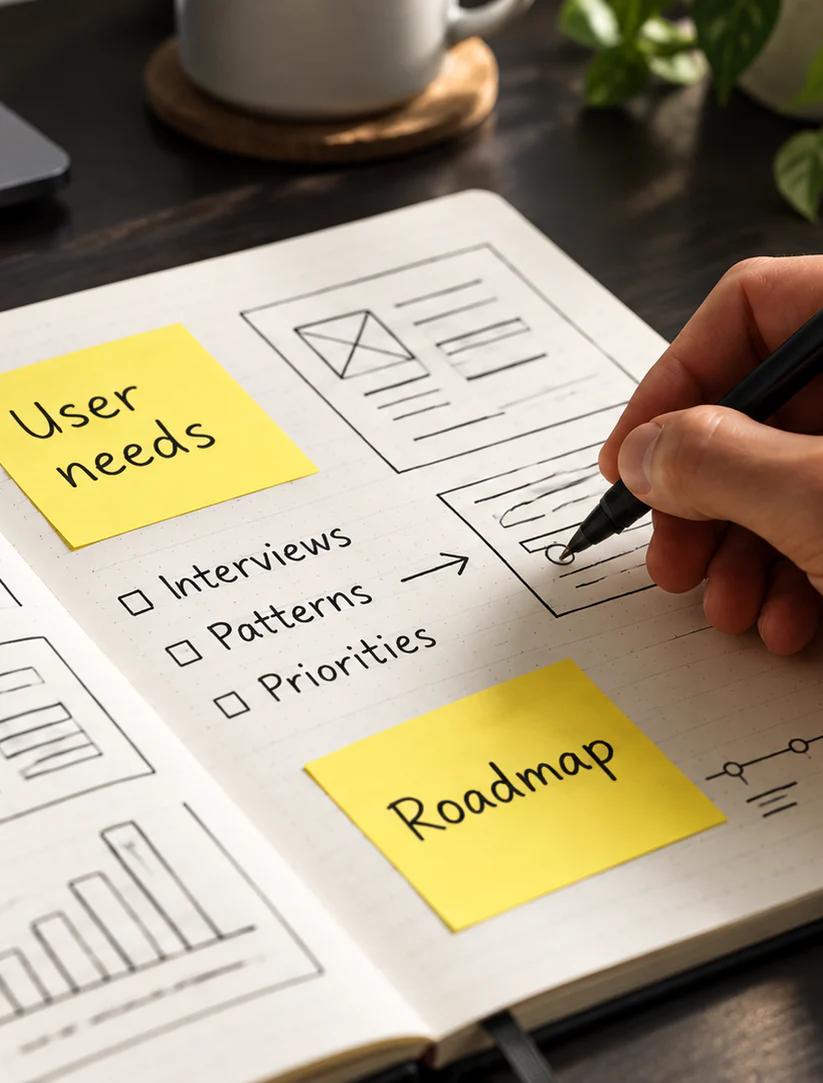
  • UI/UX design: user needs, priorities and roadmap notes sketched in a notebook

    The same designer, start to ship

    The designer on your first call runs discovery, designs the screens and joins every review. No handoff to a junior once the contract is signed.

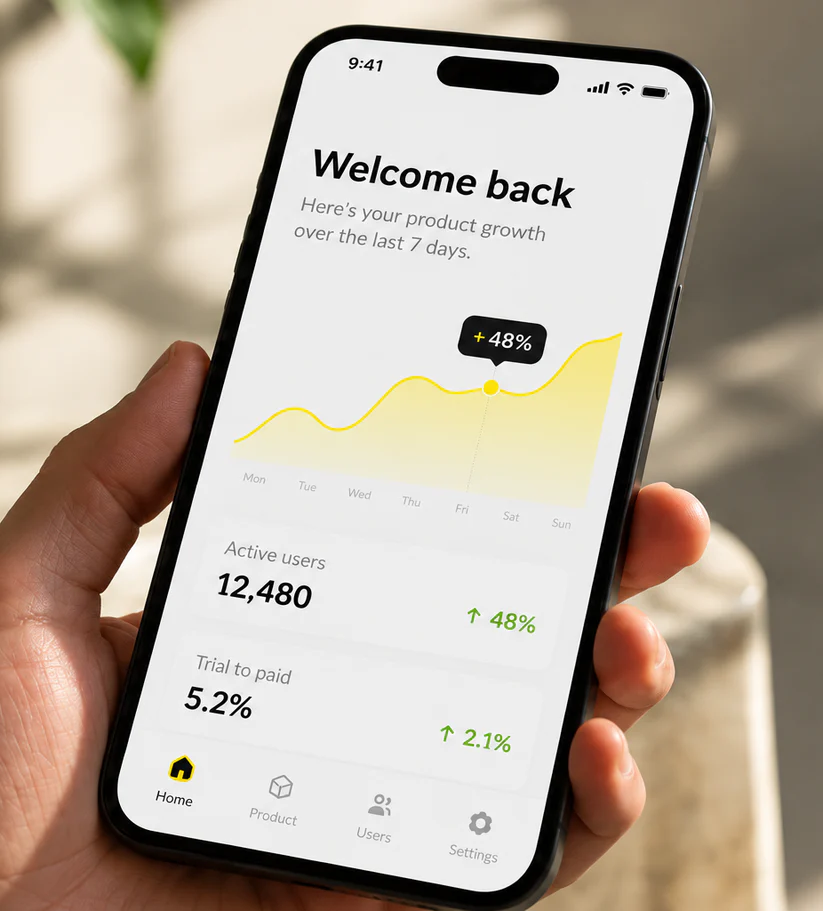
  • UI/UX design: a mobile app home screen with a growth chart, held in hand

    You don’t pay if it doesn’t land

    Unlimited revisions. If two rounds and a reset call still miss the brief, that brief is on us, not your invoice.

Our UI/UX design process, senior-led from the first call

  1. Discovery

    Goals, users, analytics and a product walkthrough with your senior designer, ending in a written brief and a dated plan with milestones.

    • Goals
    • Product audit
    • Users
    Step 1: Discovery, UI/UX design process
  2. Structure

    User flows, screen inventory and wireframes for the core journeys, reviewed with you on working calls so decisions settle before pixels.

    • Flows
    • Wireframes
    • Review
    Step 2: Structure, UI/UX design process
  3. UI design

    Final screens and every state on a component library, shipped in weekly-reviewed sprints with a clickable prototype of the main flows.

    • UI screens
    • States
    • Prototype
    Step 3: UI design, UI/UX design process
  4. Handoff and build support

    Organized Figma files, annotated components, specs and assets, plus a walkthrough and QA alongside your engineers until it ships.

    • Handoff
    • QA support
    • Assets
    Step 4: Handoff and build support, UI/UX design process
Maniruzzaman Jubayer, COO & Product Design Lead

Your UI/UX design, led by senior designers only

Co-founder of Wolfpixel. 7+ years shaping brands and digital products for companies worldwide.

Maniruzzaman Jubayer

COO & Product Design Lead

Founded Wolfpixel
2022
Years in Product Design
7+
Rating on Clutch
5.0
The Wolfpixel team
Wolfpixel senior designerWolfpixel senior designerWolfpixel senior designer15+Creative Minds
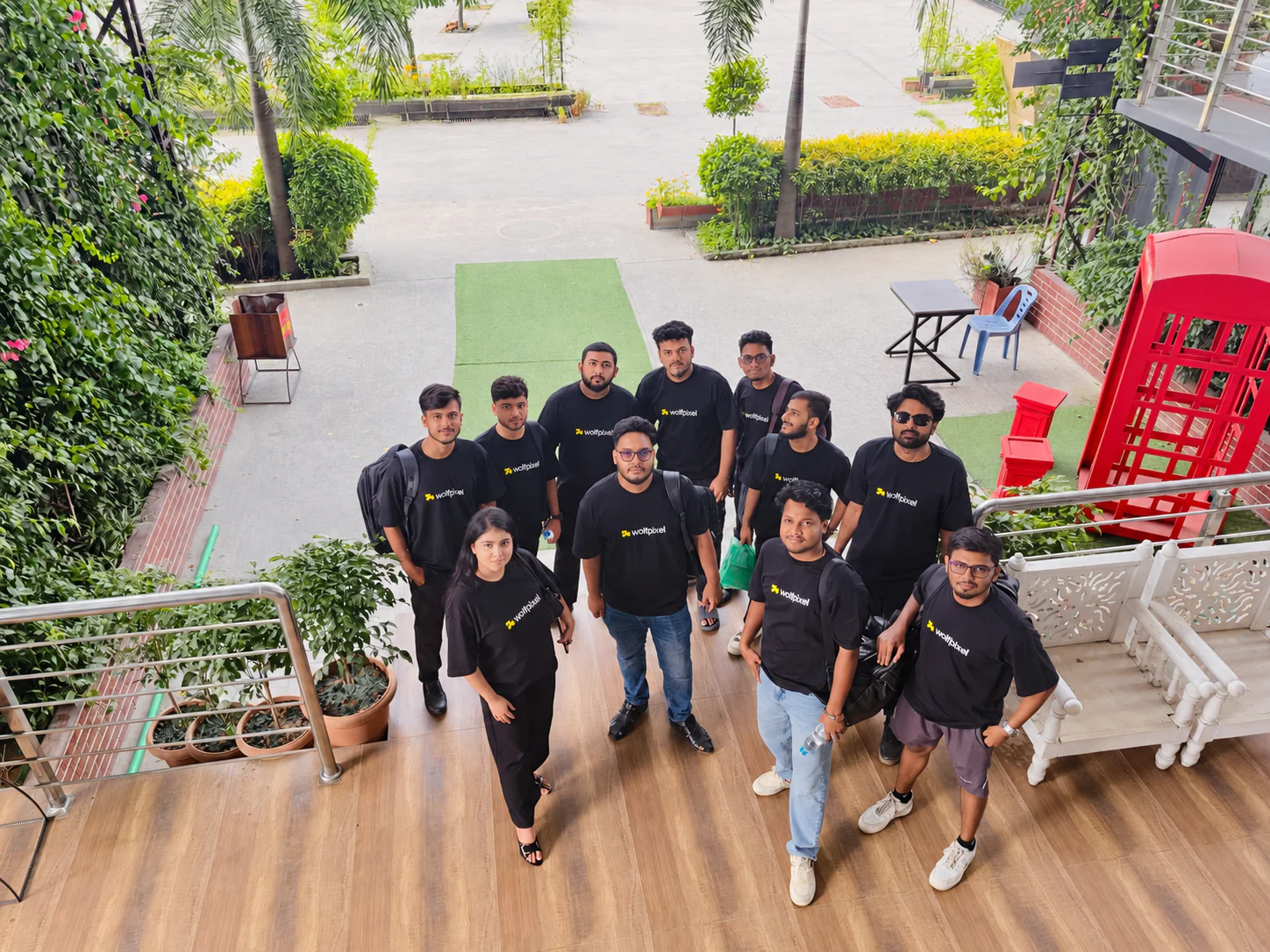
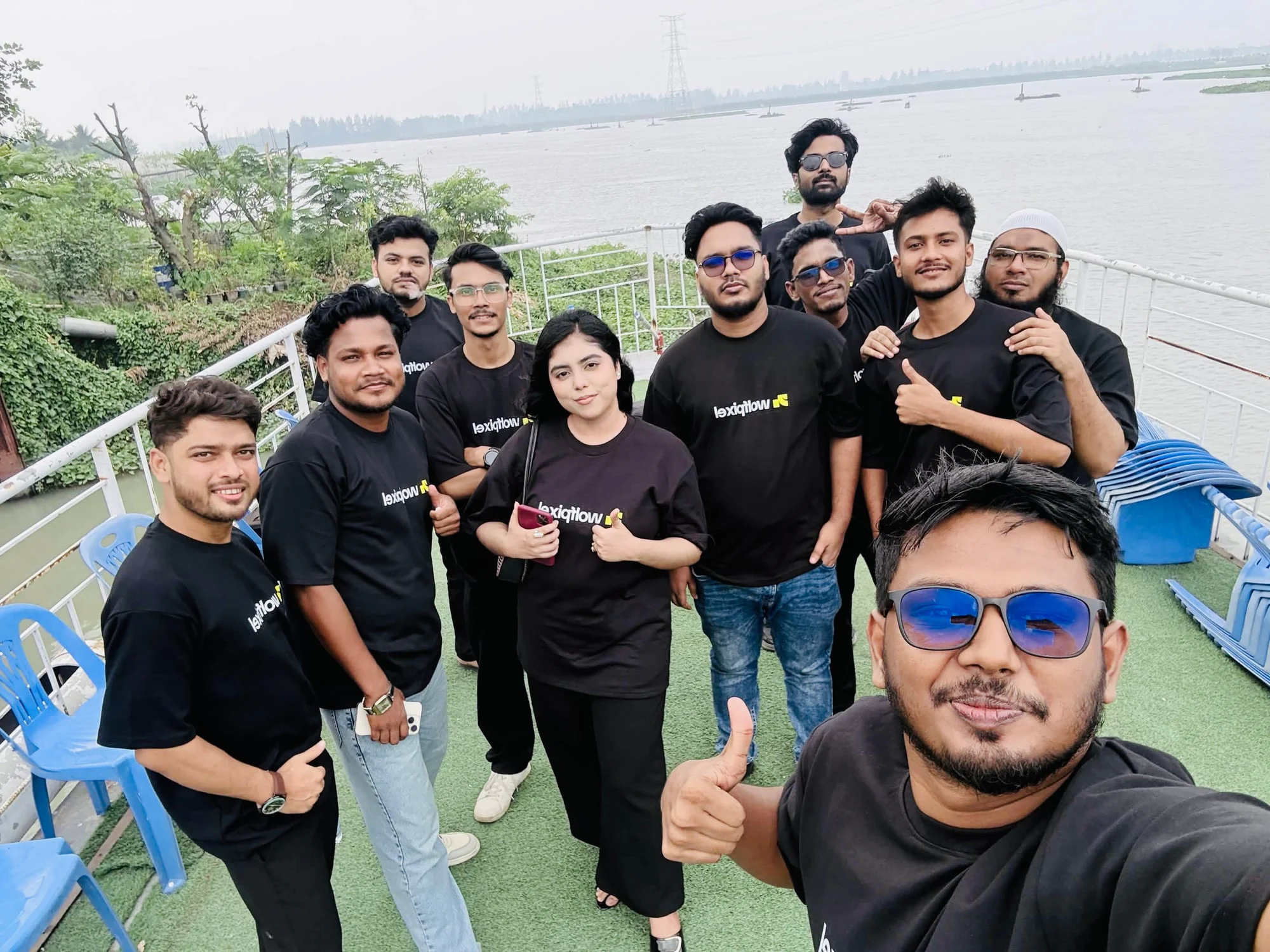
The Wolfpixel team at the Dhaka office

15+ creative minds, one studio in Dhaka

Why teams choose Wolfpixel

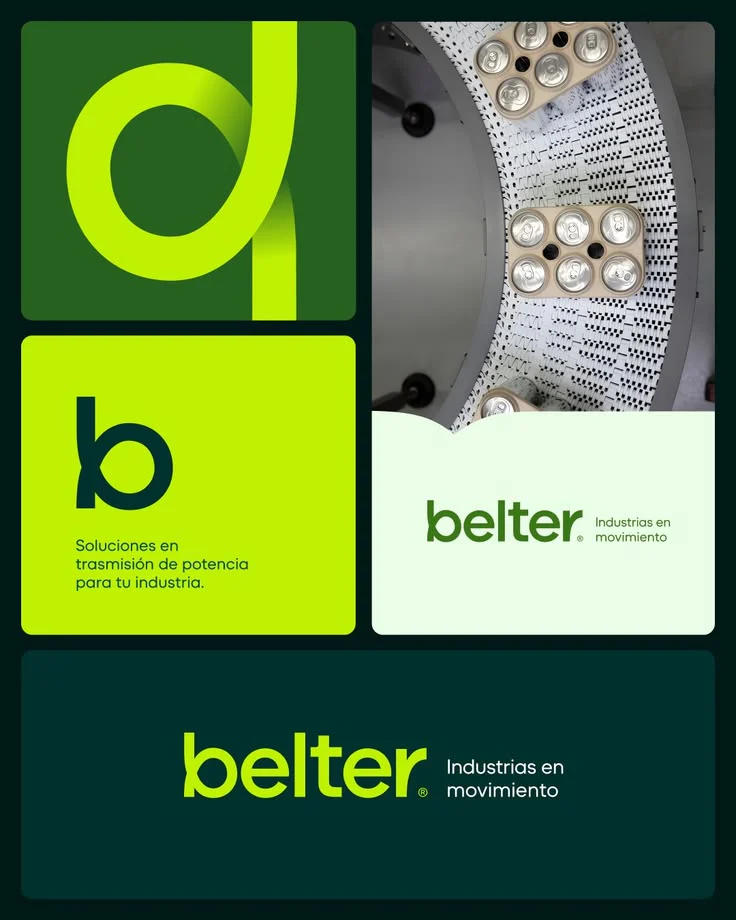
Belter brand identity applications

Senior designers only

Every project is led by a designer with 5+ years of experience.

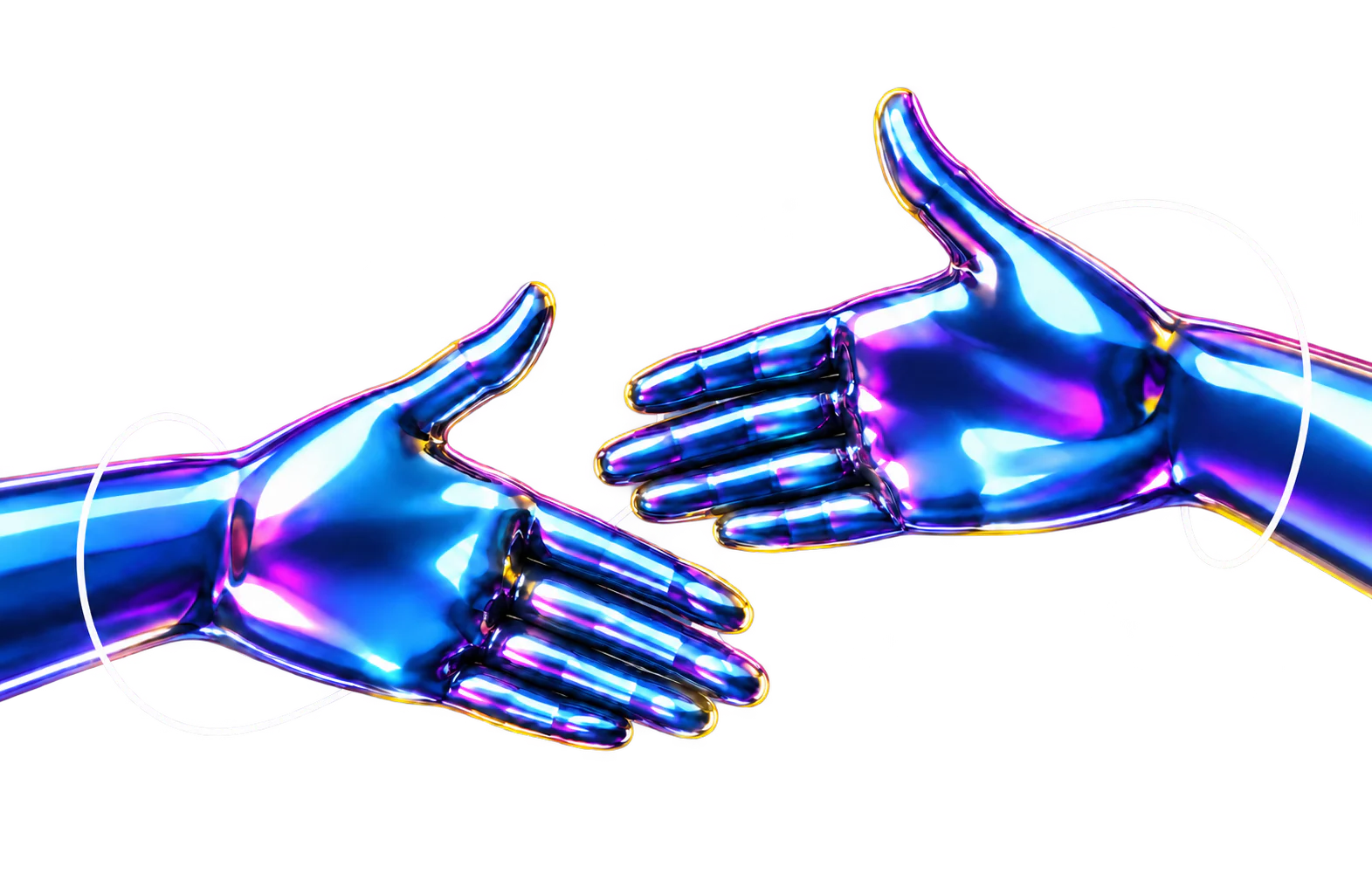
Two chrome hands reaching toward each otherDark product screen with a glossy 3D cursor

Brand to product

We also design your website, dashboard and app, so it all feels like one company.

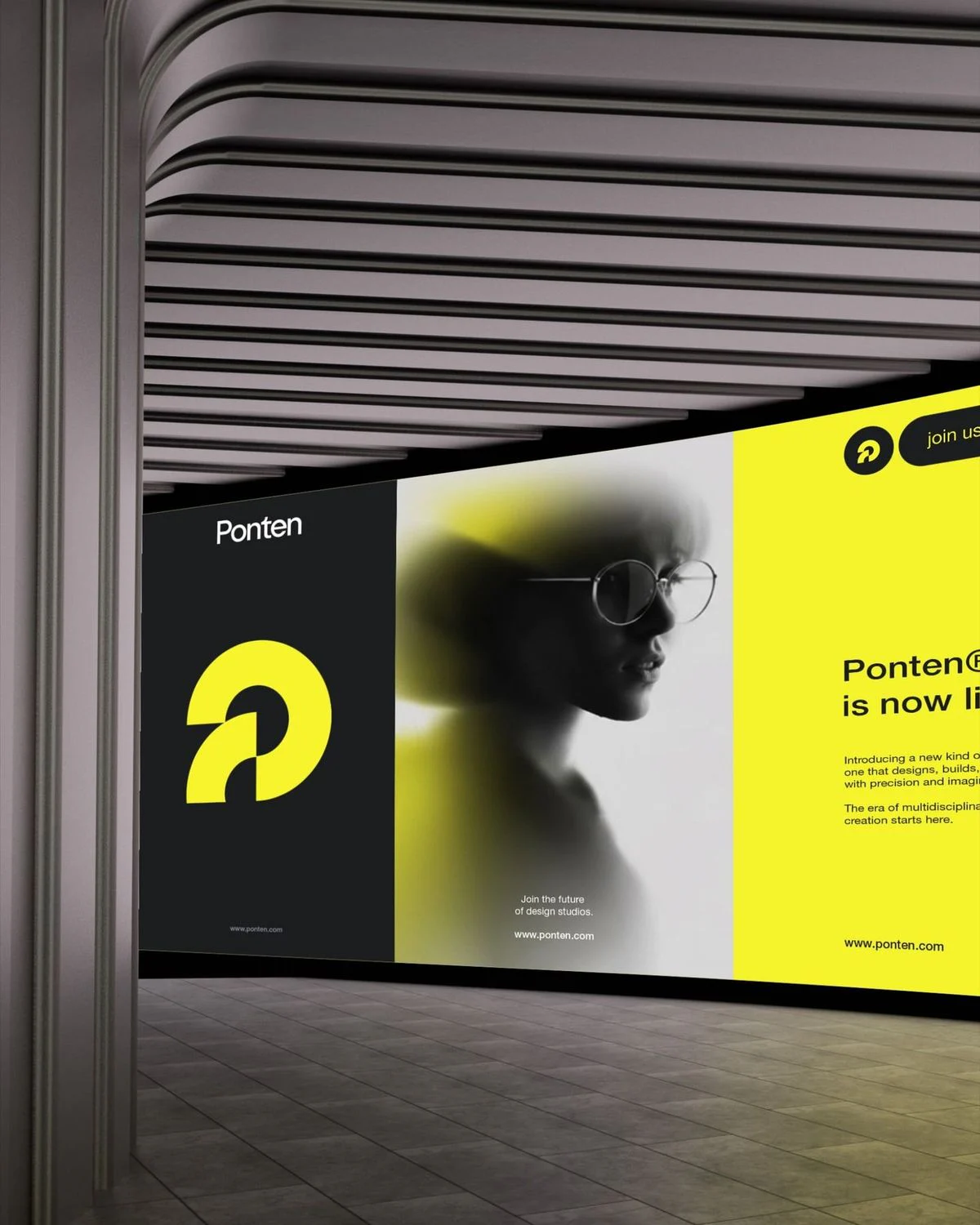
Ponten brand signage in an office

Strategy first

We speak product, pipeline and fundraising, not just aesthetics.

Slofin fintech brand with a woman holding a card

AI-accelerated workflow

AI speeds up research and exploration. Senior designers make every call.

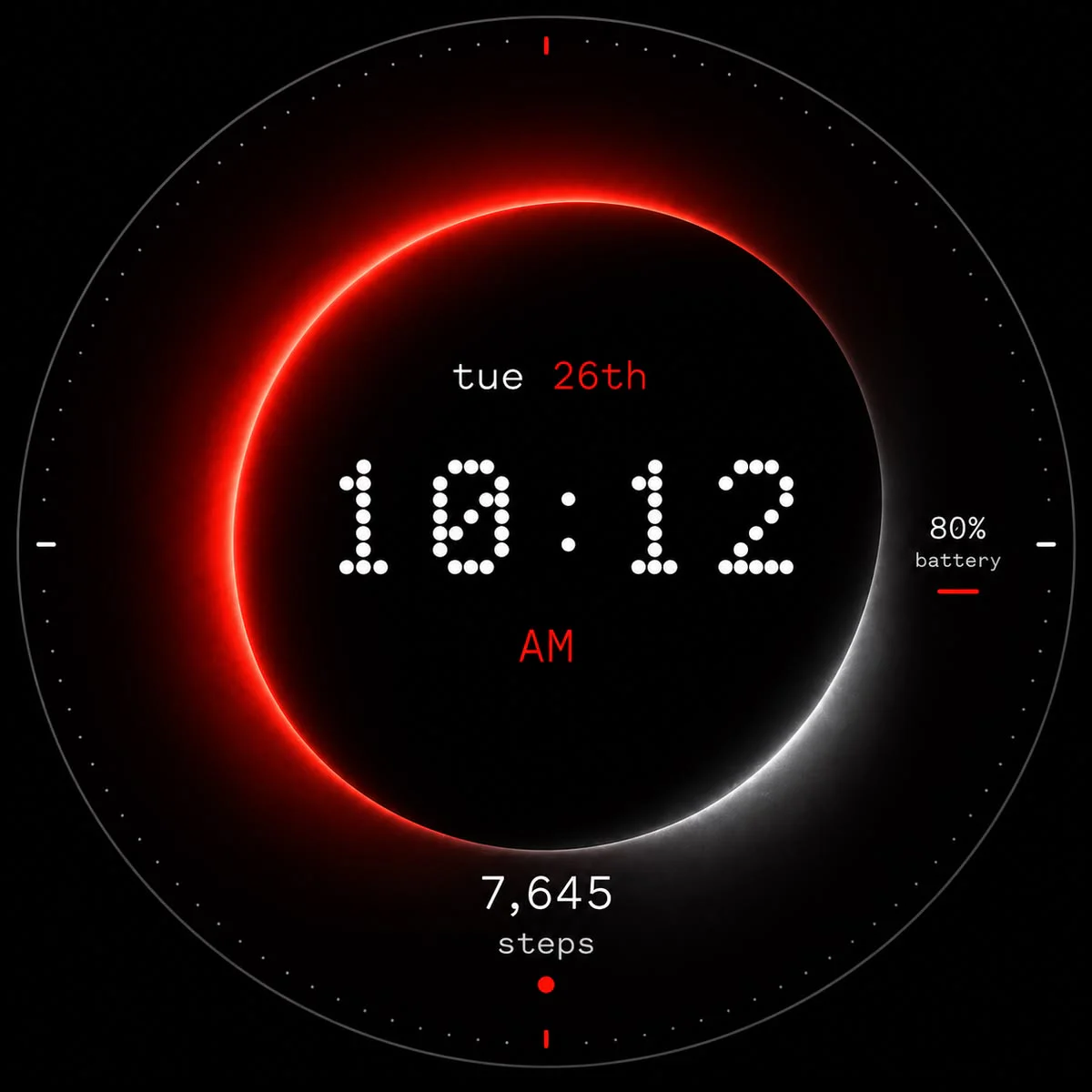
Smartwatch interface design

Design to live code

Dev-ready files, or we build it in Webflow, Framer or React.

Phone home screen showing an app icon

Direct communication

Talk directly with the designers doing the work.

Why Wolfpixel

Wolfpixel vs the alternatives

How Wolfpixel compares with in-house teams, creative agencies, freelancers and AI tools
OptionStrategyReliabilitySpeedScalingFlexibilityValue
WolfpixelSenior brand and product designers working as one embedded team, with systems behind every project.YesYesYesYesYesYes
In-house teamStrong on context, but rarely covers brand, product and web at once, and hiring for the gaps is slow.YesYesYesYesNoNo
Creative agencyTraditional agencies can be slow and process heavy, with junior hands on the work you were sold.YesYesNoNoNoNo
Freelancer / small agencyCheap to start and flexible, but hard to scale and quality swings from one project to the next.NoNoNoNoYesNo
AI tools onlyFast and cheap, but without human judgment and brand context it falls short on quality and strategy.NoNoYesYesNoYes
  • WolfpixelSenior brand and product designers working as one embedded team, with systems behind every project.
    • YesStrategy
    • YesReliability
    • YesSpeed
    • YesScaling
    • YesFlexibility
    • YesValue
  • In-house teamStrong on context, but rarely covers brand, product and web at once, and hiring for the gaps is slow.
    • YesStrategy
    • YesReliability
    • YesSpeed
    • YesScaling
    • NoFlexibility
    • NoValue
  • Creative agencyTraditional agencies can be slow and process heavy, with junior hands on the work you were sold.
    • YesStrategy
    • YesReliability
    • NoSpeed
    • NoScaling
    • NoFlexibility
    • NoValue
  • Freelancer / small agencyCheap to start and flexible, but hard to scale and quality swings from one project to the next.
    • NoStrategy
    • NoReliability
    • NoSpeed
    • NoScaling
    • YesFlexibility
    • NoValue
  • AI tools onlyFast and cheap, but without human judgment and brand context it falls short on quality and strategy.
    • NoStrategy
    • NoReliability
    • YesSpeed
    • YesScaling
    • NoFlexibility
    • YesValue

What founders say about working with us

Ready for product screens designed by senior designers only?

Book a free 30-minute call with a senior designer. We’ll review your product and recommend the right scope.

Book a free call

Common questions

Frequently asked questions

Maniruzzaman JubayerMasuder Rahaman

Still have questions?

Tell us about your project and we’ll say if we’re a fit.

What does a UI/UX design agency do?

A UI/UX design agency designs how your product works and looks: user flows, information architecture, wireframes, final interface screens, interaction states and a clickable prototype, then hands everything to your engineers dev-ready. At Wolfpixel that work is done by senior product designers with 5+ years of shipped SaaS, not handed to juniors after the sales call.

How much does UI/UX design cost?

UI/UX design is priced as a fixed scope per sprint or as a monthly retainer, so you know the full price before we start. Market rates for startup UI/UX projects run from a few thousand dollars for a focused sprint to $25,000 and more for a full product; the price depends on the number of screens, platforms and research needed. We share a written quote after a free 30-minute call or within 4 business hours of your brief.

How long does a UI/UX design project take?

Screens ship in 7 to 14 day design sprints with a weekly review. A focused MVP or a single product area usually takes 2 to 4 sprints; a full SaaS product with several roles and platforms takes longer, and we say so up front. You get a dated plan with milestones after the first call, and the plan is what we are measured against.

Who will design my product?

Senior designers only. A senior product designer with 5+ years of experience shipping SaaS and mobile products leads your brief, designs the screens and joins every review. Our product design lead, with 7+ years in product design, reviews the work before it reaches you. Nothing is handed to a junior or built from a template.

What makes Wolfpixel different from other UI/UX design agencies?

Four things you can check on the first call. The senior designer you meet is the one who designs your screens, not a sales lead who hands you to a junior. Revisions are unlimited, and a brief that misses after two rounds and a reset call is not billed. The scope and price are fixed in writing before we start. And because we also design brands and websites, your product, marketing site and brand come from one team and look like one company.

What if I don’t like the design?

Revisions are unlimited. If two rounds and a reset call still do not land the brief, you don’t pay for that brief. We can offer that because the discovery and wireframe steps settle the decisions before final UI, so revisions are usually about polish, not direction.

Should I start with a UX audit or a UI/UX design project?

Start with a UX audit when you see drop-off but do not know the cause: we review the product against heuristics, analytics and real sessions and hand you a ranked fix list in 1 to 3 weeks. Start with a UI/UX design project when the problems are known and you need screens designed. If you start with the audit, the same senior designer carries the fix list into the design sprints, so nothing is re-learned.

Why hire a UI/UX design agency instead of a freelancer or an in-house designer?

A freelancer is flexible but quality and availability swing, and the handoff format changes with each person. An in-house designer is the best long-term option, but hiring takes months and one person rarely covers research, UI and design systems. An agency with senior designers only gives you a full product design team this week, with one consistent file structure, and we hand over cleanly when you do hire in-house.

What do I get at the end?

Organized Figma files with a component library, user flows, a clickable prototype, exported assets and handoff specs, plus a walkthrough with your engineers and QA support during the build. You own all files and IP on delivery, and we sign an NDA before you share details.

Can you work with our developers?

Yes. We deliver organized Figma files, annotated components and specs, walk your engineers through them, and stay available during the build to answer questions and QA the result. We can also build it ourselves in Webflow, Framer or React as an add-on.

Can we get a dedicated designer instead of a project?

Yes. A monthly retainer gives you a senior product designer embedded in your team, working in your Figma, Slack and sprint cadence, for as long as you need. Many teams start with a fixed-scope project and move to a retainer once the first release ships. Either way it is the same senior designer, never a rotating bench.

Do you design AI products?

Yes. We design AI features and agentic products: prompts, agent flows, confidence states, review and approval moments and the places users need control. See our AI product design service for the full scope, or start here if the AI feature is part of a larger product.

Which industries do you design for?

Mostly SaaS and B2B software, fintech, AI products, healthcare, real estate and proptech, logistics, HR, sales and CRM, hospitality and consumer apps. Open the industries list on this page for what usually breaks in each one and the products we have designed there.

Do you work with early-stage startups?

Yes. Most of our clients are seed to Series B SaaS, fintech and AI teams. For a pre-launch product we design the MVP screens in one or two sprints so you can demo, test and raise with a real product, not a deck.

Do you work with companies outside Bangladesh?

Yes. The team is based in Dhaka and works with companies in the US, the UK, the EU and the UAE, covering US East, US Central (including Chicago), US West, Europe and APAC time zones. Reviews run async in Figma with weekly calls, and your senior designer overlaps your working hours for every review.

Let’s talk

Ready to start your project?

  1. 1Book a free 30-minute call
  2. 2Get a clear scope and timeline
  3. 3Sign the agreement and NDA
  4. 4Kick off with your senior team
Maniruzzaman Jubayer

Maniruzzaman Jubayer

COO & Co-founder

I’m interested in:
Project budget

  • WebflowWebflow Professional Partner
  • BehanceFeatured 25 times on Behance
  • DribbbleTop Product Design Agency on Dribbble
  • Clutch, 5 stars5.0 rating on Clutch

Book a free call

Step 1 of 2

Pick a day