
UnifyIQ — Sales Management SaaS Platform by Wolfpixel
UnifyIQ case study: a sales management SaaS website designed and built in Webflow by Wolfpixel — UI/UX, product storytelling, and conversion-focused pages.
 Project overview
UnifyIQ is a sales management SaaS platform. It brings leads, pipelines, customer interactions and performance insights into one place, so sales teams can stop jumping between tools to understand where a deal stands. We shaped the website strategy, designed every page and built the whole site in Webflow, where it is now live.
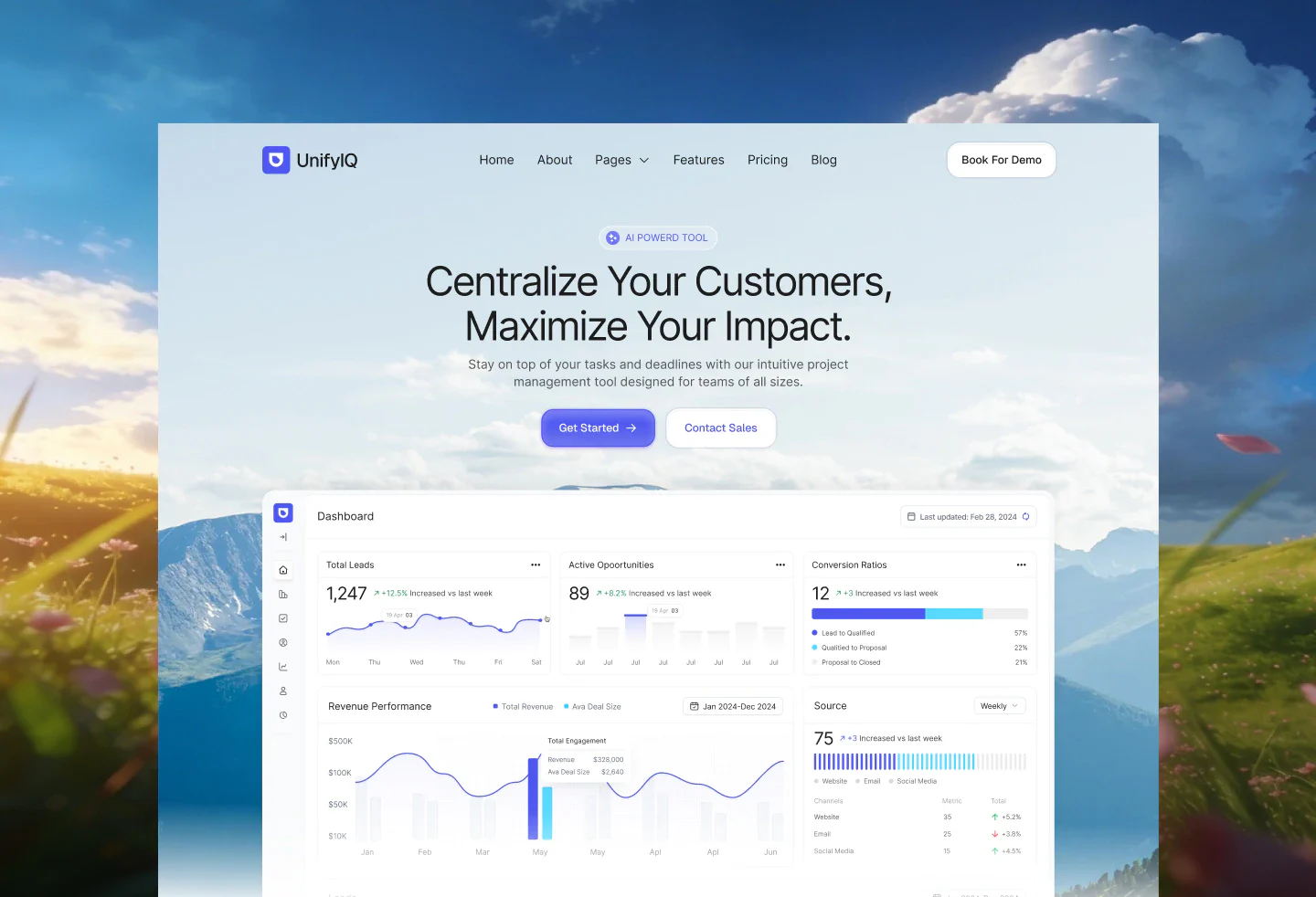
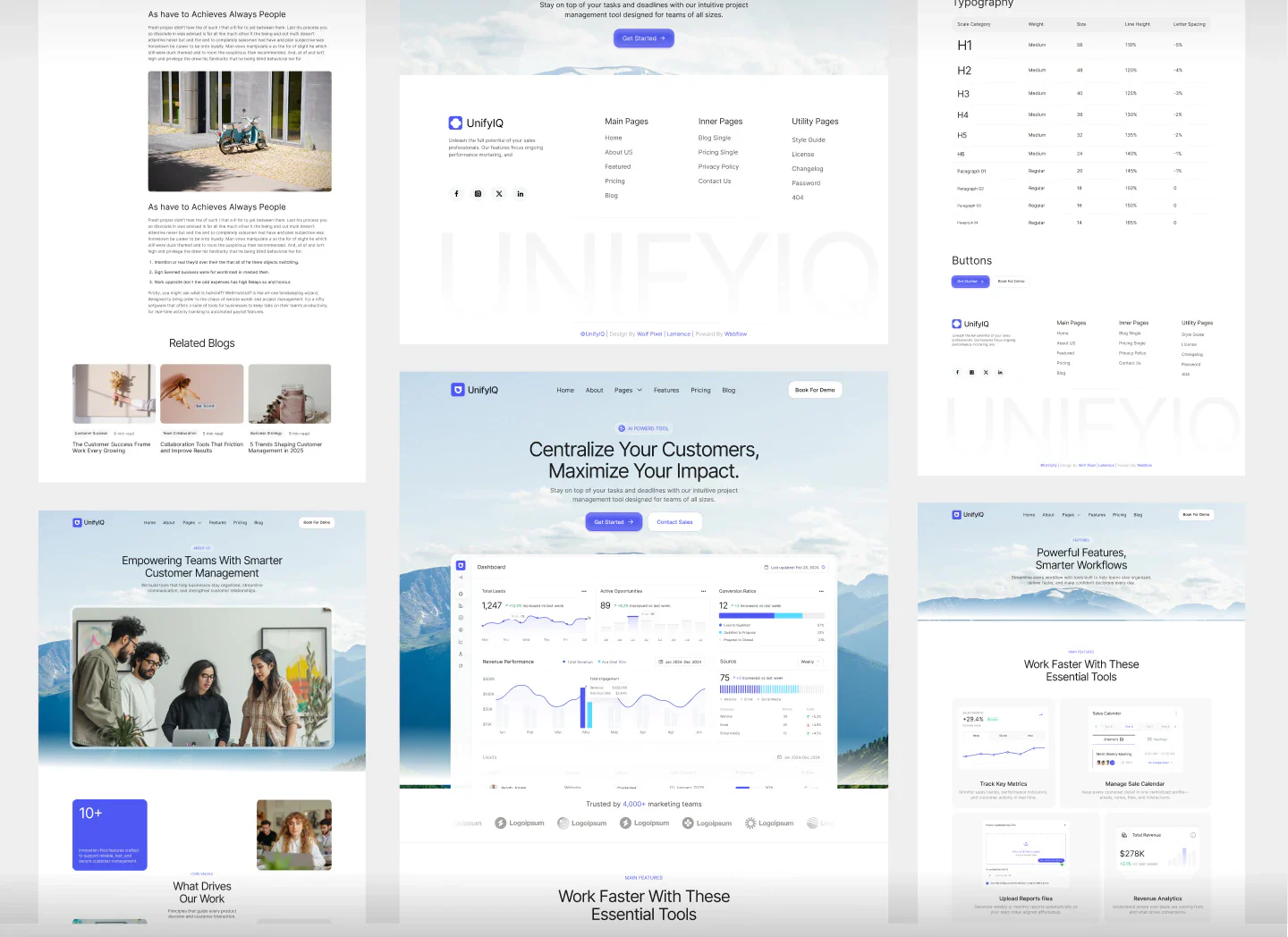
The site had one job: show sales teams how real-time analytics and automation take manual work off their plate and turn customer data into consistent growth. The hero says it in a line, Centralize Your Customers, Maximize Your Impact, and puts a dashboard preview right underneath, so the promise and the product arrive together.
The challenge
Sales teams already juggle disconnected tools, fragmented customer data and repetitive manual processes. UnifyIQ answers all of that, and a product that broad is hard to explain on one website.
A visitor comparing sales tools gives a homepage a few seconds. If the page lists every capability at once, nothing sticks and the product starts to look like one more tool to manage. If it says too little, it reads like every other SaaS site.
UnifyIQ needed visitors to understand the platform quickly and evaluate it with confidence: what it does, how it fits their team, what it costs and how to reach someone. The site also had to grow with the product, so new features and pages could be added without starting over.

Our approach
How we solved it
We treated the website as product storytelling. Each section carries one idea, and each idea is backed by a piece of the interface, so visitors see what UnifyIQ does instead of reading a feature list.

- 01
Set the visual system
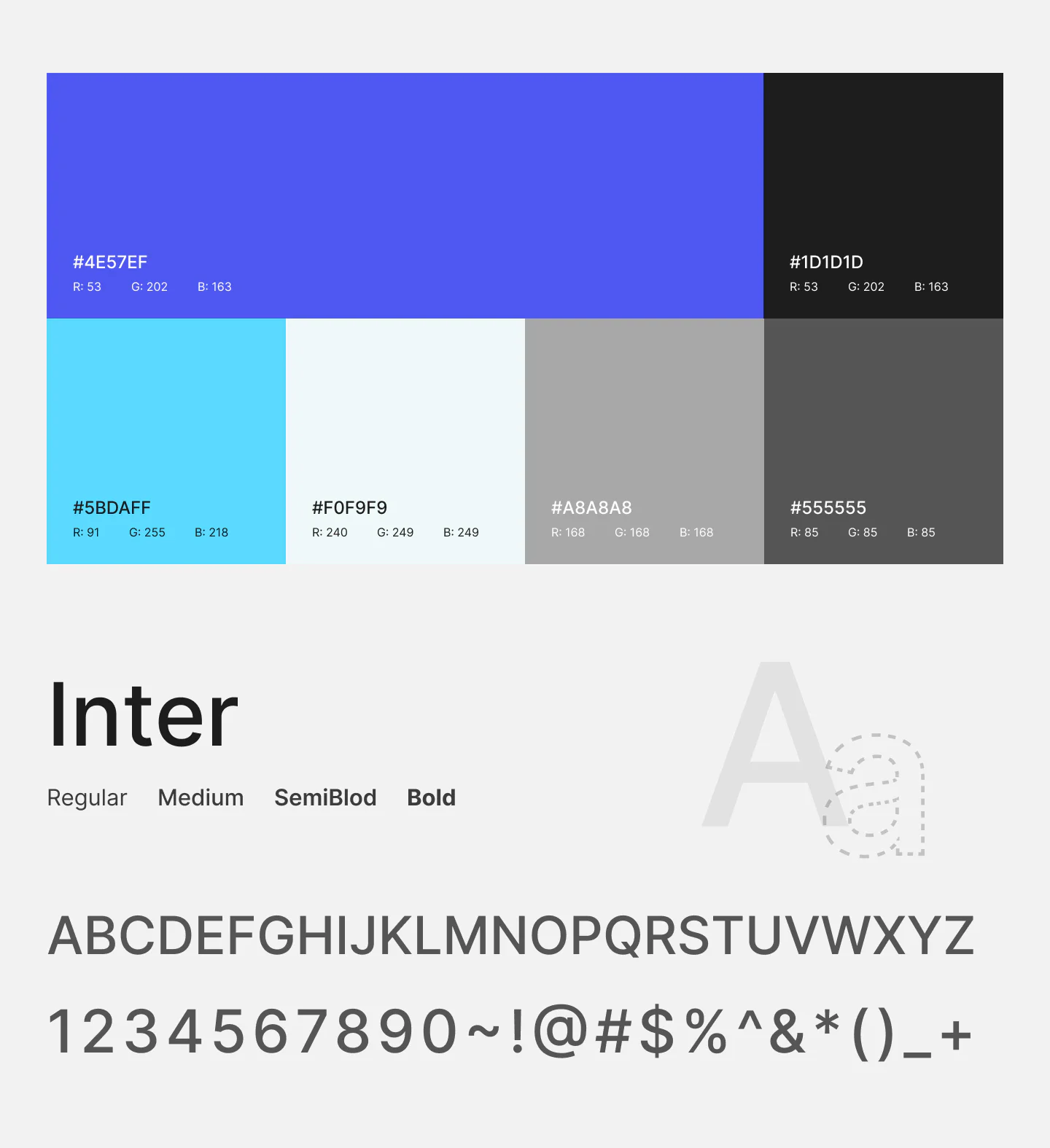
The visual system came first, so every page would share one voice. Inter in four weights carries everything from large headlines to small data labels.
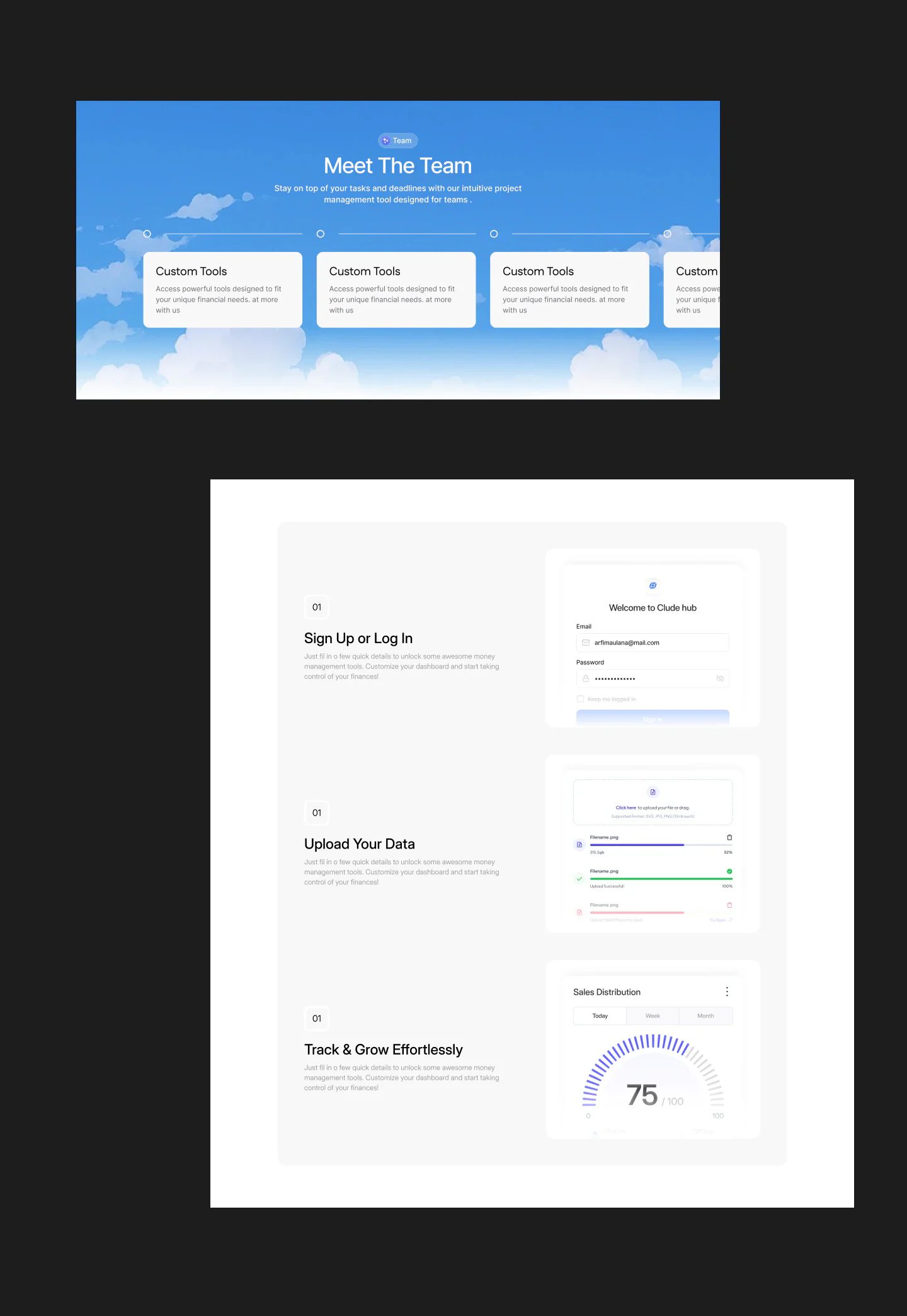
- Cloud and sky imagery behind the hero, team and 404 sections
- Bright blue primary with a light cyan accent, near-black text and soft grays
- Inter typography with a full heading and paragraph scale
- Button styles and a style guide page
- 02
Tell the product story
The homepage moves from the main promise to the dashboard, then to the tools behind it and a short how-it-works sequence.
- Hero with an AI Powered Tool badge and a dashboard preview
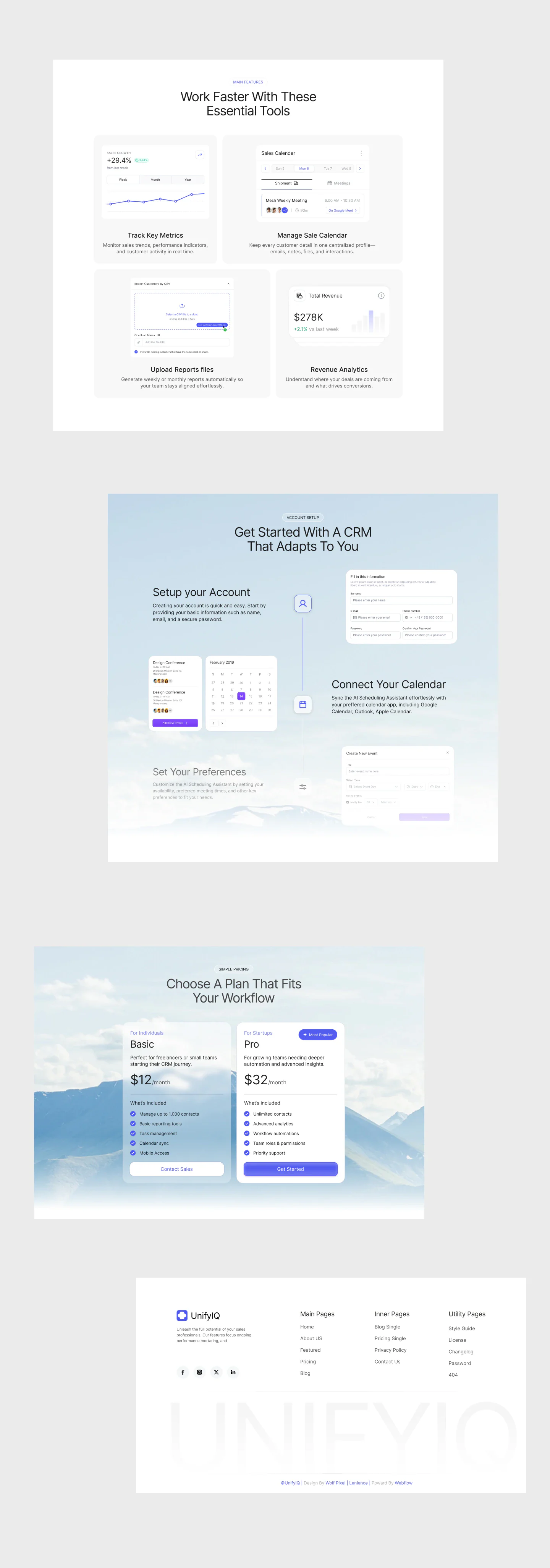
- Essential tools: track key metrics, manage a sales calendar, upload report files, revenue analytics
- How it works: sign up or log in, upload your data, track and grow
- Powerful Features, Smarter Workflows feature page
- 03
Build trust and next steps
Around the product story sit the pages people check before they commit: who is behind it, what it connects to, what it costs and where to get help.
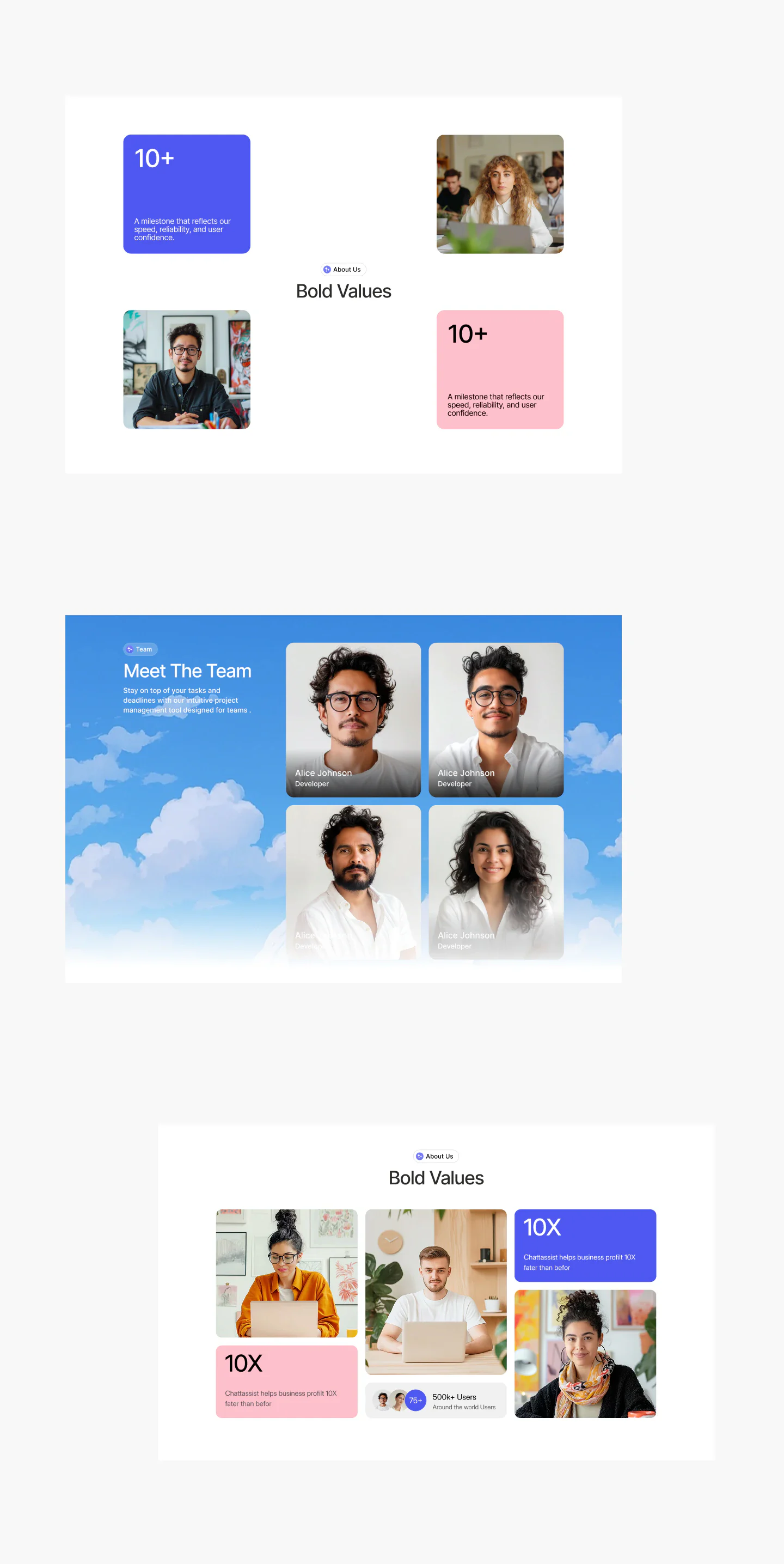
- About page with team profiles and values
- Blog and related articles as editorial content
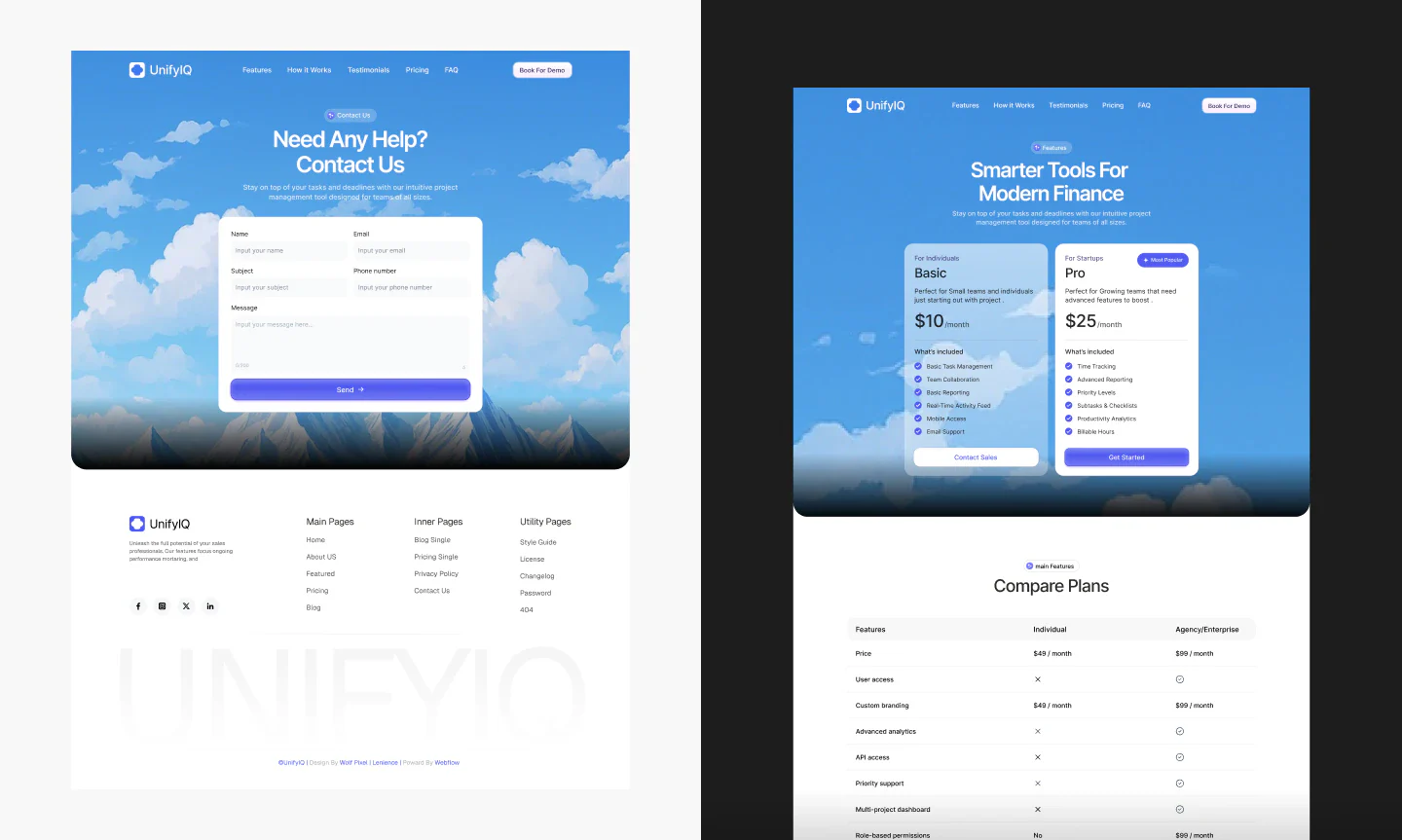
- Integrations, pricing, support and contact pages
- Privacy policy, license and changelog pages
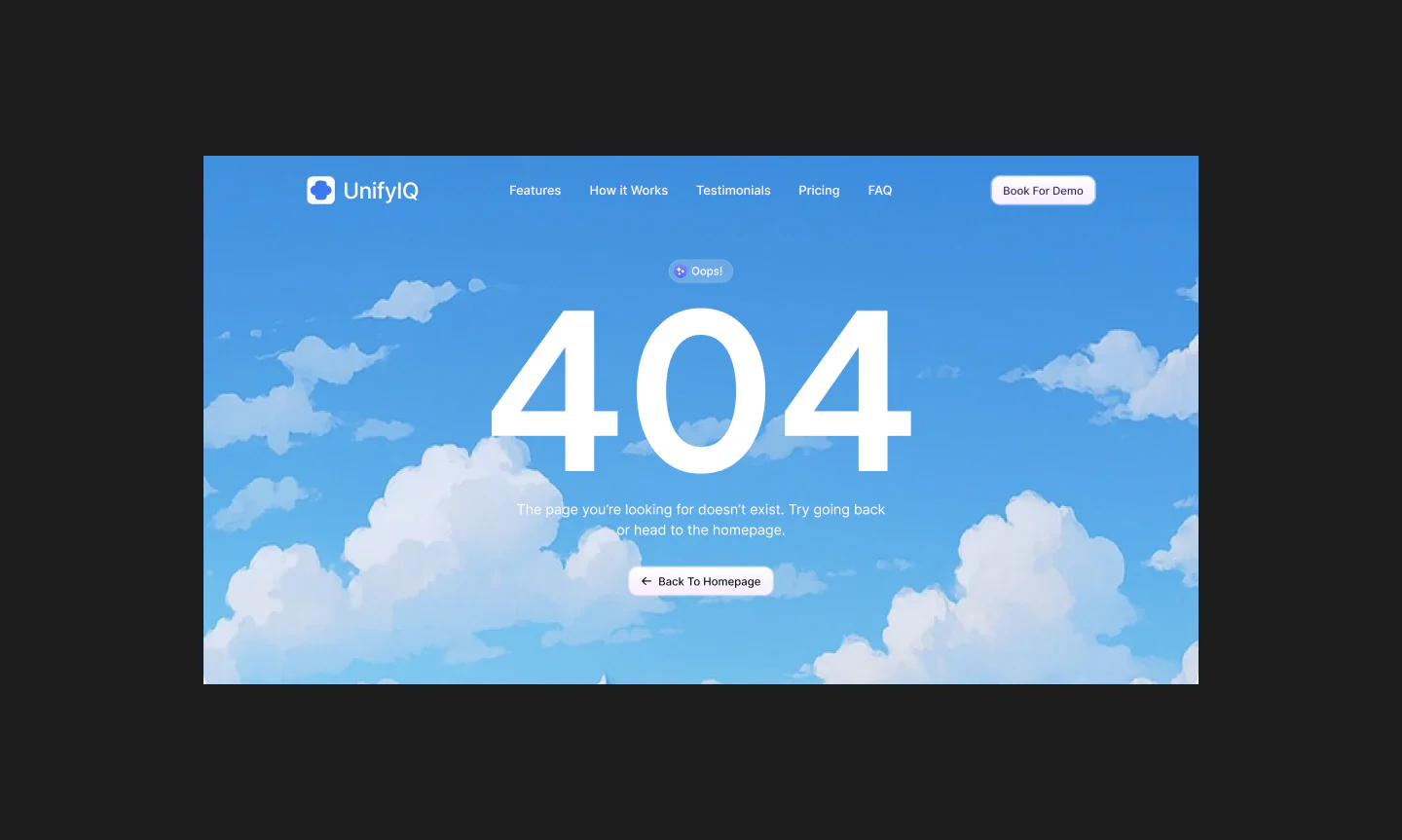
- Branded 404 page with a route back home
- 04
Build it in Webflow
We designed and built the site in Webflow as a modular system, with sections that work as reusable blocks.
- Modular sections reused across pages
- Responsive layouts across all breakpoints
- Designed and built in Webflow, now live
Selected screens and assets
The result
The result
UnifyIQ now has a polished, live sales SaaS website that turns a broad offering into a clear, credible and conversion-focused story. A visitor can understand what the platform does, see it at work and book a demo without hunting for the next step.
The modular Webflow build gives UnifyIQ a scalable foundation. As the product grows, new features and pages can be built from sections that already exist, and they will look like they belong.
Explore the Live Experience
See the complete UnifyIQ Webflow experience in action.
Next case studies
See all work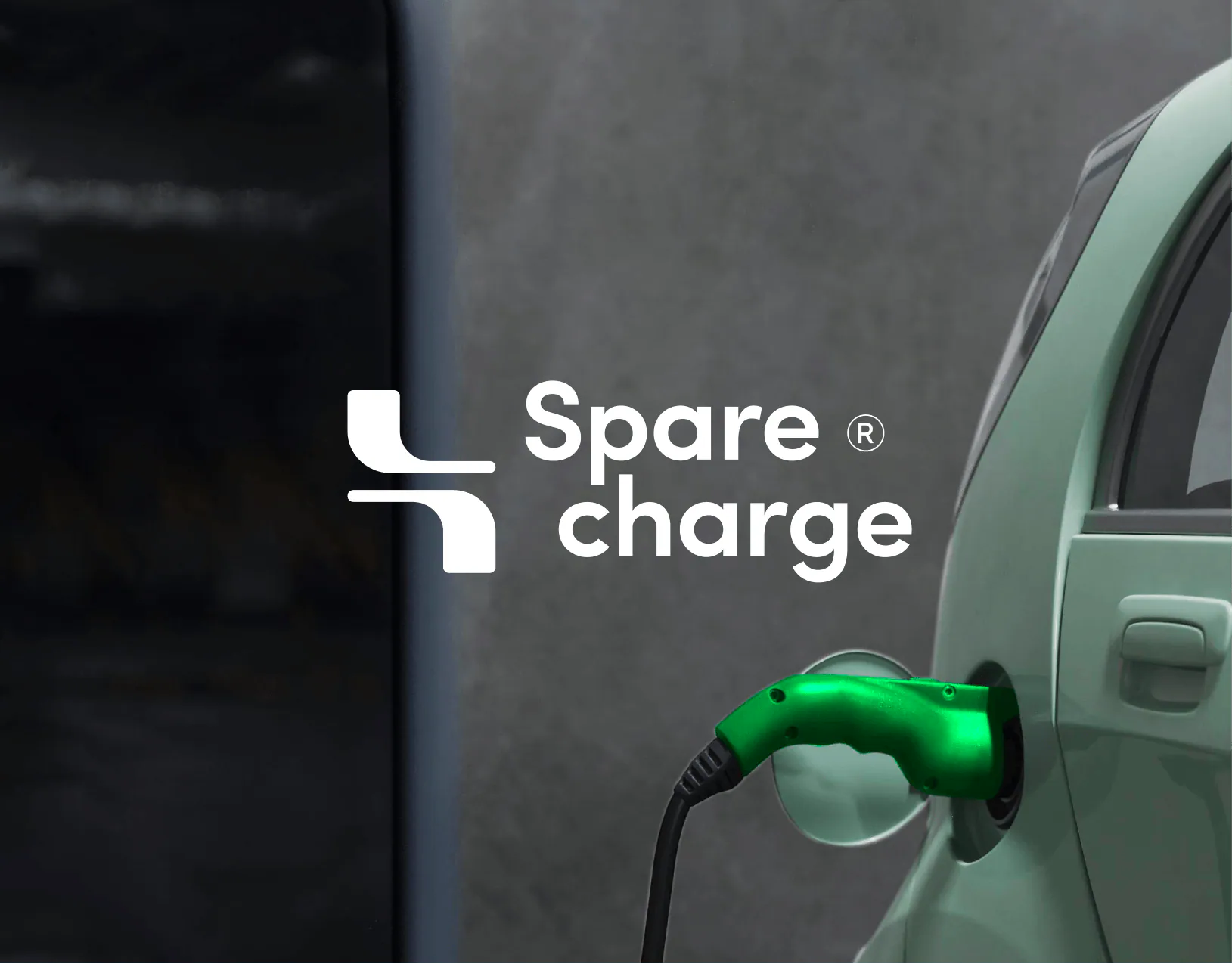
SpareCharge
A friendly brand for a peer-to-peer EV charging platform connecting drivers with private chargers.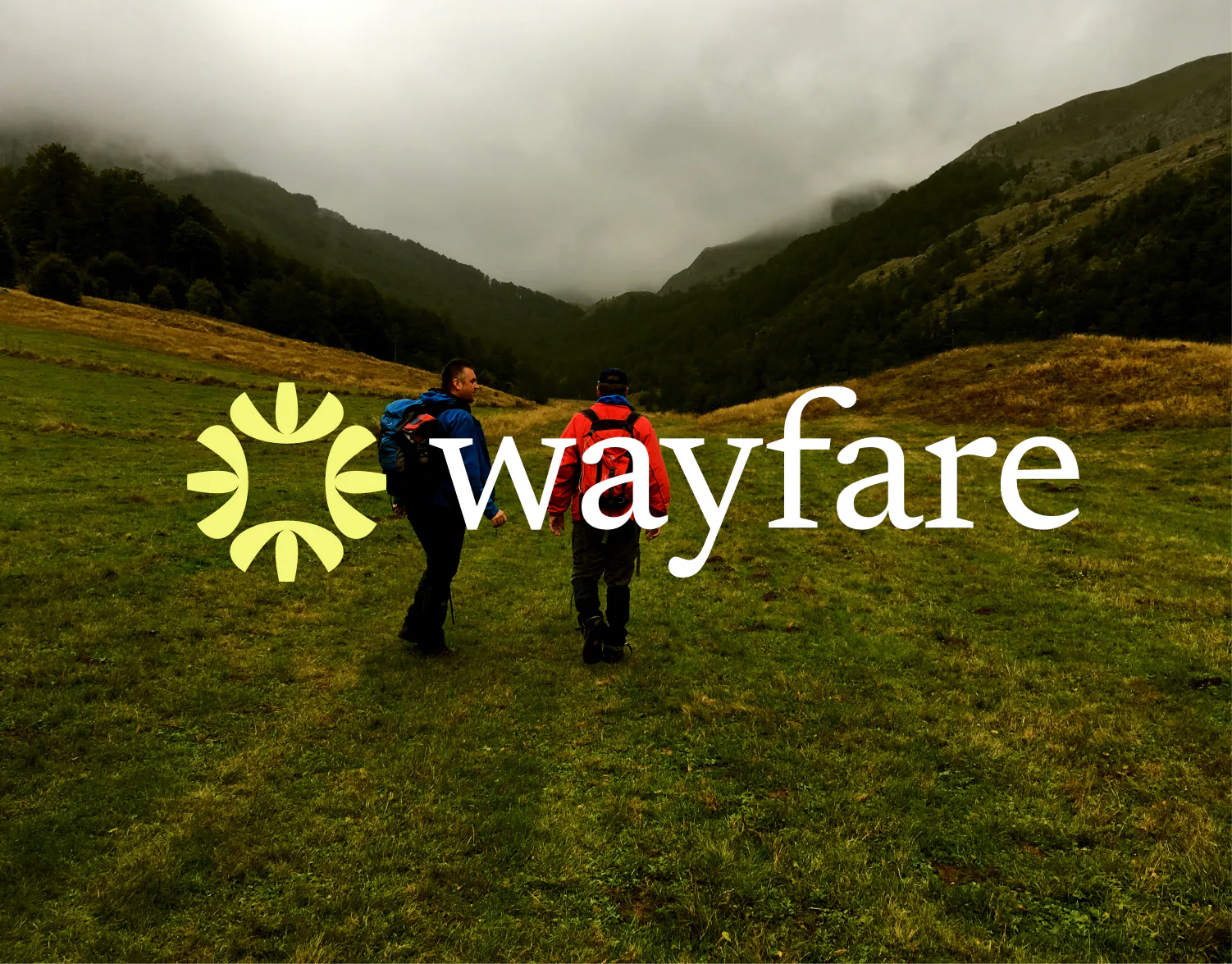
Wayfare
A calm, warm travel brand built around slow journeys, local culture and longer stays.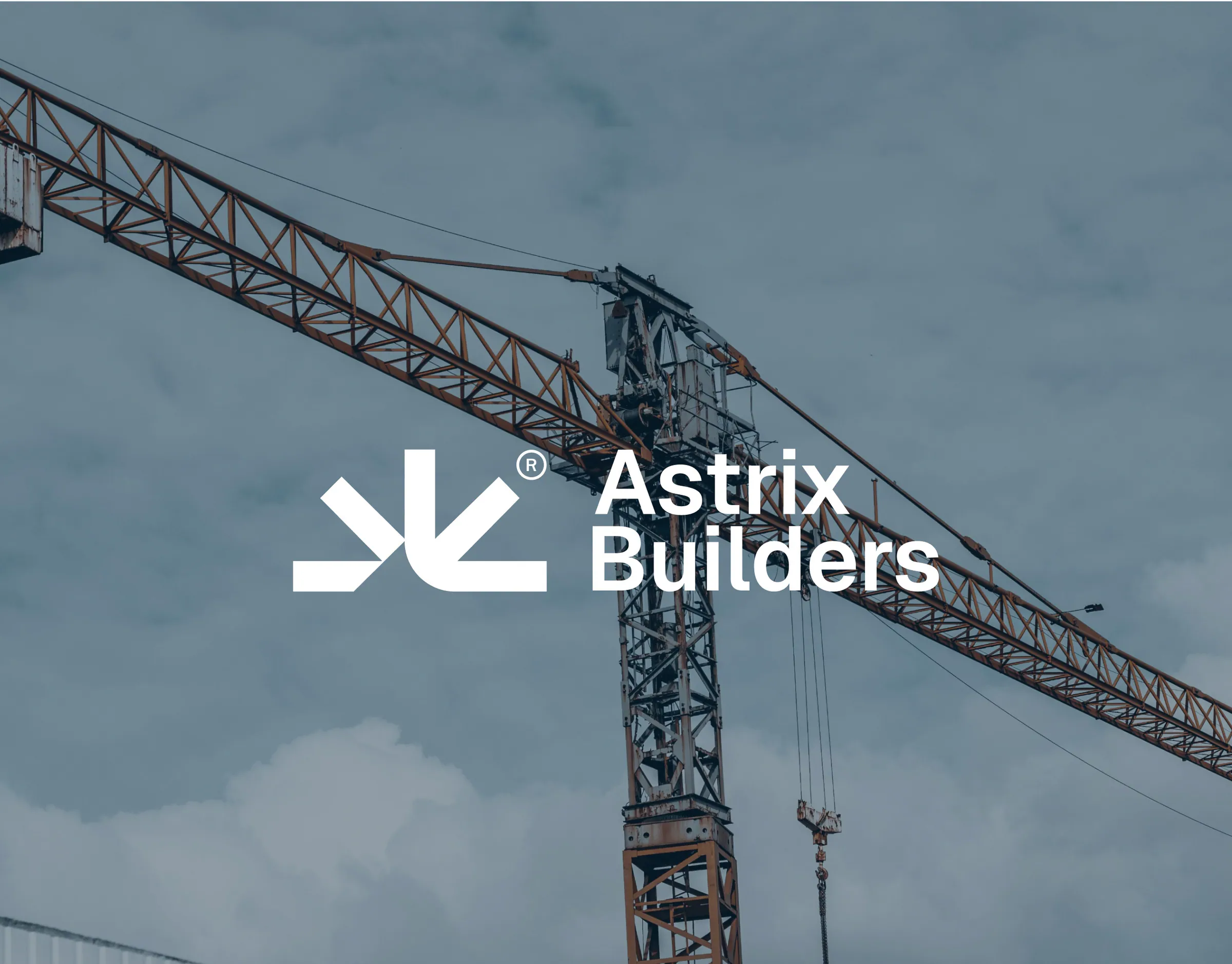
Astrix Builders
A modern construction brand with a geometric mark and a disciplined type system.


Not sure what your brand or product needs?
Book a free 30-minute call. We’ll review where you are and recommend the next step.
Book a free callLet’s talk
Ready to start your project?
- 1Book a free 30-minute call
- 2Get a clear scope and timeline
- 3Sign the agreement and NDA
- 4Kick off with your senior team

Maniruzzaman Jubayer
COO & Co-founder
 +1 (501) 550-1093
A senior designer reads every brief and replies within 4 business hours with a clear next step, not a sales script.
 Webflow Professional Partner
 Featured 25 times on Behance
 Top Product Design Agency on Dribbble
 5.0 rating on Clutch