




Aura: CRM Platform UI/UX Design
Leads, opportunities, accounts and reports in one clean interface.
 Project overview
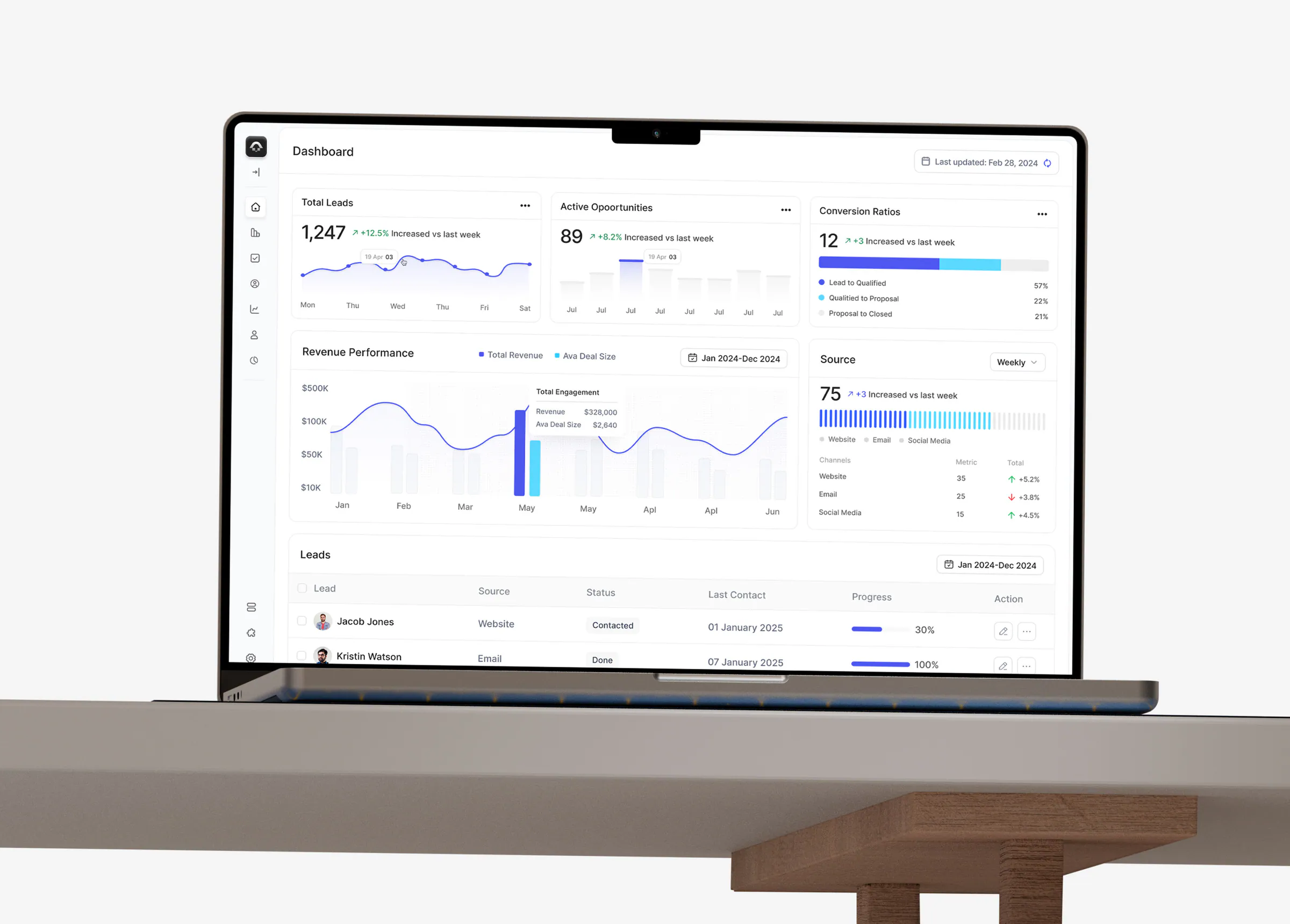
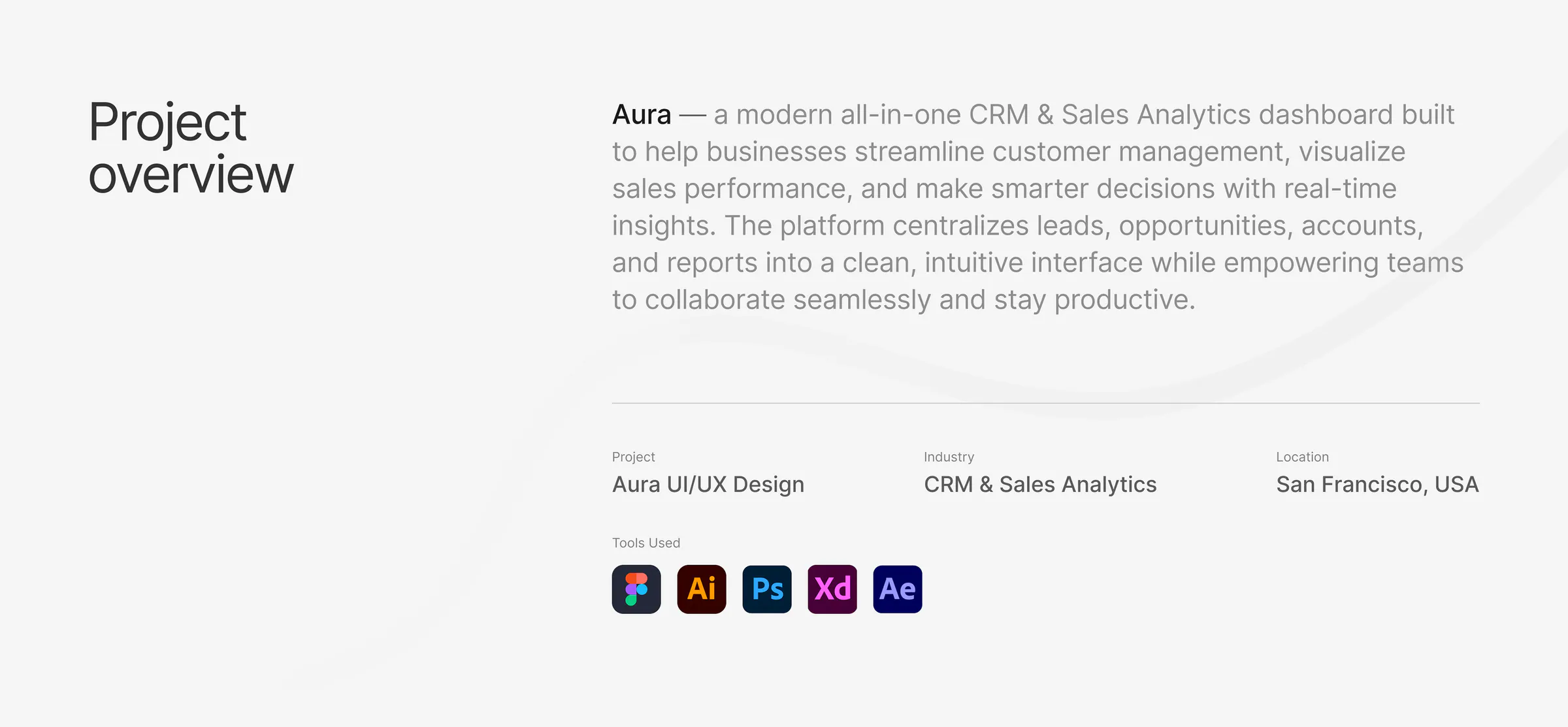
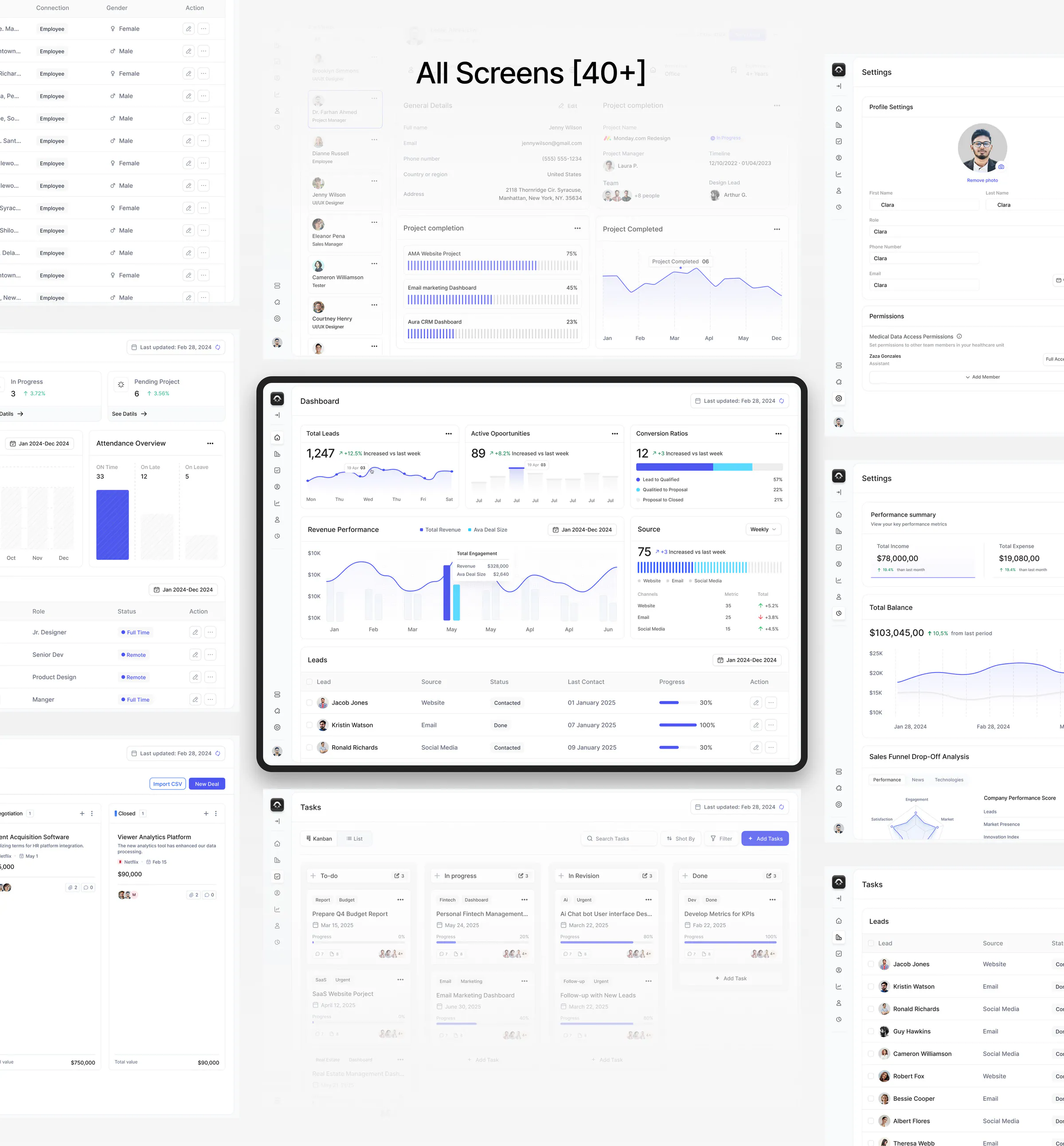
Aura is an all-in-one CRM and sales analytics platform. It brings leads, opportunities, accounts and reports into one clean interface, with real-time insights for the managers and teams who use it every day. We designed the product UI and UX, 40+ screens in all.
The goal was a CRM people actually want to open. If the data is current, the analytics are worth reading, so we designed for daily use first and reporting second.
The challenge
CRMs often grow cluttered as features pile up, and teams stop updating them. Without good data, sales analytics lose their value.
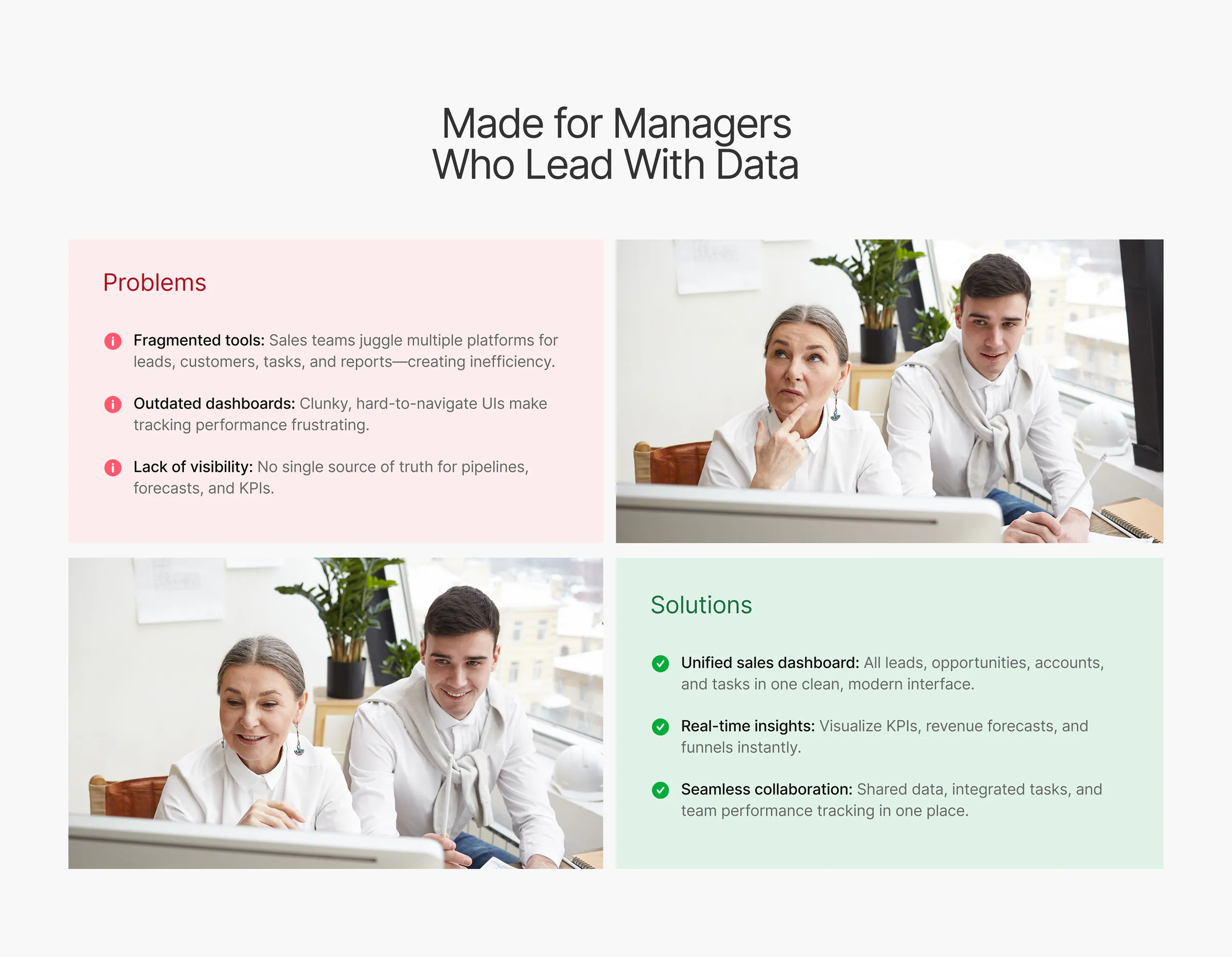
Sales teams already juggle separate tools for leads, customers, tasks and reports. When the CRM becomes one more cluttered tool, people update it at the end of the week, if at all, and the dashboard turns into a record of what used to be true.
Managers feel that most. Without a single source of truth for pipelines, forecasts and KPIs, every review starts with a debate about whose numbers are right.

Our approach
How we solved it
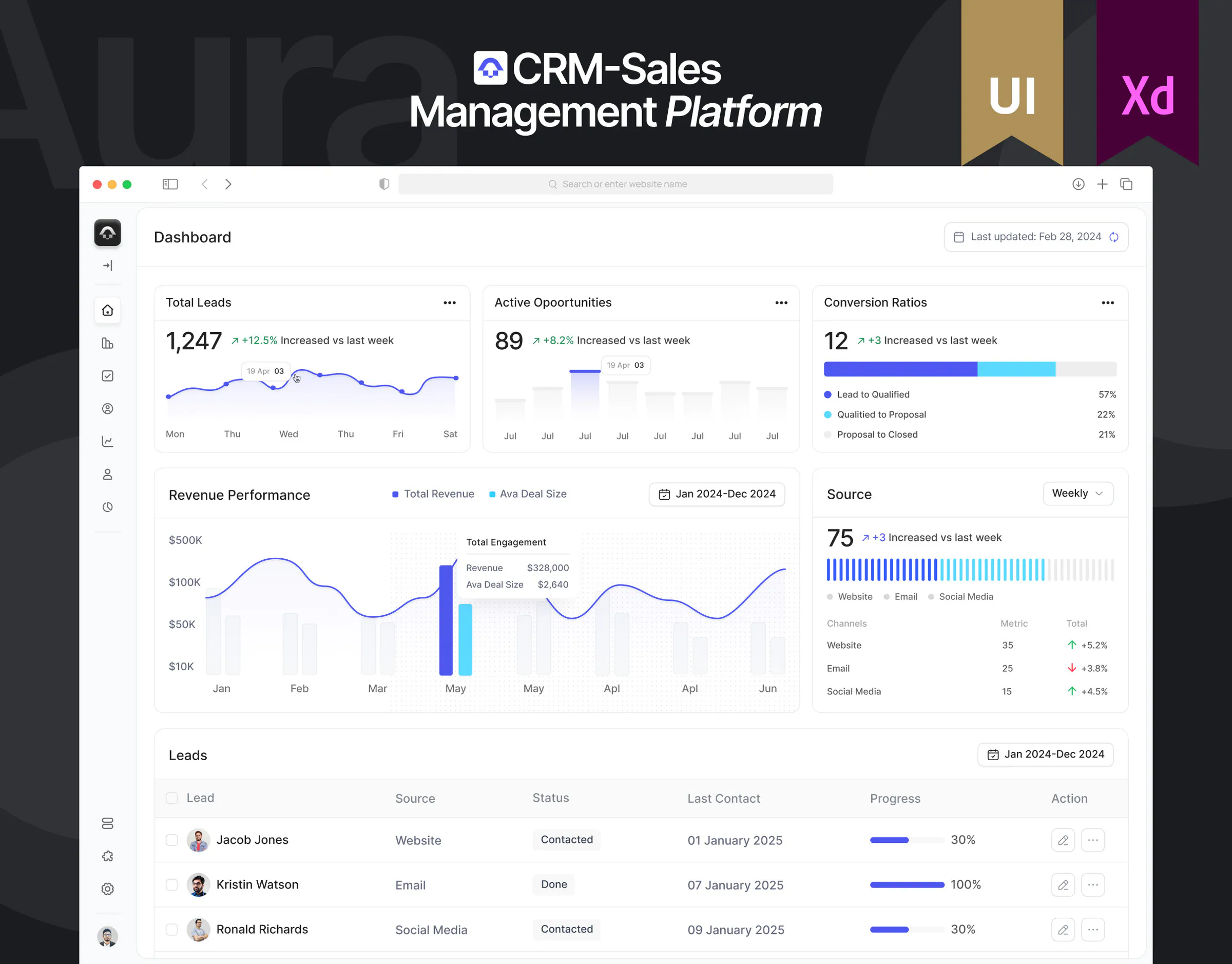
We focused on clean structure and fast access to what matters, so teams enjoy using the CRM and keep data current. A slim icon sidebar keeps every area one click away. The main dashboard opens on the numbers a sales team checks first: total leads, active opportunities, conversion ratios, revenue performance and lead sources. Collaboration features, from shared tasks to team performance, keep everyone working from the same data.

- 01
Put the pipeline first
Lead and opportunity management sits at the center. A leads table shows source, status, last contact and progress for every lead.
- Lead and opportunity management
- Deal board with stages such as negotiation and closed
- Account management
- 02
Make insights real time
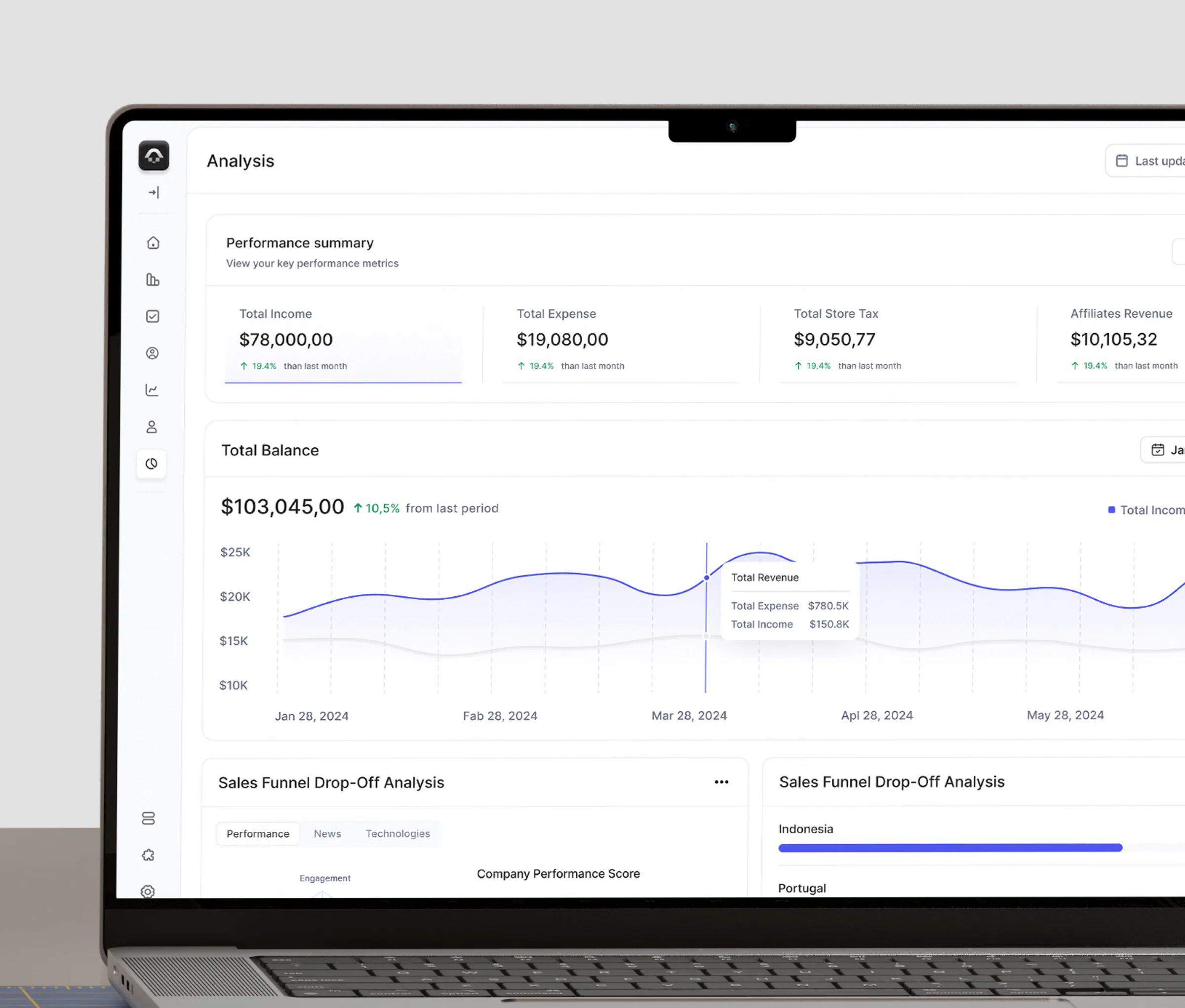
The dashboard and analysis screens turn activity into readable charts, so managers see performance without building a report.
- Real-time insights dashboard
- Conversion ratios from lead to qualified, proposal and close
- Revenue performance and lead source breakdown
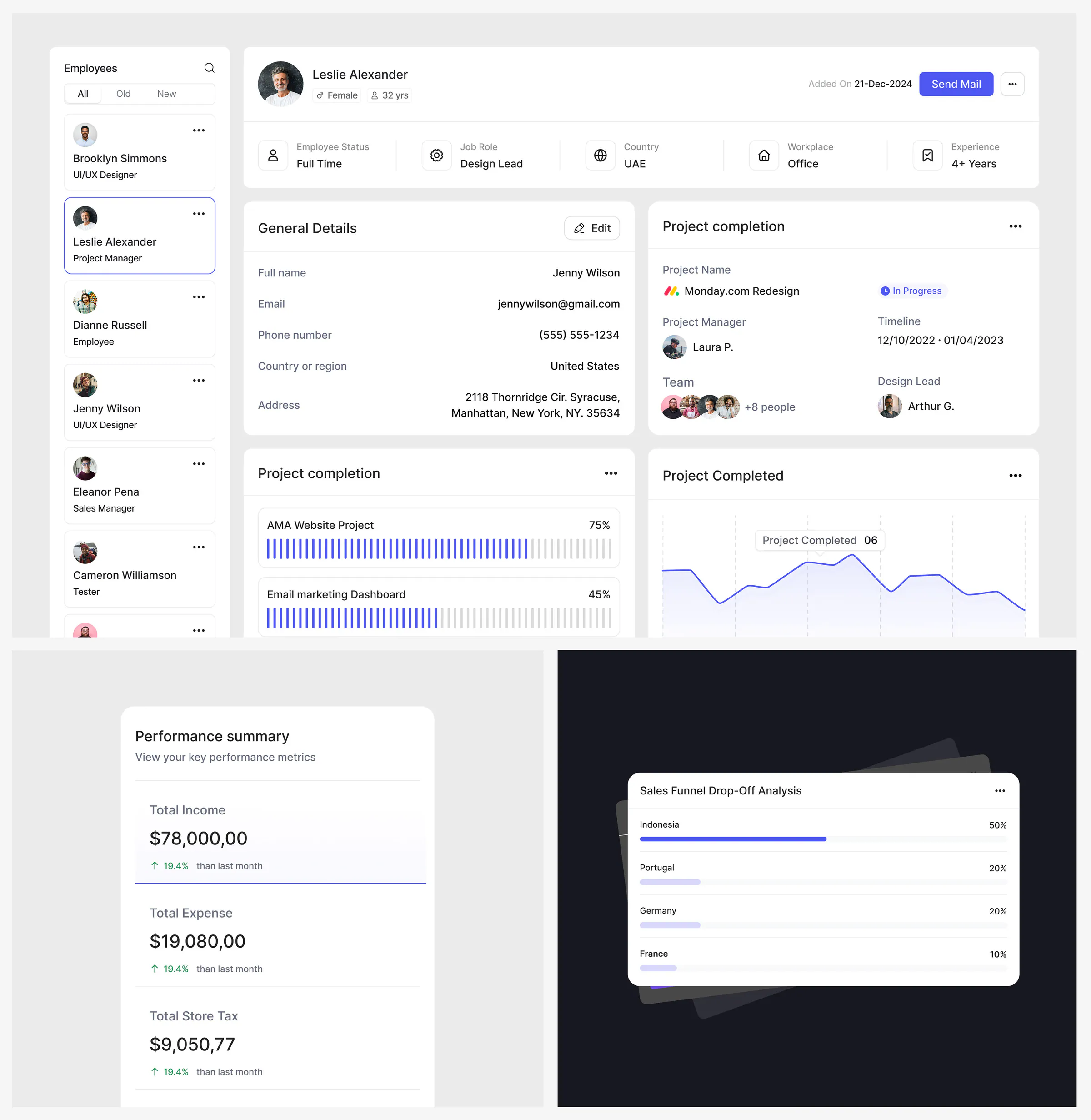
- Analysis screen with performance summary, total balance and sales funnel drop-off
- Sales analytics and reporting
- 03
Keep the team aligned
Collaboration lives inside the CRM rather than in a separate tool.
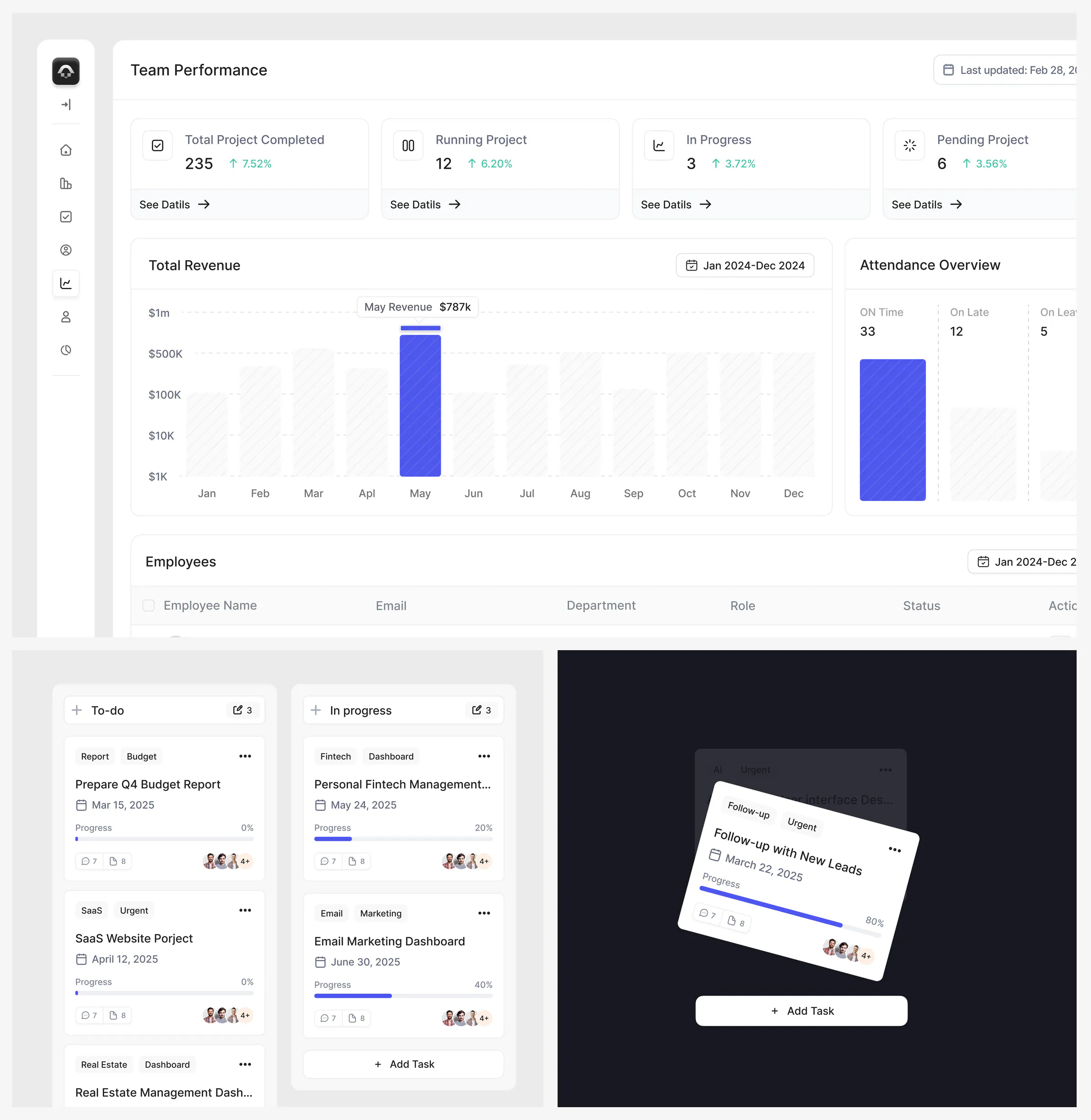
- Kanban task board: to-do, in progress, in revision, done
- Team performance with projects, revenue and attendance
- Employee profiles and project completion
- Settings with profile and permissions
Selected screens and assets


The result
The result
Aura is now a clear, intuitive CRM that helps teams manage customers, see sales performance and make smarter decisions every day.
Because the screens people use daily are quick to read and uncluttered, keeping data current stops being a chore, and the analytics stay worth trusting. Across 40+ screens, one consistent interface gives the product room to grow without the clutter it was designed to avoid.
Next case studies
See all work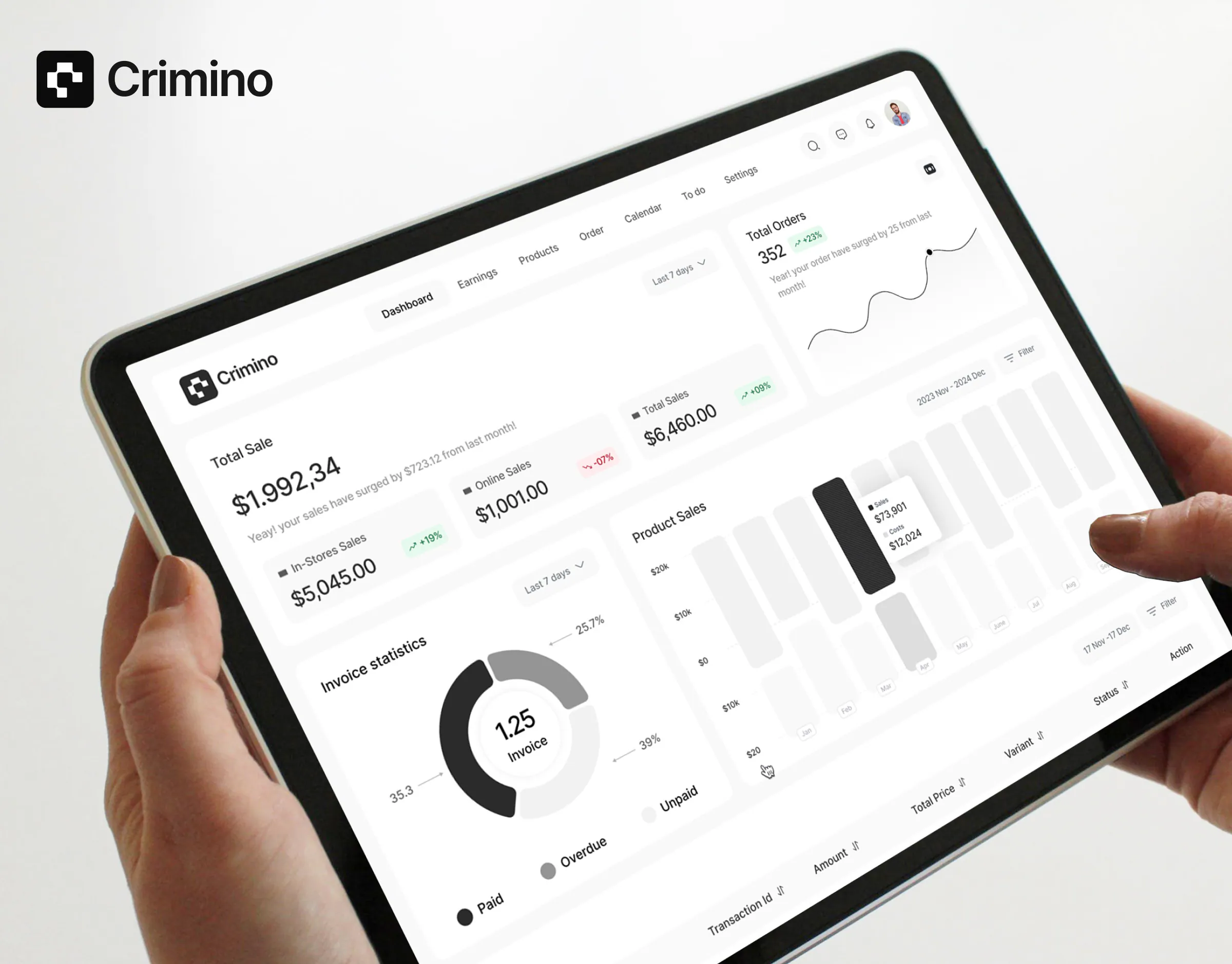
Crimino
A CRM dashboard with a dark, data-first interface that turns sales metrics and customer activity into fast decisions.
Pinvet
A brand identity and website design for Pinvet, a finance management startup.
Pivosis
A name and visual identity for a data infrastructure service: “pivot” meets “thesis”.


Not sure what your brand or product needs?
Book a free 30-minute call. We’ll review where you are and recommend the next step.
Book a free callLet’s talk
Ready to start your project?
- 1Book a free 30-minute call
- 2Get a clear scope and timeline
- 3Sign the agreement and NDA
- 4Kick off with your senior team

Maniruzzaman Jubayer
COO & Co-founder
 +1 (501) 550-1093
A senior designer reads every brief and replies within 4 business hours with a clear next step, not a sales script.
 Webflow Professional Partner
 Featured 25 times on Behance
 Top Product Design Agency on Dribbble
 5.0 rating on Clutch