UX audit services for SaaS & websites

UX audit services with the fixes already designed

Senior designers review your product or website against heuristics, analytics and real sessions, rank every issue, and redesign the screens behind your biggest ones in Figma. A ranked fix list in 1 to 3 weeks, not a 90-page PDF.

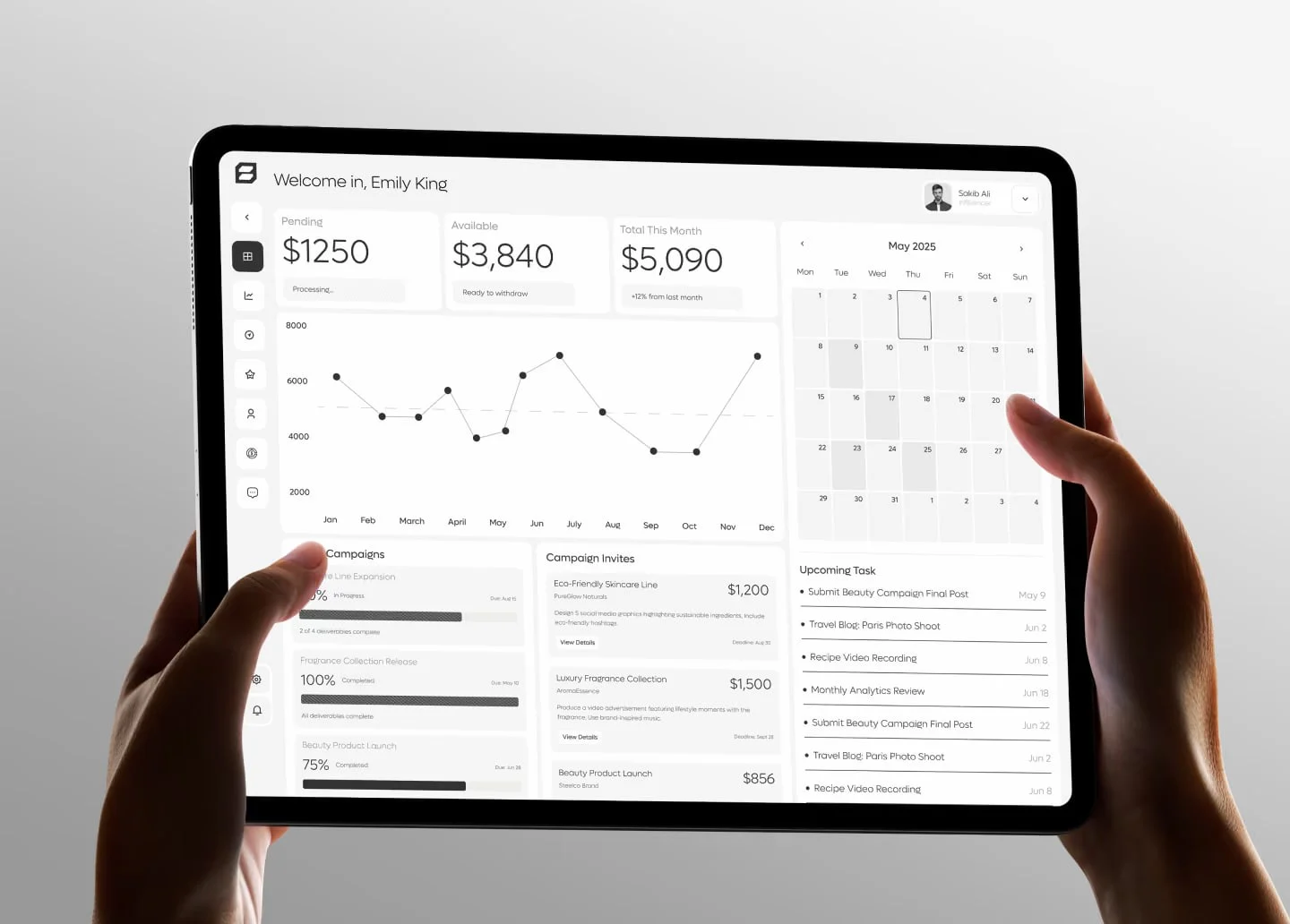
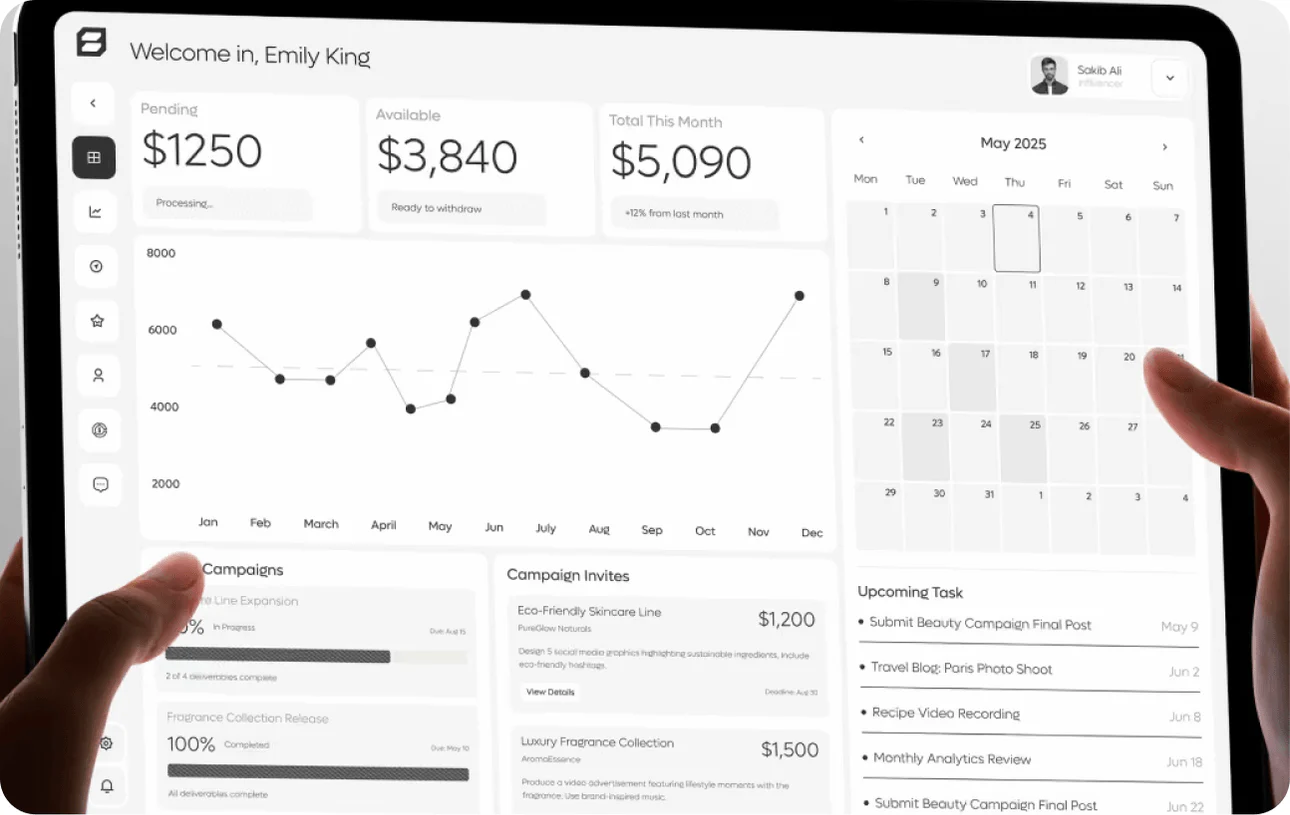
Designer reviewing a product interface on a tablet

Trusted by 125+ founders, from first raise to enterprise

  • RAK Properties
  • Telr
  • Sun Capture
  • Al Rajhi Takaful
  • Pentair
  • Axis Furniture
  • Asendia AI
  • R-Load
  • MasBirX
  • GoldMark
  • InDebted
  • boon
  • mergepoint.ai
  • Americas Retirement HQ
  • RAK Properties
  • Telr

The problem

Signs you need a UX audit

  • Trials don’t turn into customers

    Signups look healthy, but too few trials convert to paid, and nobody can point to the screen where buyers lose confidence.

  • One step loses everyone

    Users abandon signup, onboarding or checkout at the same step, every week, and the fix is still a guess.

  • Support answers the same questions

    The same “how do I…” tickets keep arriving. Each one is a usability issue nobody has written down yet.

  • The redesign didn’t move the numbers

    You shipped a new look, the product feels better, and conversion and activation stayed exactly where they were.

  • New users never reach value

    People sign up, click around and leave before the moment that makes them stay, and analytics only show that they left.

  • Something feels off and nobody agrees

    Product, design and sales each have a theory. You need an outside, evidence-based view before you spend the next sprint.

Scope of work

What our UX audit services include

A clear picture of what is broken, why it matters and what to fix first, ending with the top fixes designed, not just described.

  1. 01

    Heuristic review

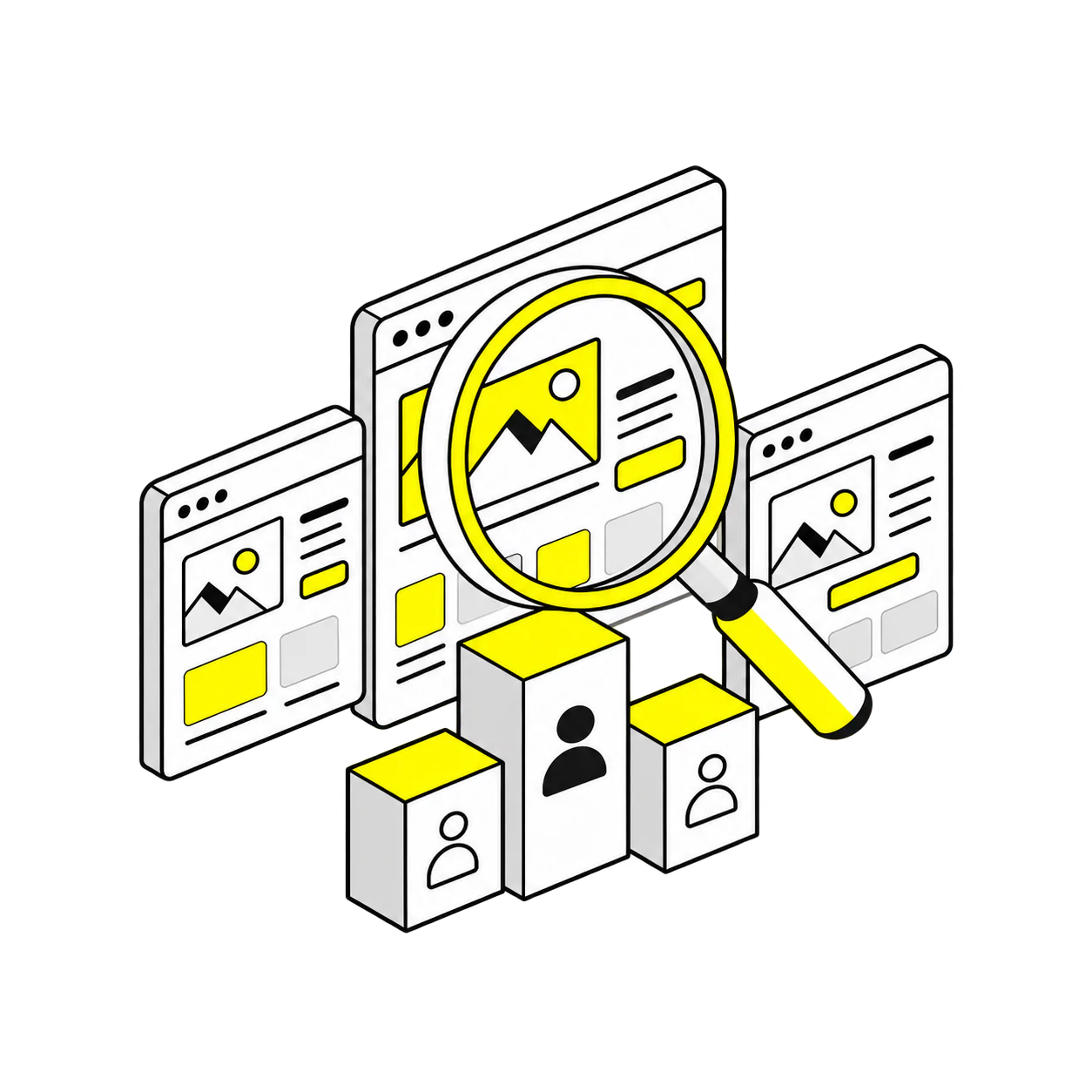
    Every key flow checked against Nielsen’s usability heuristics and SaaS patterns, with each issue tied to the screen and step where it happens.

    Heuristic review illustration for UX audit
  2. 02

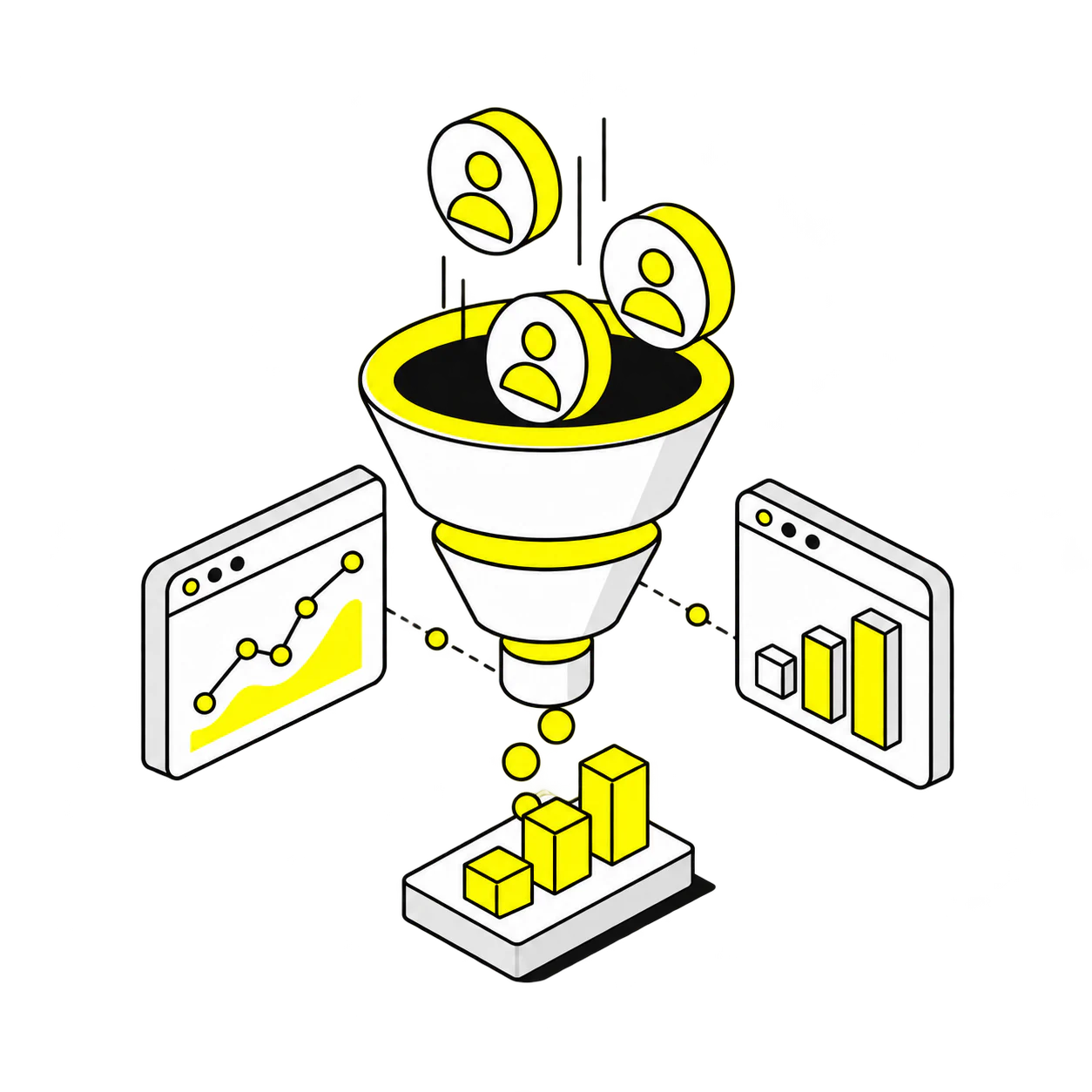
    Funnel analysis

    Your analytics funnels for signup, onboarding, activation and checkout, to show where users drop off and how many you lose at each step.

    Funnel analysis illustration for UX audit
  3. 03

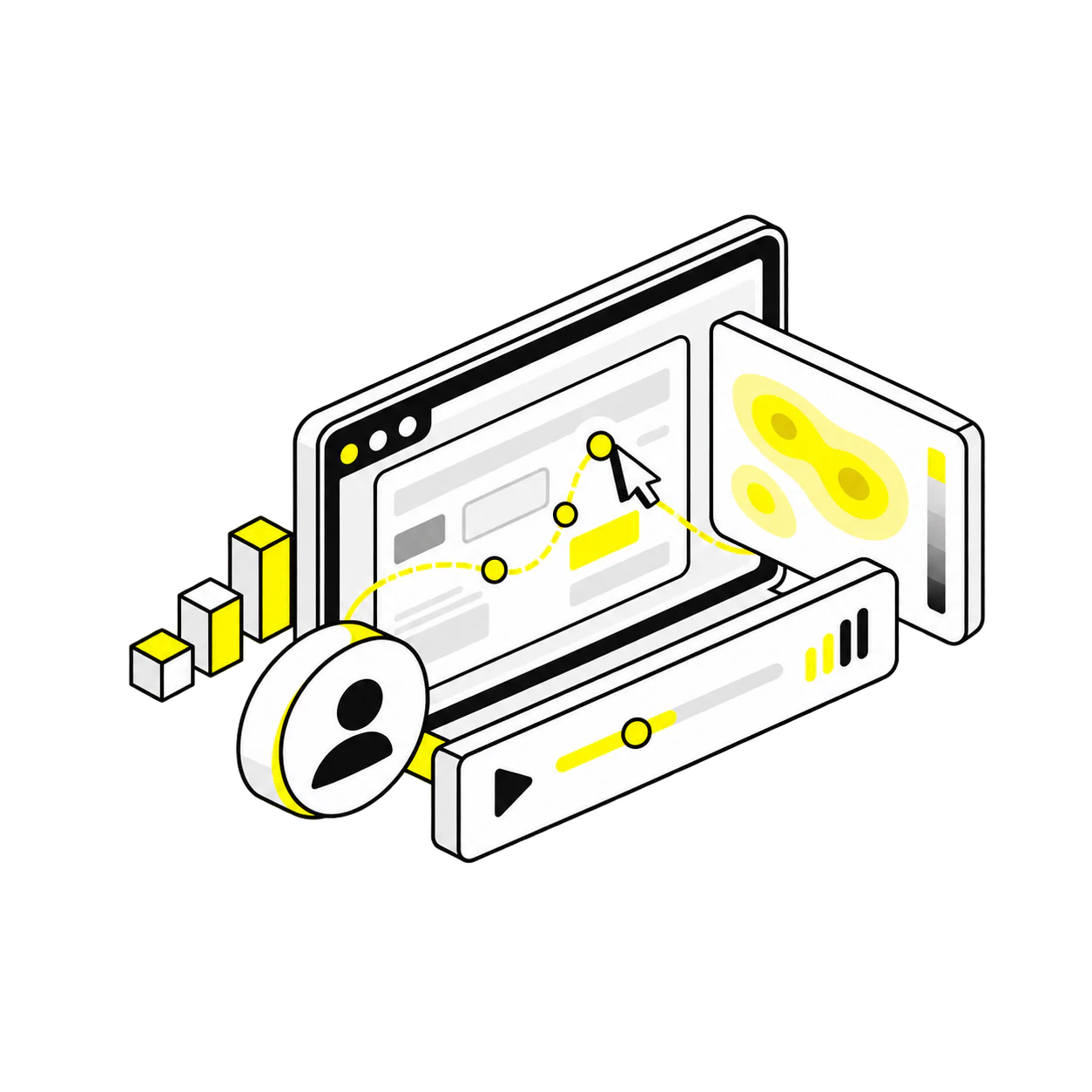
    Session review

    Real session recordings reviewed for hesitation, rage clicks, dead ends and misclicks, so findings come with evidence, not opinion.

    Session review illustration for UX audit
  4. 04

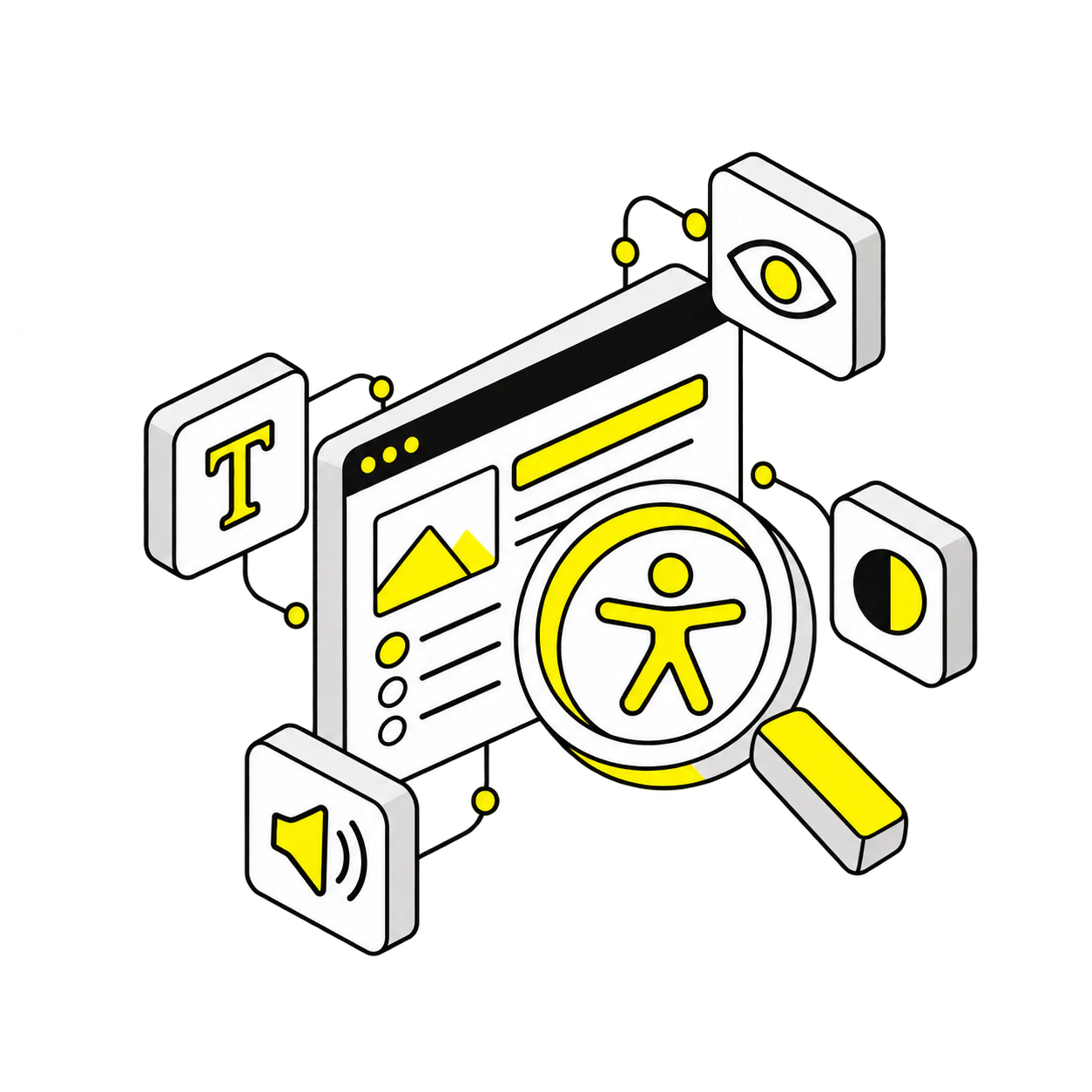
    Accessibility check

    Contrast, focus states, keyboard use and screen reader basics checked against WCAG 2.2 AA, with fixes your developers can apply.

    Accessibility check illustration for UX audit
  5. 05

    Competitor benchmark

    Your key flows compared with direct competitors and best-in-class products, so you see where you lag and where you already lead.

    Competitor benchmark illustration for UX audit
  6. 06

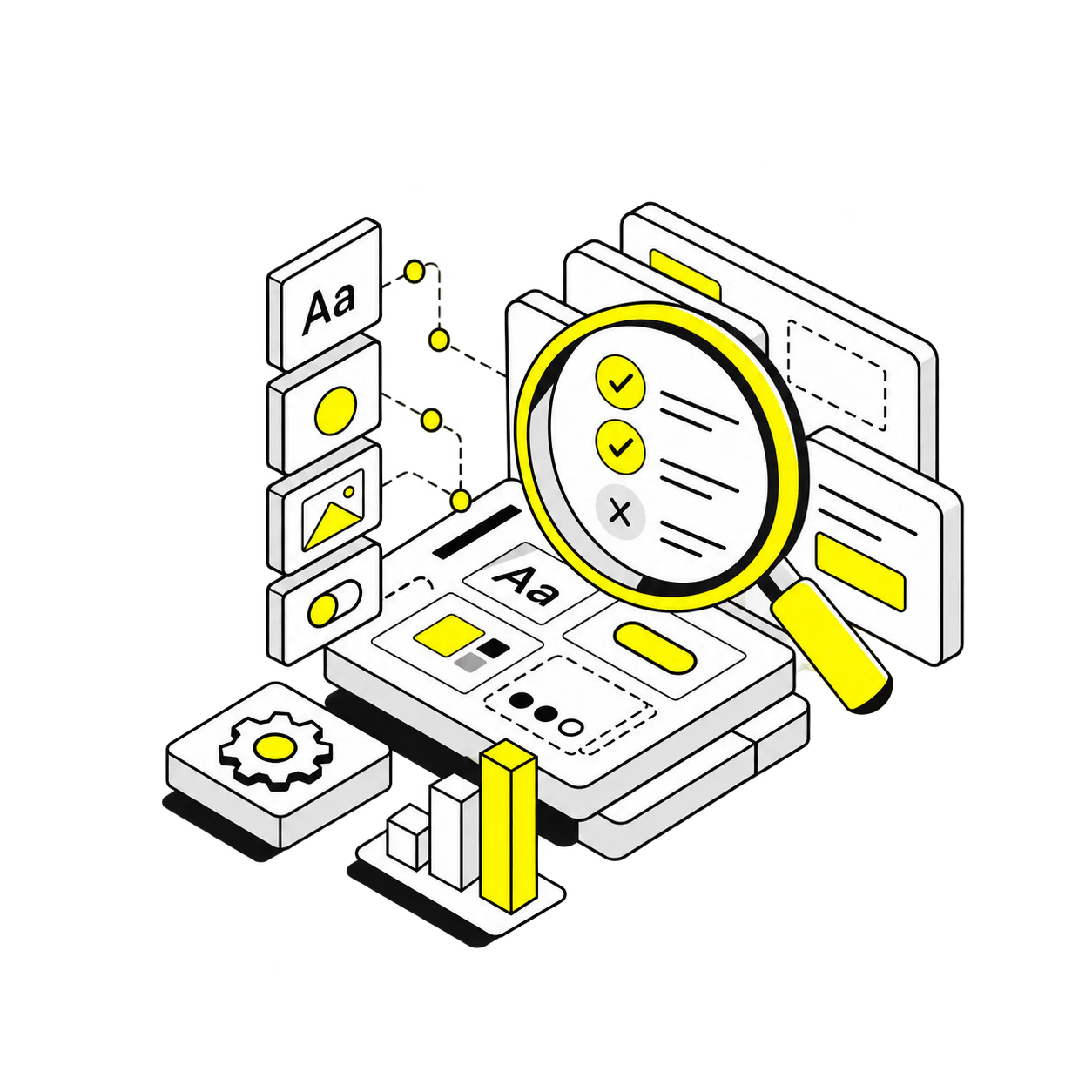
    UI consistency review

    Inconsistent buttons, spacing, type and patterns that make the product feel unfinished and quietly erode trust, listed screen by screen.

    UI consistency review illustration for UX audit
  7. 07

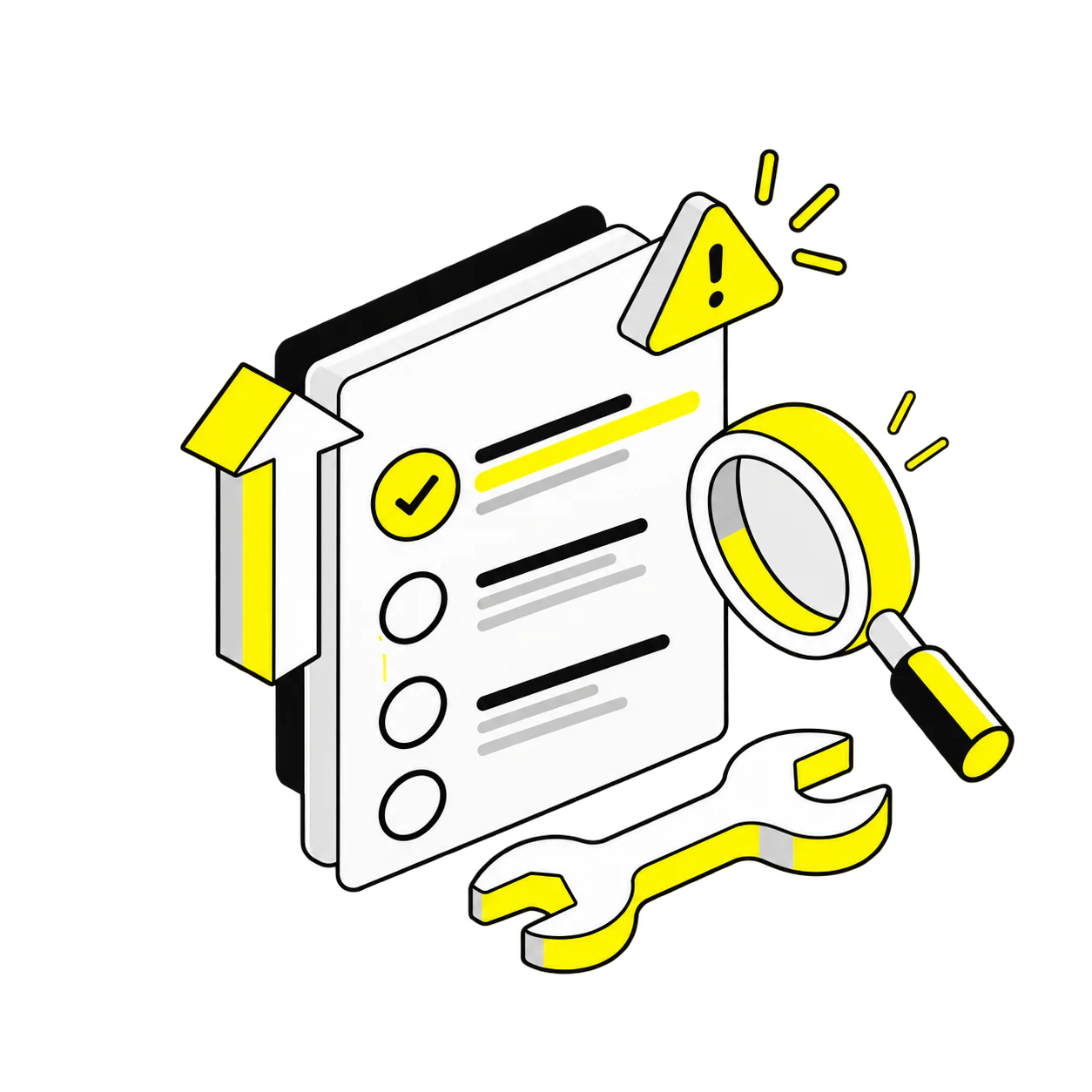
    Prioritized fix list

    Every issue ranked by user impact, business value and effort, so your team knows exactly what to ship this sprint and what can wait.

    Prioritized fix list illustration for UX audit
  8. 08

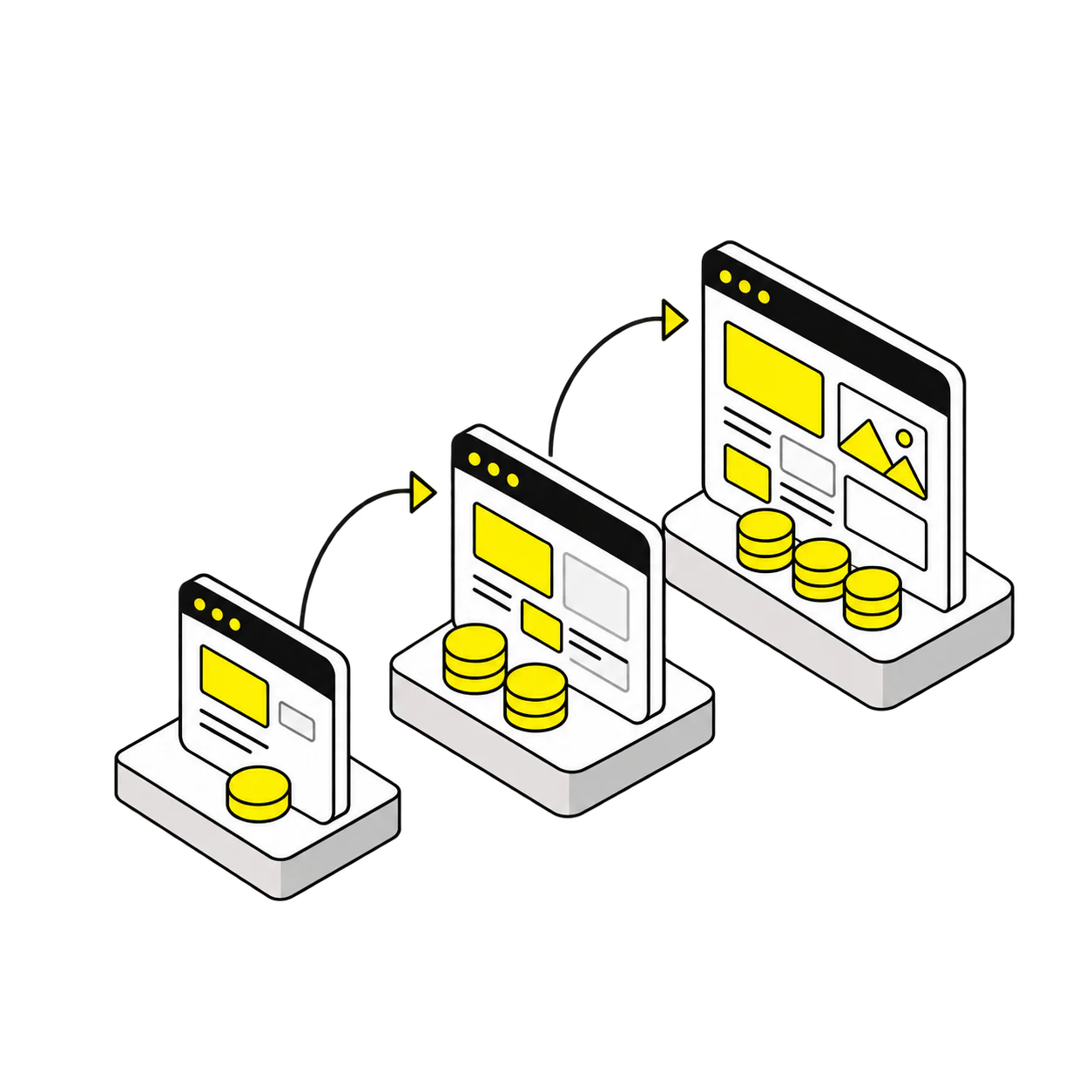
    Quick-win redesigns

    The screens behind your highest-impact issues redesigned in Figma, ready for your team to build, so the audit ends in fixes, not a to-do list.

    Quick-win redesigns illustration for UX audit

What’s included

What’s included in your UX audit

A ranked fix list and the top fixes designed, not a 90-page report nobody reads.

Get a proposal
  • Not included

    • Full product redesign (see UI/UX design)
    • Front end development
    • Ongoing analytics setup
  • Revisions and timeline

    • 1 walkthrough and Q&A call
    • 1 to 3 weeks, by scope
    • Mid-audit check-in
  • Files and handoff

    • Audit report in Figma and PDF
    • Prioritized fix backlog
    • Redesigned screens for top issues

Which do you need?

UX audit vs UX research

A UX audit is an expert review of the product you already have. UX research asks your users what they need. Both find problems; they answer different questions. Here is how to tell which one you need first.

UX audit

Expert review, fixes designed

AnswersWhat in the product is broken, and what to fix first.
You getHeuristic, funnel and session review, a ranked fix list and redesigned screens.
Best whenYour product is live and a metric is stuck.
Involves usersNo new participants; uses your analytics and recordings.
Timeline1 to 3 weeks, by scope, with a mid-audit check-in.
Ends withTop fixes designed in Figma, ready to build.
Start here ifThe question is “what is broken in what we built?”

Choose a UX audit if

Your product or website is live, a number is stuck and you need to know what to fix first. Senior designers rank every issue and redesign the screens behind the top ones in 1 to 3 weeks.

Audit my product

UX research

Learn from your users

AnswersWhy users behave the way they do, and what they need next.
You getInterviews, usability tests, surveys, personas and findings tied to decisions.
Best whenYou are deciding what to build or entering a new market.
Involves usersYes: recruited participants who match your users and buyers.
Timeline2 to 6 weeks, by scope, with weekly insight check-ins.
Ends withFindings, personas and journey maps your team keeps using.
Start here ifThe question is “what do users need?”

Choose UX research if

You need evidence from real users before you commit the roadmap. We plan the study, recruit participants and share findings every week.

See UX research services

Not sure where users get stuck? Send us a link and we’ll show you on the call.

Book a free 30-minute call with a senior designer. We’ll review your product and recommend the right scope.

Book a free call

Industries

From SaaS to e-⁠commerce: UX audits for every industry

Every industry leaks users at a different step. Open yours to see where a UX audit usually finds the problem, and product work from the same industry.

Audit my product
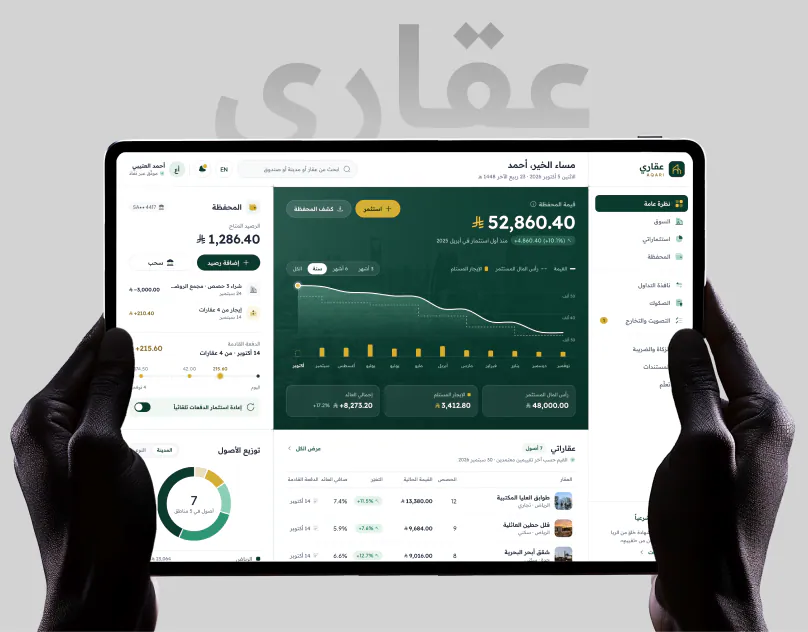
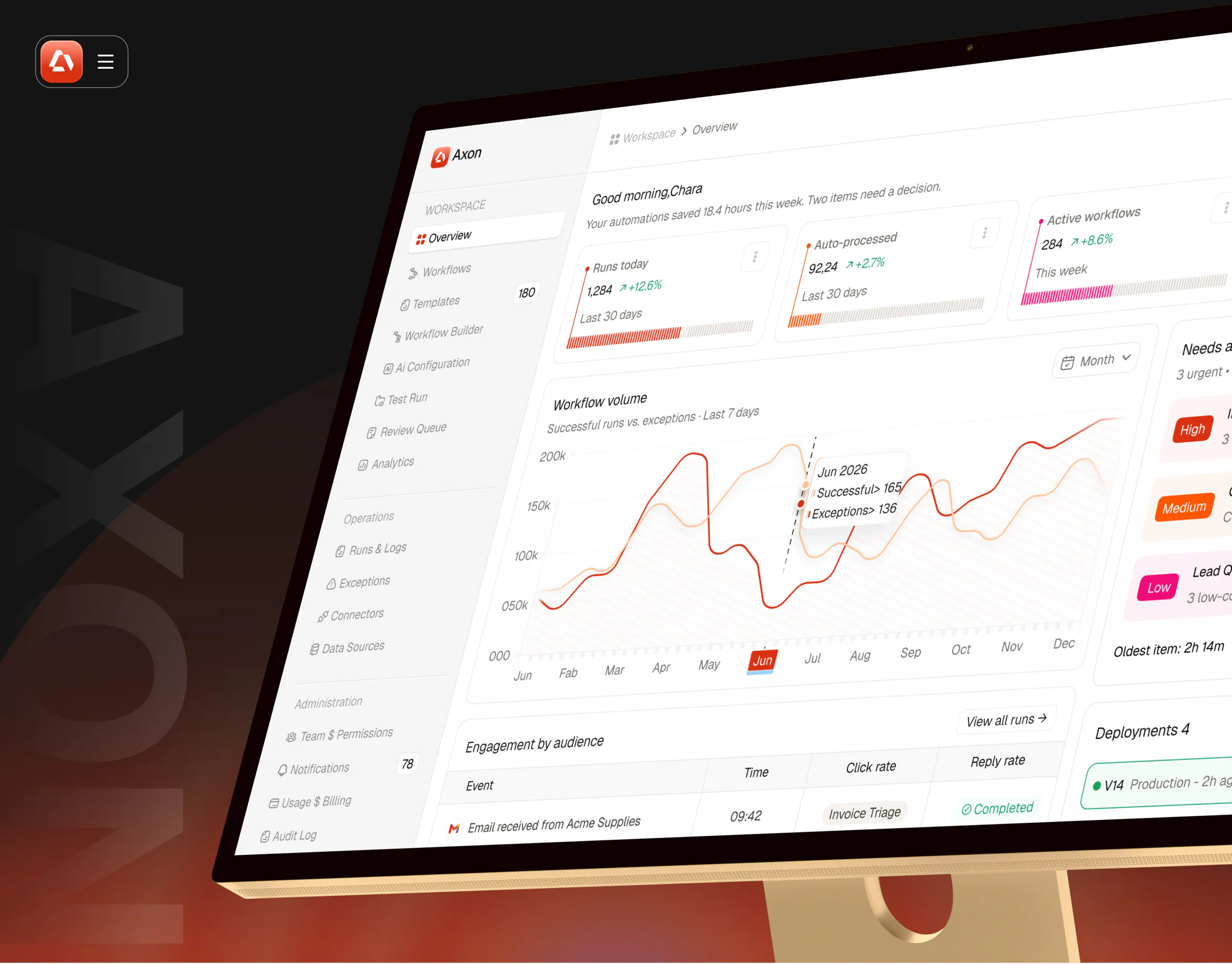
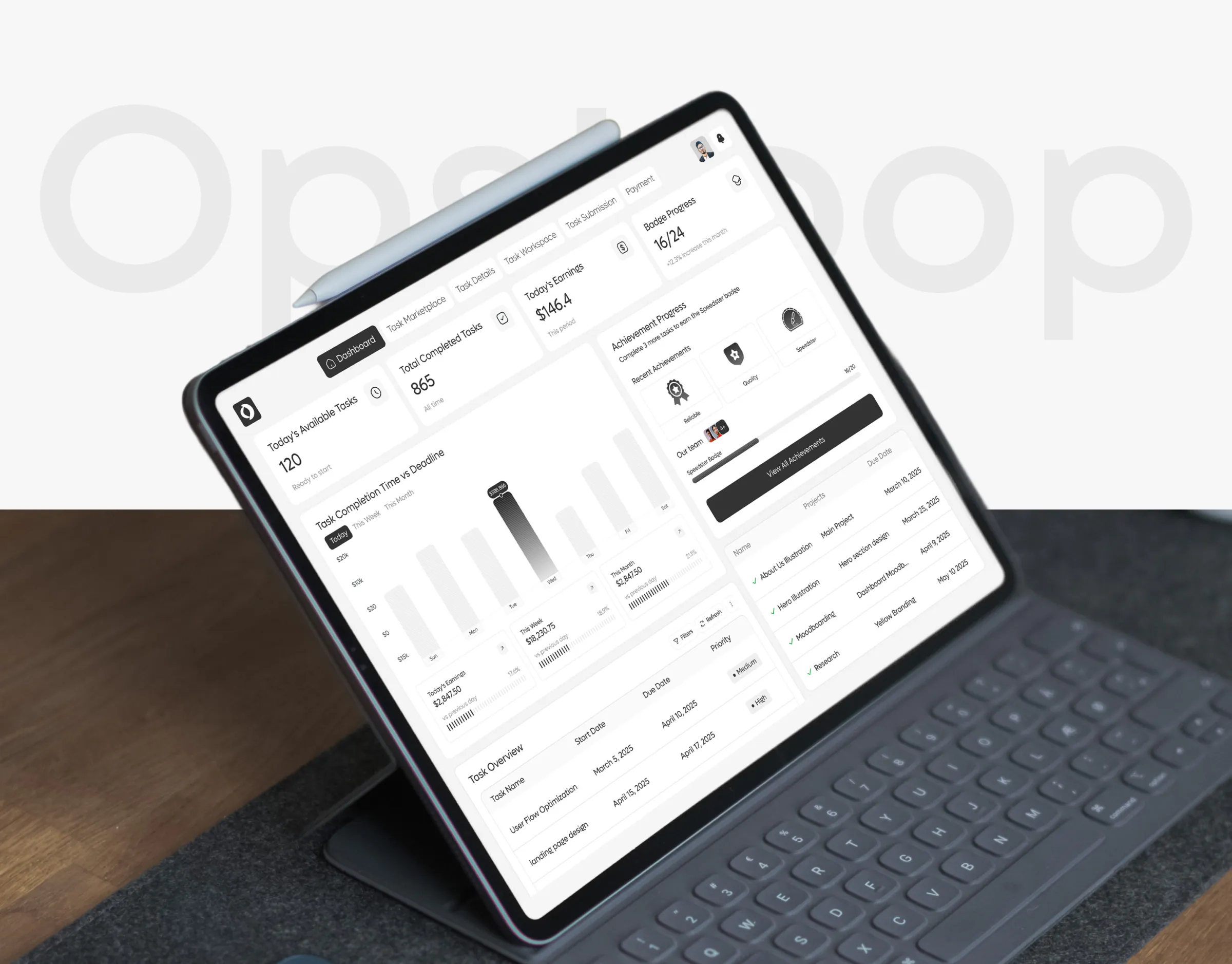
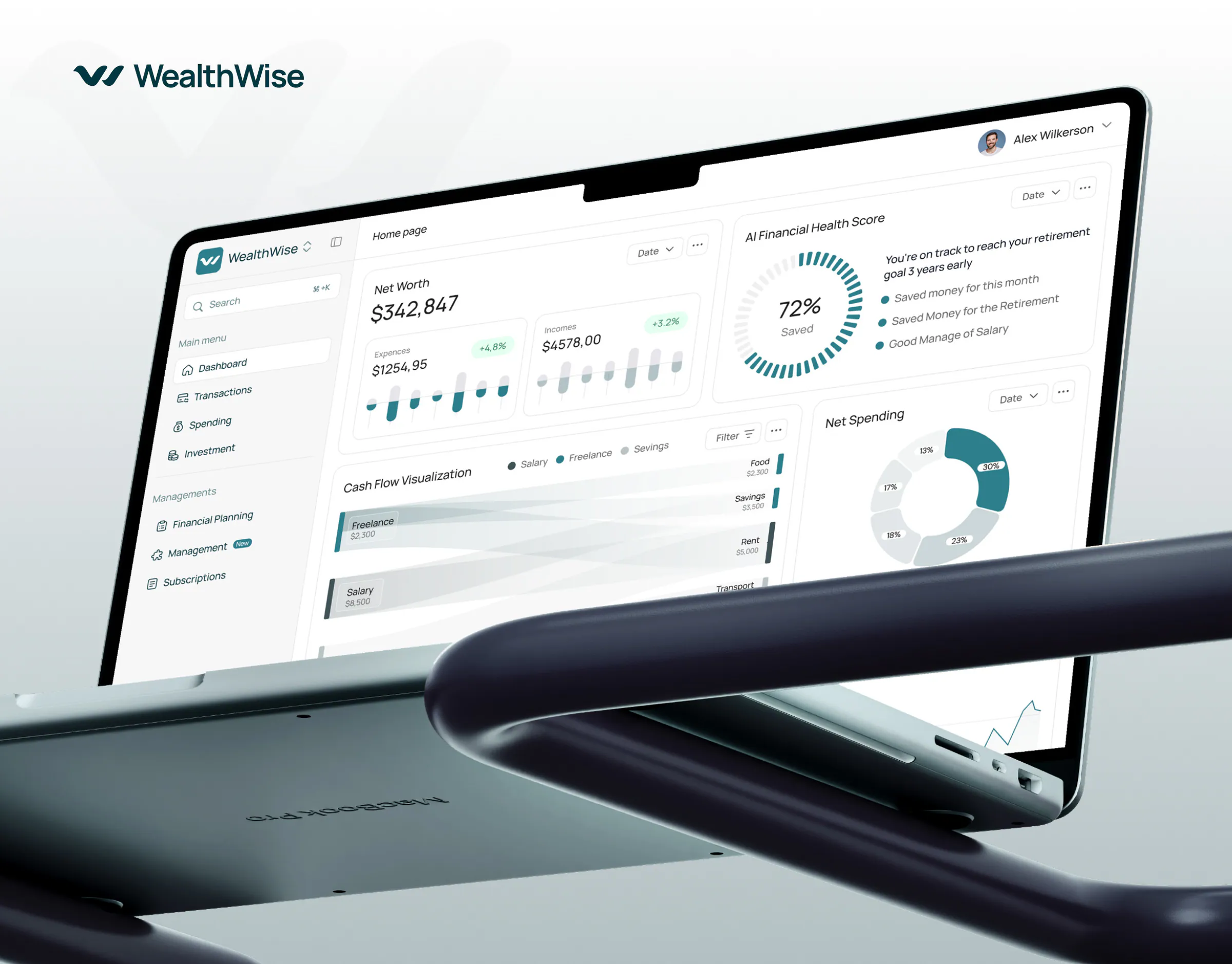
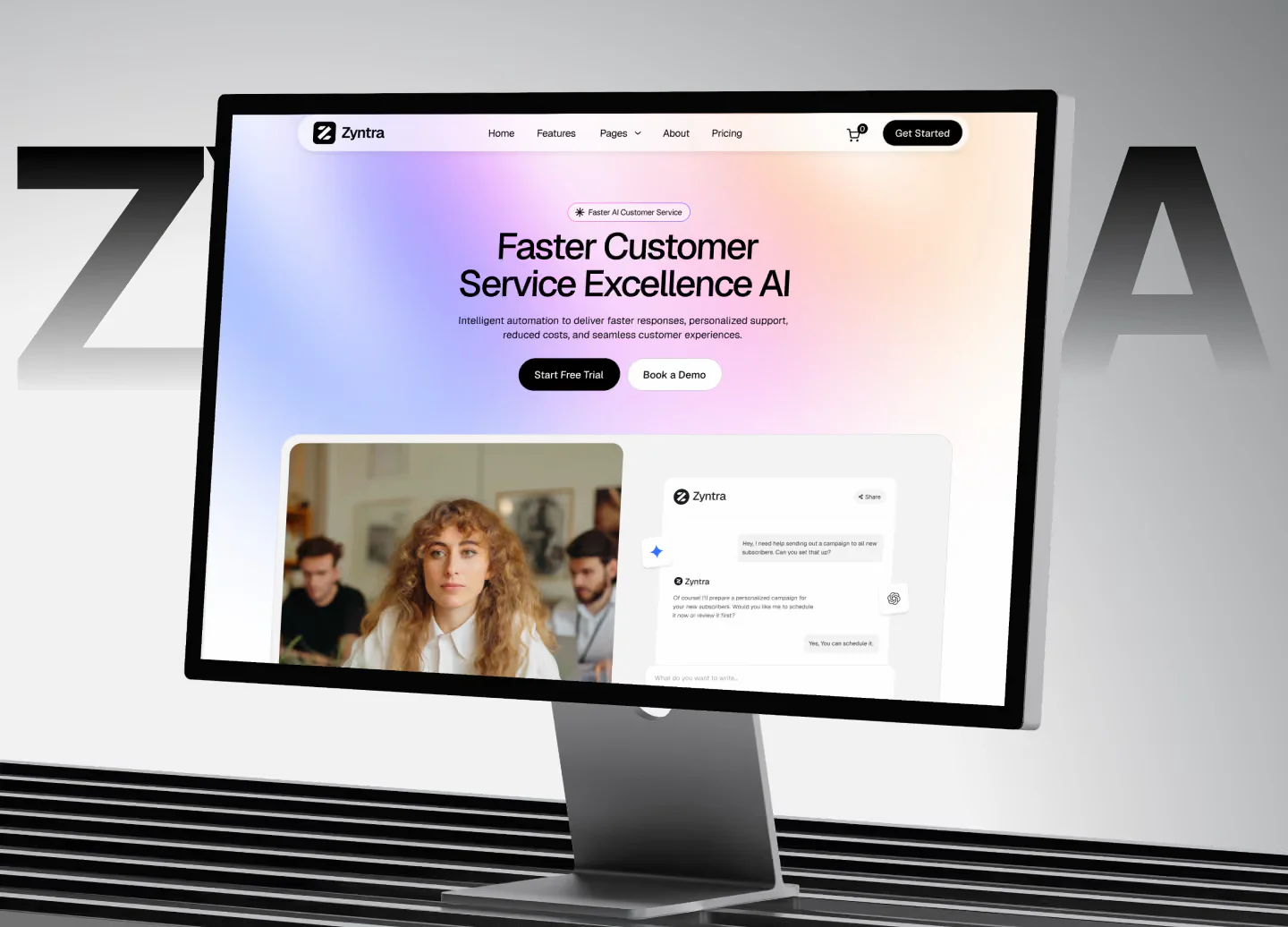
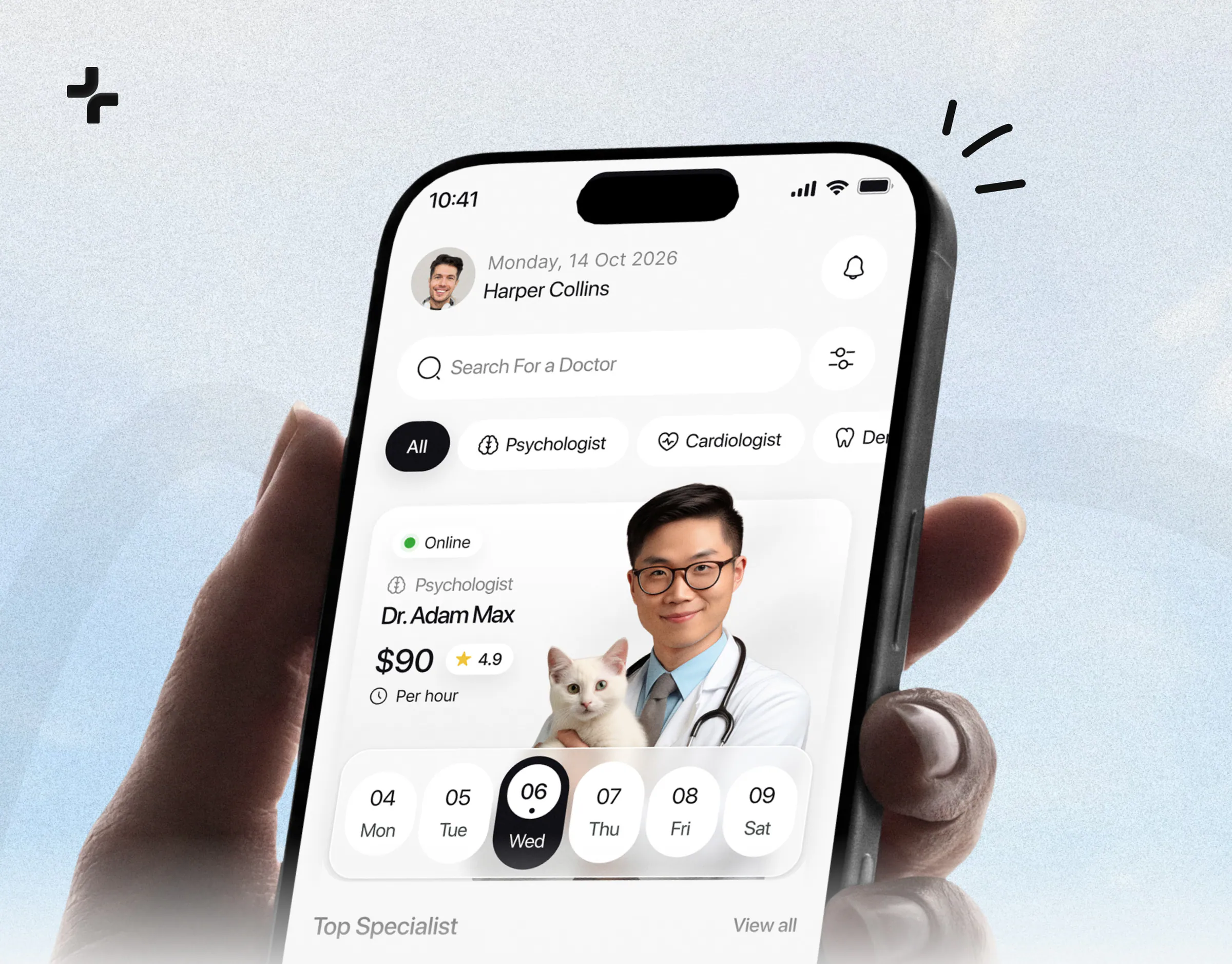
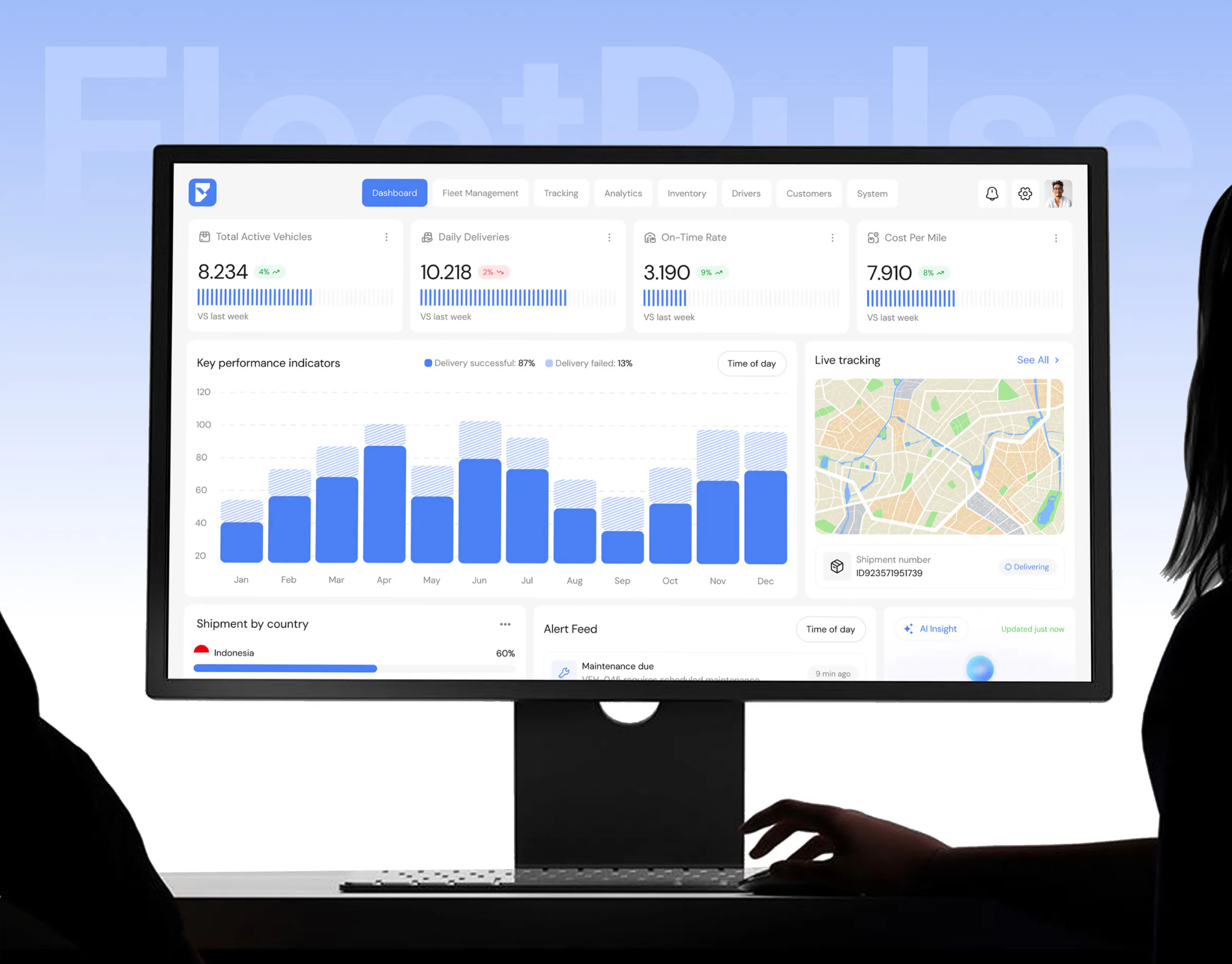
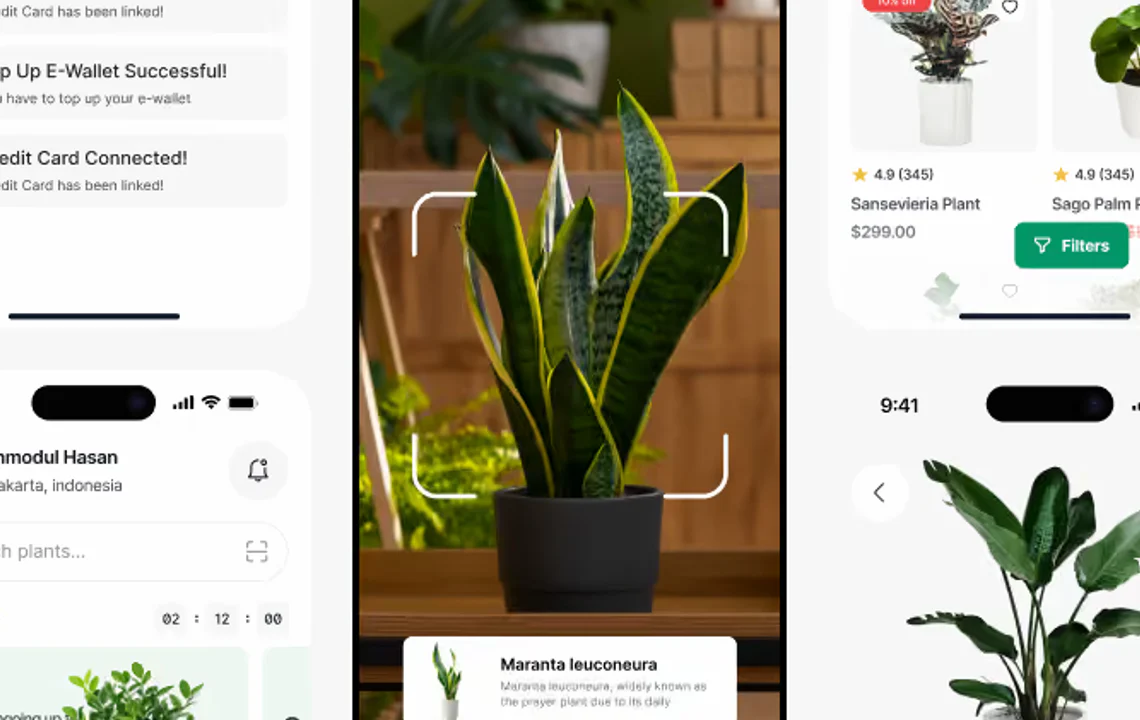
OpsLoop task dashboard on a tablet with a keyboardWealthWise finance dashboard on a curved monitorZyntra website on a desktop monitorCareUp doctor booking app on an iPhoneAxon automation dashboard on a desktop monitorLeafy Plant app screens on a phoneAQARI investment dashboard on a tablet held in two handsFleetPulse fleet dashboard on a desktop monitorRated 5.0 on ClutchSenior designers only
OpsLoopSaaS and B2B softwareWealthWiseFintech and bankingZyntraMarketing websitesCareUpHealthcareAxonAI productsLeafy PlantE-commerce and consumer appsAQARIReal estate and proptechFleetPulseLogistics and operations

SaaS and B2B software

Trials stall in onboarding, settings and the first real task. We audit the path to value, role switching and billing, and redesign the screens where trials stop converting.

OpsLoopAlignify

Fintech and banking

Verification, first deposits and transfers lose the most users. We audit trust signals, error states and fee clarity, the places where hesitation turns into abandonment.

WealthWiseZenPay

Marketing websites

Visitors leave before they understand the offer or find the next step. We audit the hero, navigation, pricing and forms against your analytics and recordings.

ZyntraUnifyIQ

Healthcare

Booking, records and messaging have to work for people under stress. We audit task completion, plain language and WCAG accessibility for patients and staff.

CareUpMediso

AI products

Users stop trusting the AI after one confusing result. We audit prompts, waiting states, explanations and controls, and show where people lose confidence.

AxonZapMail

E-commerce and consumer apps

Discovery and checkout leak the most revenue. We audit search, product pages, cart and checkout step by step, with the fixes ranked by lost orders.

Leafy PlantRoomMind AI

Real estate and proptech

Filters, listings and dashboards bury the decision. We audit how buyers, agents and investors find, compare and act, and where they give up.

AQARIEmura

Logistics and operations

Dashboards used all day hide slow, error-prone steps. We audit tables, exceptions and bulk actions, the places where a few seconds per task add up to hours.

FleetPulseCore.hr

Why Wolfpixel

Why teams choose our UX audit services

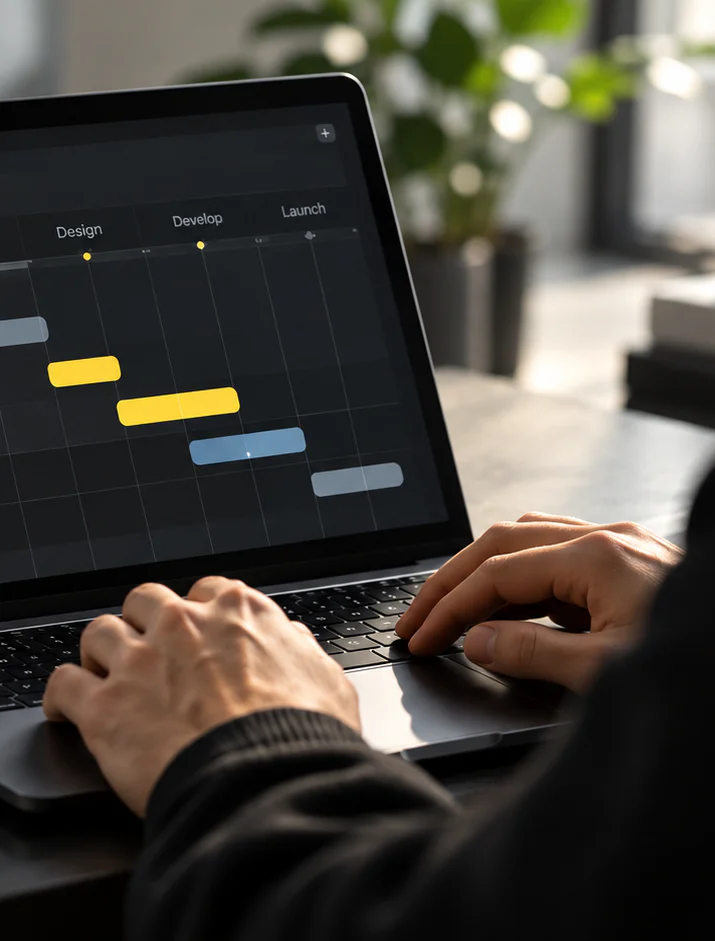
  • UX audit: a designer reviewing a dark product dashboard on a laptop

    Fixes designed, not described

    The screens behind your top issues come back redesigned in Figma, ready to build. Most audits stop at a list of problems.

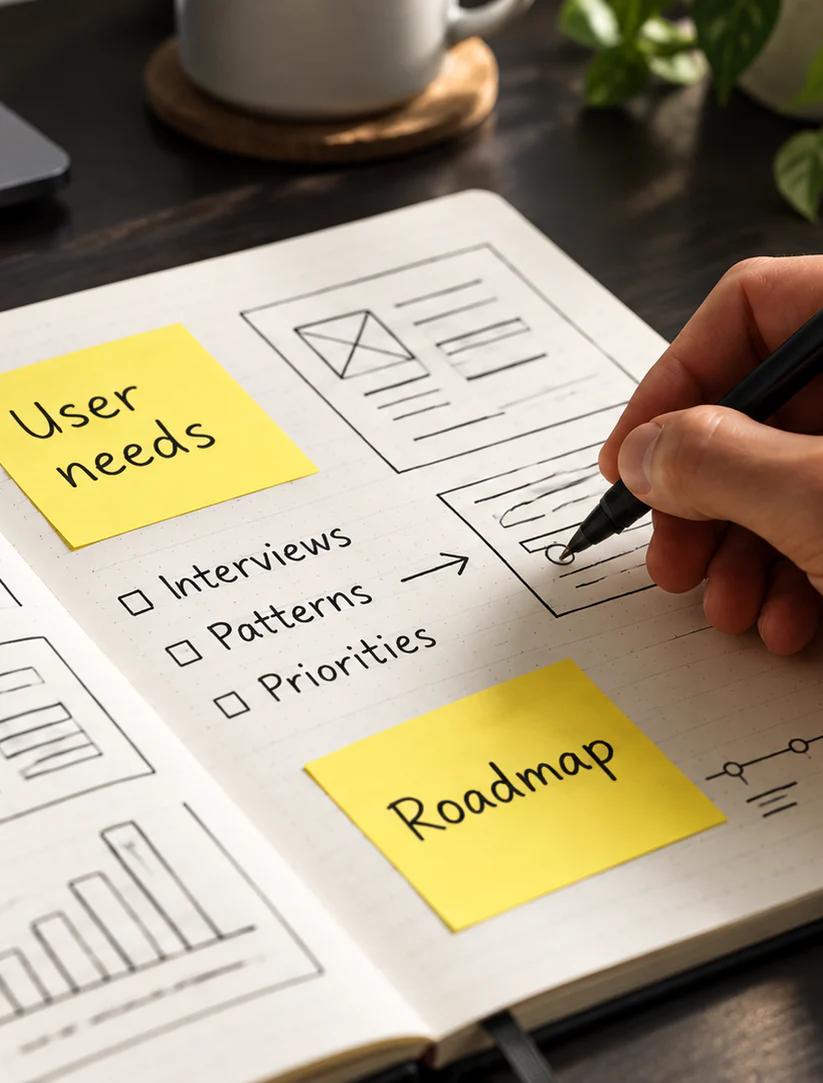
  • UX audit: user needs, priorities and roadmap notes sketched in a notebook

    Senior designers only

    Senior product designers who ship SaaS and websites run the audit and the redesigns. No juniors and no automated checklist tools.

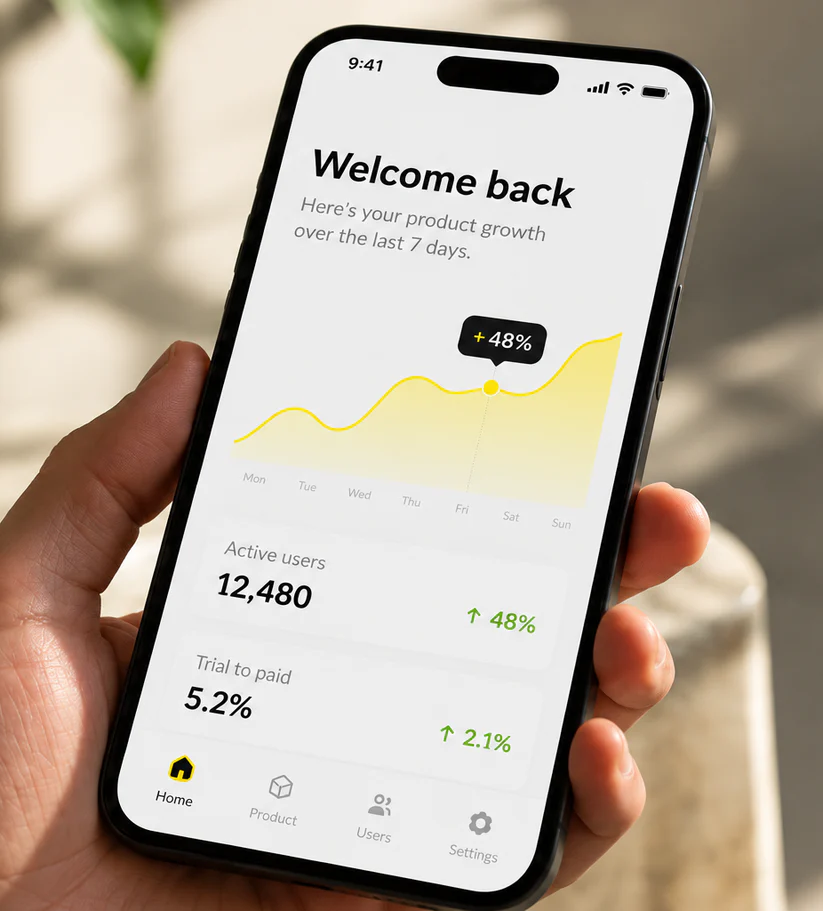
  • UX audit: a mobile app home screen with a growth chart, held in hand

    Ranked by impact and effort

    Every issue scored by user impact, business value and effort, so your team ships the fixes that move the number first.

Our UX audit process, senior-led from kickoff to fixes

  1. Kickoff

    Your goals, the metric that is stuck, the flows to audit and access to analytics and recordings, agreed in a dated plan.

    • Goals
    • Access
    • Key flows
    Step 1: Kickoff, UX audit process
  2. Review

    Heuristics, funnels, session recordings, accessibility and a competitor benchmark, with a mid-audit check-in on early findings.

    • Heuristics
    • Analytics
    • Sessions
    Step 2: Review, UX audit process
  3. Prioritize

    Every issue ranked by user impact, business value and effort in a fix backlog your team can drop straight into the sprint.

    • Impact
    • Effort
    • Backlog
    Step 3: Prioritize, UX audit process
  4. Redesign and walkthrough

    The top issues redesigned in Figma, then a walkthrough and Q&A call with your team on what to ship first.

    • Redesigns
    • Walkthrough
    • Q&A
    Step 4: Redesign and walkthrough, UX audit process
Maniruzzaman Jubayer, COO & Product Design Lead

Your UX audit, led by senior product designers

Co-founder of Wolfpixel. 7+ years shaping brands and digital products for companies worldwide.

Maniruzzaman Jubayer

COO & Product Design Lead

Founded Wolfpixel
2022
Years in Product Design
7+
Rating on Clutch
5.0
The Wolfpixel team
Wolfpixel senior designerWolfpixel senior designerWolfpixel senior designer15+Creative Minds
The Wolfpixel team at the Dhaka office

15+ creative minds, one studio in Dhaka

Why teams choose Wolfpixel

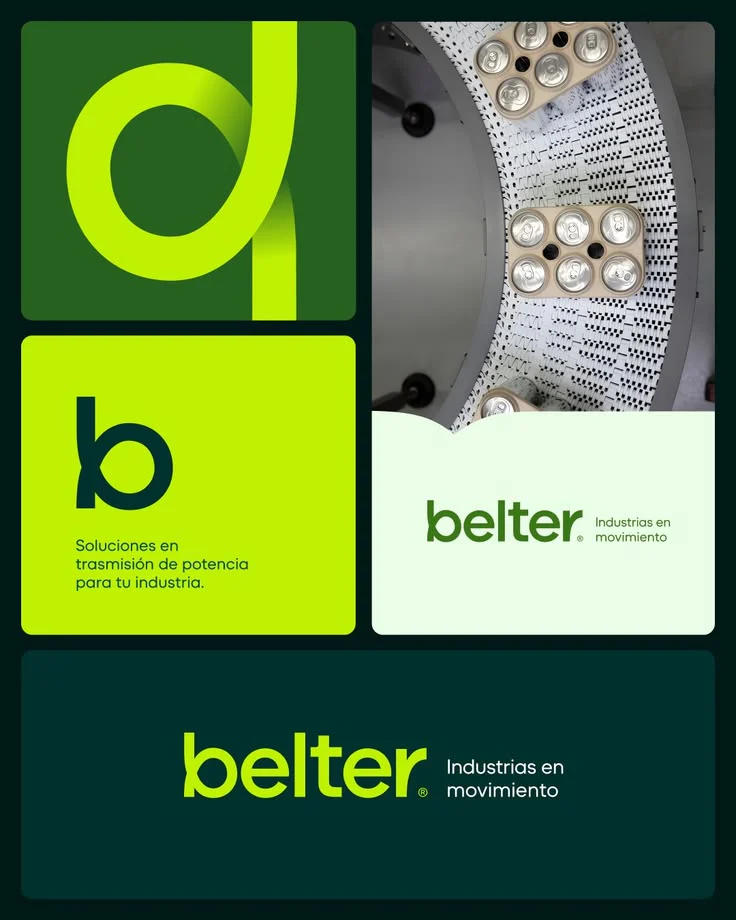
Belter brand identity applications

Senior designers only

Every project is led by a designer with 5+ years of experience.

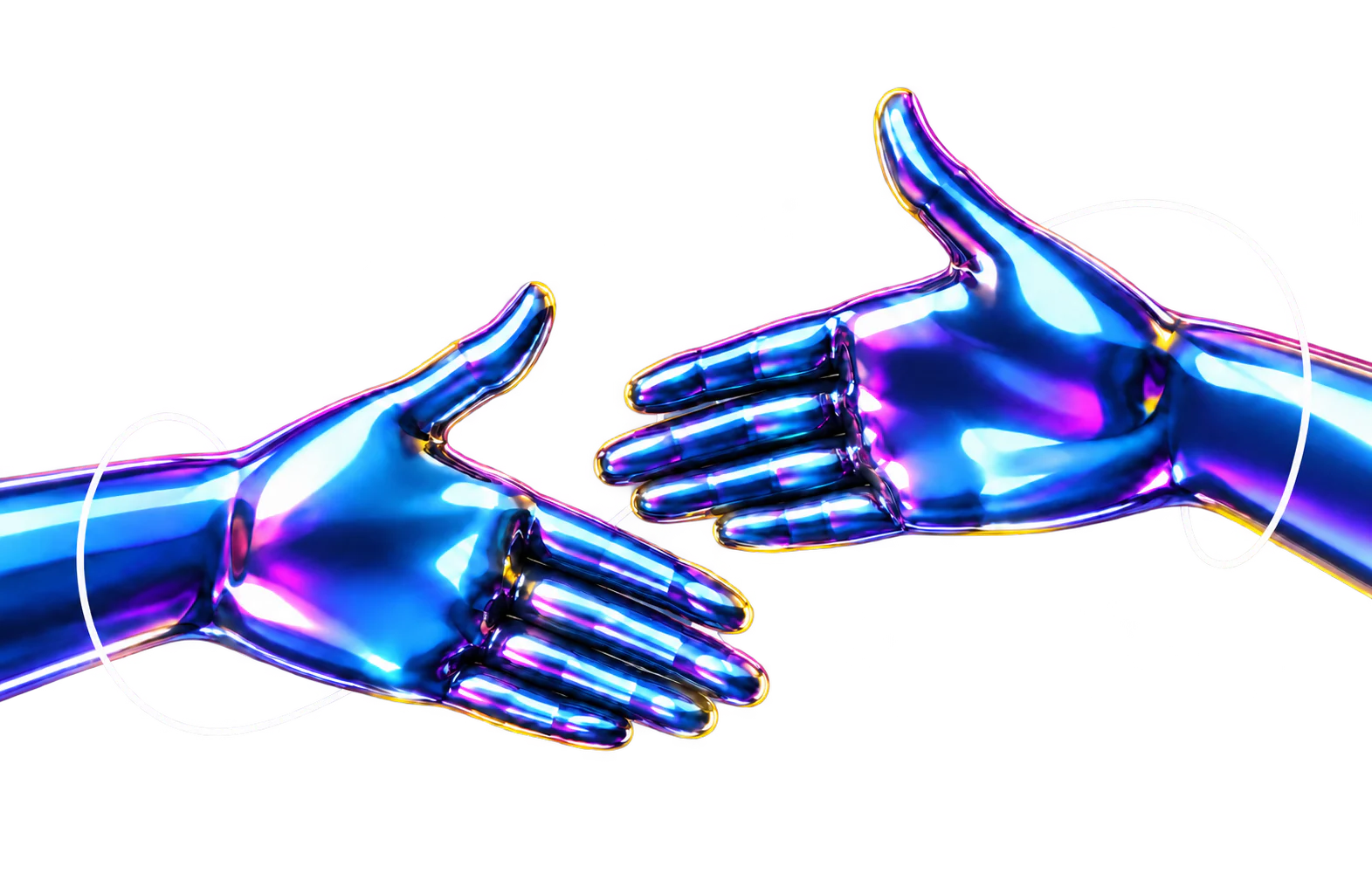
Two chrome hands reaching toward each otherDark product screen with a glossy 3D cursor

Brand to product

We also design your website, dashboard and app, so it all feels like one company.

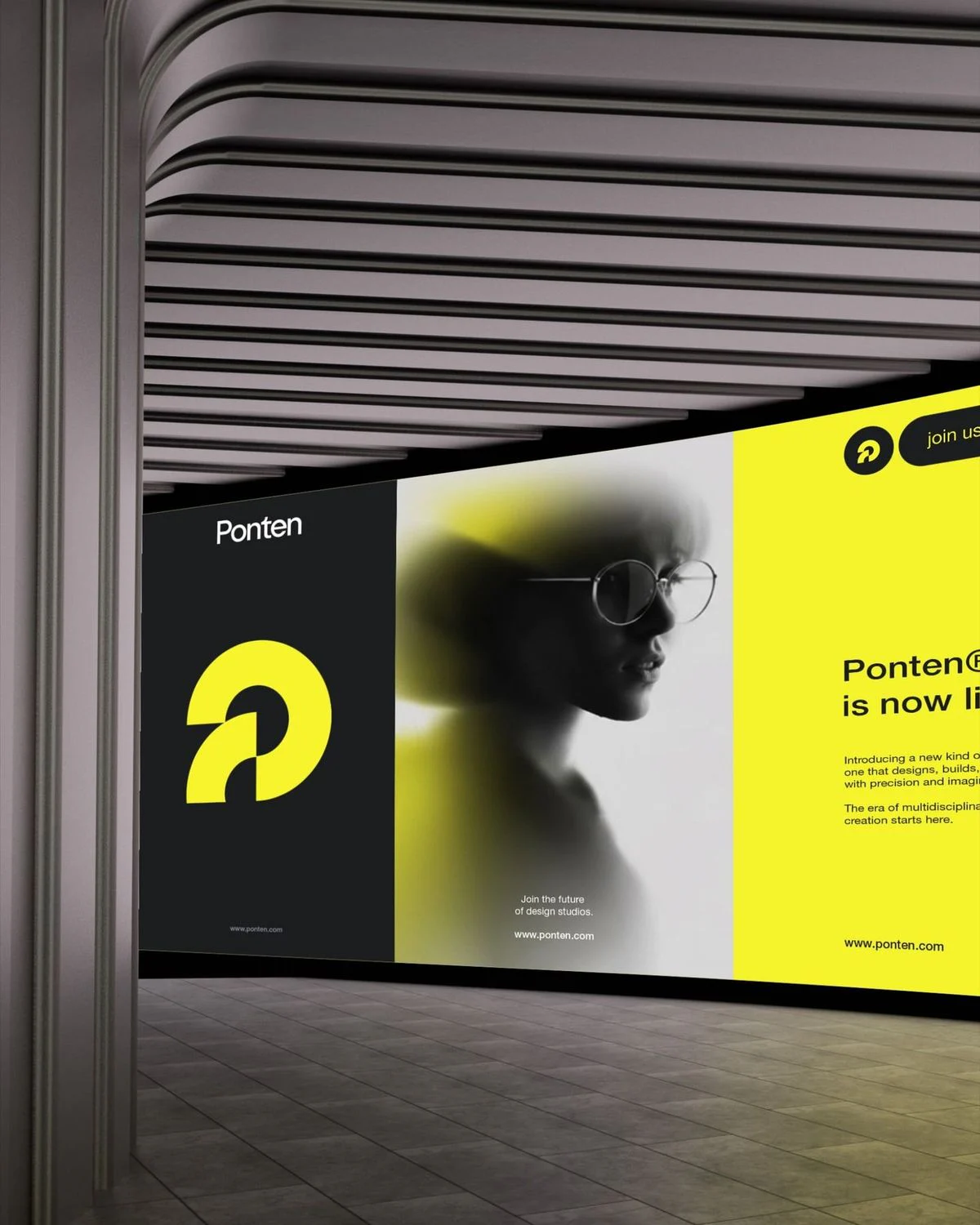
Ponten brand signage in an office

Strategy first

We speak product, pipeline and fundraising, not just aesthetics.

Slofin fintech brand with a woman holding a card

AI-accelerated workflow

AI speeds up research and exploration. Senior designers make every call.

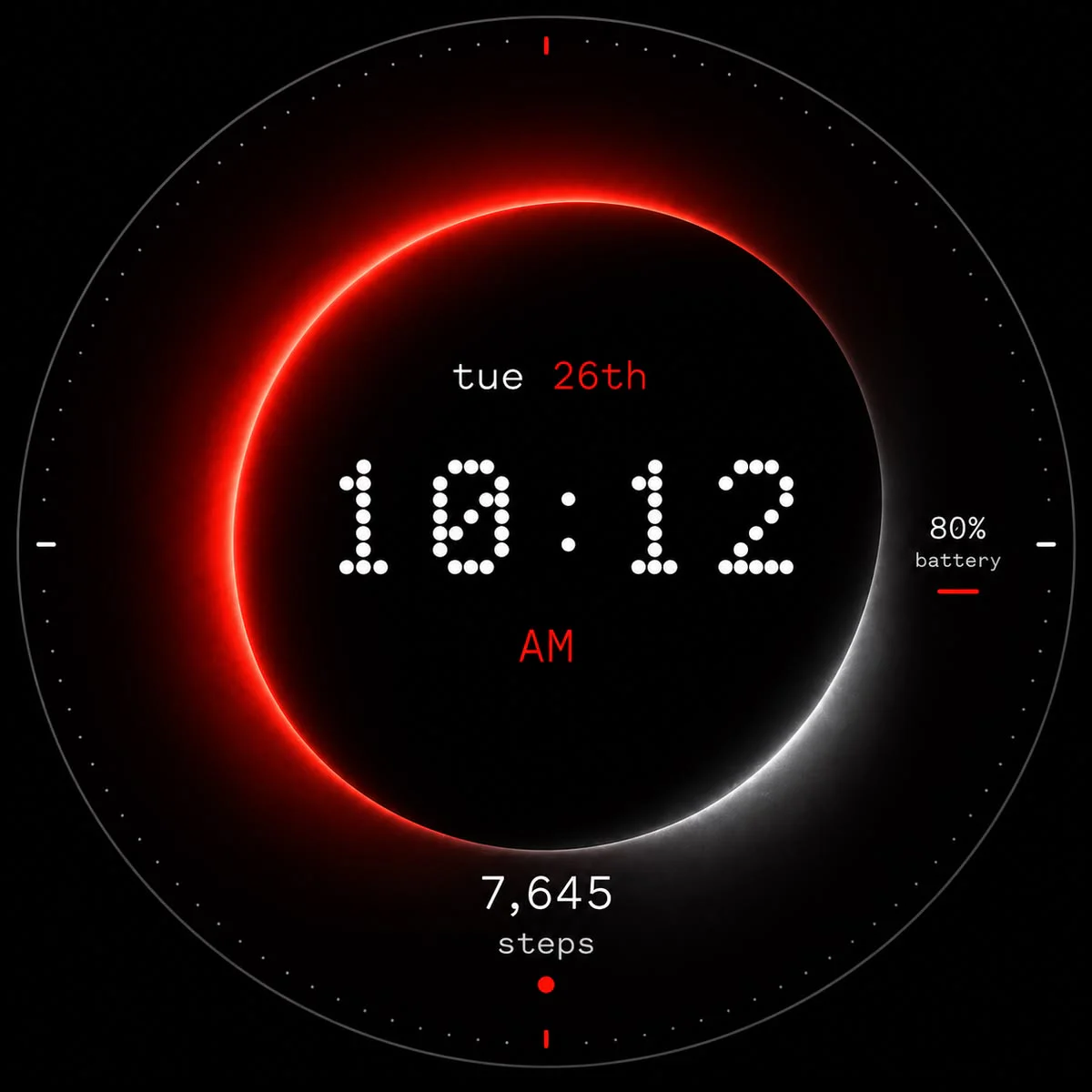
Smartwatch interface design

Design to live code

Dev-ready files, or we build it in Webflow, Framer or React.

Phone home screen showing an app icon

Direct communication

Talk directly with the designers doing the work.

Why Wolfpixel

Wolfpixel vs the alternatives

How Wolfpixel compares with in-house teams, creative agencies, freelancers and AI tools
OptionStrategyReliabilitySpeedScalingFlexibilityValue
WolfpixelSenior brand and product designers working as one embedded team, with systems behind every project.YesYesYesYesYesYes
In-house teamStrong on context, but rarely covers brand, product and web at once, and hiring for the gaps is slow.YesYesYesYesNoNo
Creative agencyTraditional agencies can be slow and process heavy, with junior hands on the work you were sold.YesYesNoNoNoNo
Freelancer / small agencyCheap to start and flexible, but hard to scale and quality swings from one project to the next.NoNoNoNoYesNo
AI tools onlyFast and cheap, but without human judgment and brand context it falls short on quality and strategy.NoNoYesYesNoYes
  • WolfpixelSenior brand and product designers working as one embedded team, with systems behind every project.
    • YesStrategy
    • YesReliability
    • YesSpeed
    • YesScaling
    • YesFlexibility
    • YesValue
  • In-house teamStrong on context, but rarely covers brand, product and web at once, and hiring for the gaps is slow.
    • YesStrategy
    • YesReliability
    • YesSpeed
    • YesScaling
    • NoFlexibility
    • NoValue
  • Creative agencyTraditional agencies can be slow and process heavy, with junior hands on the work you were sold.
    • YesStrategy
    • YesReliability
    • NoSpeed
    • NoScaling
    • NoFlexibility
    • NoValue
  • Freelancer / small agencyCheap to start and flexible, but hard to scale and quality swings from one project to the next.
    • NoStrategy
    • NoReliability
    • NoSpeed
    • NoScaling
    • YesFlexibility
    • NoValue
  • AI tools onlyFast and cheap, but without human judgment and brand context it falls short on quality and strategy.
    • NoStrategy
    • NoReliability
    • YesSpeed
    • YesScaling
    • NoFlexibility
    • YesValue

What founders say about working with us

Ready for a UX audit that ends in designed fixes?

Book a free 30-minute call with a senior designer. We’ll review your product and recommend the right scope.

Book a free call

Common questions

Frequently asked questions

Maniruzzaman JubayerMasuder Rahaman

Still have questions?

Tell us about your project and we’ll say if we’re a fit.

What is a UX audit?

A UX audit is an expert review of your product or website against usability heuristics, your analytics and real session recordings. It finds where users struggle, explains why, and ranks what to fix first. Ours also redesigns the screens behind the highest-impact issues, so you finish with fixes ready to build.

How much does a UX audit cost?

A UX audit is a fixed-scope project, so you know the full price before we start. Industry guides put a full SaaS UX audit at roughly $8,000 to $25,000 and a single-flow audit lower; our price depends on the number of flows, platforms and user roles. We share a written quote after a free 30-minute call or within 4 business hours of your brief.

How long does a UX audit take?

Most UX audits take 1 to 3 weeks, depending on scope. A single flow, such as onboarding or checkout, sits at the short end; a full product with several user roles at the long end. You get a dated plan after the first call and a mid-audit check-in on early findings.

Do we get designs, or just recommendations?

Both. Every issue comes with a recommendation in the ranked fix list, and the screens behind your highest-impact issues are redesigned in Figma, ready for your team to build. A full product redesign is a separate project.

What do I get at the end?

An audit report in Figma and PDF with annotated screens, a fix backlog ranked by user impact, business value and effort, redesigned screens for the top issues and a walkthrough call with your team. You own all files and IP on delivery, and we sign an NDA before you share details.

Who does the audit?

Senior product designers with 5+ years of experience shipping SaaS products and websites, reviewed by our product design lead. The same people who find the issues redesign the fixes. No juniors and no automated checklist tools.

Can you audit just one flow?

Yes. Many teams start with the flow that hurts most, such as signup, onboarding, checkout or the upgrade path. A single-flow audit is faster and cheaper, and you can extend it to the rest of the product later.

Do you audit websites as well as products?

Yes. We audit SaaS products, web apps, mobile apps and marketing websites, including navigation, pricing pages, forms and the path from landing page to signup.

What do you need from us?

Access to the product or a staging environment, your analytics and session recordings if you have them, the metric you want to move and 30 minutes with someone who knows the product. If analytics are not set up, we audit from heuristics and recordings and tell you what to track.

What is the difference between a UX audit and UX research?

A UX audit is an expert review of what you have built, using your data and recordings, with no new participants. UX research learns from your users through interviews, tests and surveys. Start with an audit when a live metric is stuck; start with research when you are deciding what to build.

What happens after the audit?

We walk your team through the findings on a Q&A call. You can ship the fixes yourselves from the backlog and the redesigned screens, or we design and build the rest with you as a UI/UX design project.

Do you check accessibility?

Yes. Contrast, focus states, keyboard use and screen reader basics are checked against WCAG 2.2 AA as part of every audit, with fixes your developers can apply.

How many revisions do I get?

The audit plan and the redesigned screens have unlimited revisions. If two rounds and a reset call do not land the brief, you don’t pay for that brief.

Do you work with companies outside Bangladesh?

Yes. The team is based in Dhaka and audits products and websites for companies in the US, the UK, the EU and the UAE. Audits run remotely, with the check-in and walkthrough on video.

Let’s talk

Ready to start your project?

  1. 1Book a free 30-minute call
  2. 2Get a clear scope and timeline
  3. 3Sign the agreement and NDA
  4. 4Kick off with your senior team
Maniruzzaman Jubayer

Maniruzzaman Jubayer

COO & Co-founder

I’m interested in:
Project budget

  • WebflowWebflow Professional Partner
  • BehanceFeatured 25 times on Behance
  • DribbbleTop Product Design Agency on Dribbble
  • Clutch, 5 stars5.0 rating on Clutch

Book a free call

Step 1 of 2

Pick a day