Design system agency for SaaS & product teams

A design system agency that tests every component on a real feature

Most design systems are built in a vacuum and ignored by the second sprint. Senior product designers build yours while designing your next real feature, and the project is done only when your developers ship a screen with it.

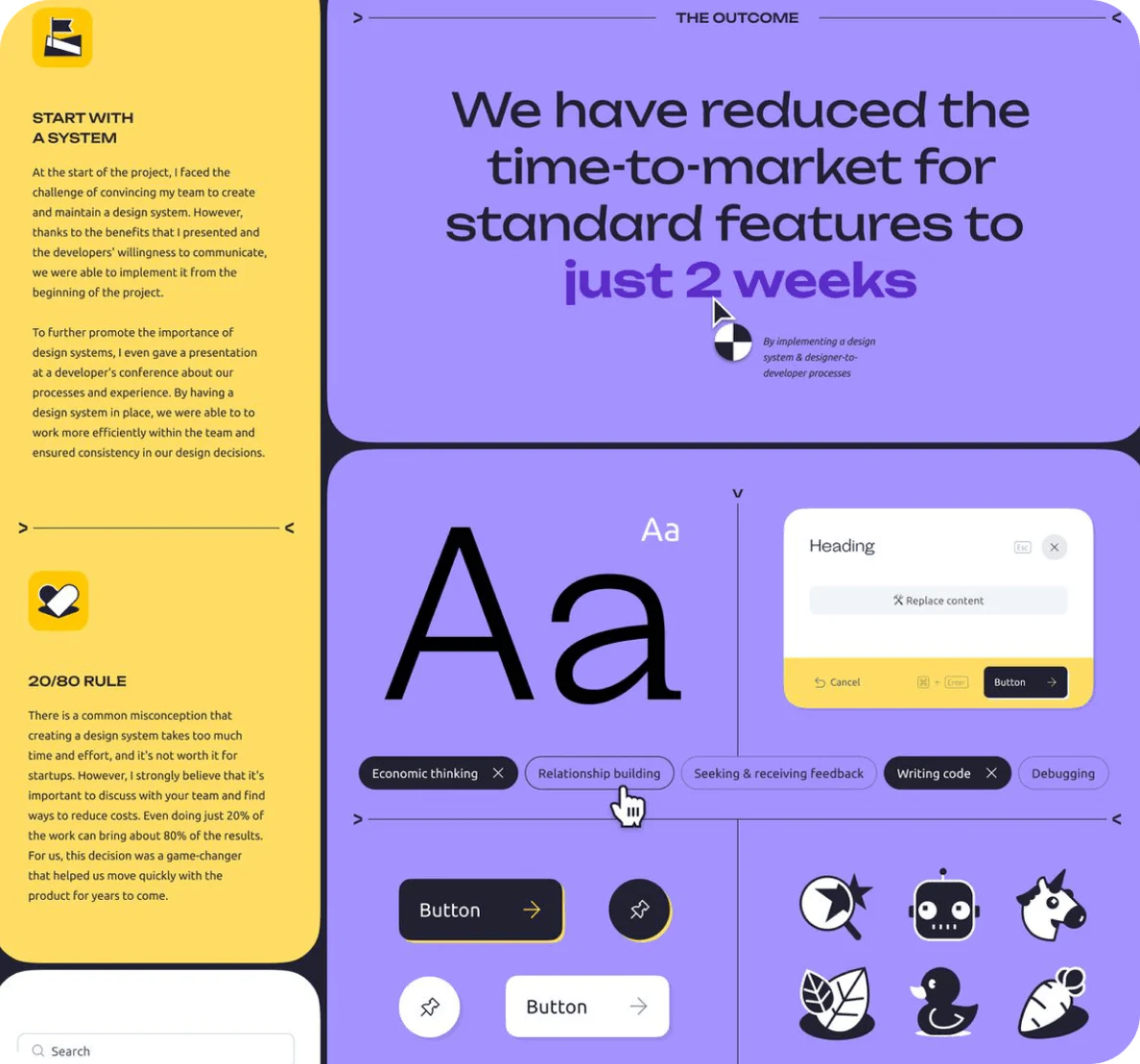
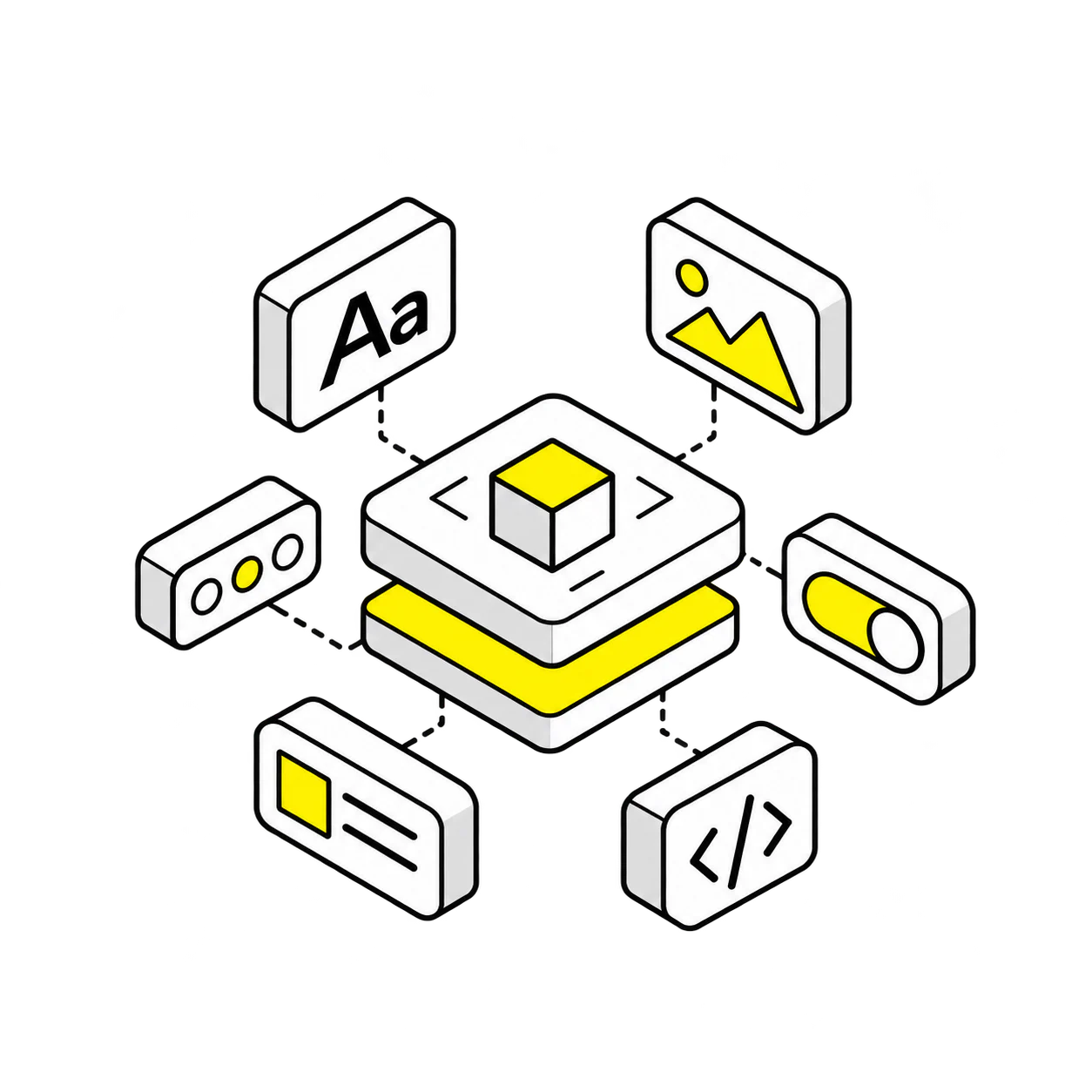
Design system documentation with type scale and components

Trusted by 125+ founders, from first raise to enterprise

  • RAK Properties
  • Telr
  • Sun Capture
  • Al Rajhi Takaful
  • Pentair
  • Axis Furniture
  • Asendia AI
  • R-Load
  • MasBirX
  • GoldMark
  • InDebted
  • boon
  • mergepoint.ai
  • Americas Retirement HQ
  • RAK Properties
  • Telr

The problem

Signs you need a design system agency

  • Five versions of the same button

    Every designer and every squad has its own button, input and modal, and none of them match what is in production.

  • Figma and code tell different stories

    Colors, spacing and components in the design file drift from the ones in the codebase, so every handoff ends in a correction.

  • New designers take weeks to ramp up

    Rules live in people’s heads and old files, so each new hire learns the product by asking, not by reading.

  • Growth exposed the gaps

    More squads, more products or a second brand, and the patterns that worked for one team now break in five places.

  • Dark mode or a rebrand is a rewrite

    Colors are hard-coded, so any theme, white-label client or brand refresh means touching hundreds of screens by hand.

  • Every feature starts from scratch

    Tables, forms, empty states and onboarding are redesigned each time, and sprints slow down as the product grows.

Scope of work

What our design system services include

Everything your team needs to design and build from one source of truth, starting from the product you already have.

  1. 01

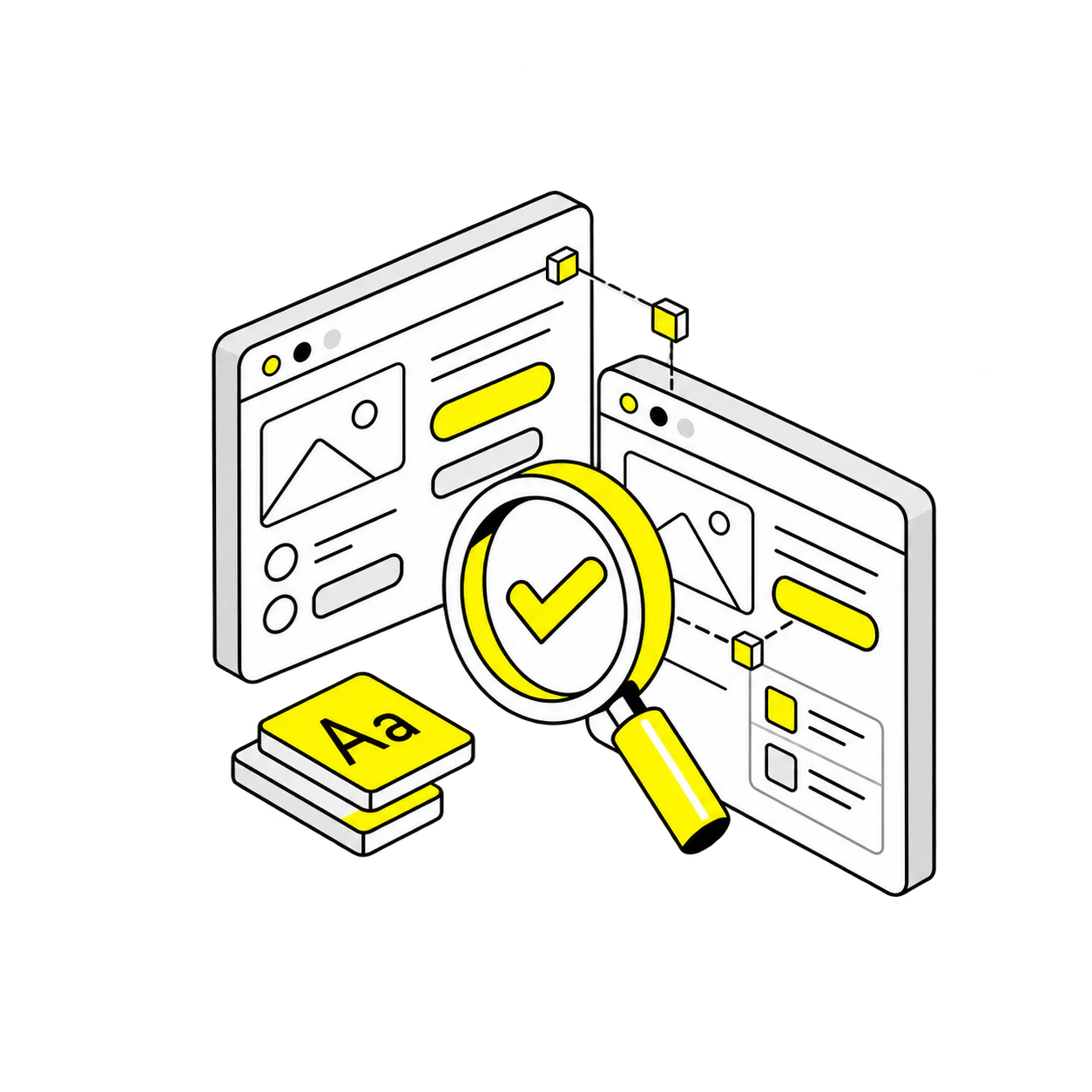
    UI audit

    An inventory of every screen, component and style in your product and codebase, so the system is built on what you ship, not on a generic UI kit.

    UI audit illustration for design system
  2. 02

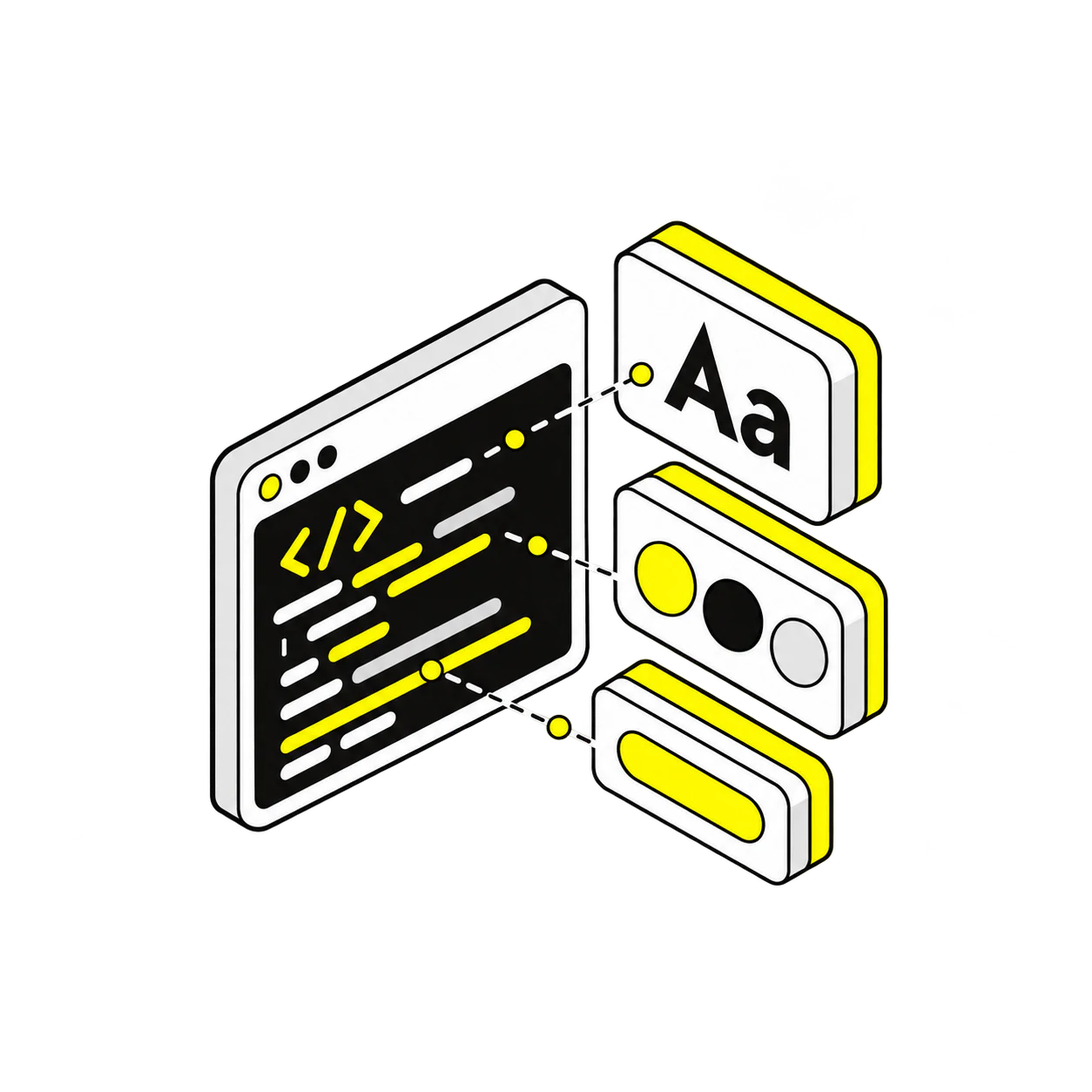
    Design tokens

    Color, type, spacing, radius, elevation and motion as semantic design tokens, exported as token JSON your developers import into code.

    Design tokens illustration for design system
  3. 03

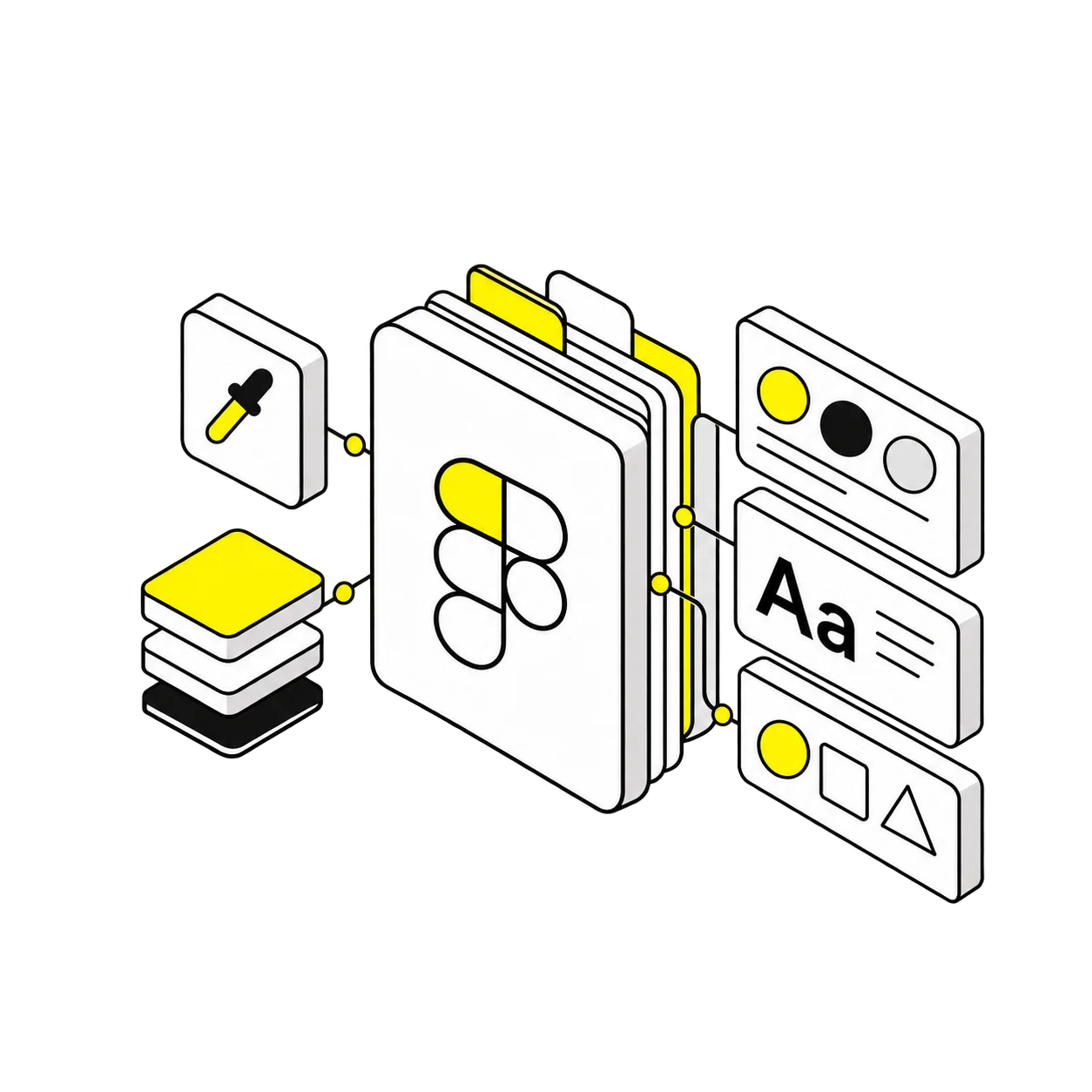
    Figma variables

    The same tokens as Figma variables with light, dark and brand modes, so themes, white-label clients and rebrands change in one place.

    Figma variables illustration for design system
  4. 04

    Core components

    Buttons, inputs, selects, cards, navigation, modals and tables built once with auto layout, tested on your pilot feature and reused across every squad.

    Core components illustration for design system
  5. 05

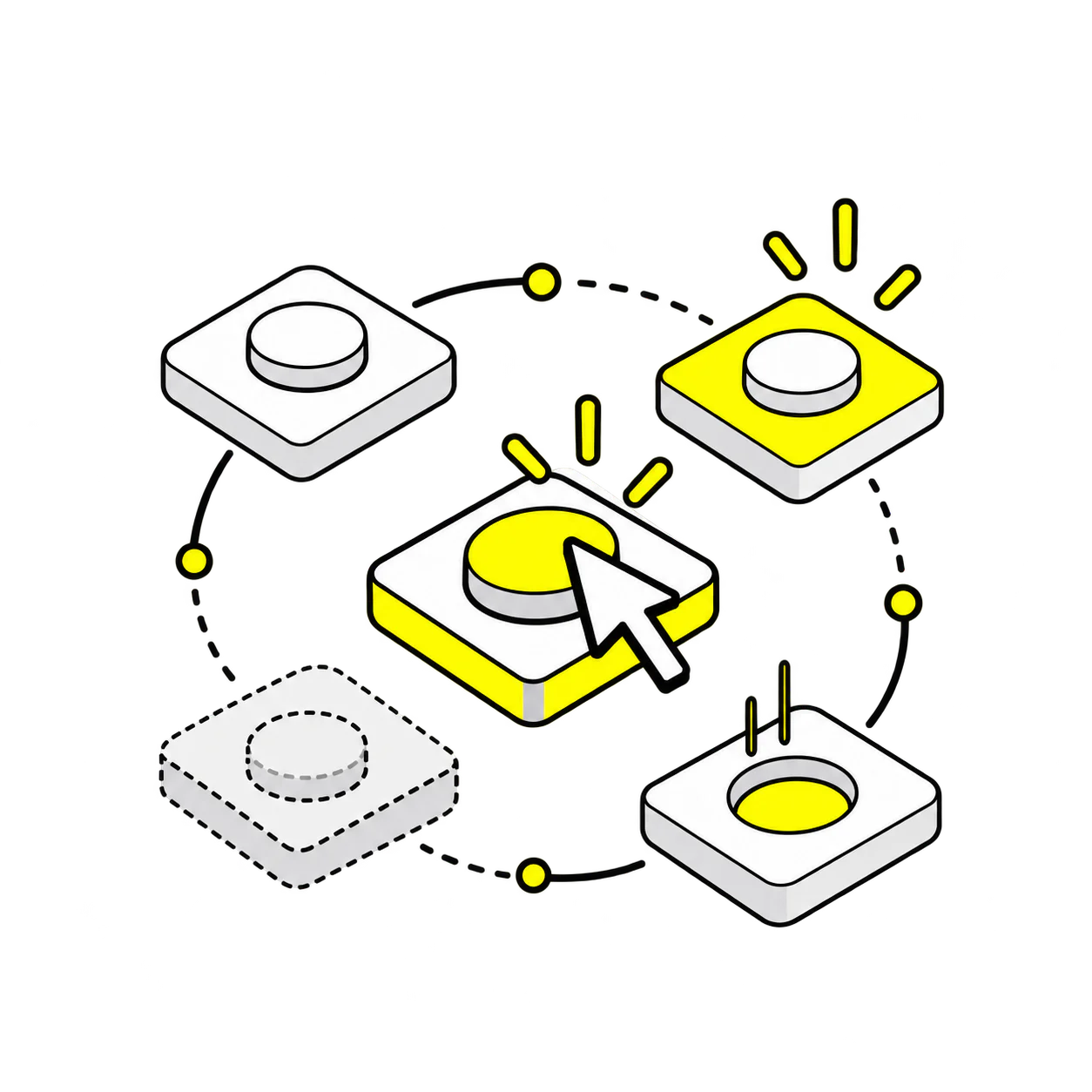
    Variants and states

    Hover, focus, active, loading, empty, error, disabled and responsive variants for every component, so nothing is left for developers to guess.

    Variants and states illustration for design system
  6. 06

    Patterns

    Reusable patterns for forms, data tables, filters, empty states, onboarding and settings, the screens that eat the most sprint time.

    Patterns illustration for design system
  7. 07

    Documentation

    Usage rules, do and don’t examples, accessibility notes and the decisions behind each component, written for designers and developers alike.

    Documentation illustration for design system
  8. 08

    Code alignment

    Token names, component APIs and props matched to your front end stack with your developers, plus a rollout plan and team training.

    Code alignment illustration for design system

What’s included

What’s included in your design system project

A system proven on a real feature, documented, and in use by your developers before we hand it over.

Get a proposal
  • Not included

    • Front end component development
    • Storybook setup, unless in package
    • Full product redesign
  • Revisions and timeline

    • 3 to 12 weeks, by scope
    • Pilot feature built on the system
    • Weekly reviews with design and dev
  • Files and handoff

    • Figma library with variables and modes
    • Token JSON for your codebase
    • Documentation pages

Which do you need?

Design system vs brand guidelines

Brand guidelines tell people how to use the brand across marketing, sales and partners. A design system is the working set of tokens, components and rules your product team builds screens from. Here is how to tell which one you need first.

Design system

For the product team

Used byProduct designers and front end developers.
You getDesign tokens, Figma variables, components, patterns and docs.
FormatFigma library, token JSON and documentation pages.
Best whenSquads ship UI every week and screens drift apart.
Timeline3 to 12 weeks, by scope.
Proven onA real feature your developers ship with the system.
Connects to codeYes: token JSON and component specs matched to your stack.
Start here ifYour product UI is the problem.

Choose a design system if

Your product team ships UI every week and design and code keep drifting. Senior designers build the system on your next real feature and stay until your developers ship with it.

Start my design system

Brand guidelines

For everyone using the brand

Used byMarketing, sales, agencies, partners and new hires.
You getLogo, color, type, imagery and voice rules with templates.
FormatLean PDF guidebook, Figma library and a web guide.
Best whenDecks, ads and pages look like different companies.
TimelineDelivered in 10 days.
Proven onReal decks, ads and pages your team makes with it.
Connects to codeNo: rules and templates for people.
Start here ifYour brand use outside the product is the problem.

Choose brand guidelines if

Marketing, sales and partners use the brand in different ways. We write lean guidelines your whole company can follow in 10 days, and the design system can build on them later.

See brand guidelines services

Not sure what your design system needs? We’ll pick the pilot feature with you on the call.

Book a free 30-minute call with a senior designer. We’ll review your product and recommend the right scope.

Book a free call

Industries

From SaaS to healthcare: design systems for every industry

Every industry stresses a design system in a different place. Open yours to see what the system has to handle there, and product work from the same industry.

Start my design system
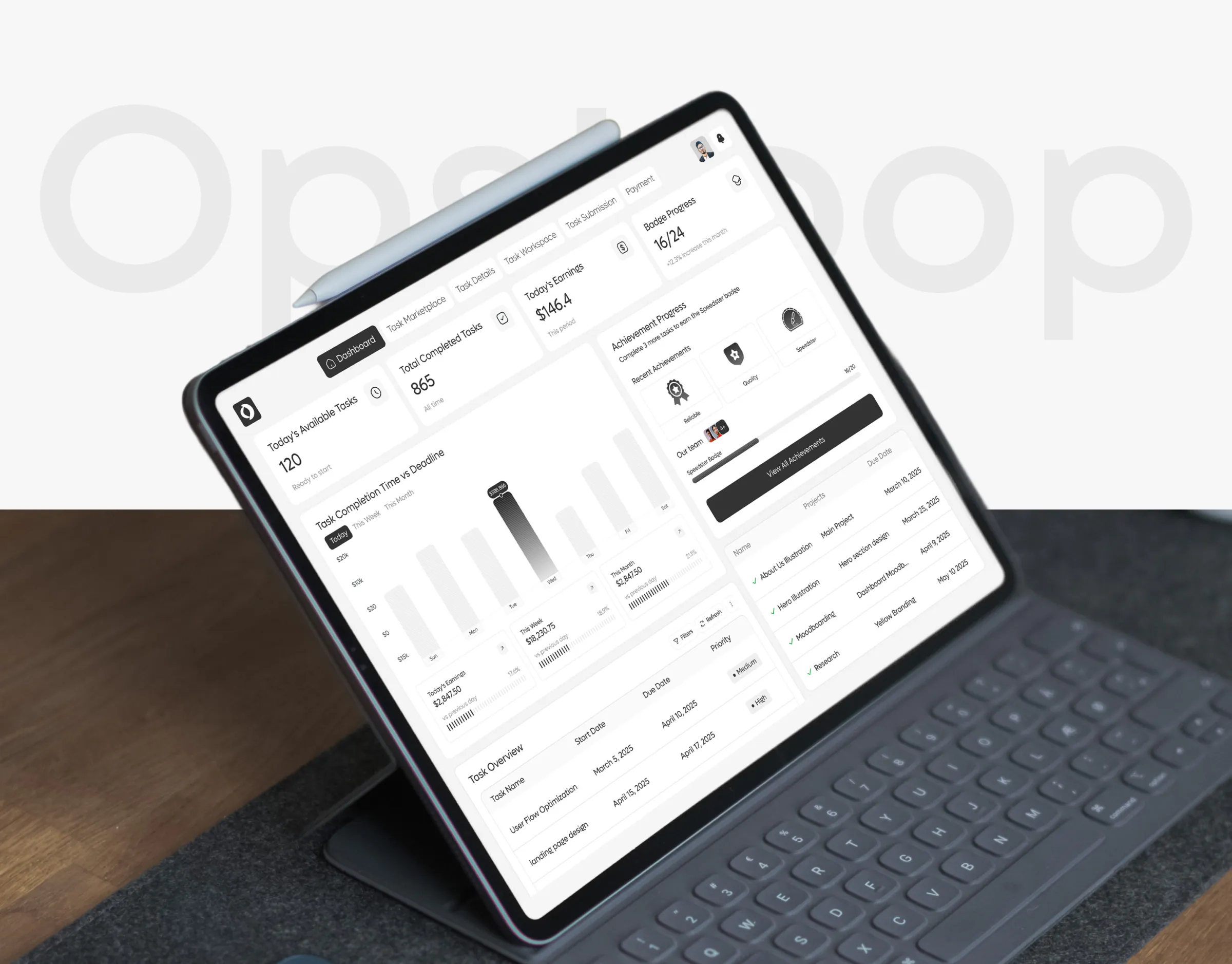
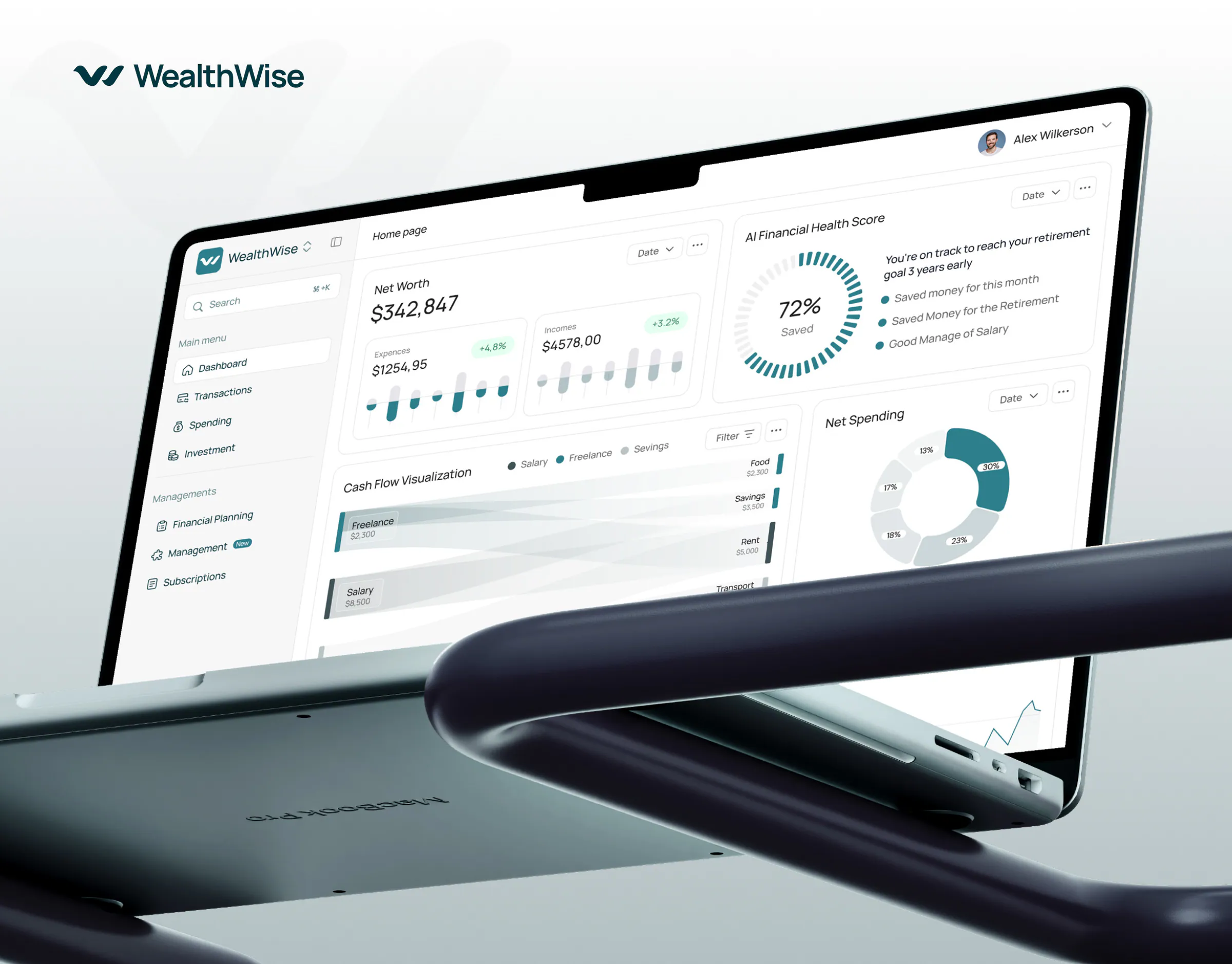
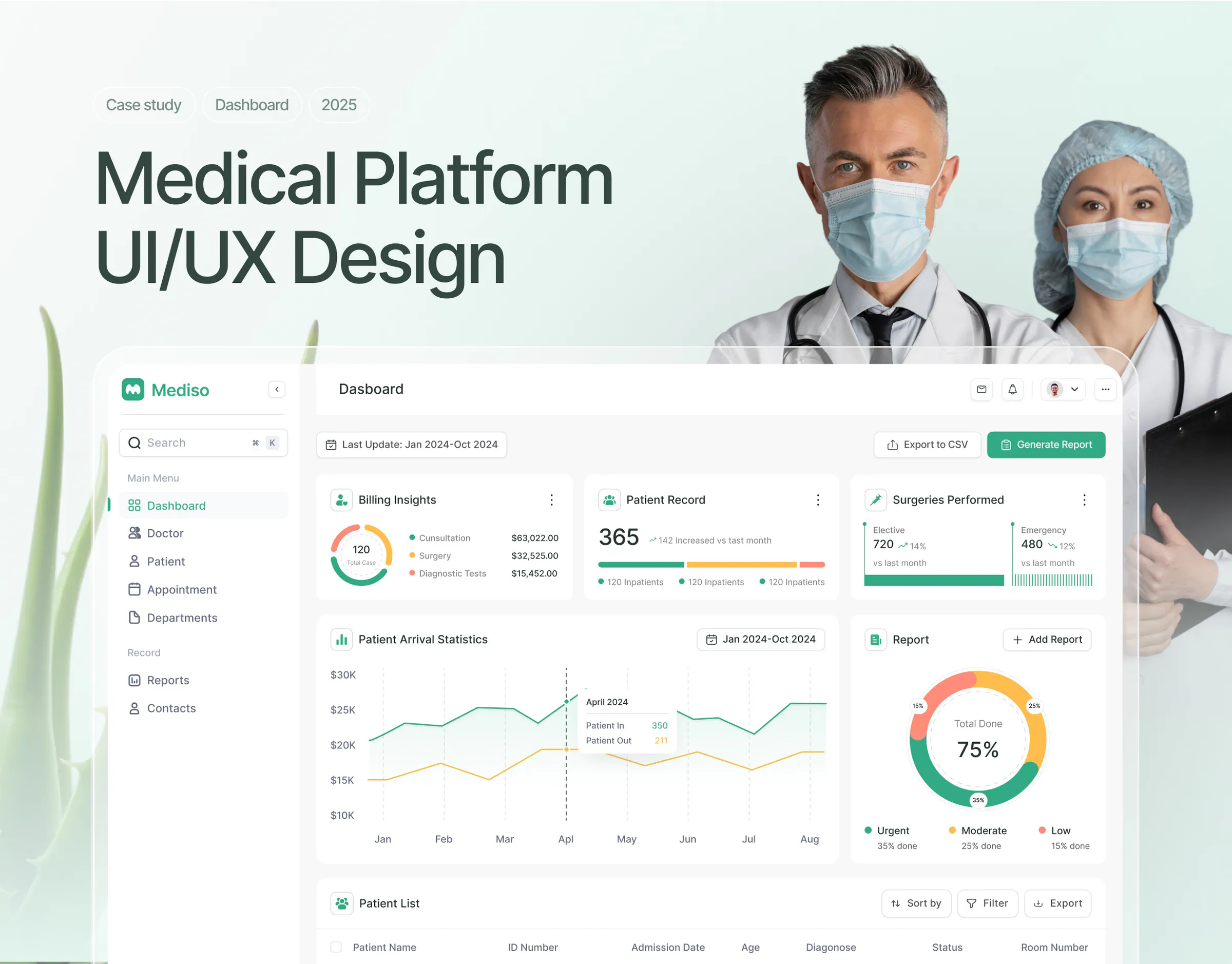
OpsLoop task dashboard on a tablet with a keyboardWealthWise finance dashboard on a curved monitorMediso medical platform dashboard with doctorsAxon automation dashboard on a desktop monitorEmura real estate dashboard on a monitorFleetPulse fleet dashboard on a desktop monitorCore.hr logo on a deep red gradientUnifyIQ website pagesRated 5.0 on ClutchProven on real features
OpsLoopSaaS and B2B softwareWealthWiseFintech and bankingMedisoHealthcareAxonAI productsEmuraReal estate and proptechFleetPulseLogistics and operationsCore.hrHR and workforceUnifyIQMarketing sites and Webflow

SaaS and B2B software

Several squads ship features every week. The system needs tables, filters, forms and role-based states that stay consistent as the product and team grow.

OpsLoopAlignify

Fintech and banking

Numbers, statuses and errors must read the same everywhere. We define data display, validation and trust patterns once, with accessible contrast for every state.

WealthWiseNexfolio

Healthcare

Clinical and patient interfaces need accessibility and clarity under pressure. The system bakes in WCAG contrast, large targets and plain-language patterns.

MedisoVitalHealth

AI products

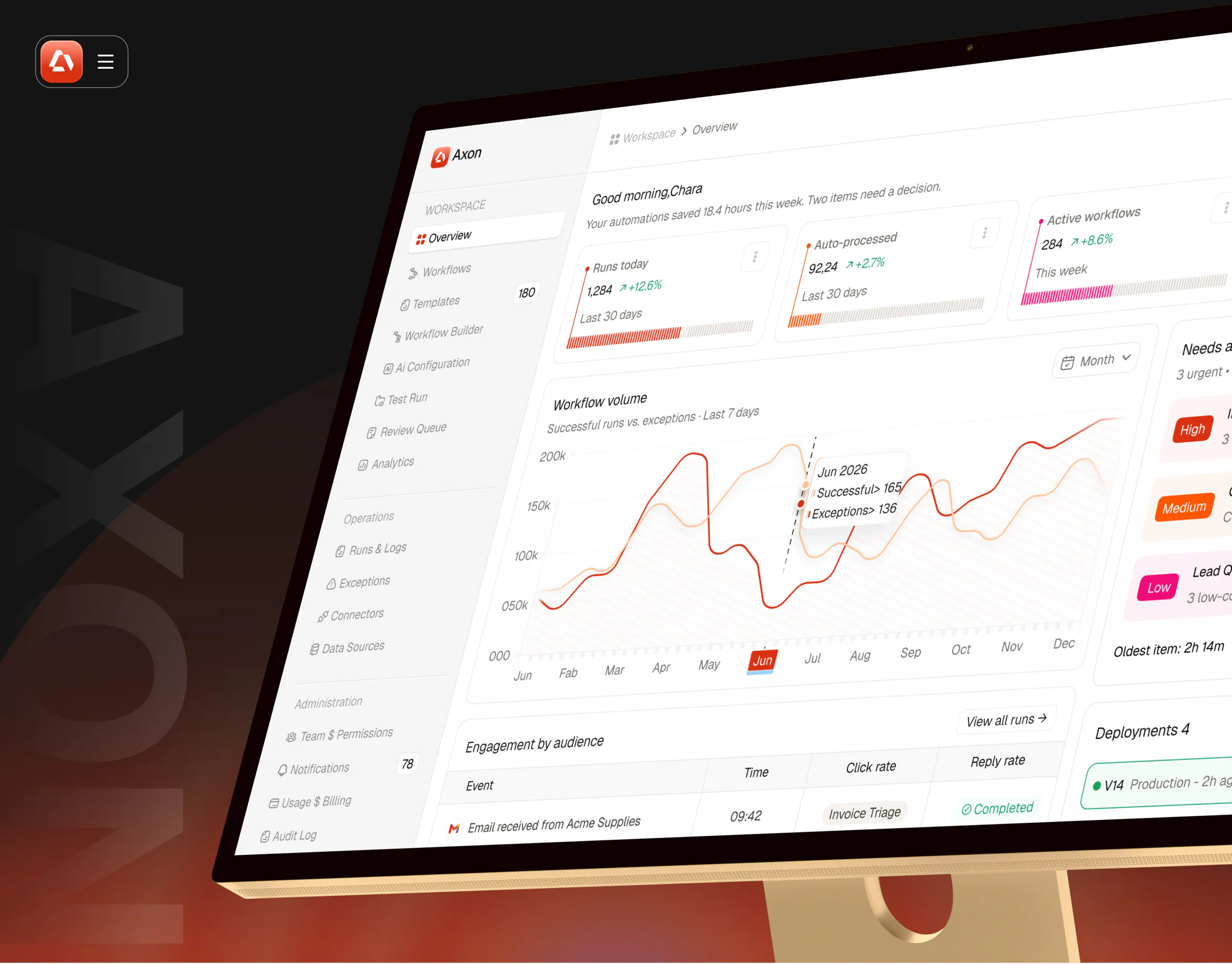
AI features add new states: streaming, confidence, review and undo. We design them as reusable components, so every AI surface behaves the same way.

AxonZapMail

Real estate and proptech

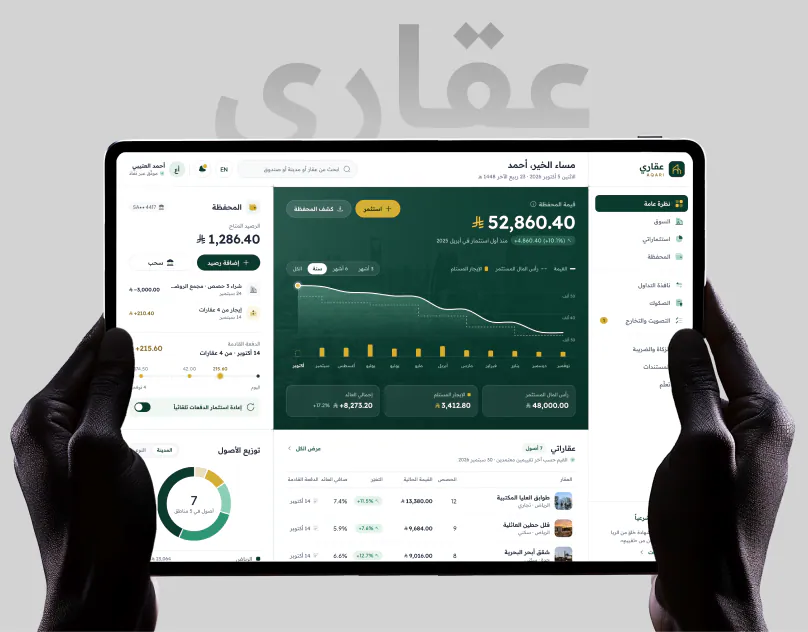
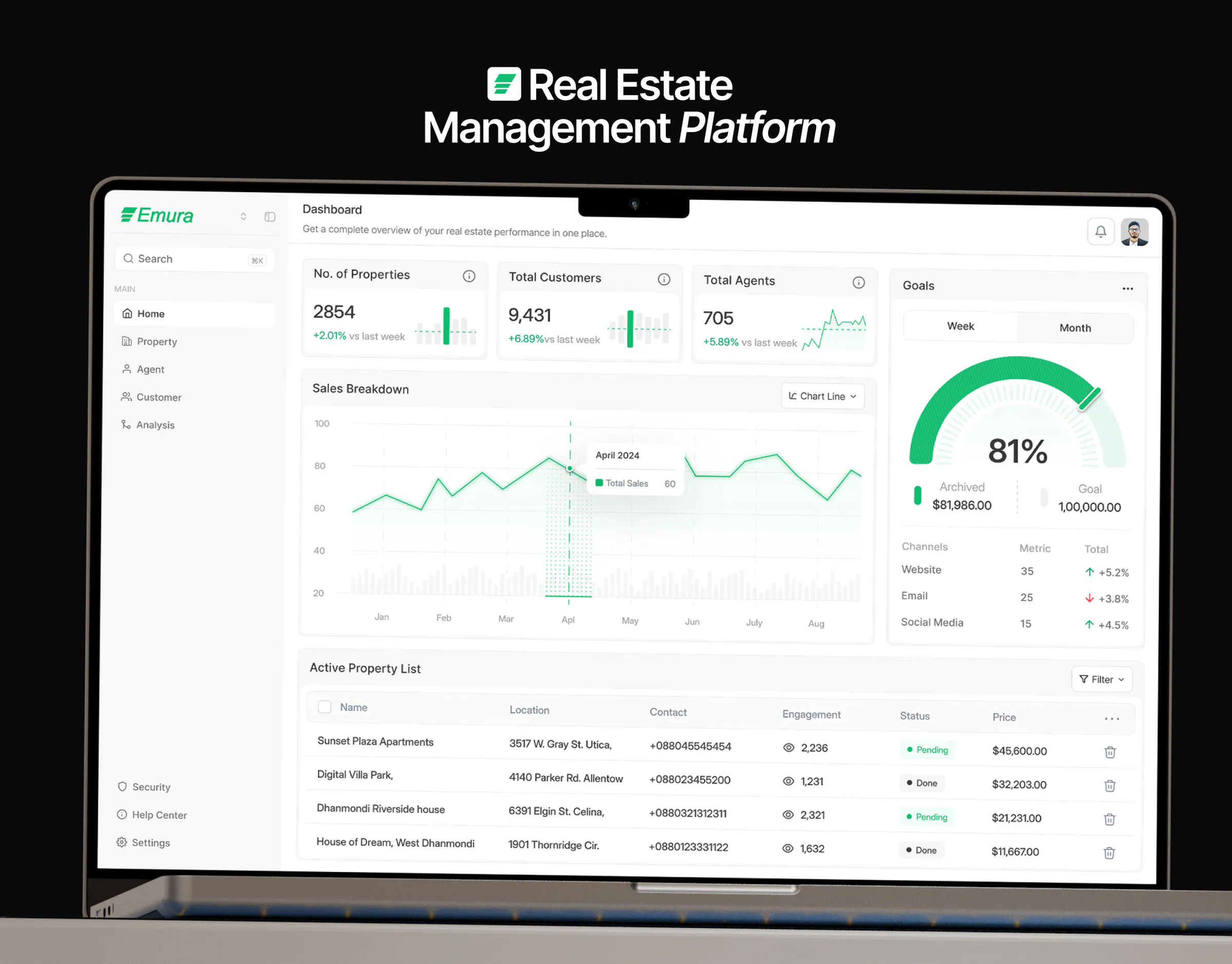
Listings, maps, portfolios and admin dashboards share one product. The system keeps cards, filters and data views consistent across buyer and agent tools.

EmuraAQARI

Logistics and operations

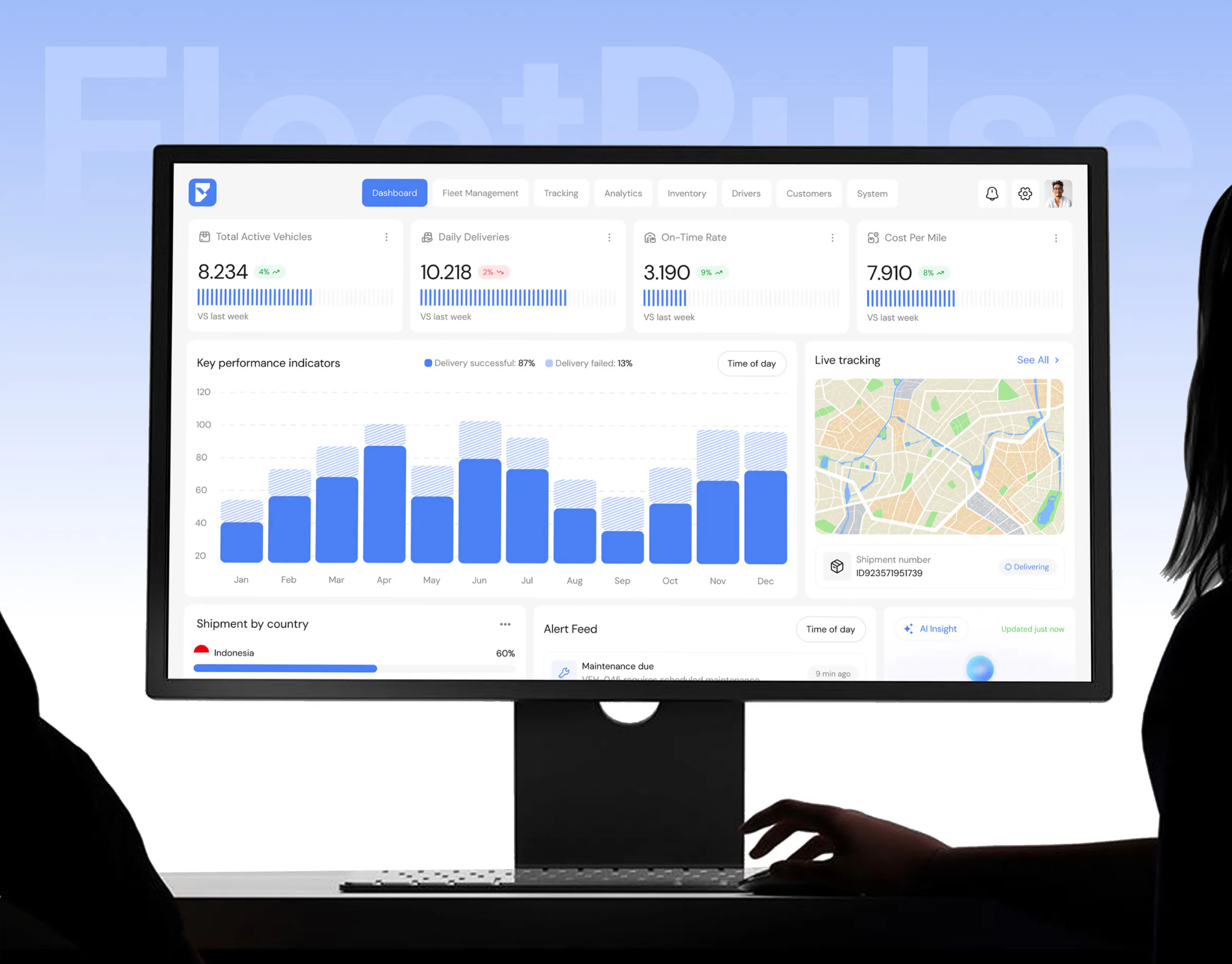
Dense dashboards are used all day. We build tables, statuses, timelines and bulk actions that stay fast to read at high information density.

FleetPulseShipora

HR and workforce

Admin dashboards and employee mobile apps share one brand. Tokens and components cover web and mobile, so both sides feel like the same product.

Core.hrHiveQ

Marketing sites and Webflow

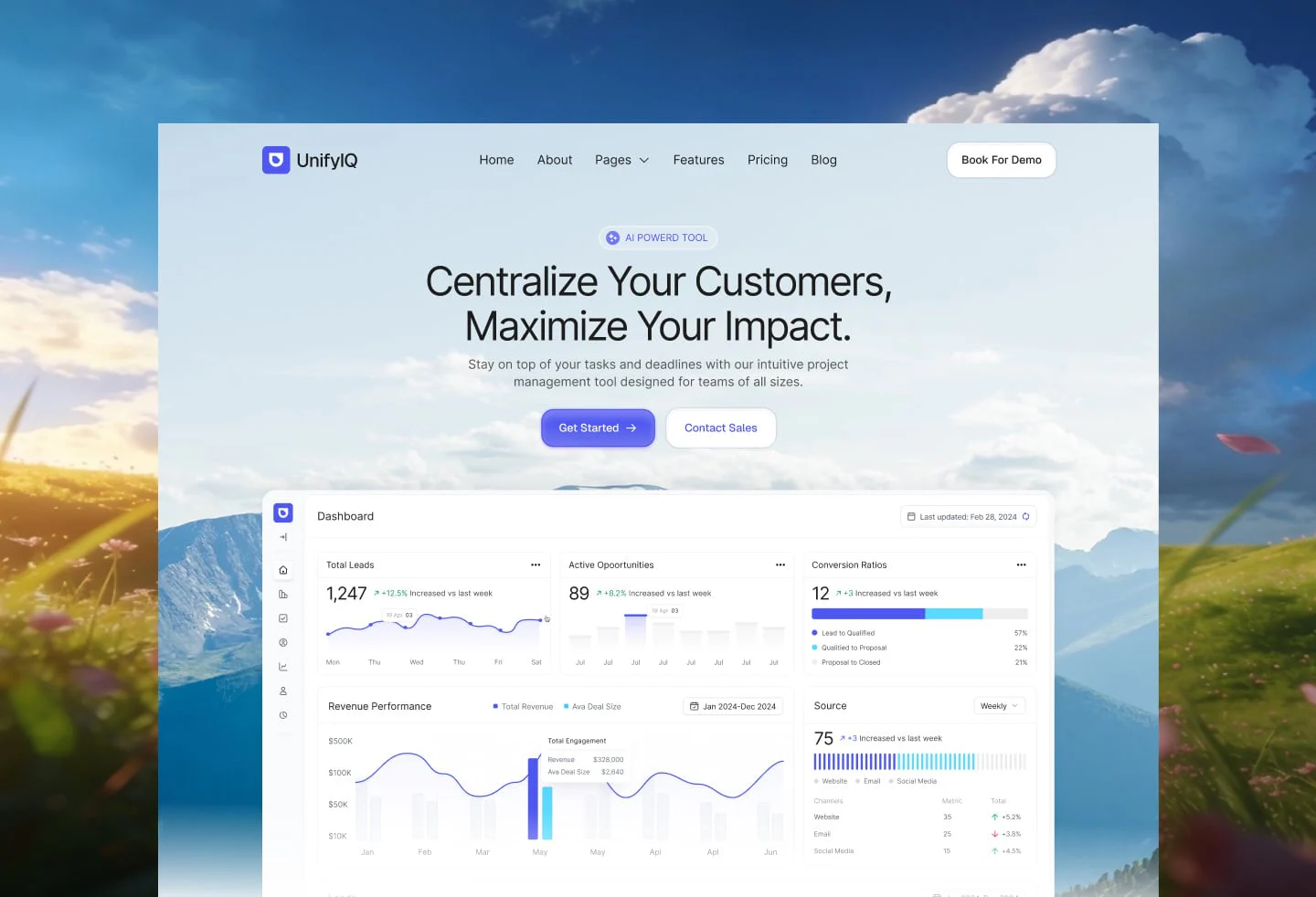
Your website and product drift apart within a quarter. One token set feeds both, so the marketing site, Webflow build and app share color, type and components.

UnifyIQWave

Why Wolfpixel

Why product teams choose our design system agency

  • Design system: a designer reviewing a dark product dashboard on a laptop

    Proven on a real feature

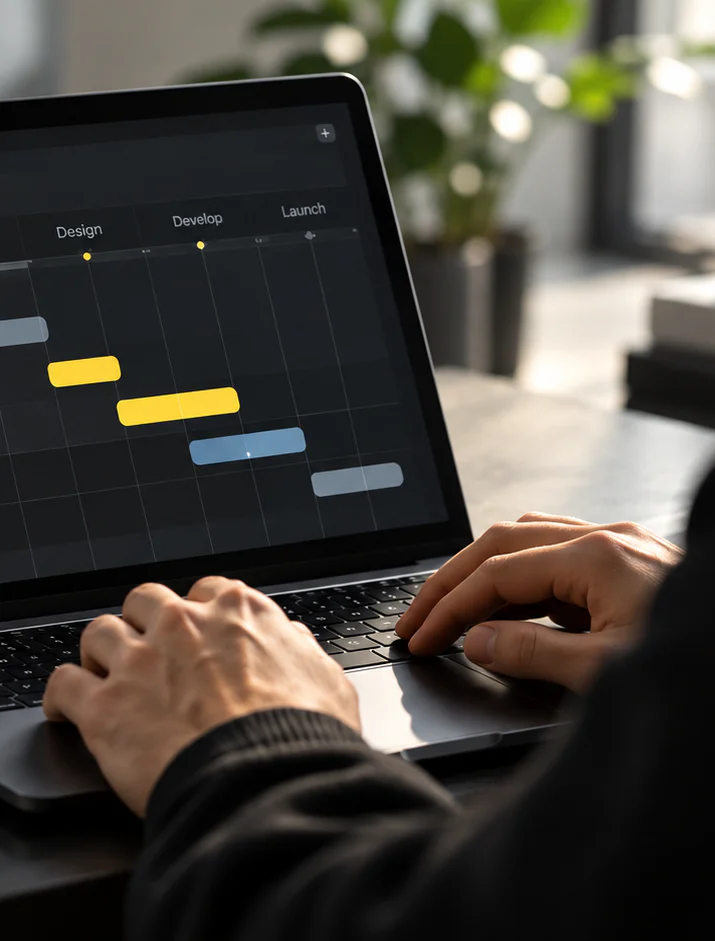
    We build the system while designing your next real feature, so every component has already survived real data, real edge cases and a real handoff.

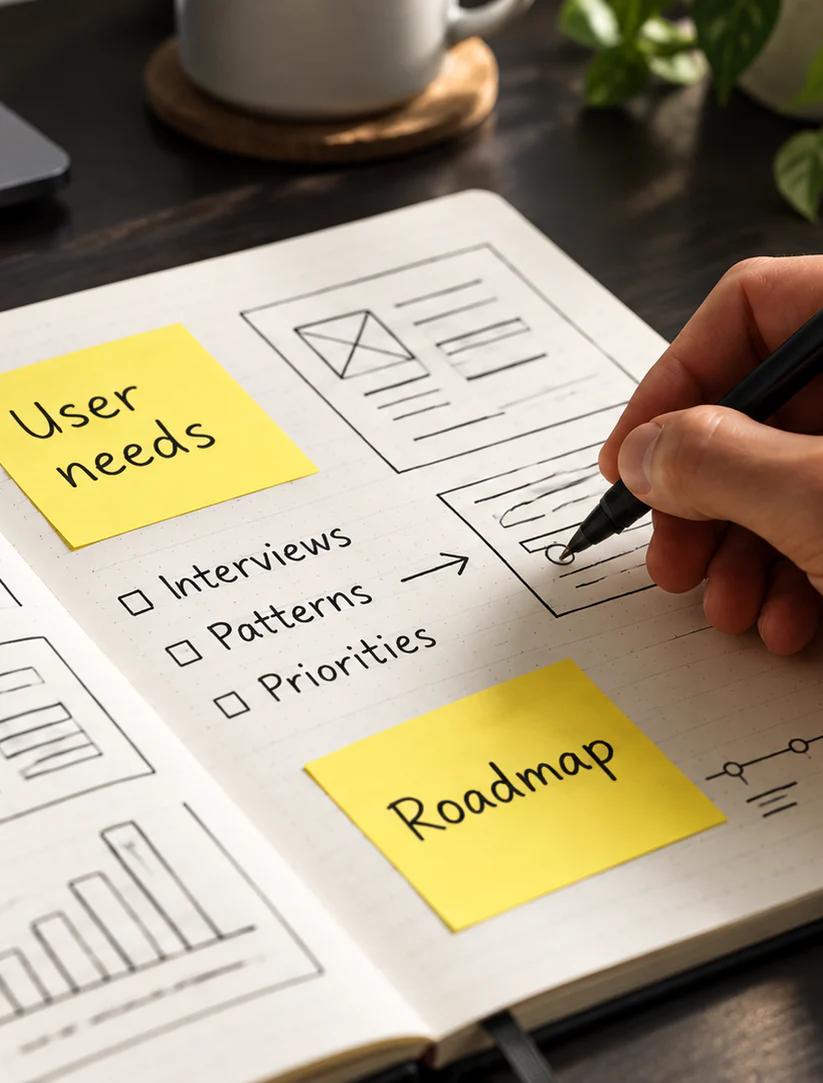
  • Design system: user needs, priorities and roadmap notes sketched in a notebook

    Done when your team ships with it

    Handover is not a Figma link. The project closes when your developers have shipped a screen built from the system.

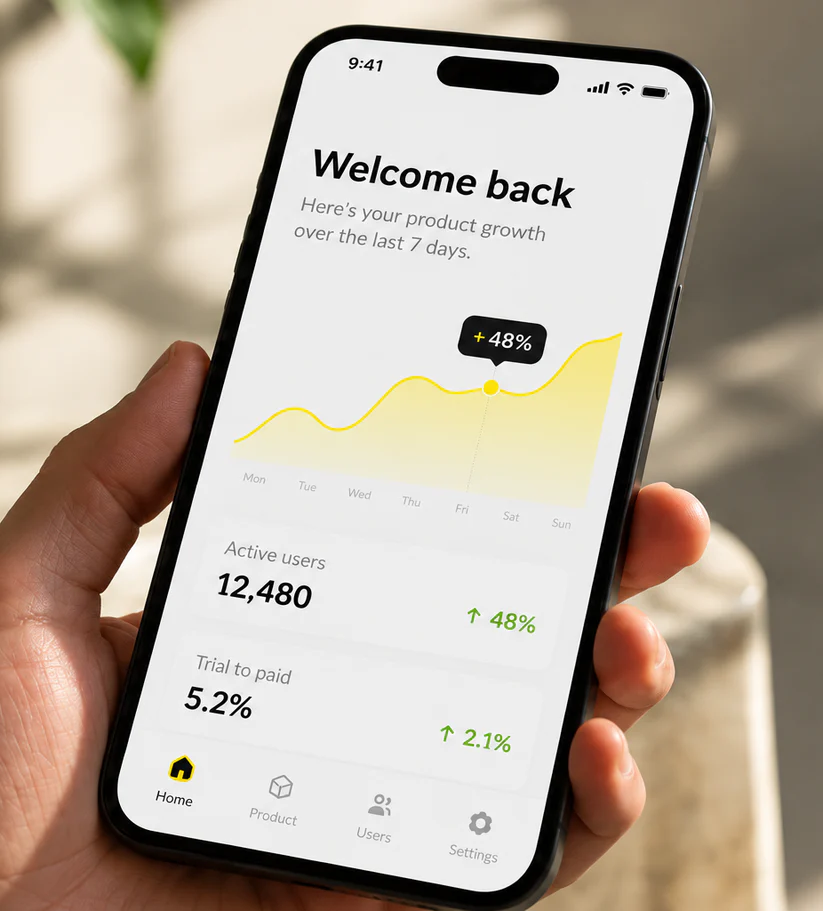
  • Design system: a mobile app home screen with a growth chart, held in hand

    Token-first, code in sync

    Figma variables with light, dark and brand modes, exported as token JSON, so design and code read from one source.

Our design system process: built on a real feature, closed when you ship

  1. Audit and pilot pick

    An inventory of your screens, components and code, and the next real feature we will build the system on, in a dated plan.

    • Inventory
    • Gap list
    • Pilot feature
    Step 1: Audit and pilot pick, design system process
  2. Foundations

    Color, type, spacing and the tokens behind them, set up as Figma variables and token JSON your developers can import.

    • Tokens
    • Variables
    • Modes
    Step 2: Foundations, design system process
  3. Pilot feature

    We design the pilot feature with the system, adding and fixing components as real screens demand, reviewed weekly with your developers.

    • Components
    • States
    • Real data
    Step 3: Pilot feature, design system process
  4. Ship and adopt

    Docs, rollout plan and training. The project closes when your developers ship a screen built from the system.

    • Docs
    • Training
    • First ship
    Step 4: Ship and adopt, design system process
Maniruzzaman Jubayer, COO & Product Design Lead

Your design system, built by senior product designers

Co-founder of Wolfpixel. 7+ years shaping brands and digital products for companies worldwide.

Maniruzzaman Jubayer

COO & Product Design Lead

Founded Wolfpixel
2022
Years in Product Design
7+
Rating on Clutch
5.0
The Wolfpixel team
Wolfpixel senior designerWolfpixel senior designerWolfpixel senior designer15+Creative Minds
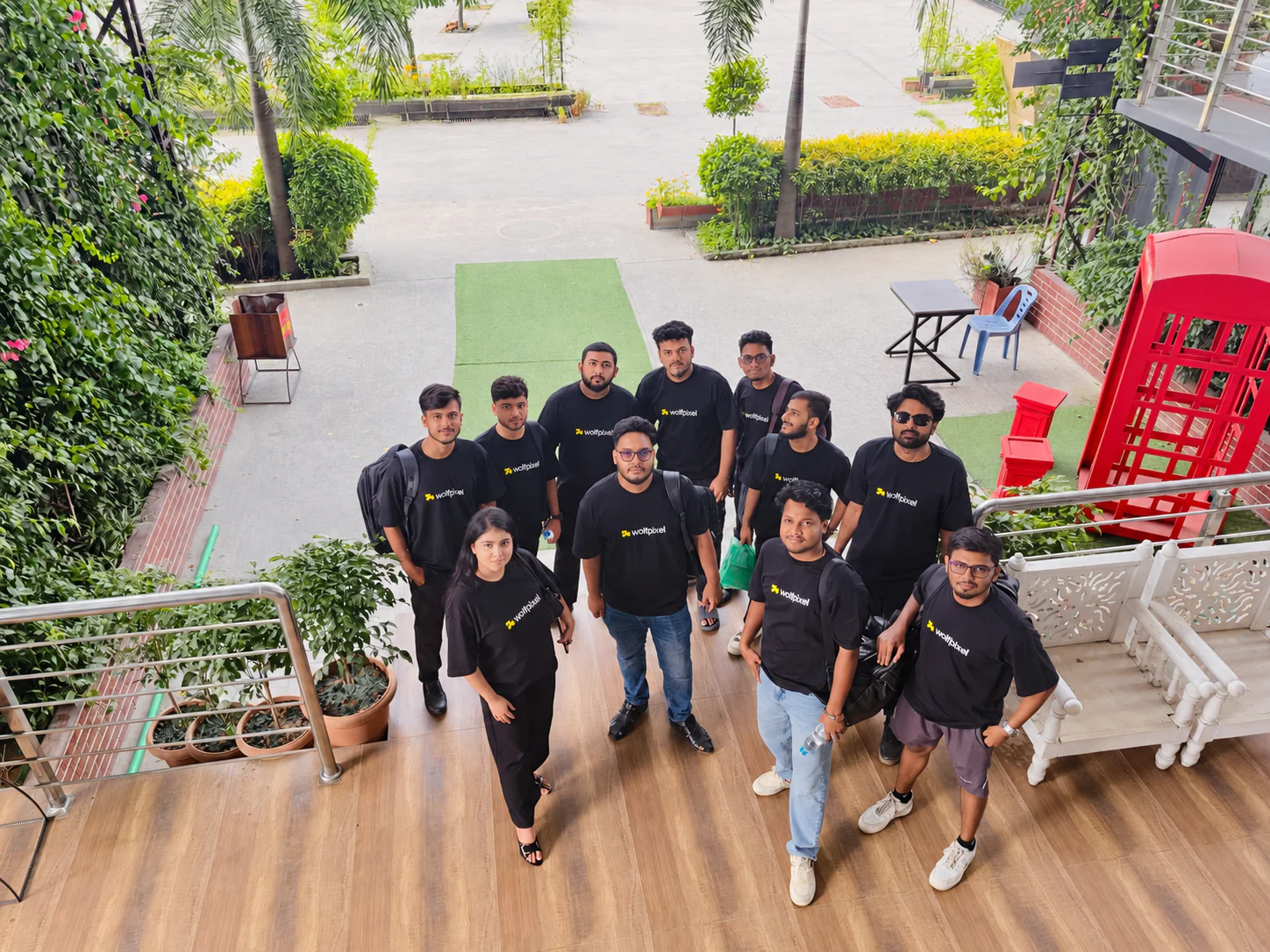
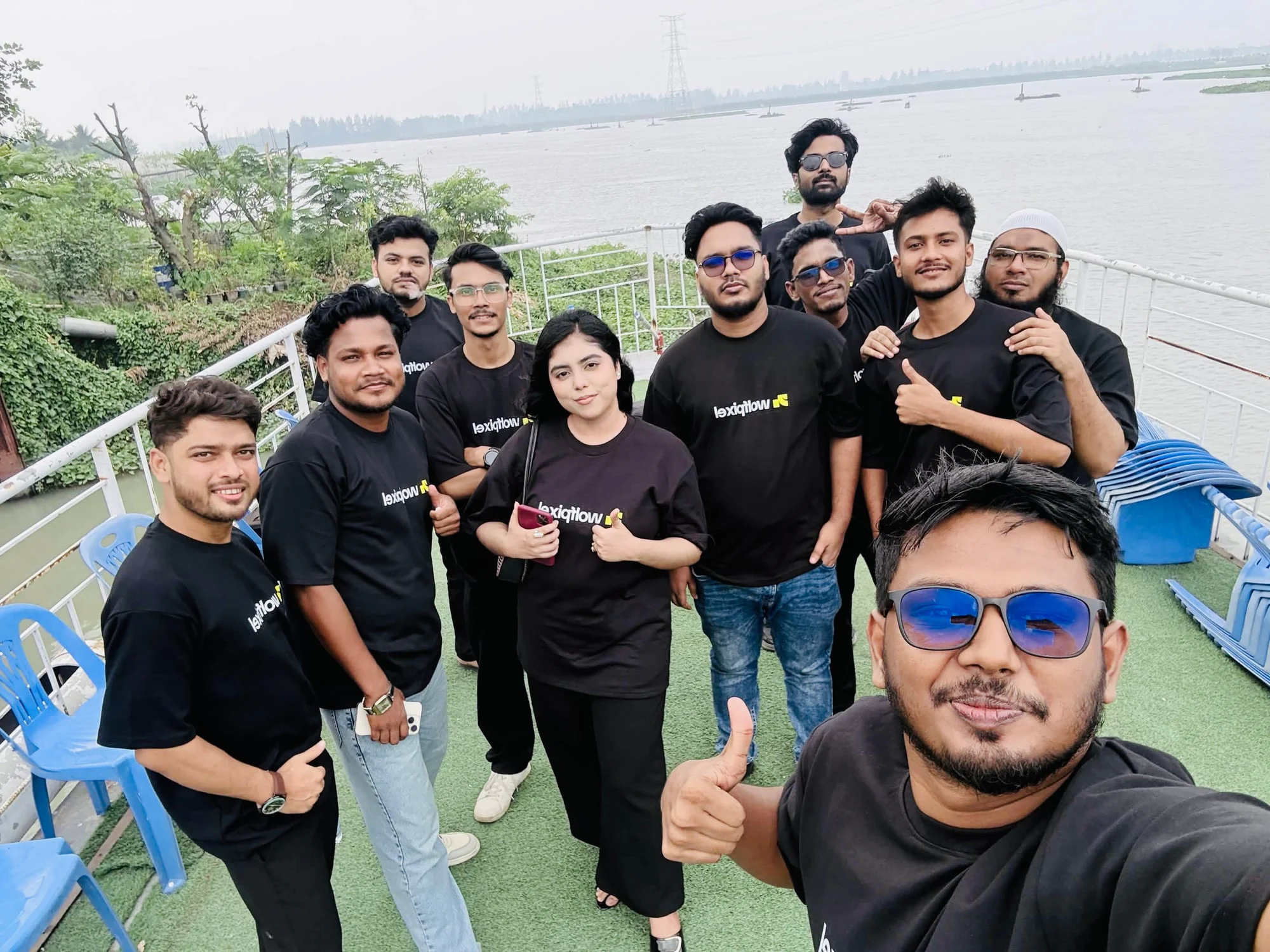
The Wolfpixel team at the Dhaka office

15+ creative minds, one studio in Dhaka

Why teams choose Wolfpixel

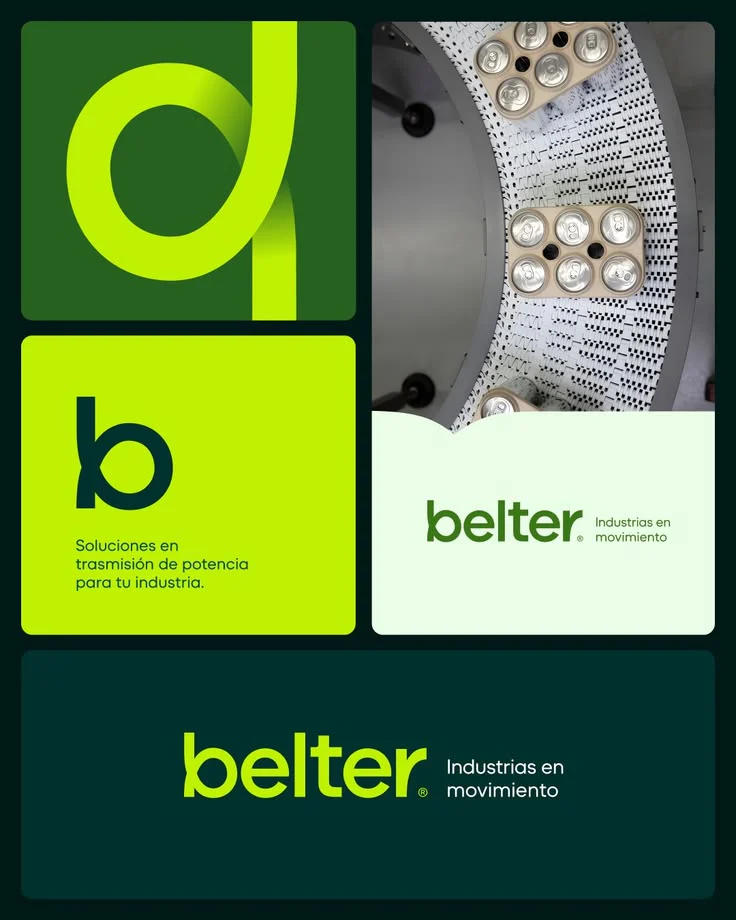
Belter brand identity applications

Senior designers only

Every project is led by a designer with 5+ years of experience.

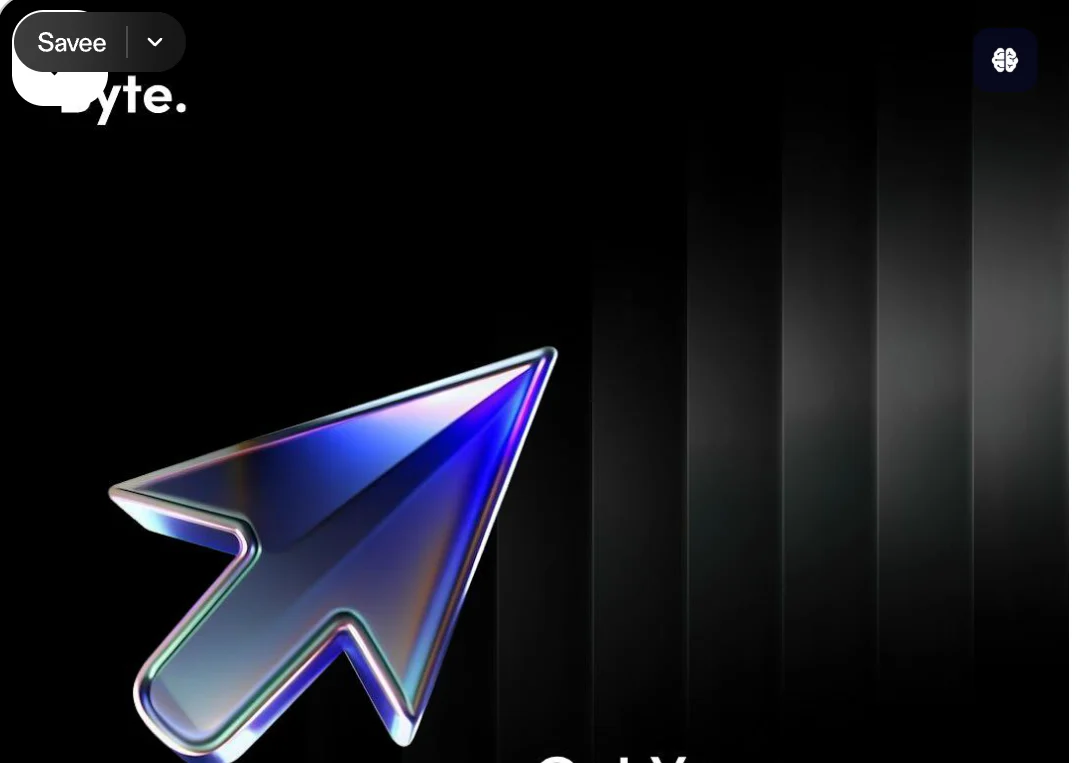
Two chrome hands reaching toward each otherDark product screen with a glossy 3D cursor

Brand to product

We also design your website, dashboard and app, so it all feels like one company.

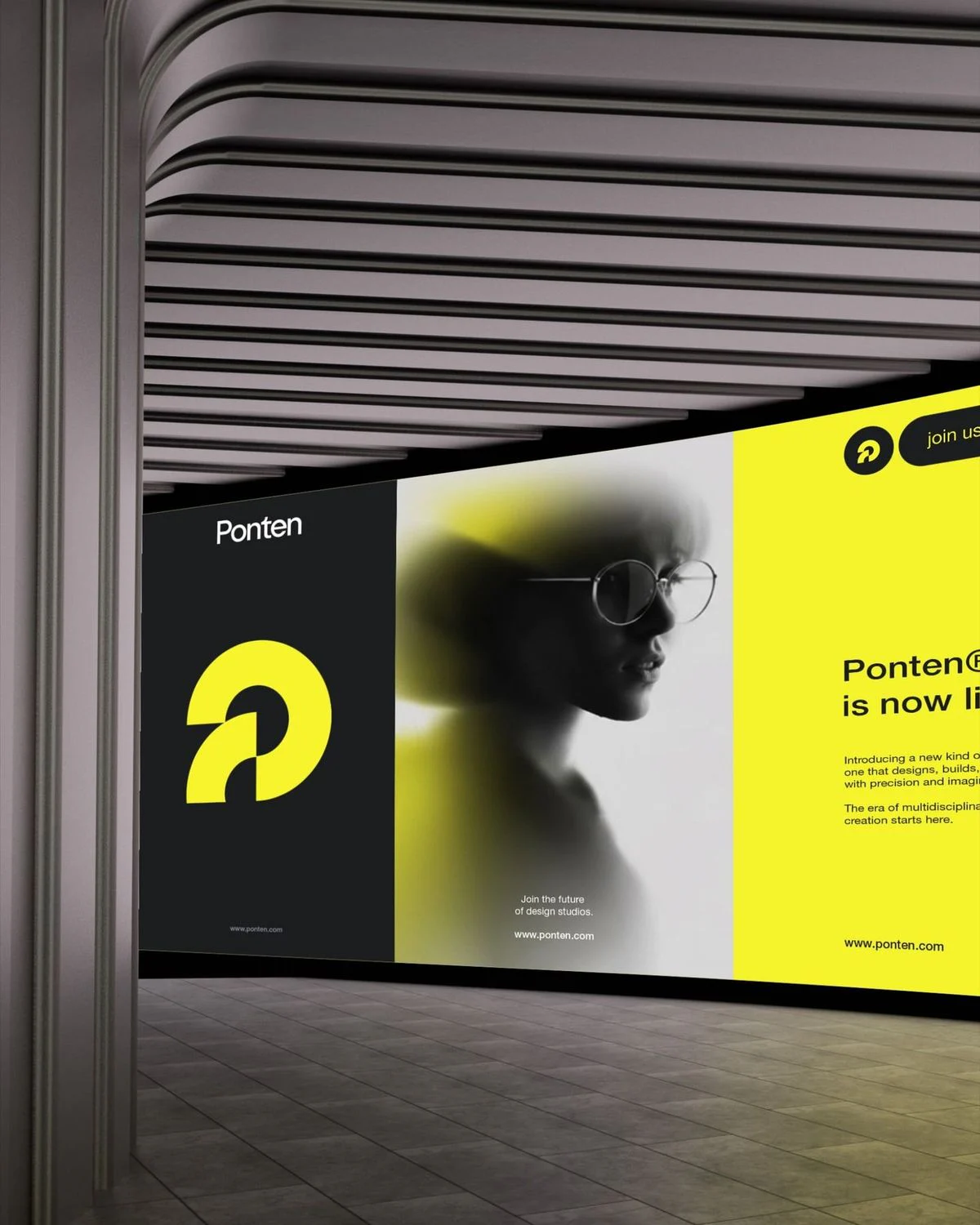
Ponten brand signage in an office

Strategy first

We speak product, pipeline and fundraising, not just aesthetics.

Slofin fintech brand with a woman holding a card

AI-accelerated workflow

AI speeds up research and exploration. Senior designers make every call.

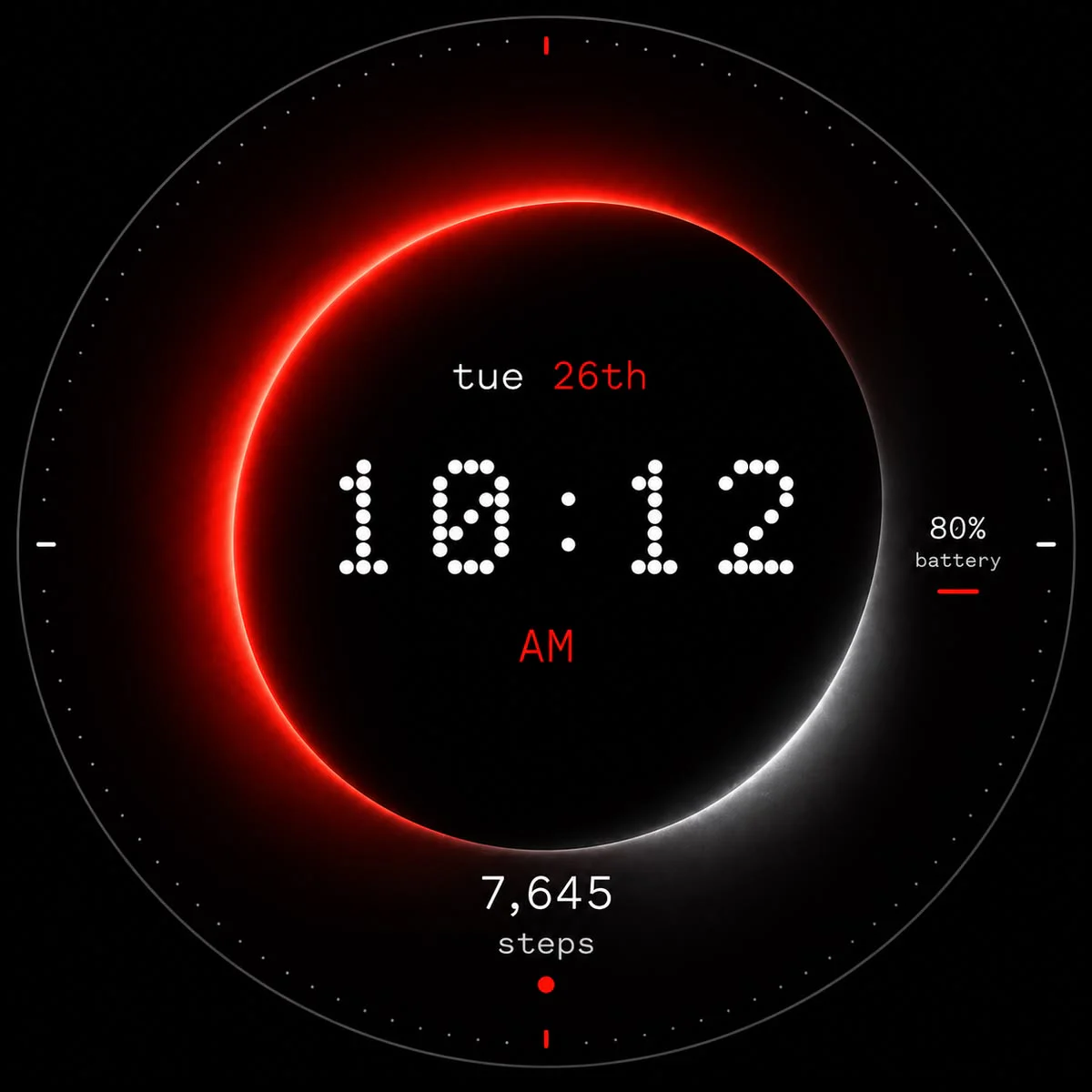
Smartwatch interface design

Design to live code

Dev-ready files, or we build it in Webflow, Framer or React.

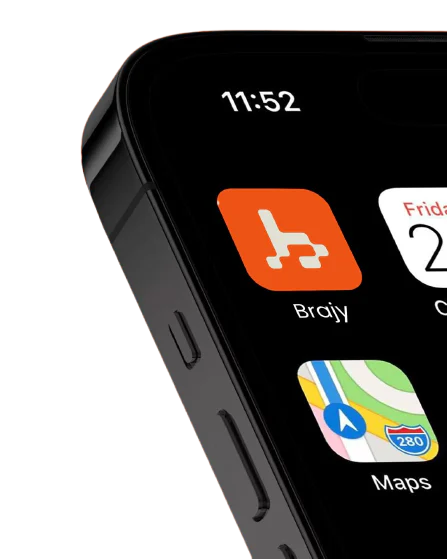
Phone home screen showing an app icon

Direct communication

Talk directly with the designers doing the work.

Why Wolfpixel

Wolfpixel vs the alternatives

How Wolfpixel compares with in-house teams, creative agencies, freelancers and AI tools
OptionStrategyReliabilitySpeedScalingFlexibilityValue
WolfpixelSenior brand and product designers working as one embedded team, with systems behind every project.YesYesYesYesYesYes
In-house teamStrong on context, but rarely covers brand, product and web at once, and hiring for the gaps is slow.YesYesYesYesNoNo
Creative agencyTraditional agencies can be slow and process heavy, with junior hands on the work you were sold.YesYesNoNoNoNo
Freelancer / small agencyCheap to start and flexible, but hard to scale and quality swings from one project to the next.NoNoNoNoYesNo
AI tools onlyFast and cheap, but without human judgment and brand context it falls short on quality and strategy.NoNoYesYesNoYes
  • WolfpixelSenior brand and product designers working as one embedded team, with systems behind every project.
    • YesStrategy
    • YesReliability
    • YesSpeed
    • YesScaling
    • YesFlexibility
    • YesValue
  • In-house teamStrong on context, but rarely covers brand, product and web at once, and hiring for the gaps is slow.
    • YesStrategy
    • YesReliability
    • YesSpeed
    • YesScaling
    • NoFlexibility
    • NoValue
  • Creative agencyTraditional agencies can be slow and process heavy, with junior hands on the work you were sold.
    • YesStrategy
    • YesReliability
    • NoSpeed
    • NoScaling
    • NoFlexibility
    • NoValue
  • Freelancer / small agencyCheap to start and flexible, but hard to scale and quality swings from one project to the next.
    • NoStrategy
    • NoReliability
    • NoSpeed
    • NoScaling
    • YesFlexibility
    • NoValue
  • AI tools onlyFast and cheap, but without human judgment and brand context it falls short on quality and strategy.
    • NoStrategy
    • NoReliability
    • YesSpeed
    • YesScaling
    • NoFlexibility
    • YesValue

What founders say about working with us

Ready for a design system proven on your real product?

Book a free 30-minute call with a senior designer. We’ll review your product and recommend the right scope.

Book a free call

Common questions

Frequently asked questions

Maniruzzaman JubayerMasuder Rahaman

Still have questions?

Tell us about your project and we’ll say if we’re a fit.

What does a design system agency do?

A design system agency builds the shared foundation your product team designs and builds from: design tokens, Figma variables, components with every state, patterns and documentation, aligned with your code. At Wolfpixel senior product designers build it on a real feature of your product, and stay until your developers ship with it.

What does “tested on a real feature” mean?

Instead of building components in an empty Figma file, we pick your next real feature with you and design it with the system as we build it. Every component meets real data, long labels, empty and error states and a real developer handoff before it goes into the library, so nothing in the system is theory.

When is a design system project done?

When your developers have shipped a screen built from the system, not when we share a Figma link. Documentation, the rollout plan and team training are part of the scope, and we stay in the weekly review until that first screen is live.

How much does a design system cost?

A design system is a fixed-scope project, so you know the full price before we start. Industry guides put a foundations system (tokens, core components, light docs) at roughly $20,000 to $45,000 and a full system higher; our price depends on the number of components, products, brands and modes. We share a written quote after a free 30-minute call or within 4 business hours of your brief.

How long does a design system take?

Most design system projects take 3 to 12 weeks, depending on scope and the size of the pilot feature. Foundations come first, so your team can start using tokens while components are built on the pilot. You get a dated plan after the first call and weekly reviews with design and dev.

What is the difference between a design system and a UI kit?

A UI kit is a set of components. A design system adds the tokens behind them, every state and variant, patterns for real product screens, usage rules and the link to your code, so teams make the same decisions without asking.

What is the difference between a design system and brand guidelines?

Brand guidelines tell marketing, sales and partners how to use the logo, color, type, imagery and voice. A design system is what your product team builds screens from: tokens, components, patterns and docs connected to code. Many companies need both; our brand guidelines service covers the first.

Do you build coded components?

The design system scope covers tokens, the Figma library, token JSON and documentation, with component specs matched to your front end stack. Coded components and Storybook are not part of the standard scope; we can add them as a package or work alongside your developers while they build them.

Can you build a design system for an existing product?

Yes, and most projects start that way. We audit what you already ship, keep the patterns that work, merge duplicates and fill the gaps, so the system matches your product and can be adopted screen by screen instead of in a big rewrite.

Do you set up Figma variables and dark mode?

Yes. Tokens are set up as Figma variables with light, dark and brand modes, so themes, white-label clients and rebrands change in one place, and the same tokens are exported as JSON for your codebase.

Can one design system support several brands or products?

Yes. Semantic tokens and brand modes let several products or white-label clients share one component library while each keeps its own color, type and radius.

Who builds the design system?

Senior product designers with 5+ years of experience shipping SaaS products, reviewed by our product design lead, working with your developers every week. No juniors and no template kits.

Can AI tools use our design system?

Yes. Token JSON and clear component docs are exactly what coding agents and AI design tools need to stay on brand. If your team builds heavily with AI, our AI-ready brand system adds DESIGN.md, brand.md and tested prompts on top.

How many revisions do I get?

Revisions are unlimited. If two rounds and a reset call do not land the brief, you don’t pay for that brief.

Do you work with companies outside Bangladesh?

Yes. The team is based in Dhaka and builds design systems for product teams in the US, the UK, the EU and the UAE. Weekly reviews run on video with your designers and developers.

Let’s talk

Ready to start your project?

  1. 1Book a free 30-minute call
  2. 2Get a clear scope and timeline
  3. 3Sign the agreement and NDA
  4. 4Kick off with your senior team
Maniruzzaman Jubayer

Maniruzzaman Jubayer

COO & Co-founder

I’m interested in:
Project budget

  • WebflowWebflow Professional Partner
  • BehanceFeatured 25 times on Behance
  • DribbbleTop Product Design Agency on Dribbble
  • Clutch, 5 stars5.0 rating on Clutch

Book a free call

Step 1 of 2

Pick a day