




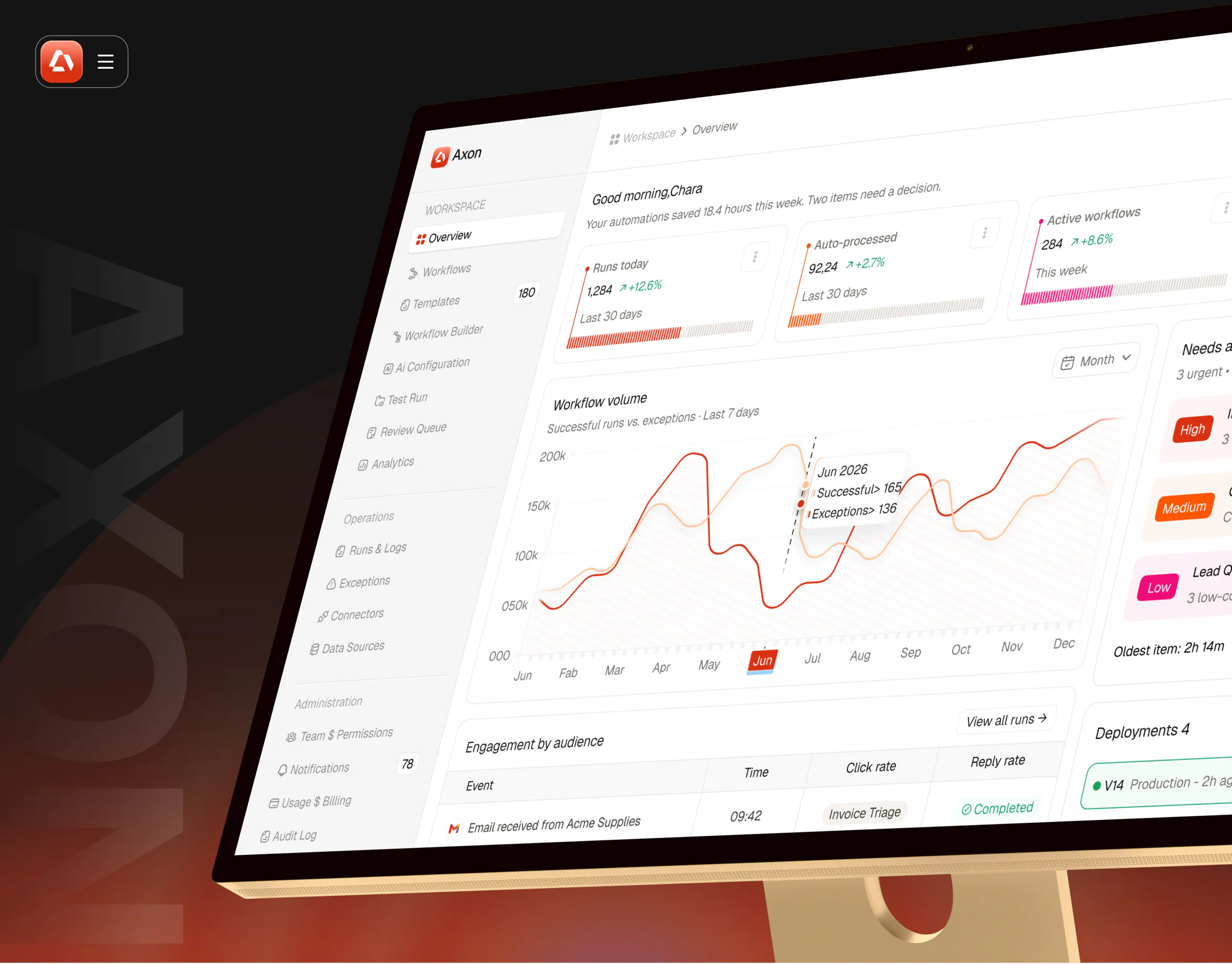
Axon: AI Workflow Automation Dashboard
The AI does the work. People make the call: confidence scores, a Review Queue and 82 interaction states.
 Project overview
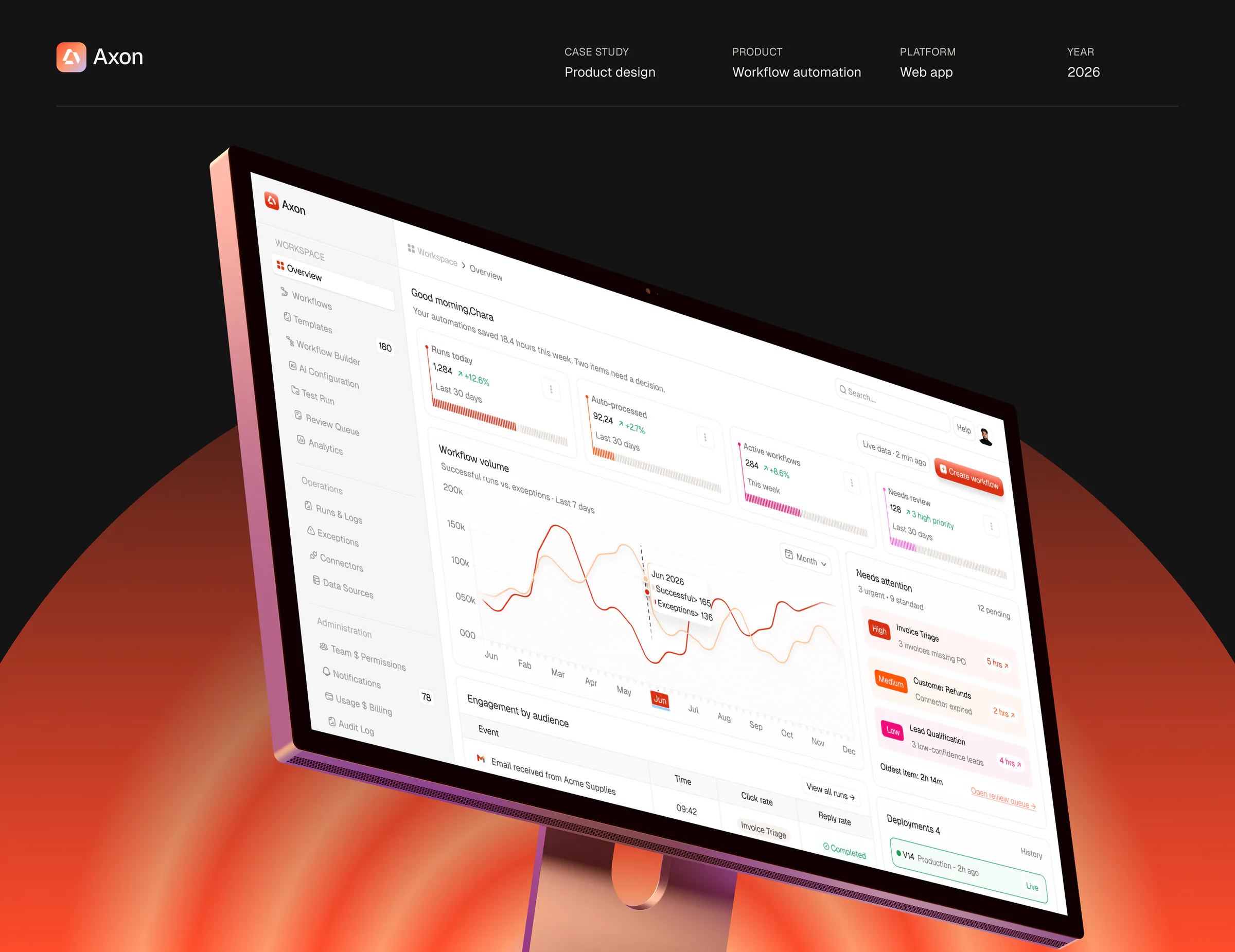
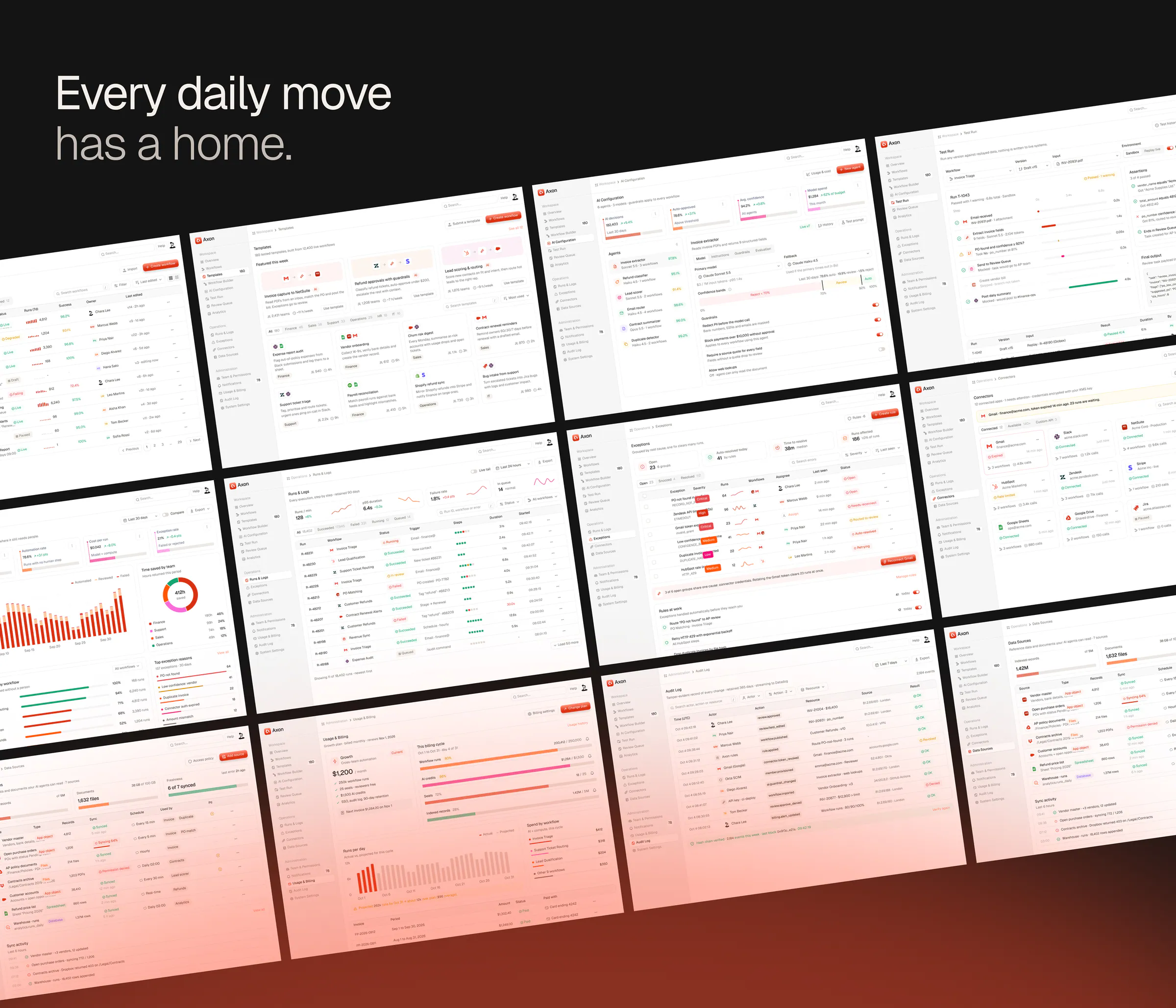
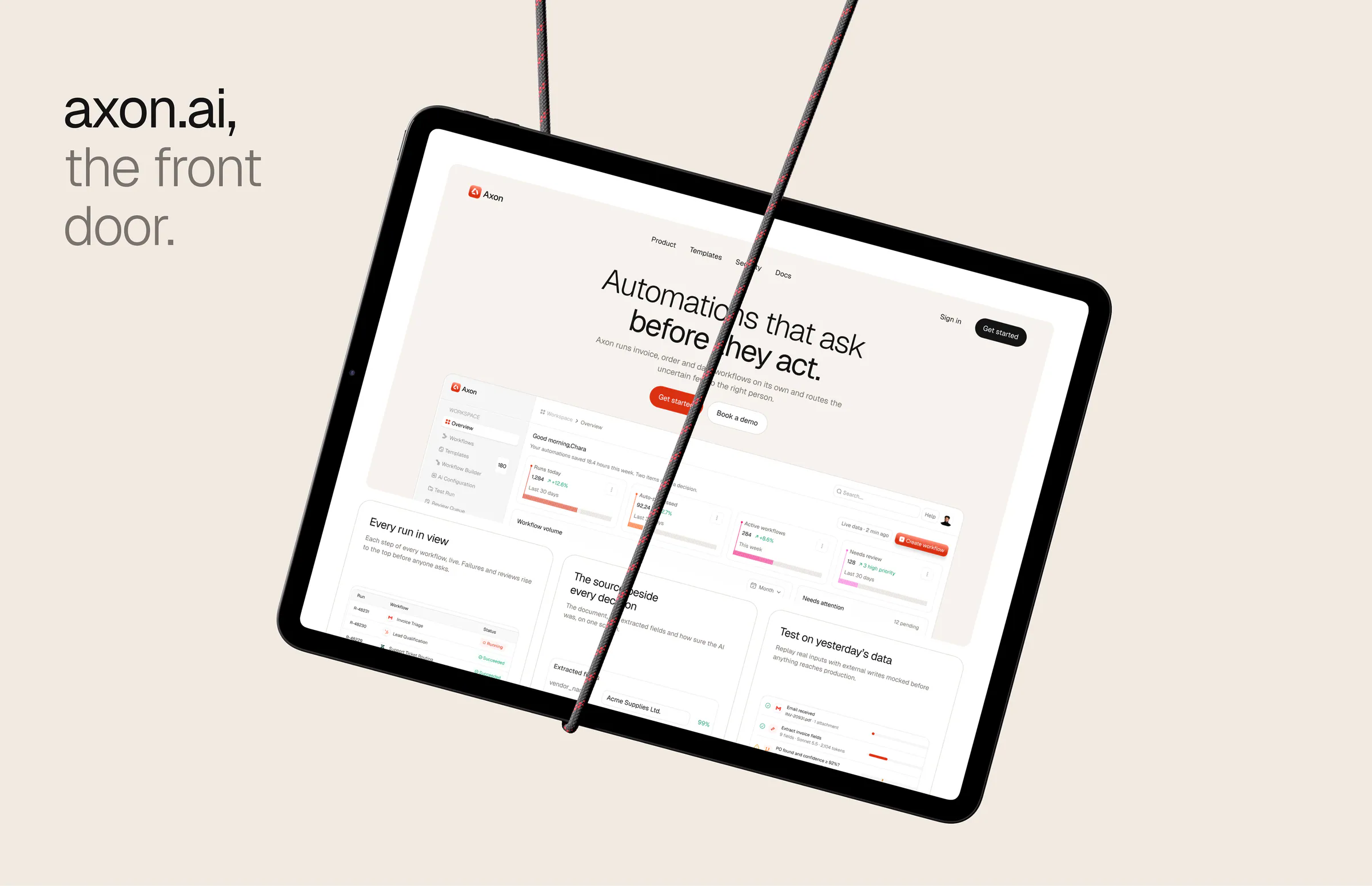
Axon is an AI workflow automation platform for finance and operations teams. It runs invoice processing, order handling and data sync workflows on its own, keeps every run visible and stops to ask a person whenever it is unsure. We designed the product and the brand together: research, personas and user flows, the Ember brand system, a web app with 17 pages and 82 interaction states, and the Axon marketing website.
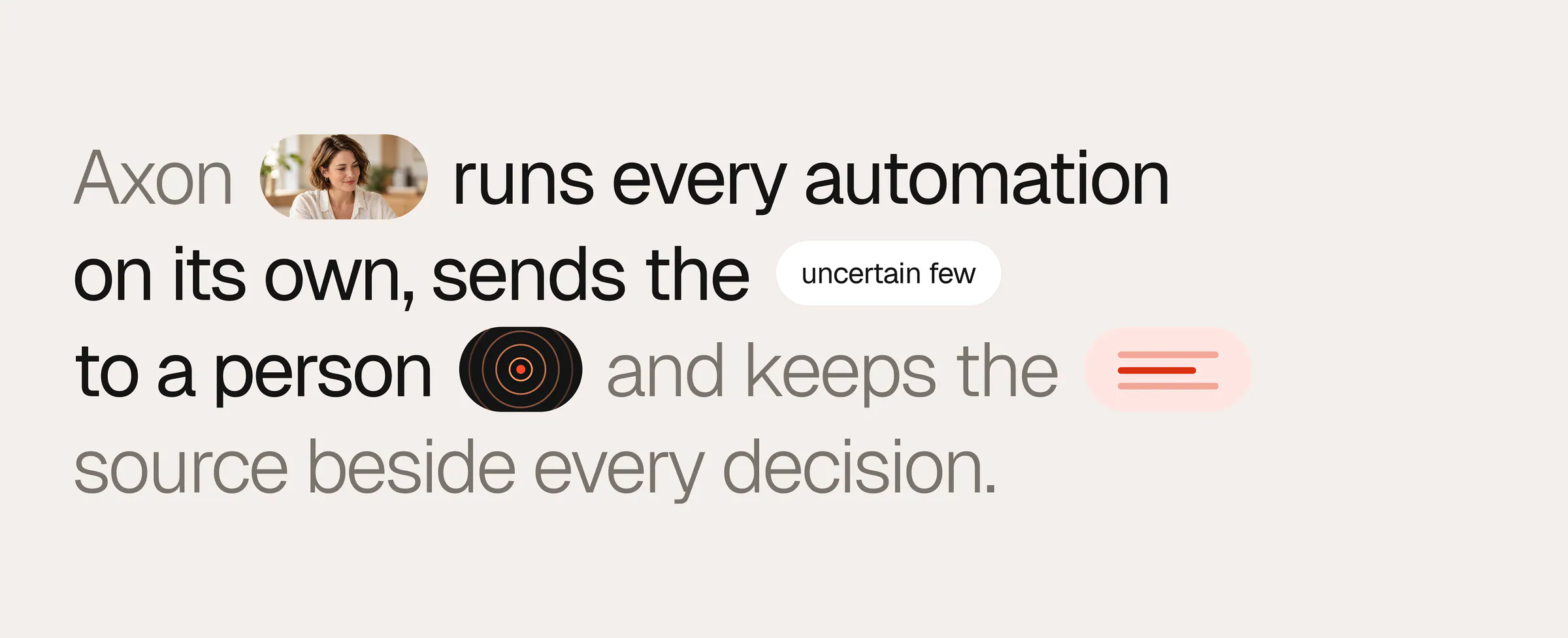
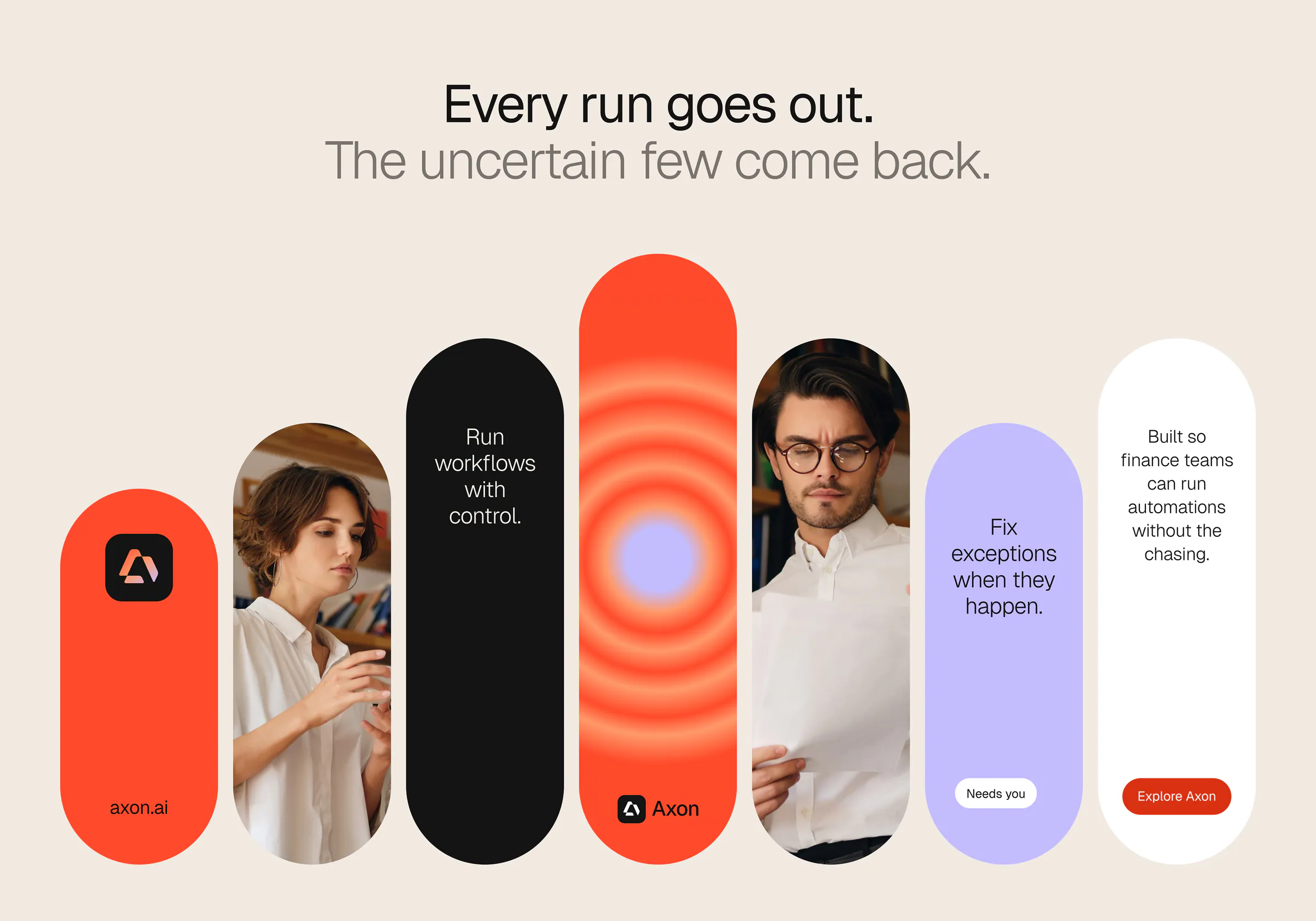
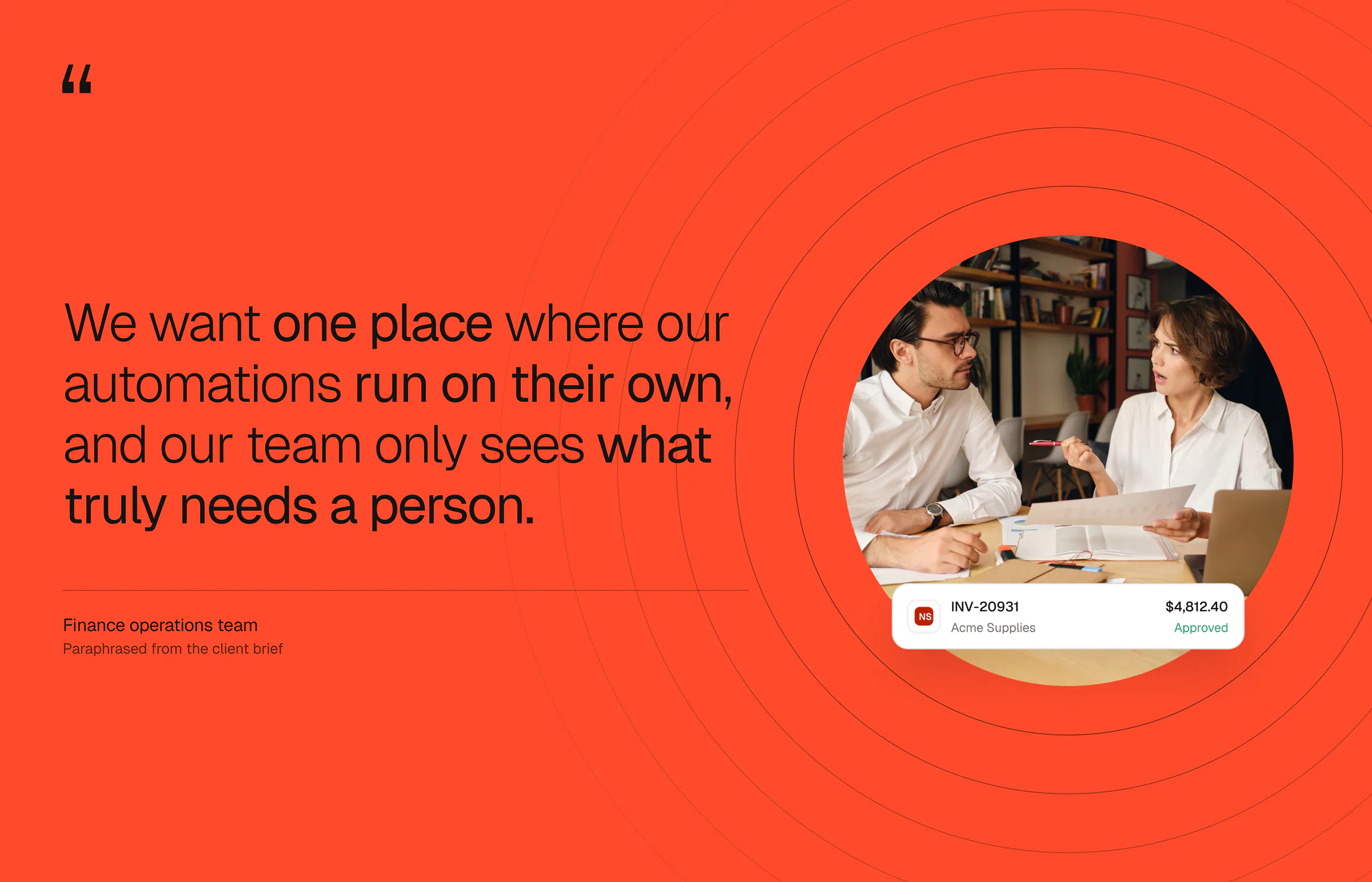
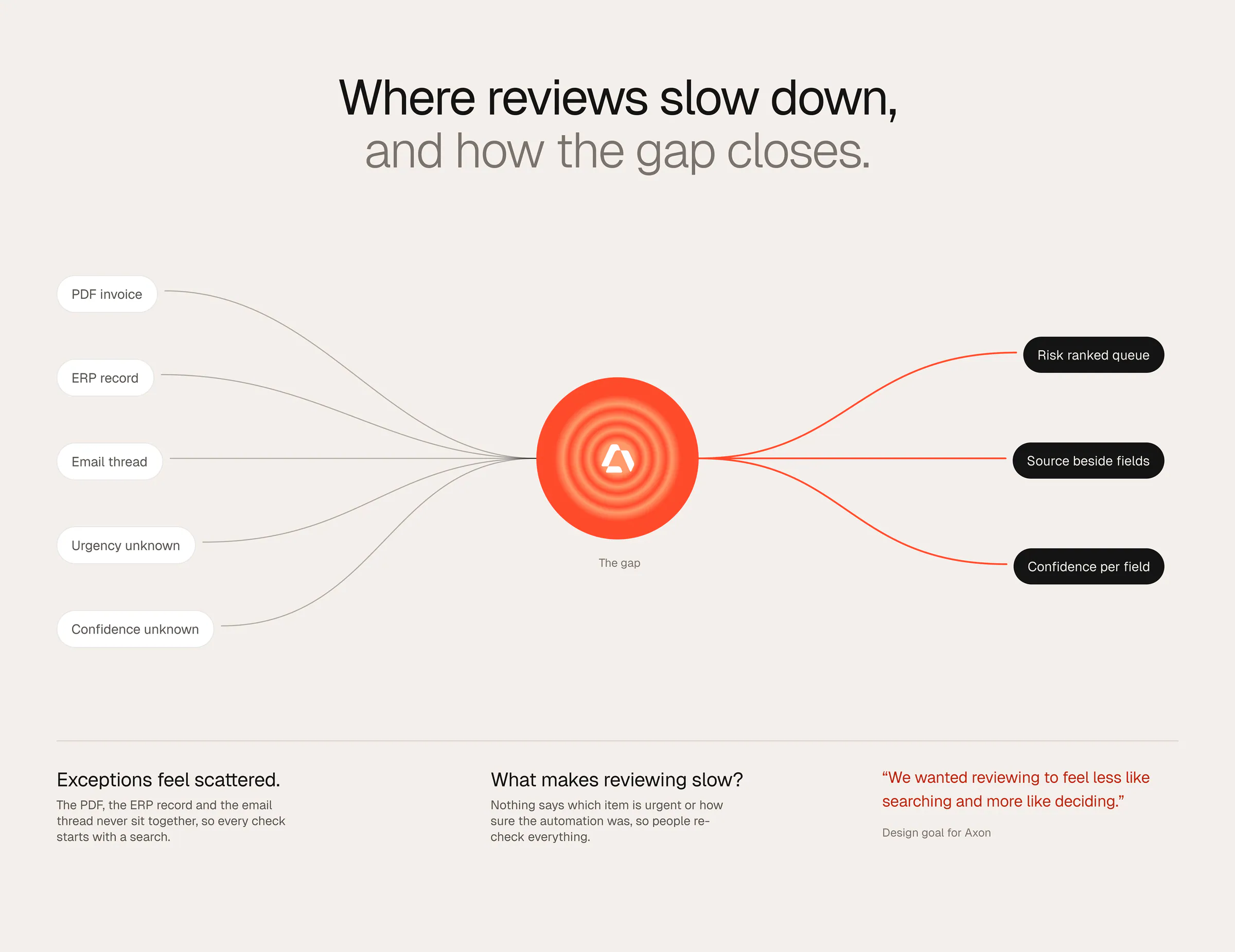
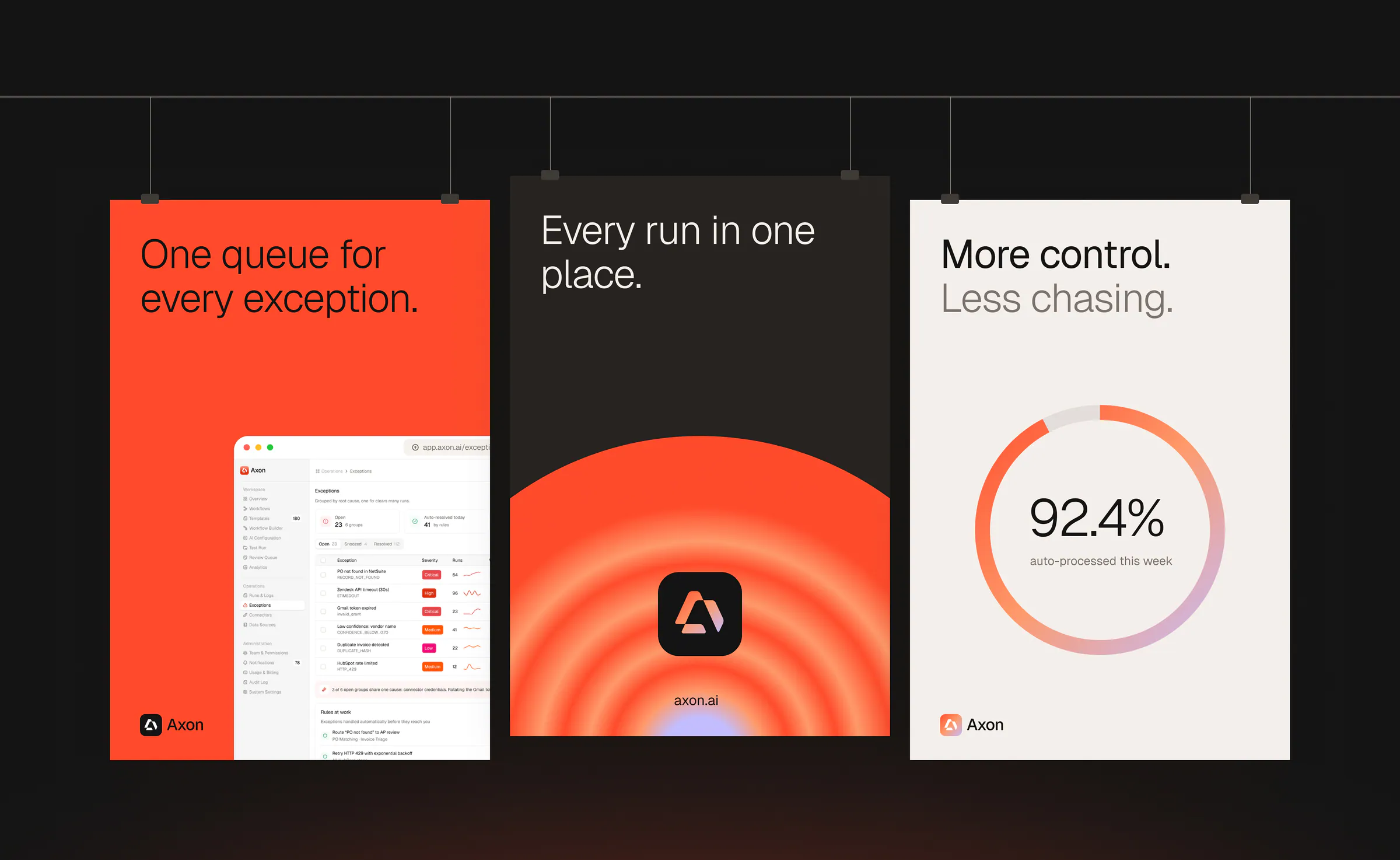
The idea is in Axon's own line: the AI does the work, people make the call. Automation should take the repetitive load off a finance team without taking the decisions away from them. One of the boards says it plainly: Axon runs every automation on its own, sends the uncertain few to a person and keeps the source beside every decision.
The challenge
Finance and ops teams do not trust black-box automation, and they have good reason not to.
One wrong invoice or a silent sync failure costs real money. Most AI tools hide how a decision was made, so when something goes wrong the team cannot see why. The safest response is to stop trusting the tool and check everything by hand, which defeats the point of automating.
Axon had to work the other way. Every run needed to be visible and every AI step needed an explanation. Human review also had to be quick. If checking the AI's work takes longer than doing the work, the review step simply becomes a new bottleneck.

Our approach
How we solved it
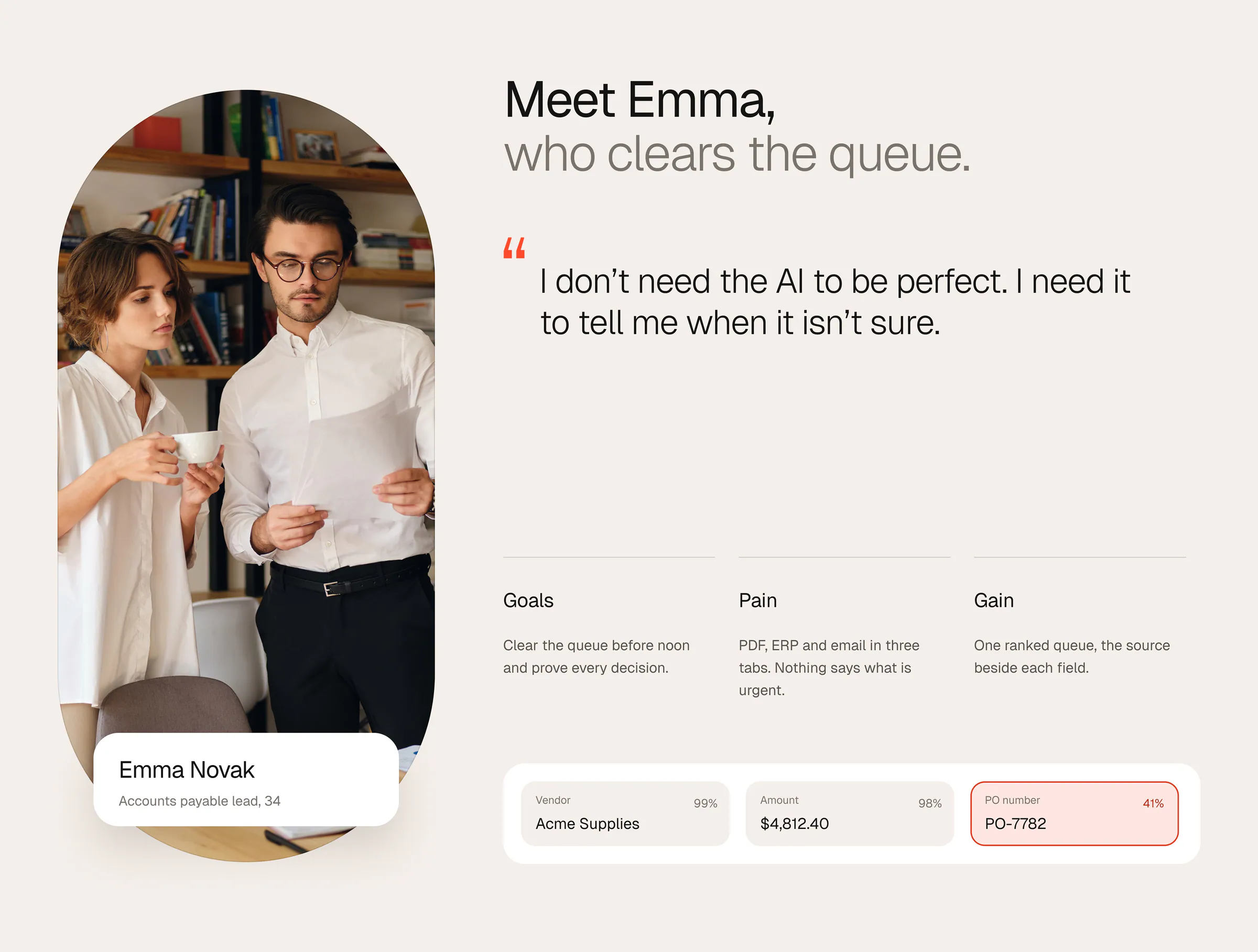
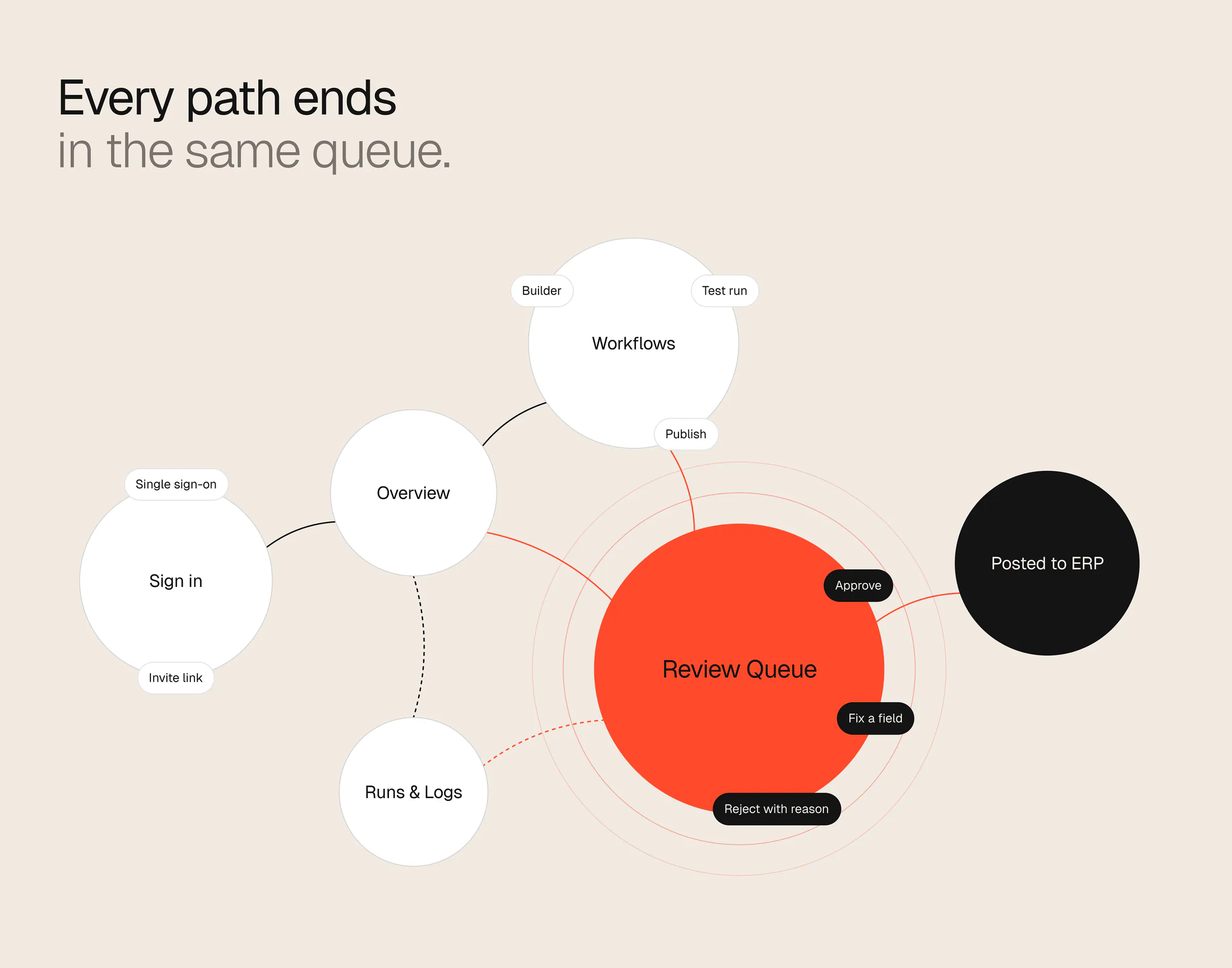
We built the product around visible confidence. Every AI step carries a confidence score. When a step falls below the team's threshold, the run pauses and moves to the Review Queue instead of guessing. We treated that review moment as the heart of the product: the source document, the extracted fields and the supporting evidence sit on one screen, so a person can approve or correct in seconds and the run carries on.

- 01
Research and structure
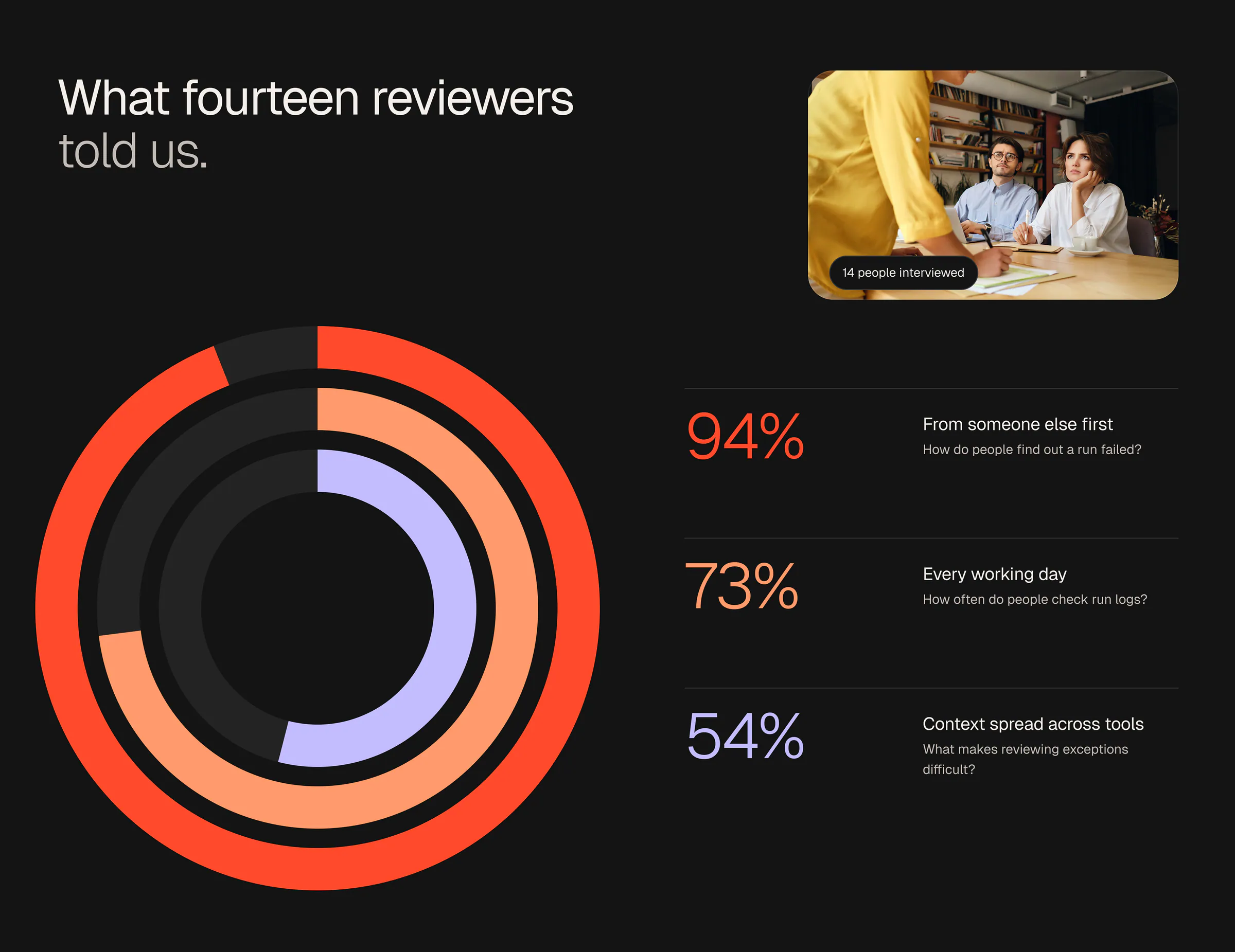
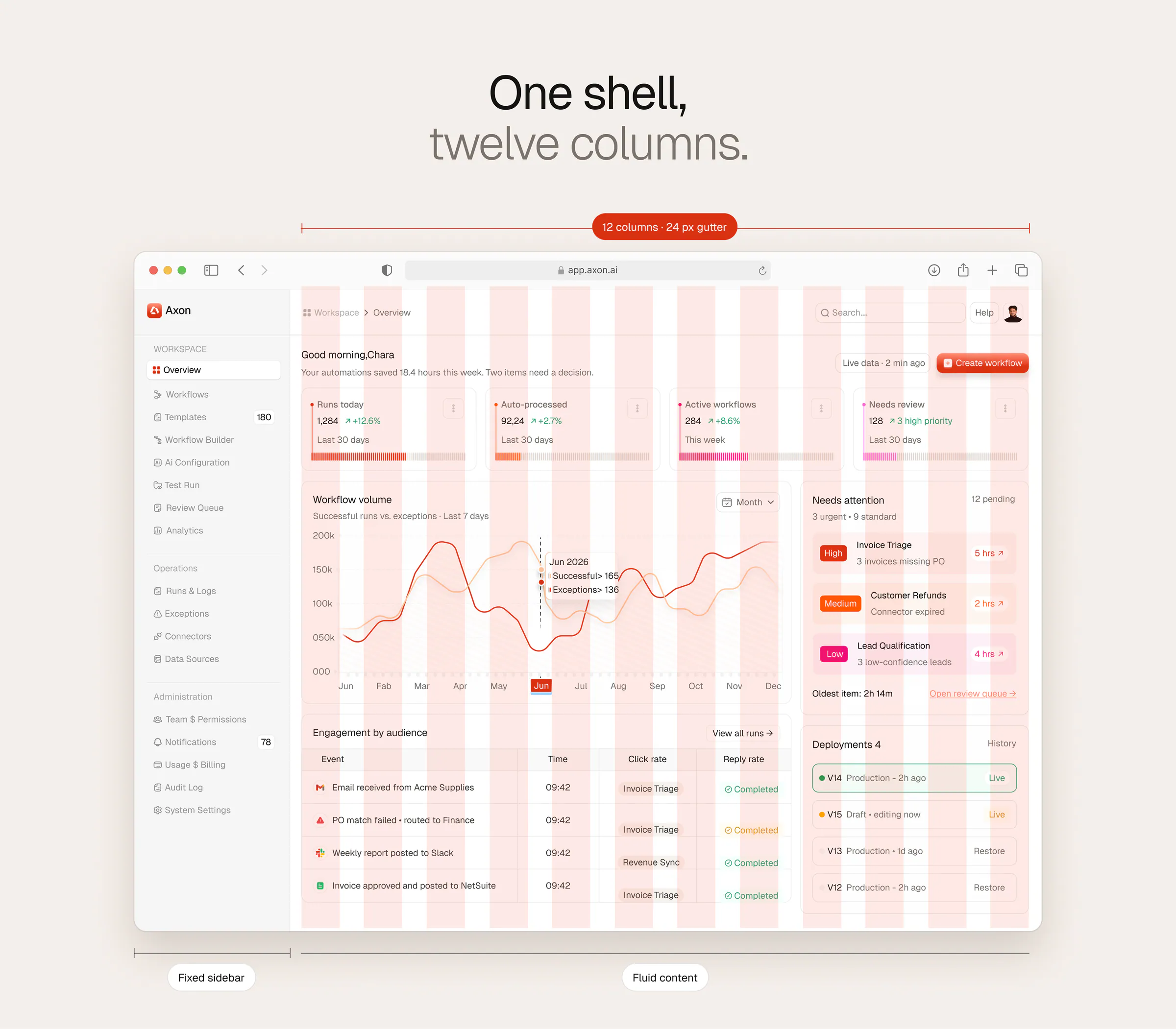
Research, personas and end-to-end user flows came first. They shaped a navigation that keeps daily work, operations and administration apart.
- Research, personas and end-to-end user flows
- Workspace: Overview, Workflows, Templates, Workflow Builder, AI Configuration, Test Run, Review Queue and Analytics
- Operations: Runs & Logs, Exceptions, Connectors and Data Sources
- Administration: Team & Permissions, Notifications, Usage & Billing and Audit Log
- 02
From template to test run
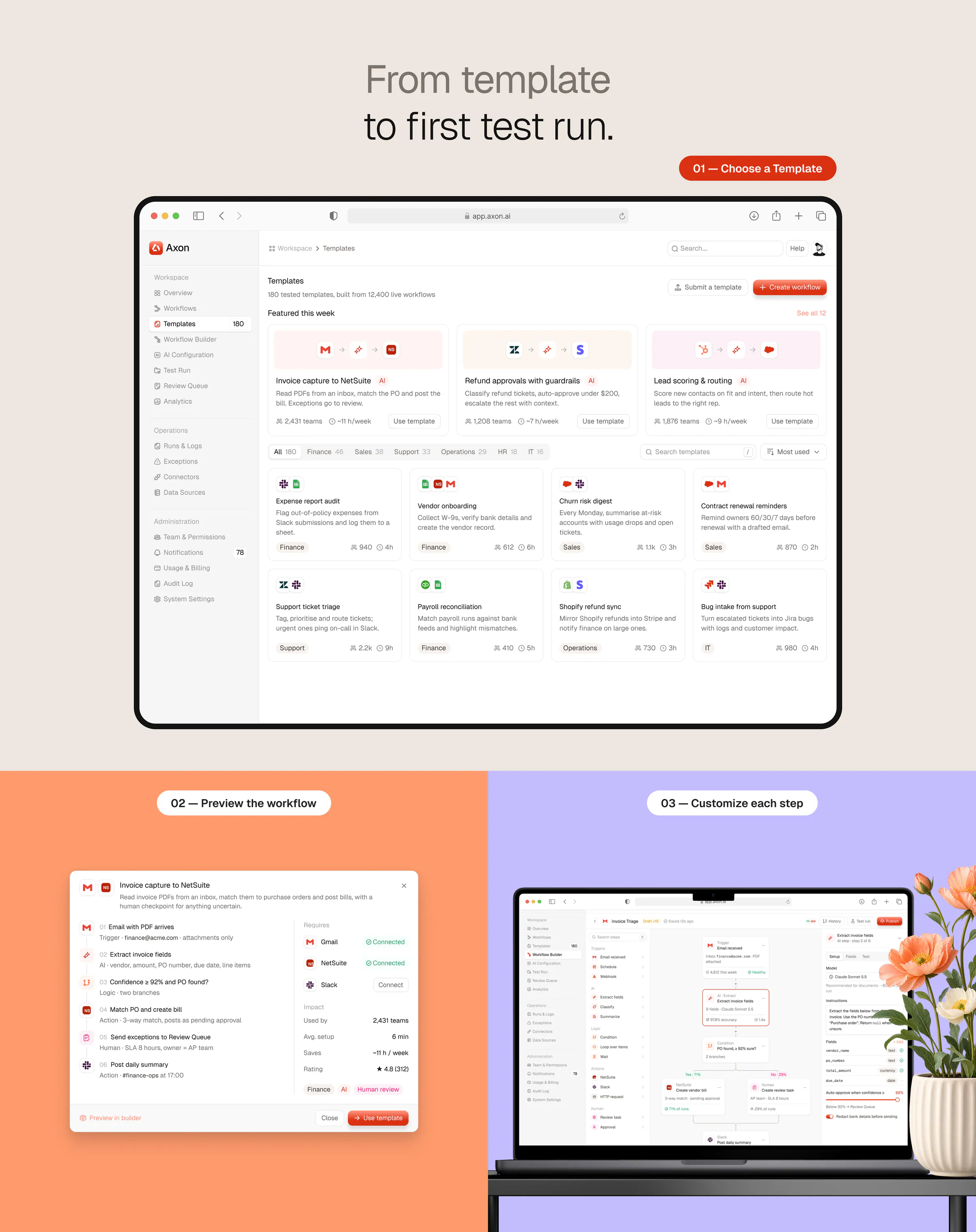
New workflows start from a library of 180 tested templates, such as invoice capture to NetSuite or refund approvals with guardrails. A team previews each step, customizes it in the Workflow Builder and tries it in a sandbox Test Run before anything goes live.
- Template library filtered by Finance, Sales, Support, Operations, HR and IT
- Workflow preview showing every step, the apps it needs and where human review happens
- Workflow Builder for customizing each step
- Sandbox Test Run
- 03
Review, runs and exceptions
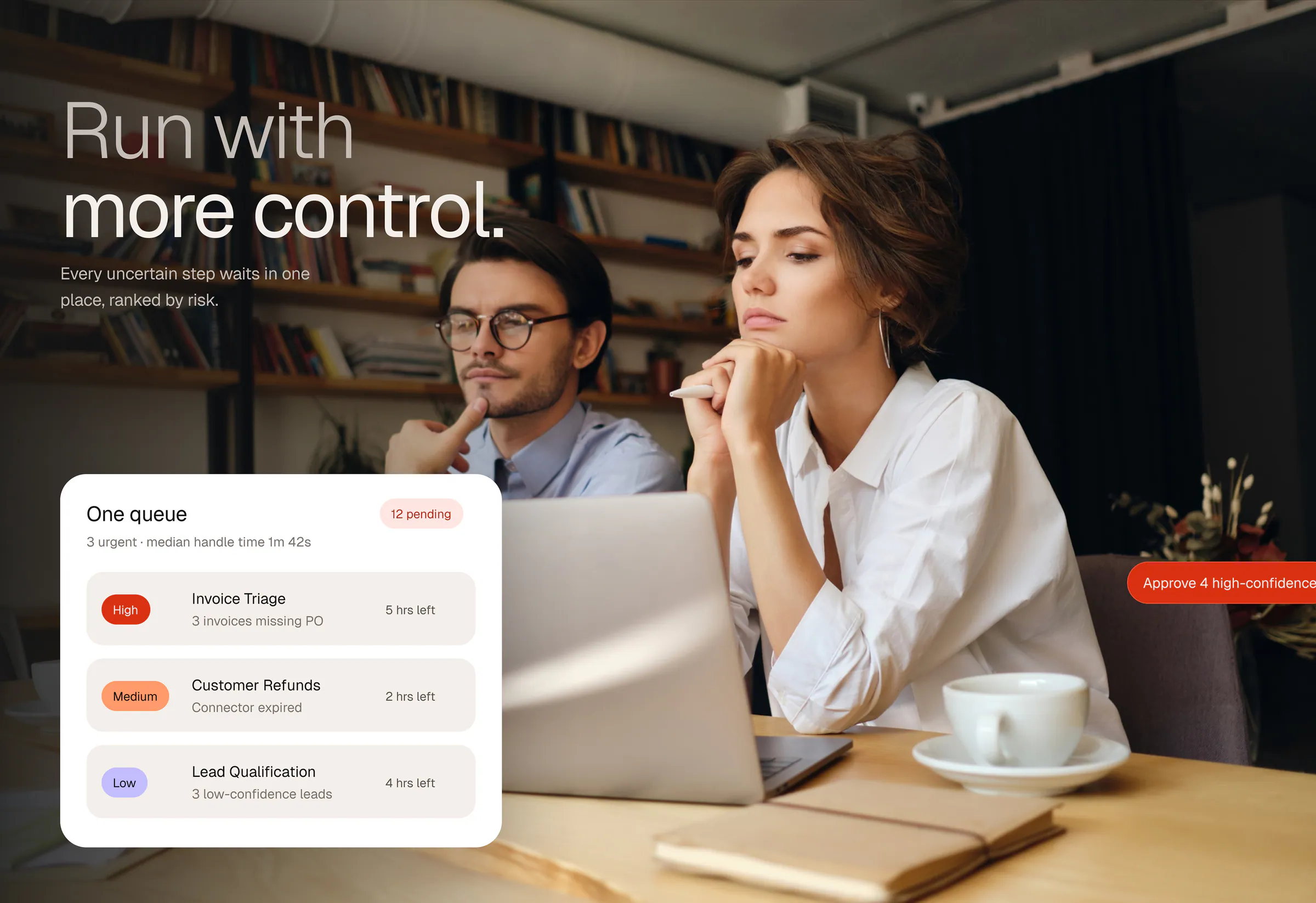
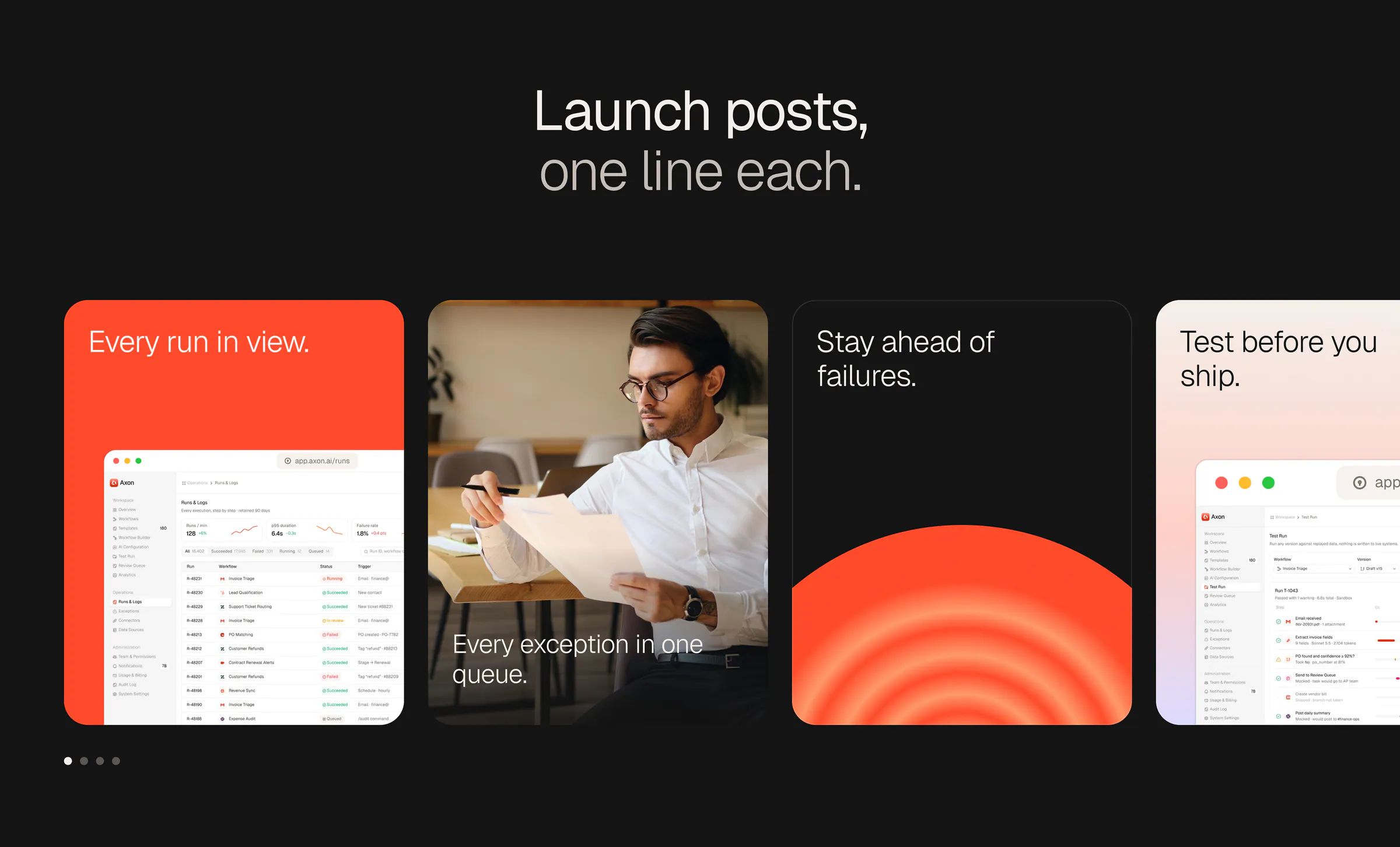
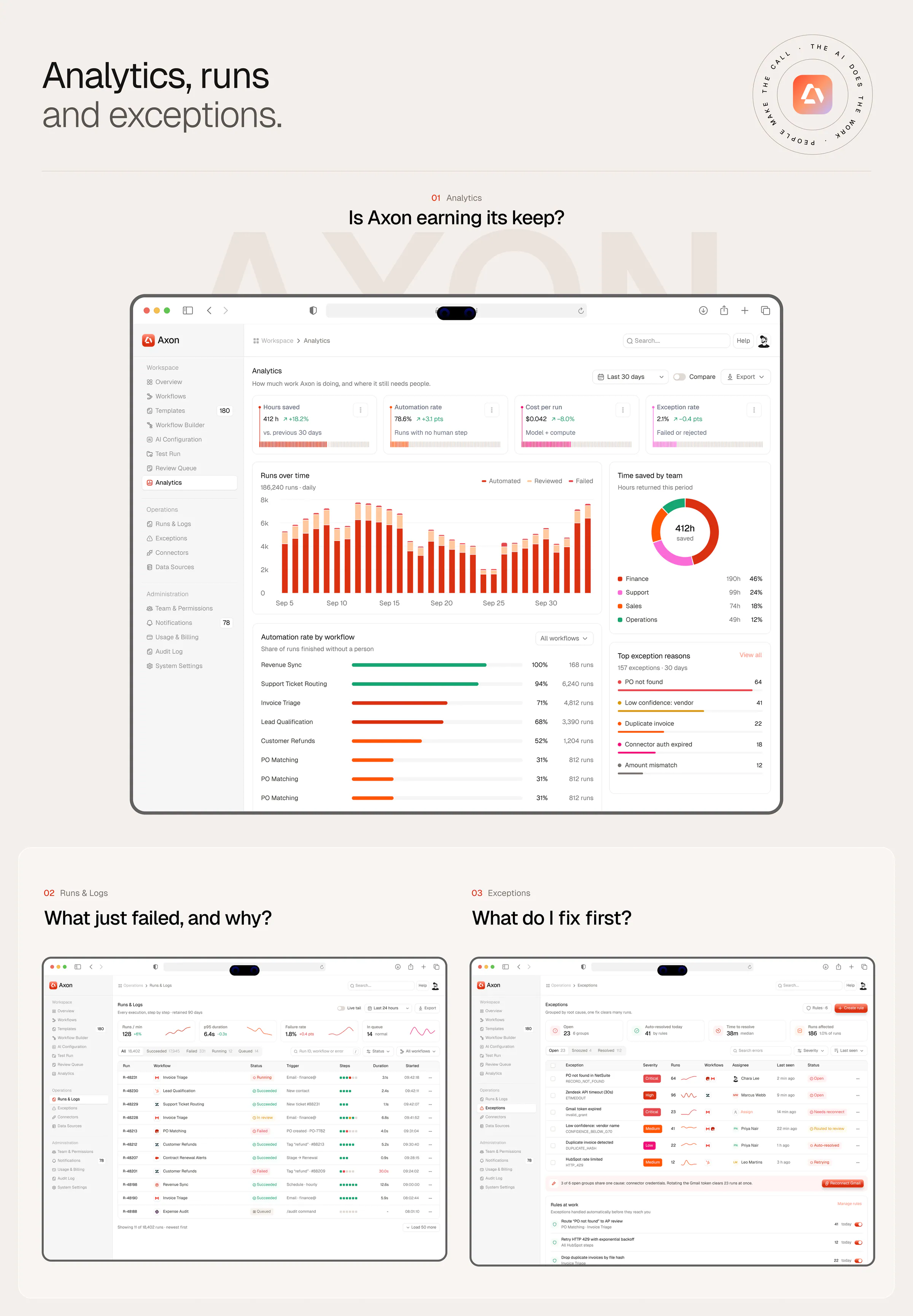
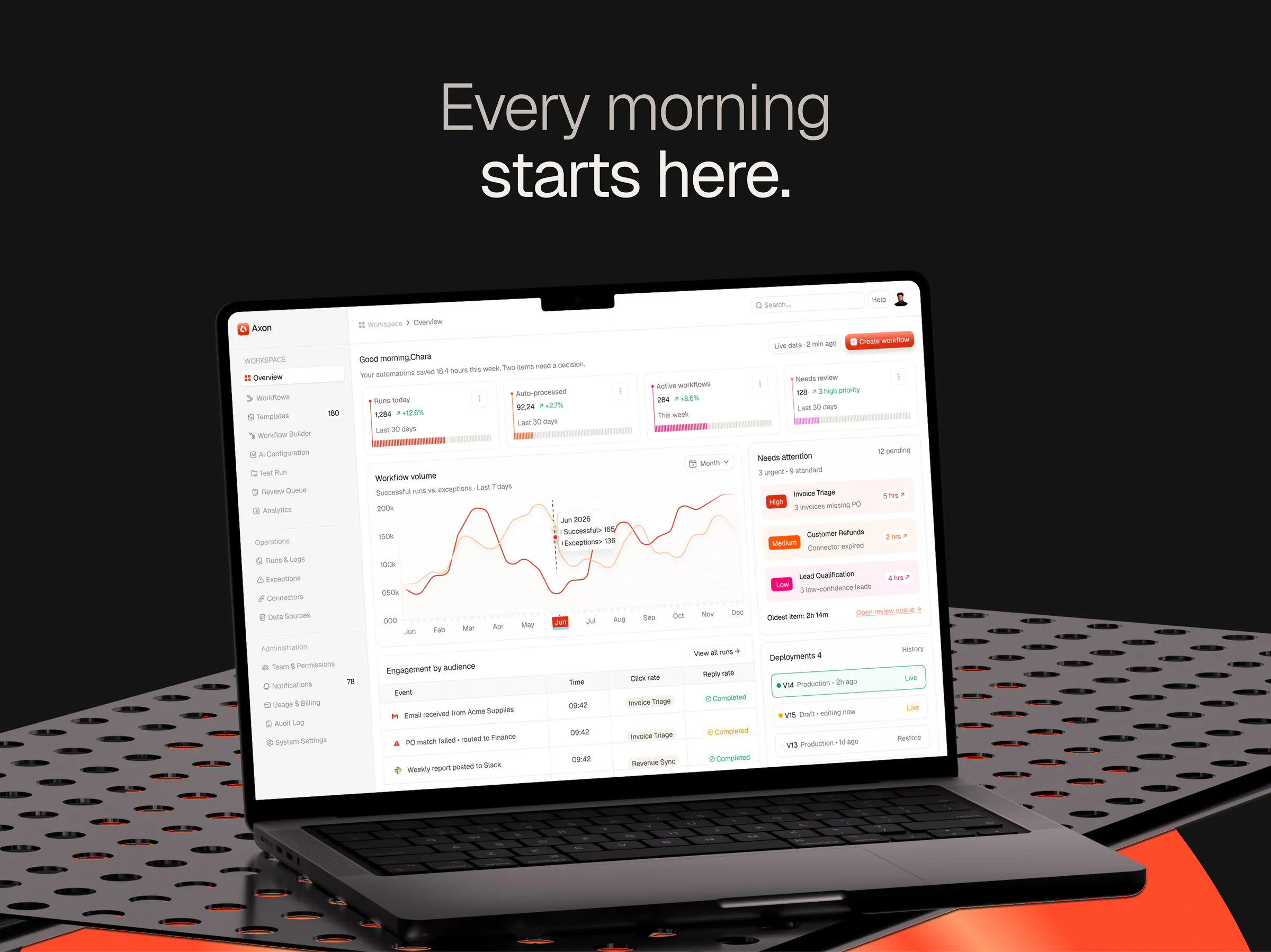
The Overview greets each person with how much the automations saved and which items need a decision, ranked high, medium or low. From there, Runs & Logs, Exceptions and the Review Queue show what the AI did, where it was unsure and what failed.
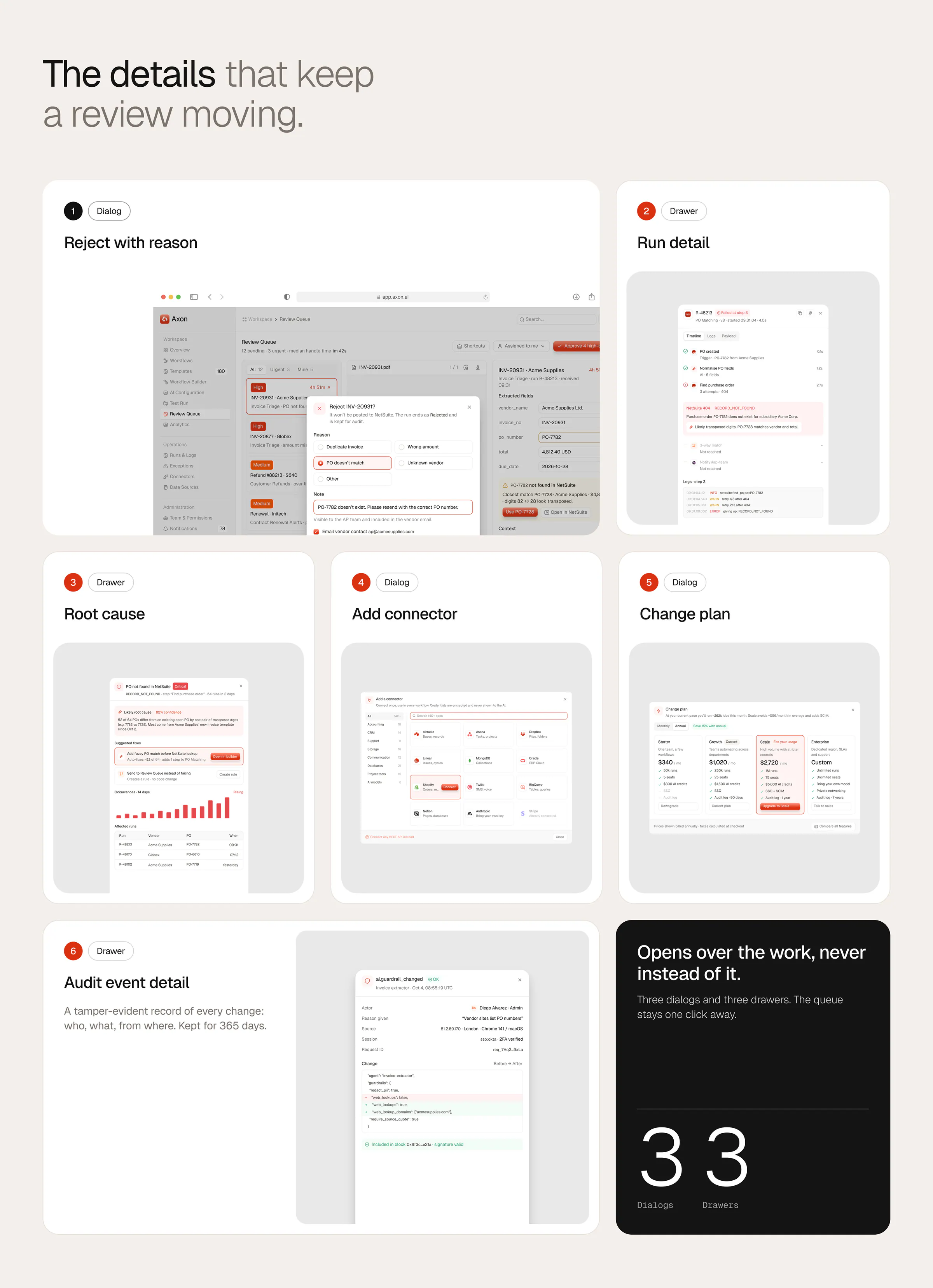
- Review Queue with the source document, extracted fields and evidence side by side
- Run detail and root cause drawers
- Reject with reason dialog
- Audit event detail: a tamper-evident record of every change, kept for 365 days
- Three dialogs and three drawers that open over the work, never instead of it
- 04
Brand, team and website
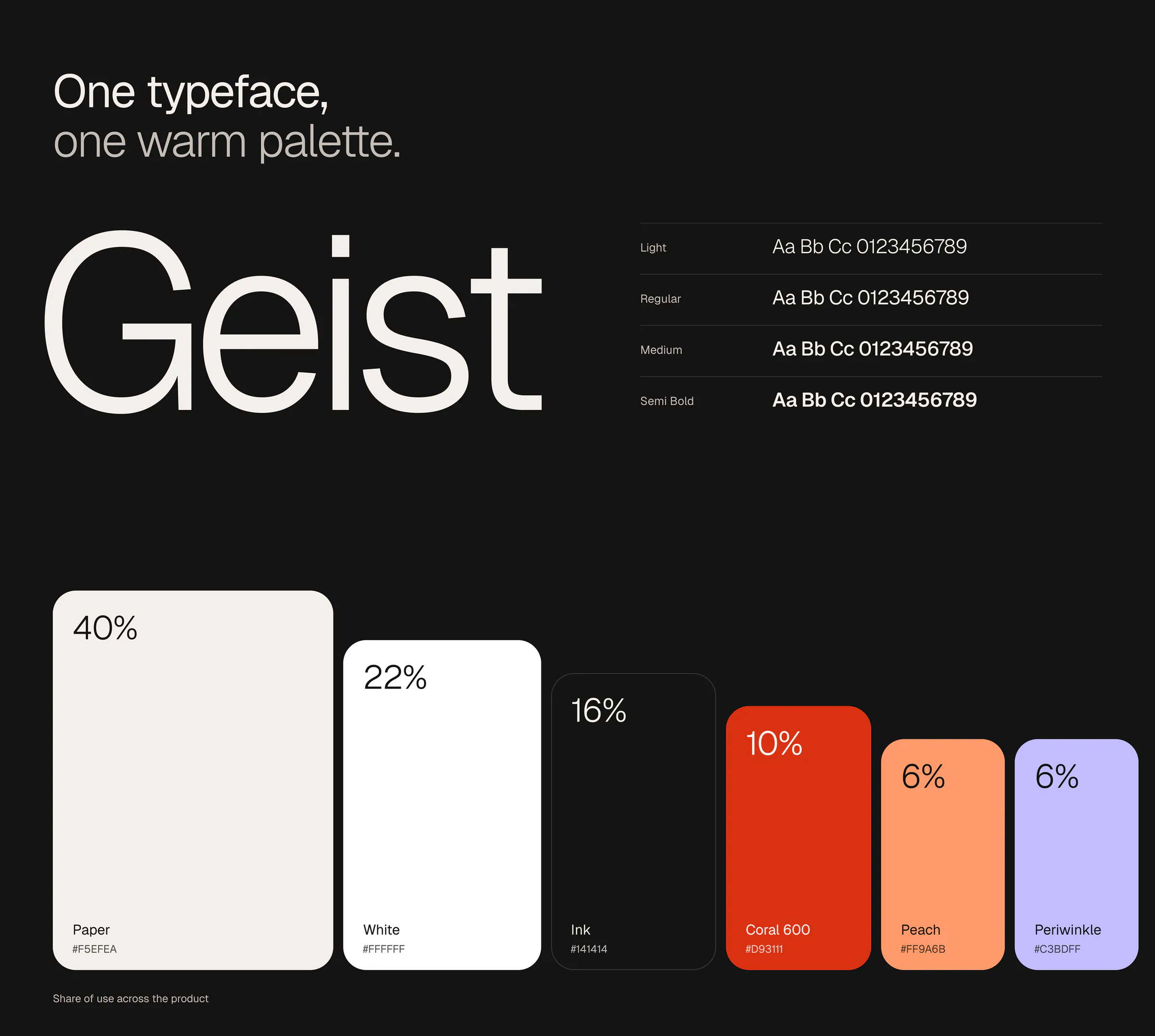
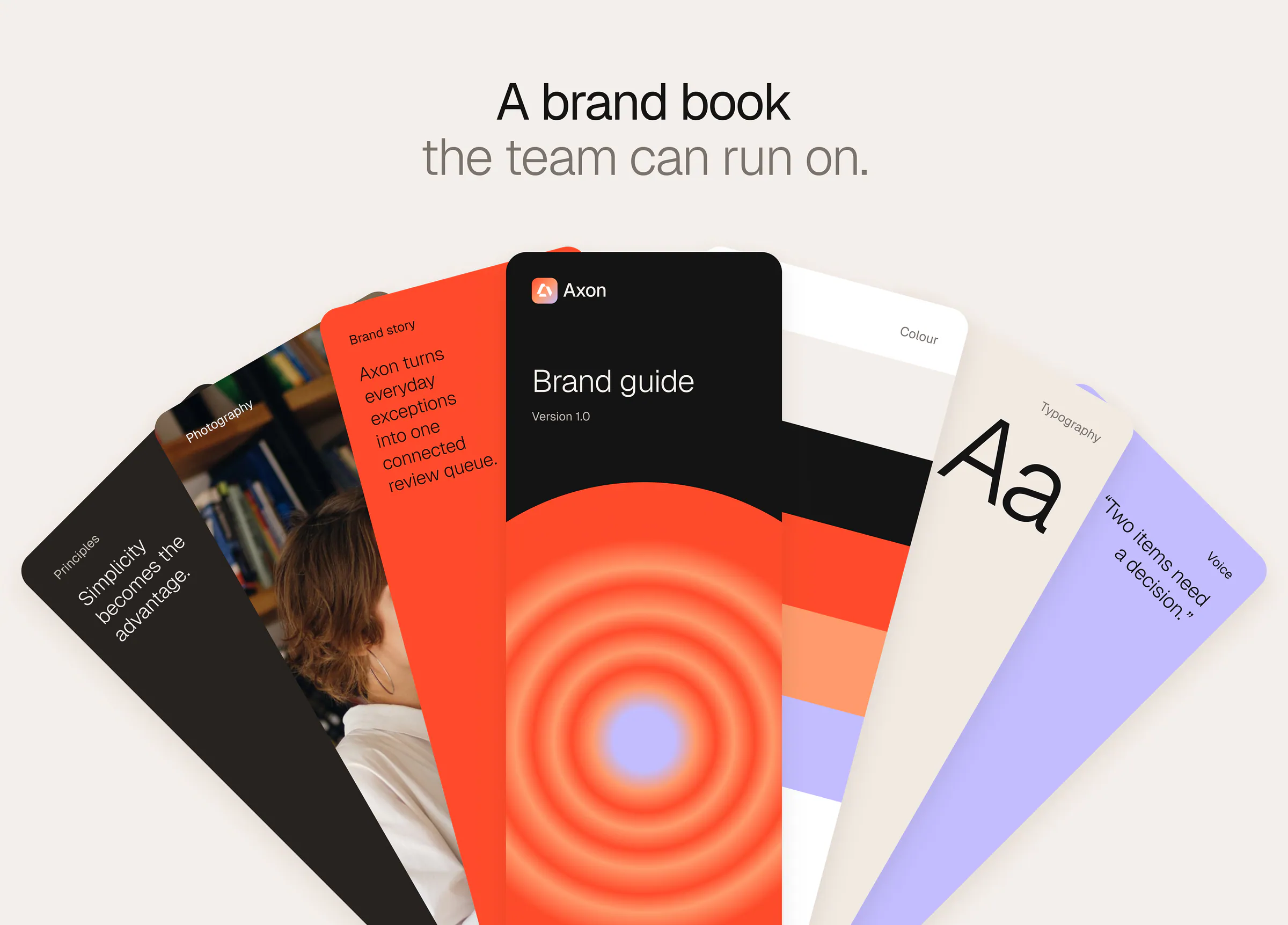
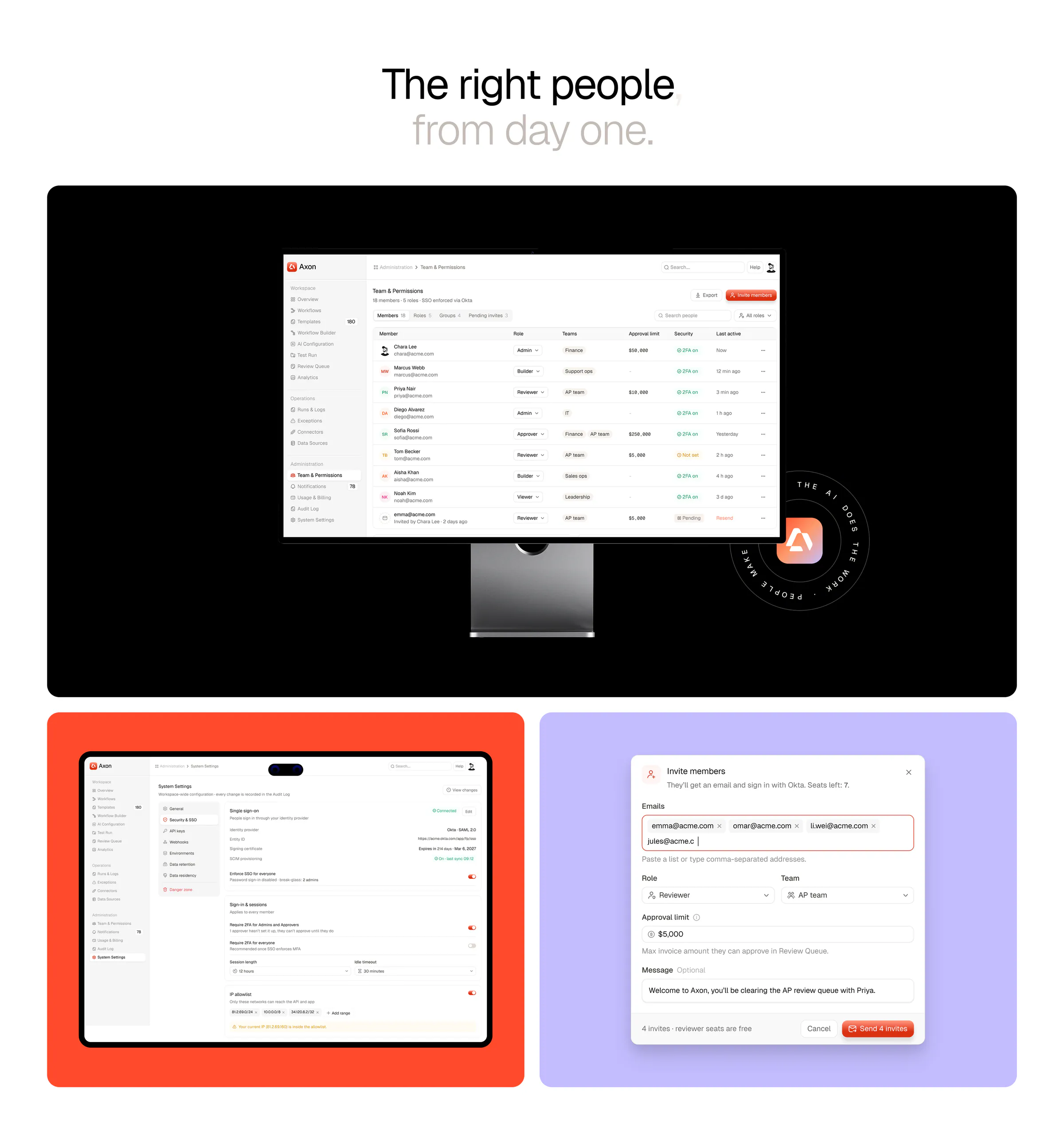
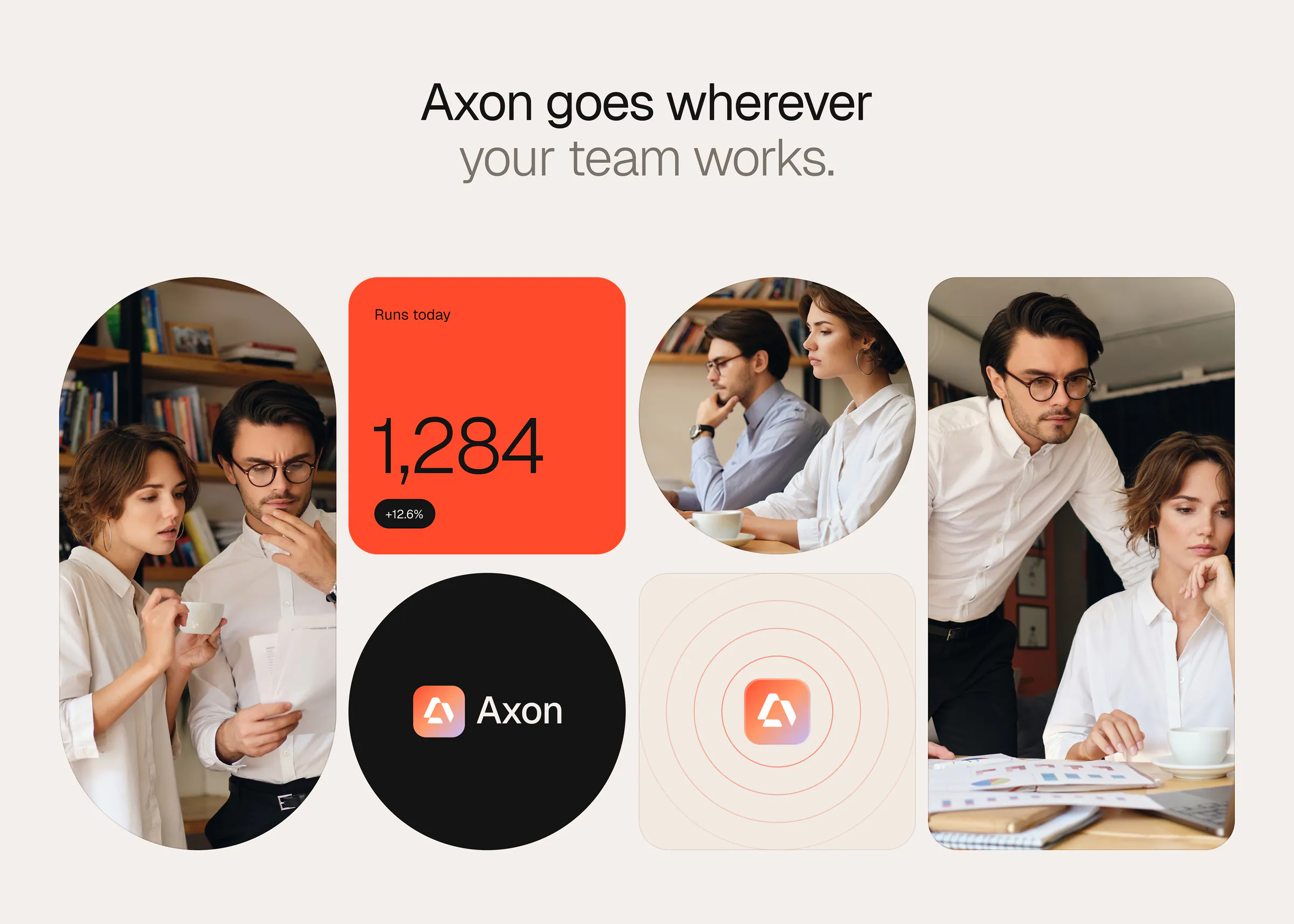
The Ember brand system gives Axon a warm orange and red palette on dark and cream backgrounds, carried from the app into the marketing website. Team & Permissions and the plan and connector dialogs cover the administrative side.
- The Ember brand system
- Team & Permissions
- Add connector and Change plan dialogs
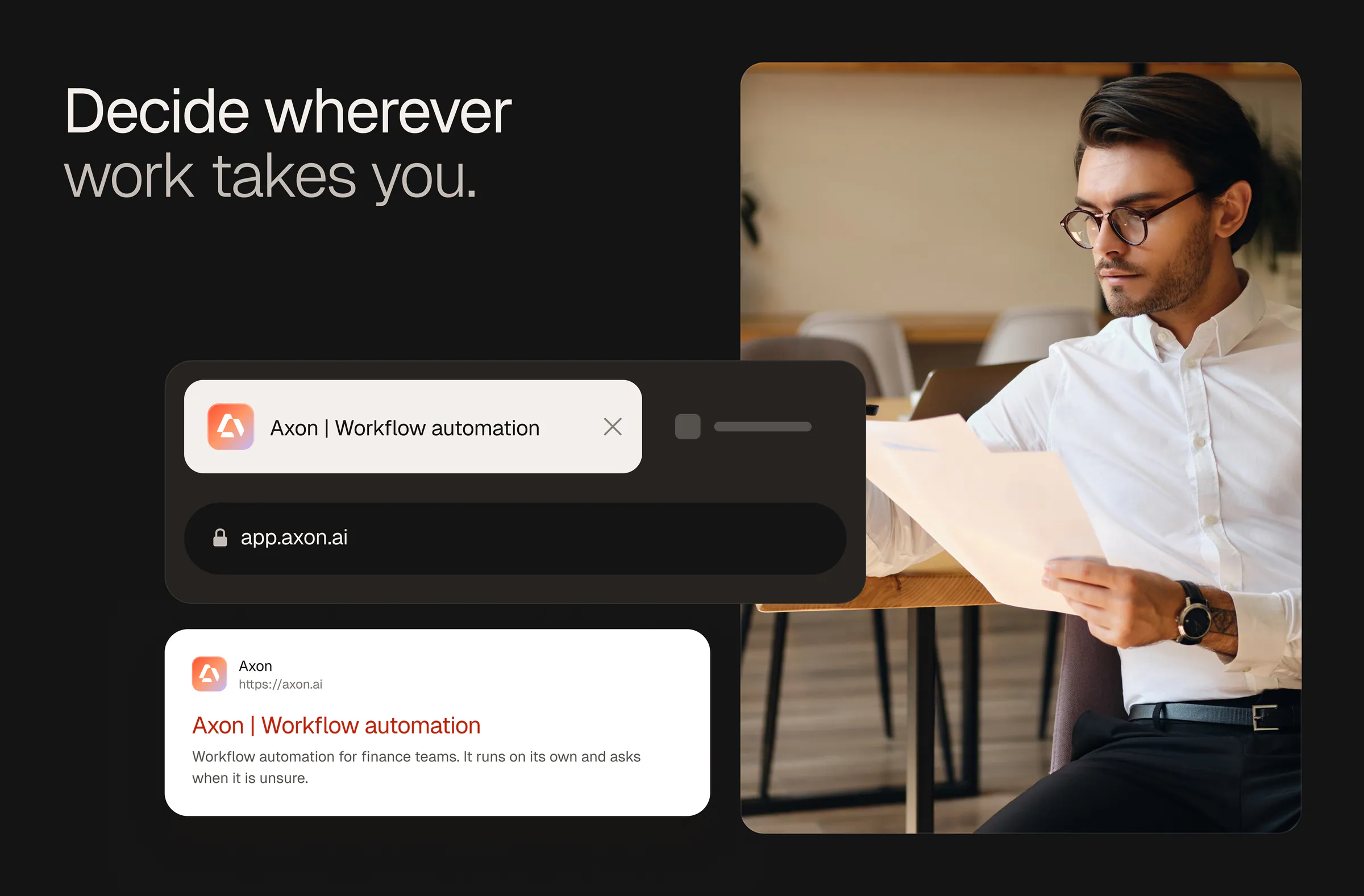
- The Axon marketing website
- Photography and device mockups licensed from Magnific
Selected screens and assets







The result
The result
Axon has a full product and brand delivered as one system: 17 pages, 82 designed states, the Ember identity and a marketing site. Every screen follows the same rule. The AI shows its work, and a person makes the final call.
That matters most when Axon is being evaluated. The main objection finance teams raise about automation is that they cannot see how it decides. Axon can now show buyers exactly that: the confidence score on each step, the run that paused, the evidence beside it and the audit trail afterwards.
For the people using it every day, review stays fast. Uncertain items arrive ranked by priority with everything needed to decide, and the queue is always one click away.
Next case studies
See all work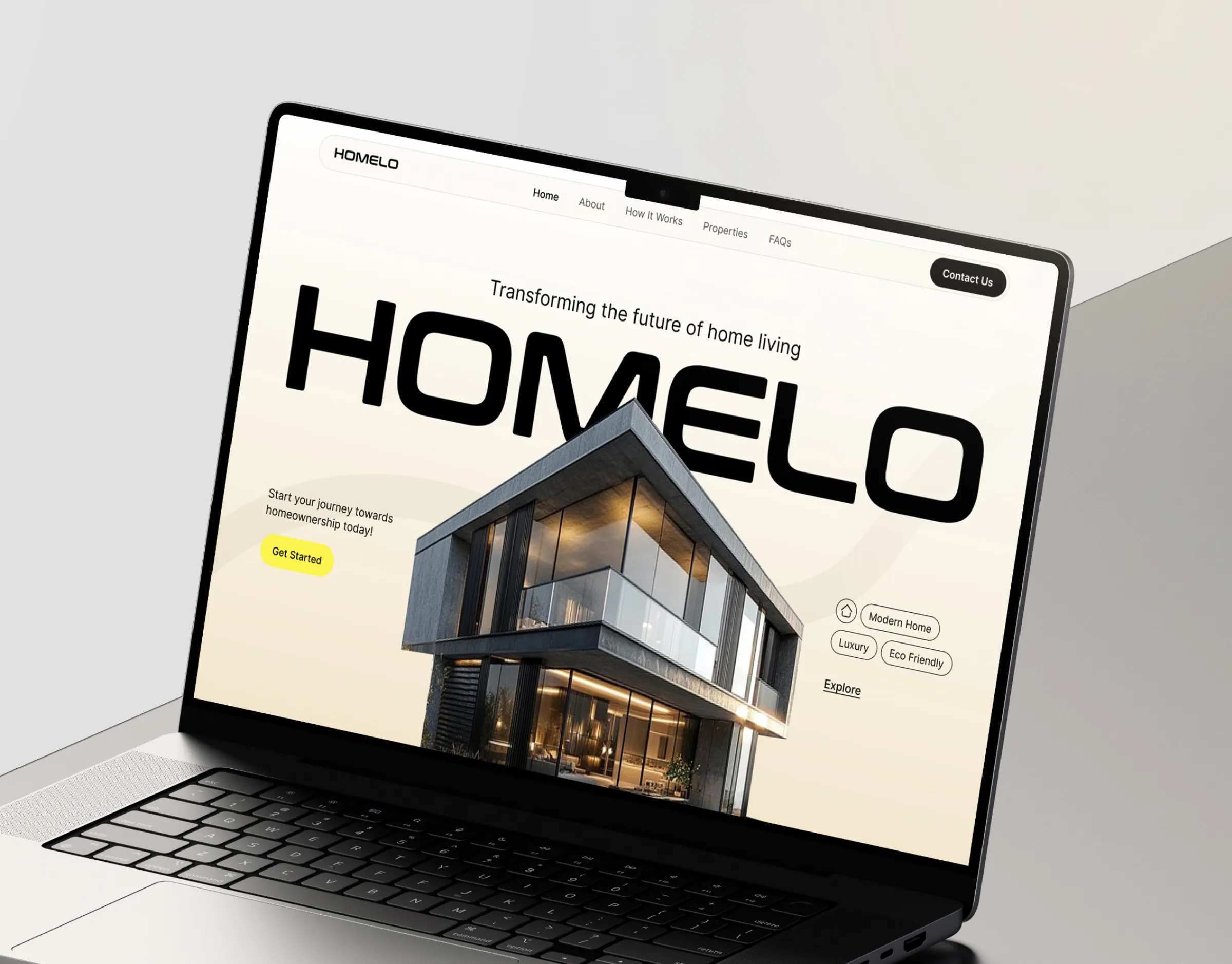
Homelo
A landing page design for Homelo, a real estate brand, created in Figma and Photoshop.
Fintus
A fintech website for Fintus: home page, features page and responsive layouts.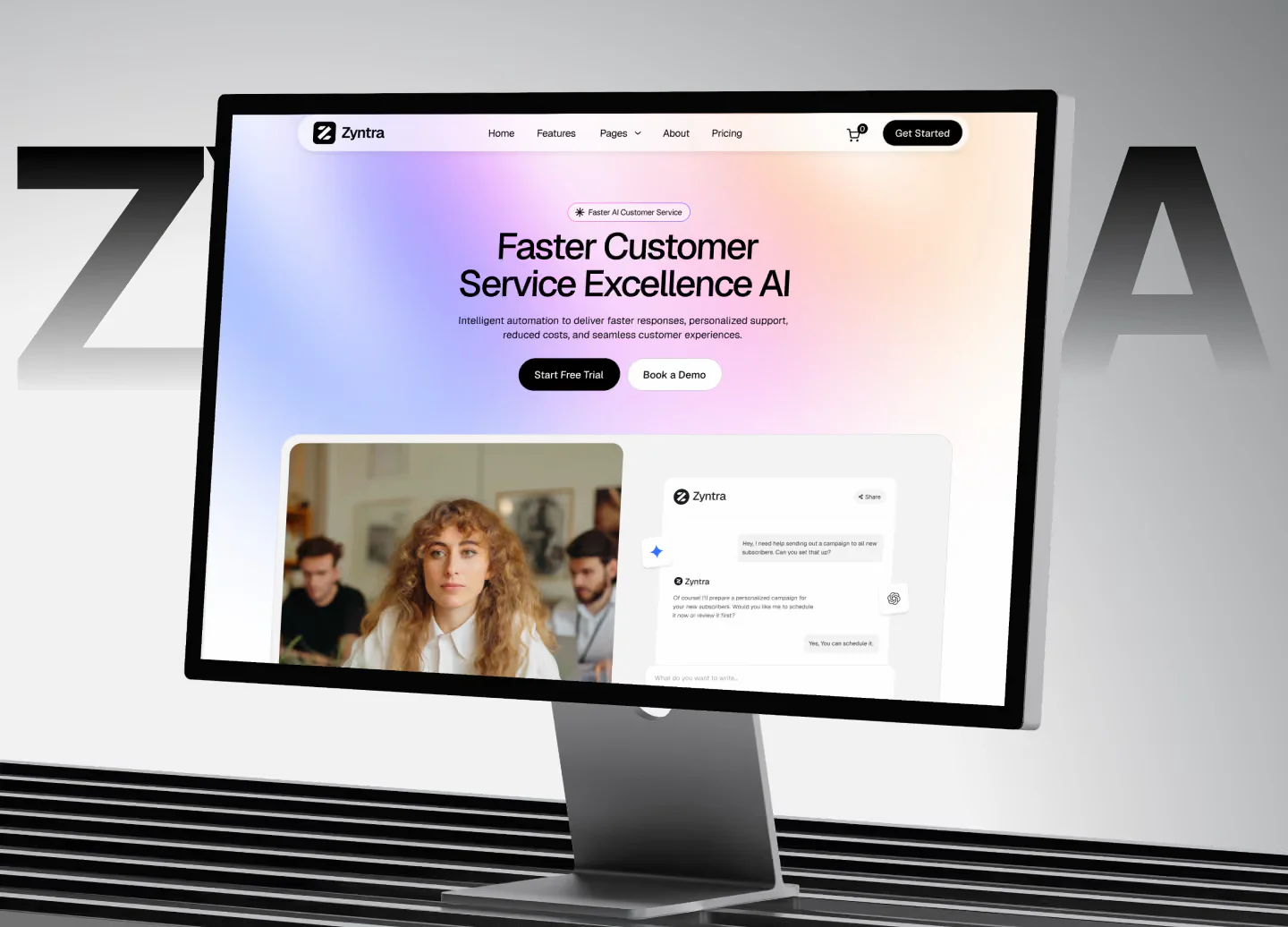 SaaS website
Zyntra
An AI customer service platform website that explains complex automation with clarity and trust.


Not sure what your brand or product needs?
Book a free 30-minute call. We’ll review where you are and recommend the next step.
Book a free callLet’s talk
Ready to start your project?
- 1Book a free 30-minute call
- 2Get a clear scope and timeline
- 3Sign the agreement and NDA
- 4Kick off with your senior team

Maniruzzaman Jubayer
COO & Co-founder
 +1 (501) 550-1093
A senior designer reads every brief and replies within 4 business hours with a clear next step, not a sales script.
 Webflow Professional Partner
 Featured 25 times on Behance
 Top Product Design Agency on Dribbble
 5.0 rating on Clutch