




FleetPulse: Smart Logistics and Fleet Management Dashboard
Live fleet status, scheduling and performance in one optimized interface.
 Project overview
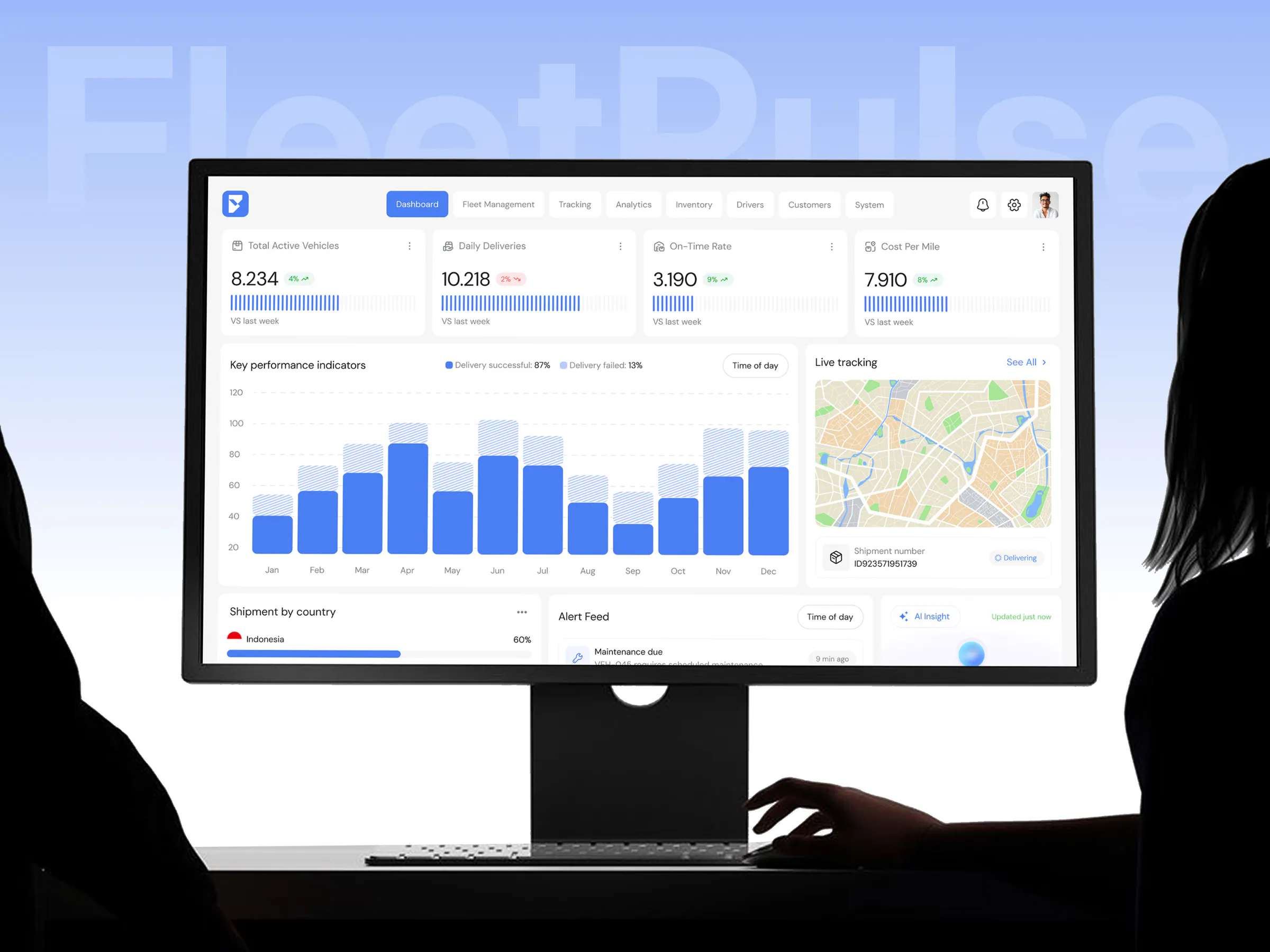
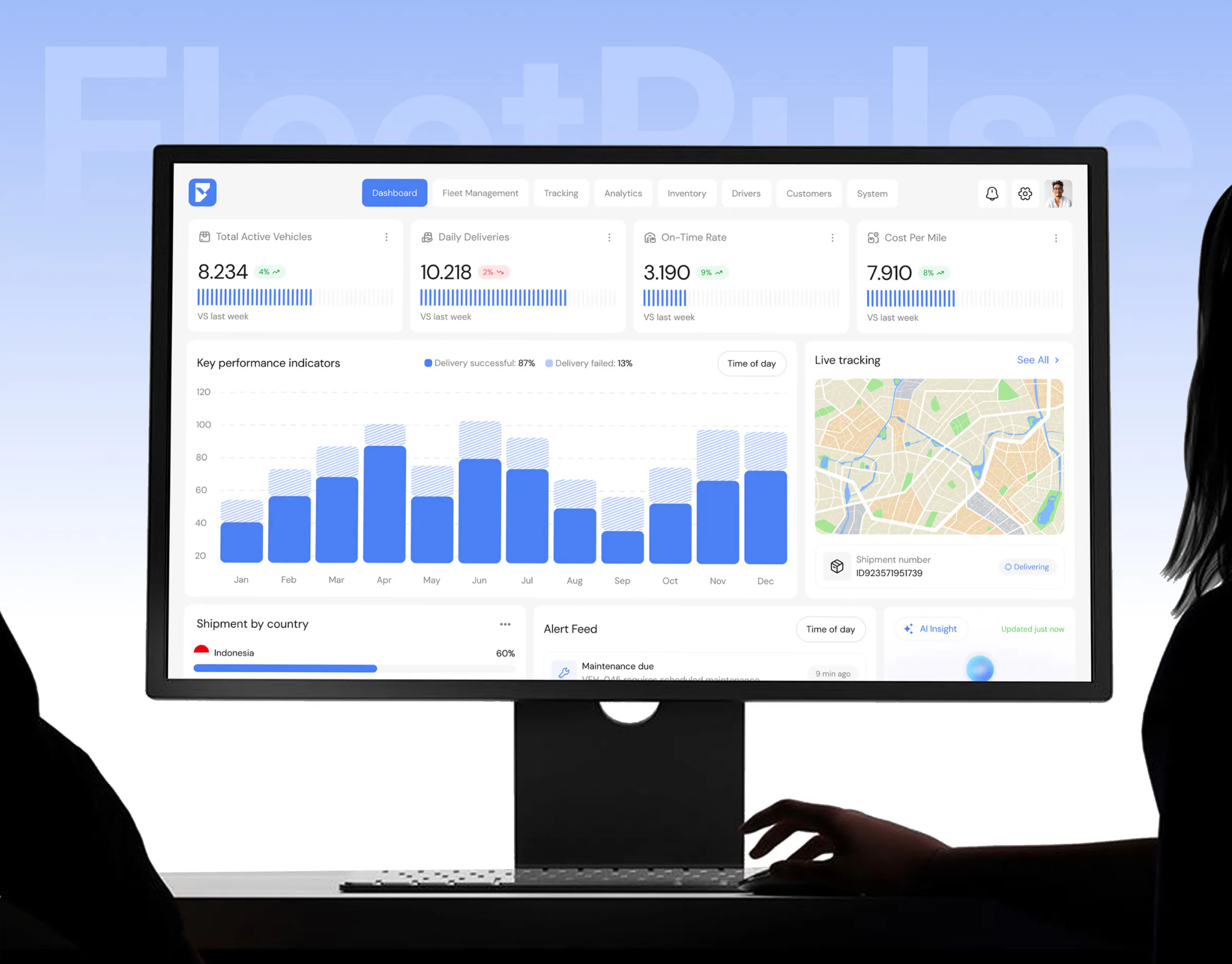
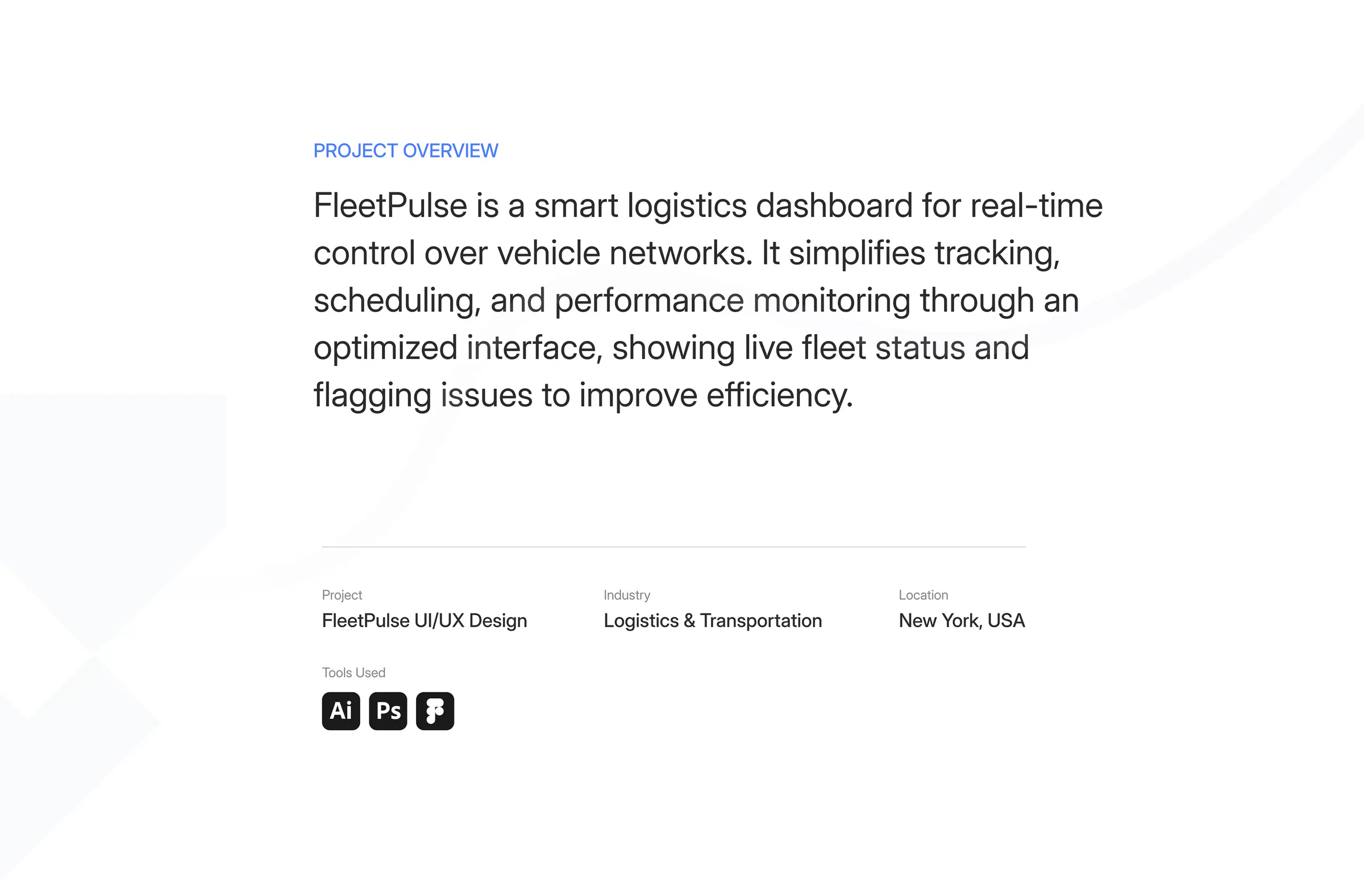
FleetPulse is a smart logistics dashboard for real-time control over vehicle networks. It brings tracking, scheduling and performance monitoring into one interface, showing live fleet status and flagging issues before they turn into delays. We designed the product's UI and UX, along with the FleetPulse mark and icon set.
The idea was one interface for the whole fleet: live status, scheduling and performance together, with problems flagged early enough to act on. A manager should be able to open FleetPulse and see straight away what needs attention.
The challenge
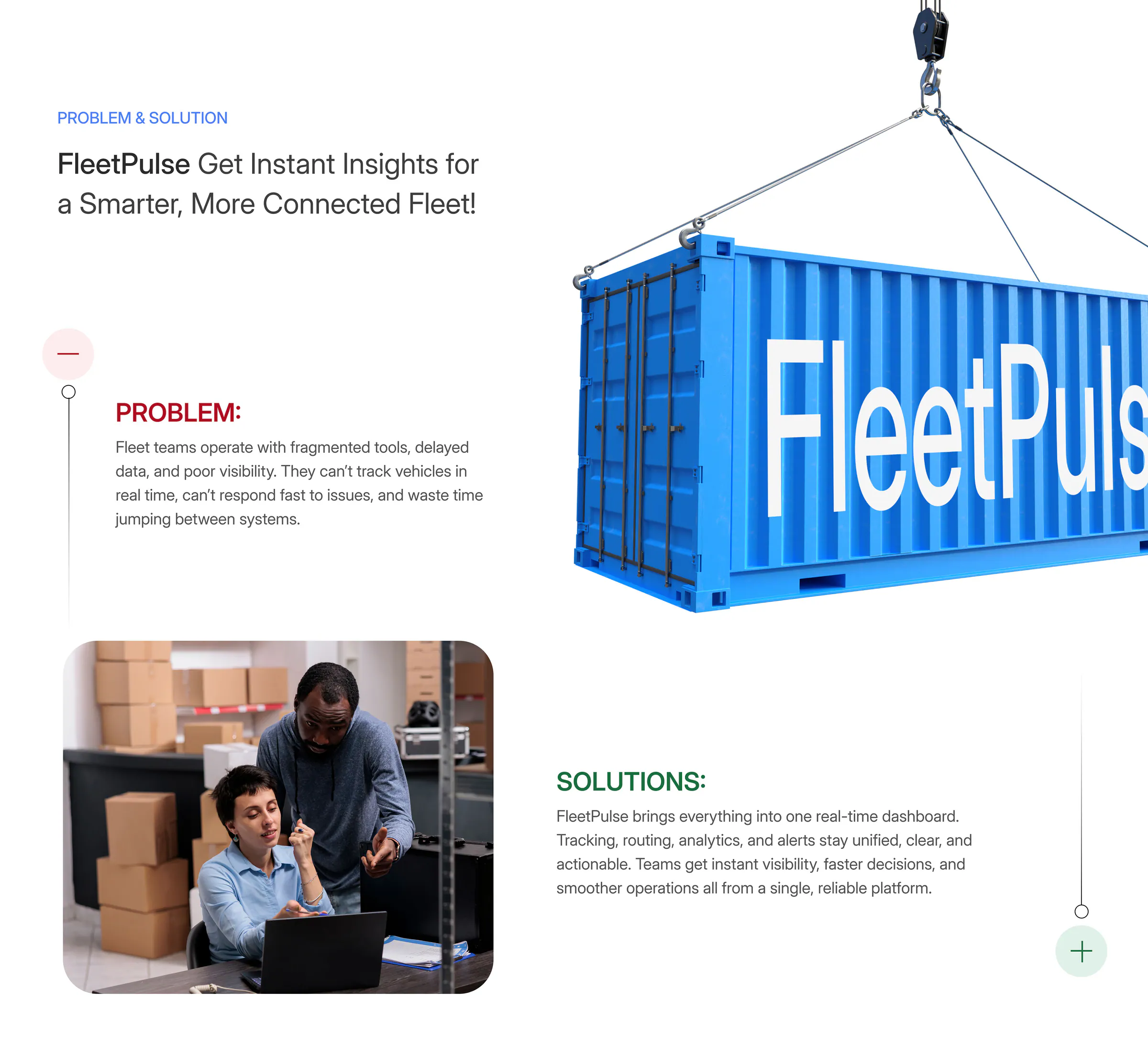
Fleet managers juggle tracking tools, schedules and reports in separate systems, and in logistics one missed alert means a late delivery.
Every system holds part of the picture. Vehicle locations live in a tracking tool, schedules in another, performance in reports that arrive after the fact. Switching between them takes time, and time is exactly what a manager does not have when a shipment is running late.
The cost of a mistake is direct. One missed alert or one wrong number becomes a late delivery and an unhappy customer. The interface had to make the important signal impossible to miss without burying the rest of the data.

Our approach
How we solved it
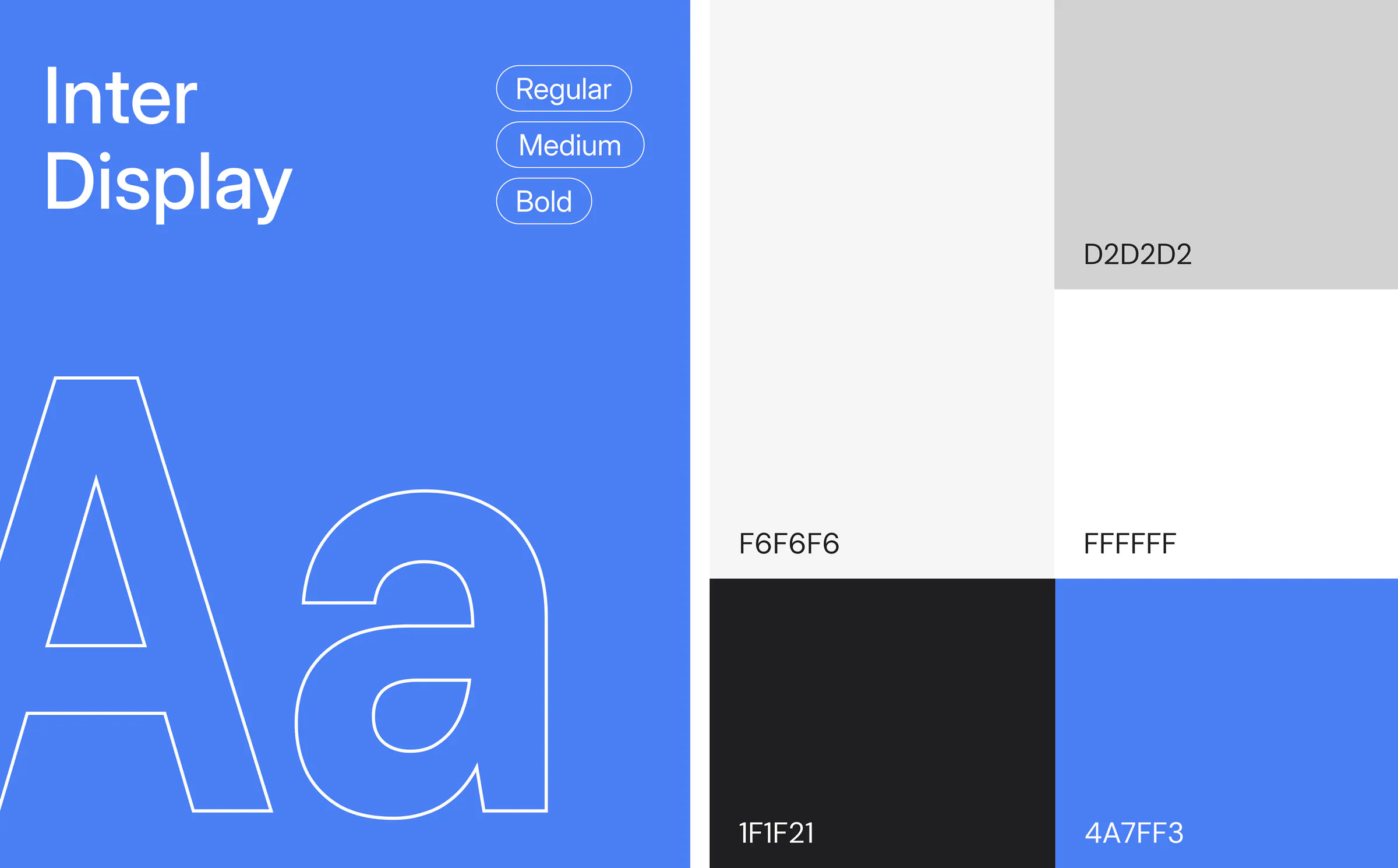
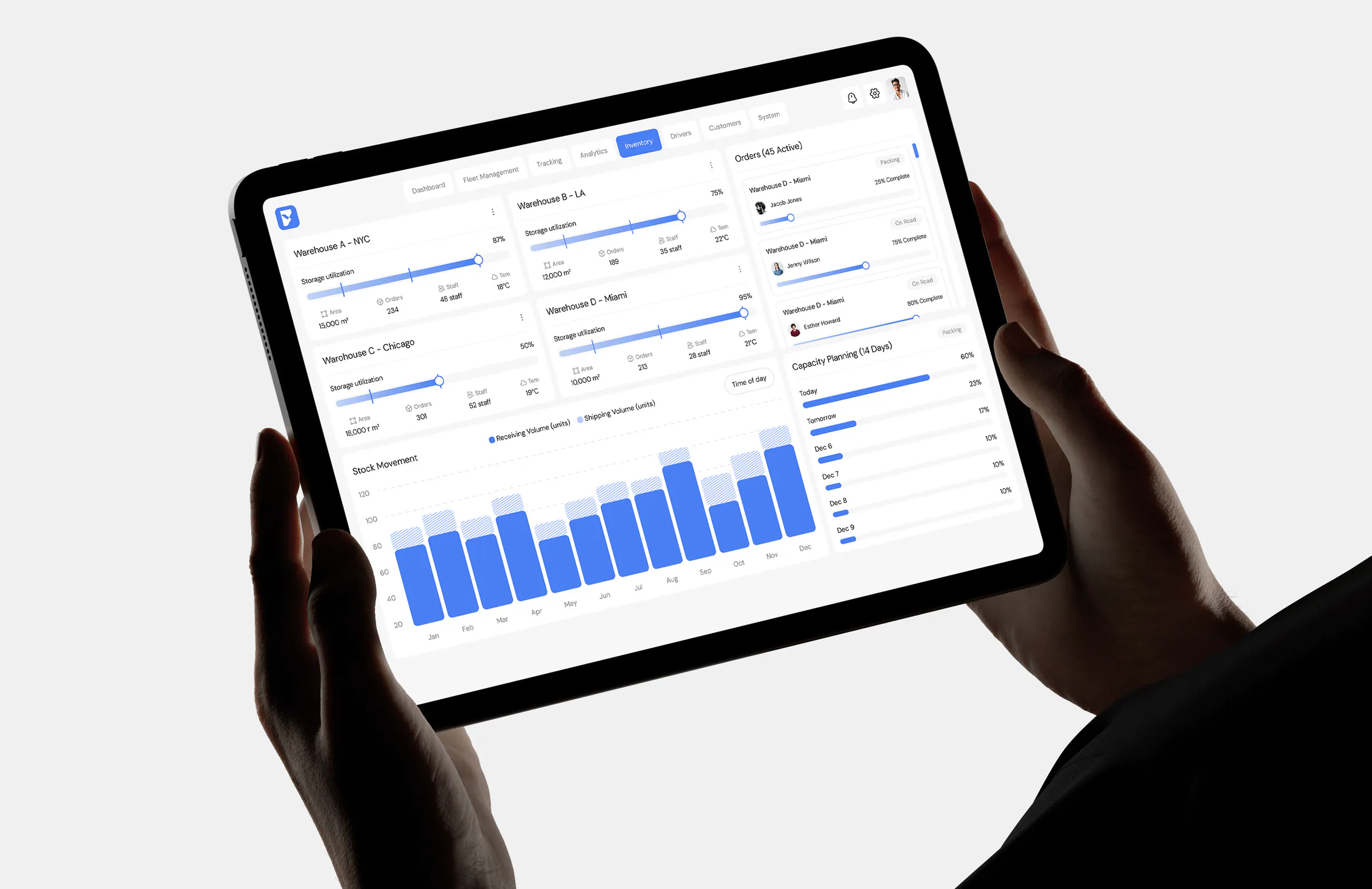
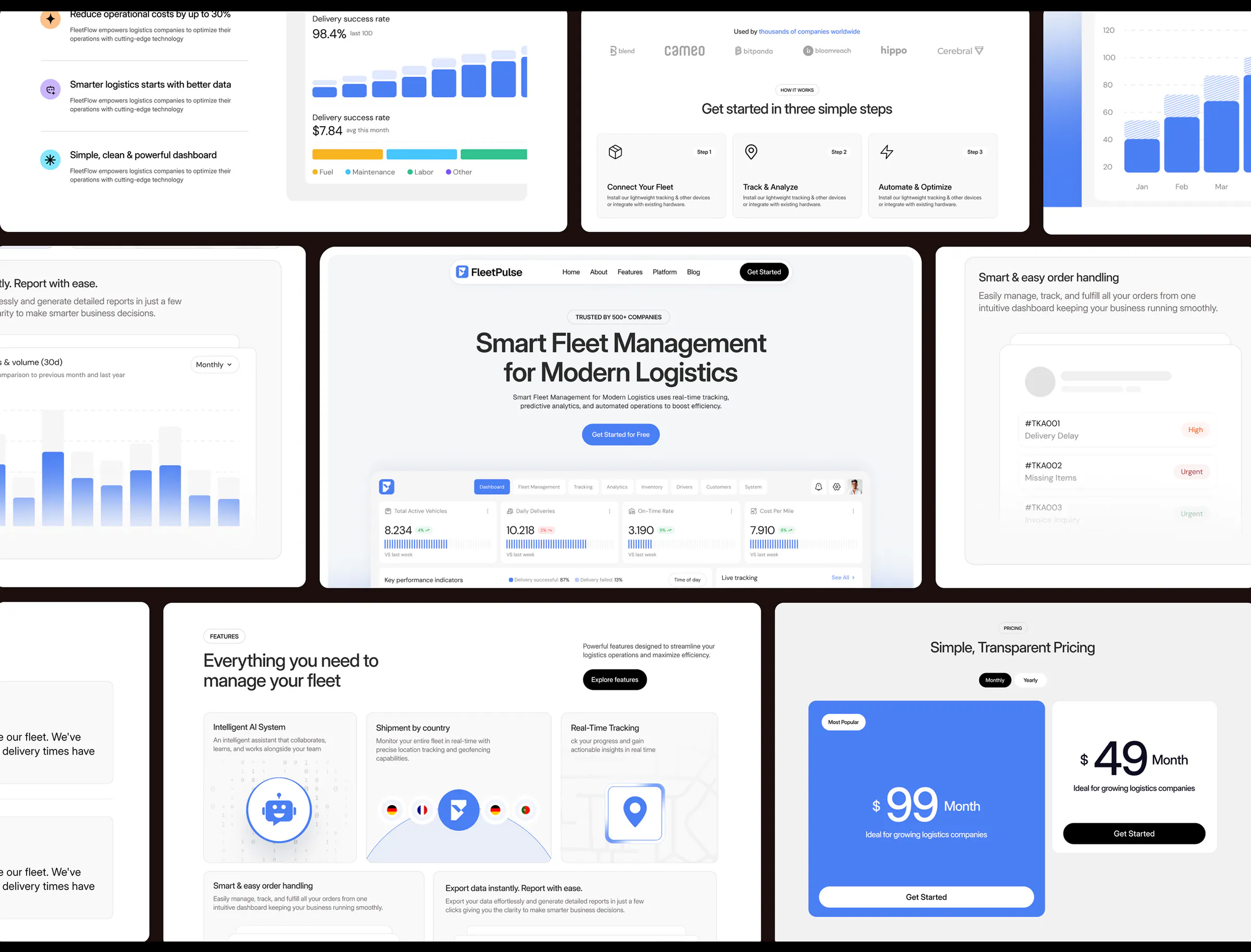
We designed around exceptions. The dashboard shows the whole fleet at a glance, then highlights what needs attention now, so managers act on problems instead of searching for them. Headline numbers sit at the top with a comparison to last week, live tracking and an alert feed sit beside the charts, and deeper analysis is one tab away. Every view uses the same cards, blue accents and icons, so moving between them never means learning a new layout.

- 01
The fleet at a glance
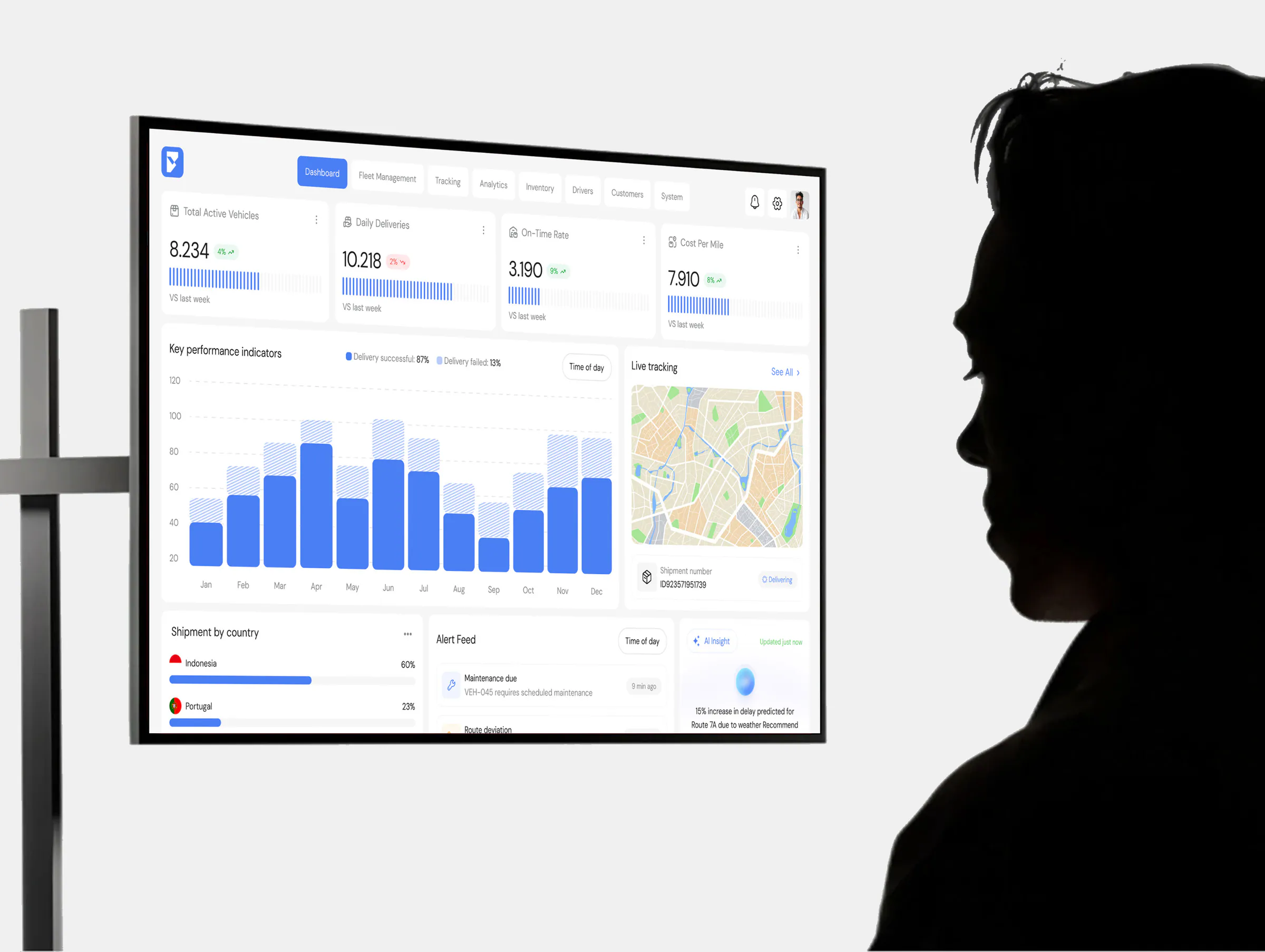
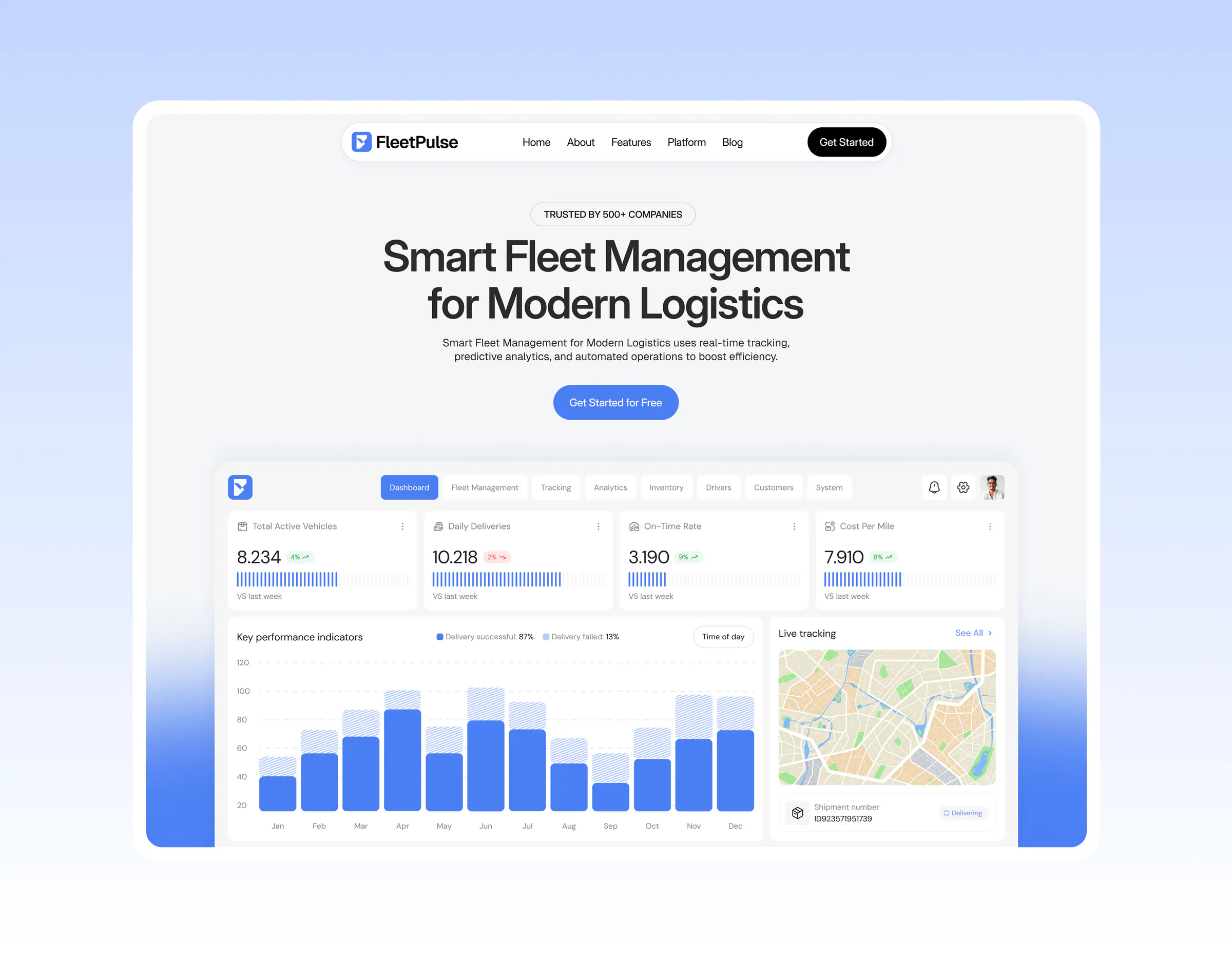
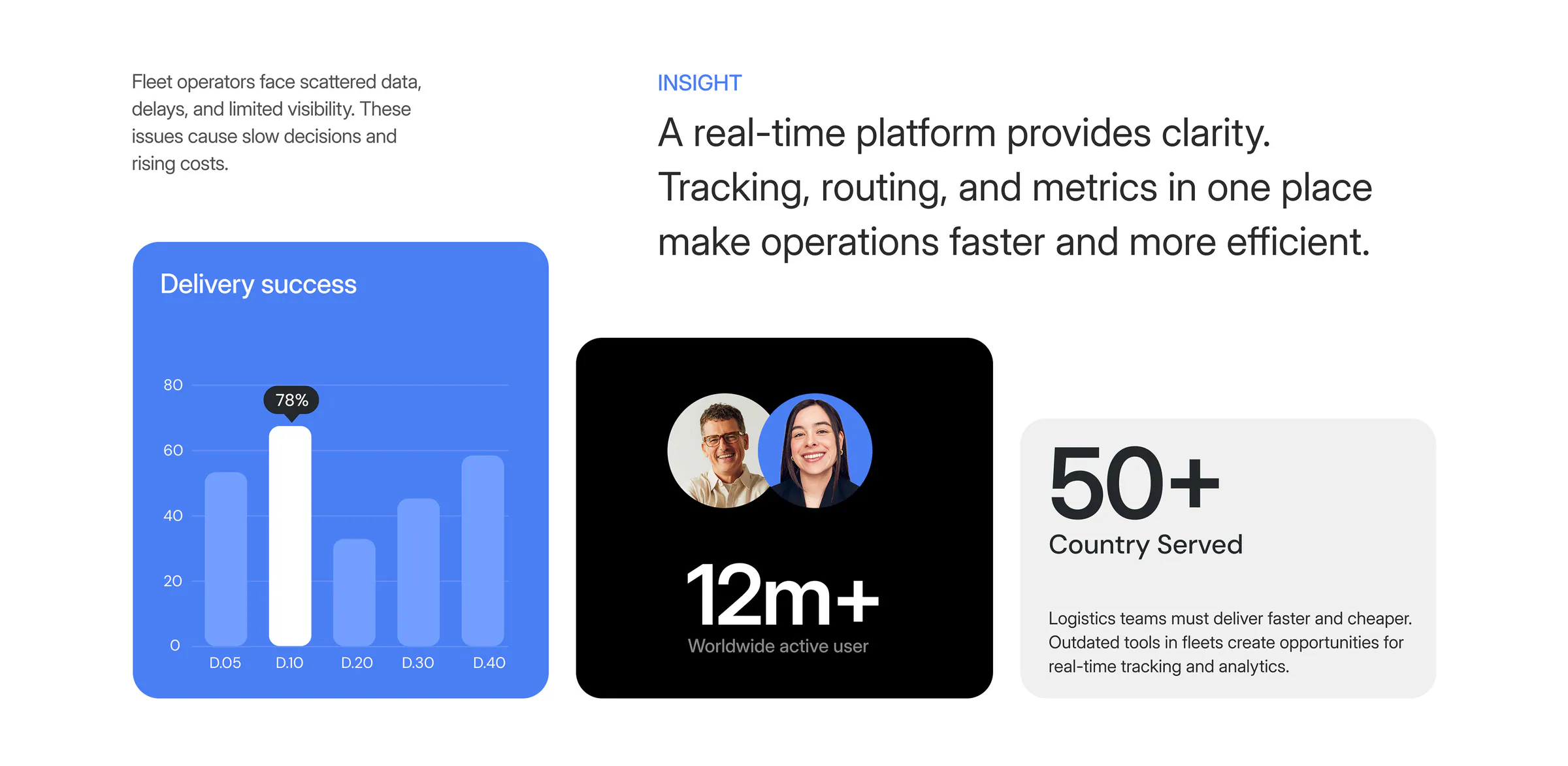
The overview opens on four headline cards, total active vehicles, daily deliveries, on-time rate and cost per mile, each compared with last week. Below them, a monthly chart splits successful and failed deliveries.
- Real-time fleet overview
- Key performance indicators by month
- Shipments by country
- Top navigation: Dashboard, Fleet Management, Tracking, Analytics, Inventory, Drivers, Customers, System
- 02
Tracking and alerts
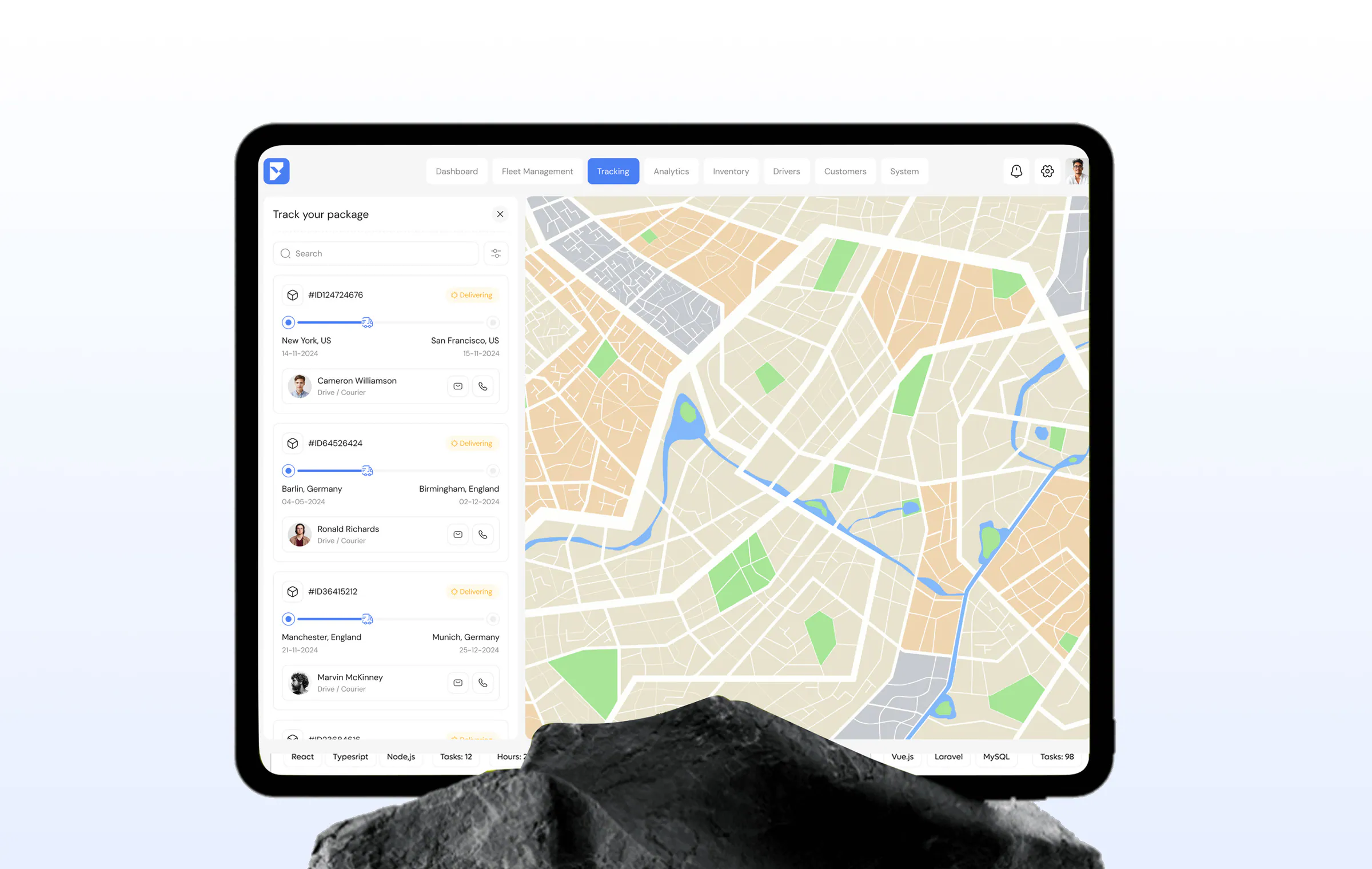
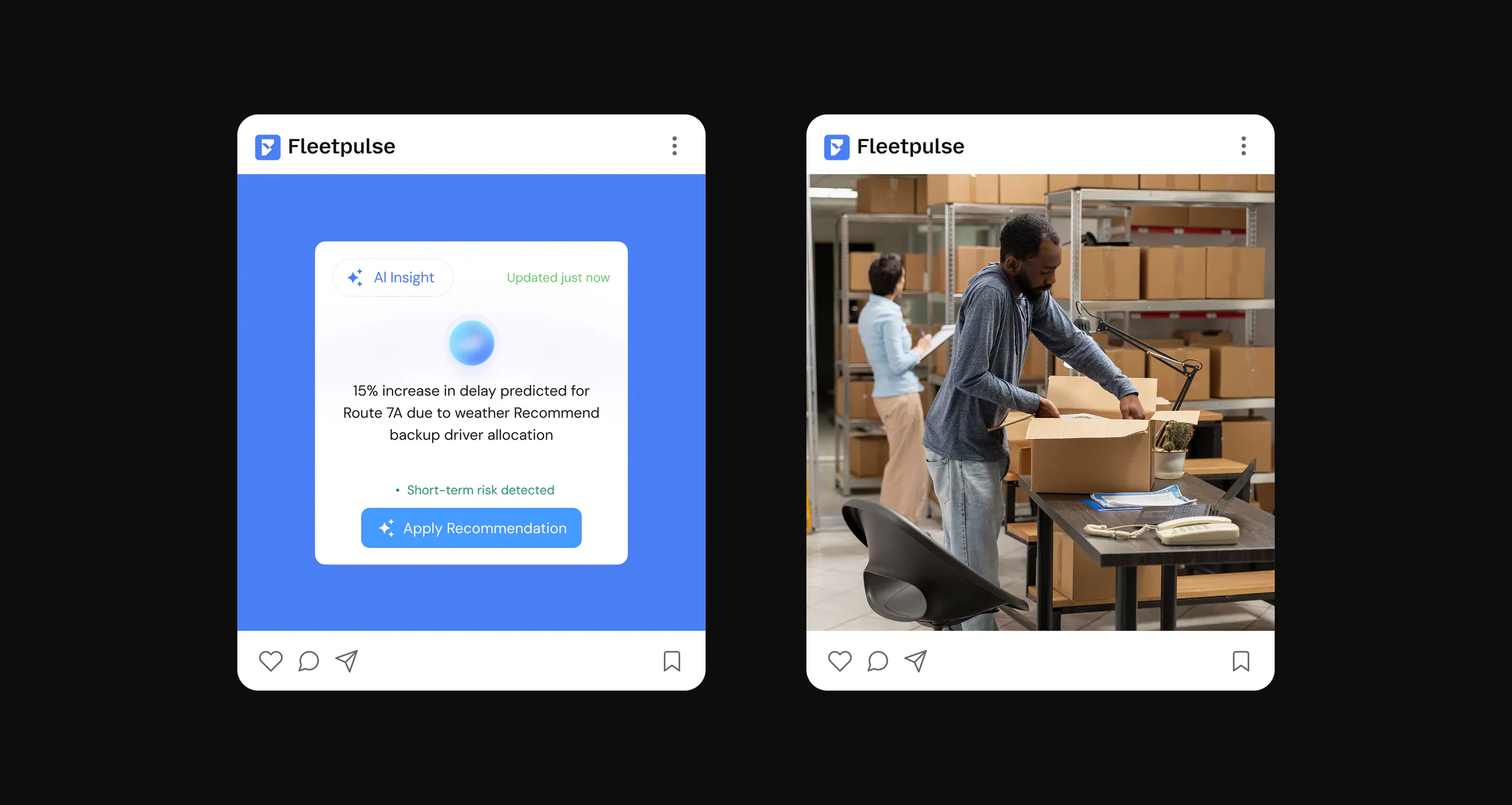
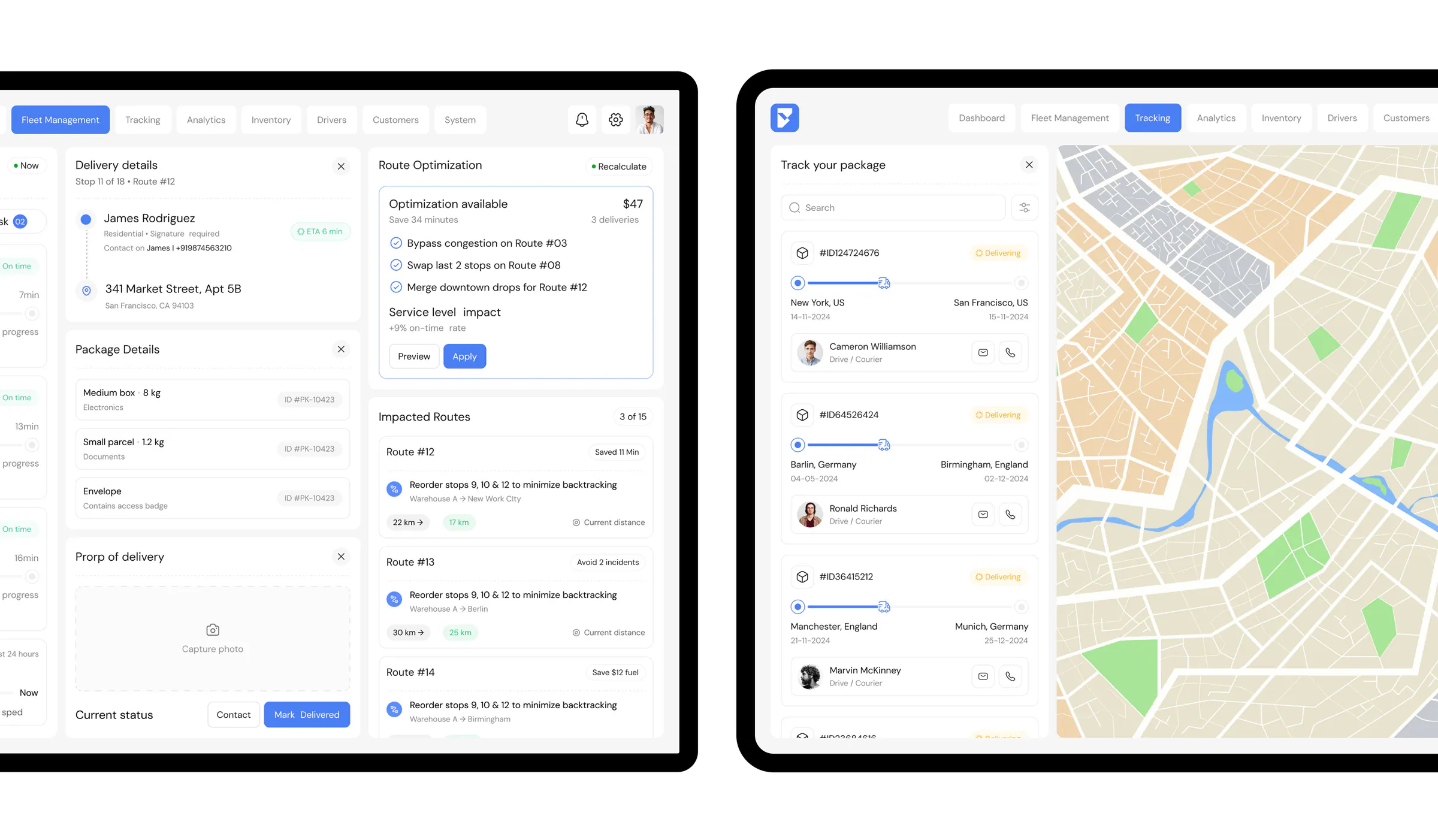
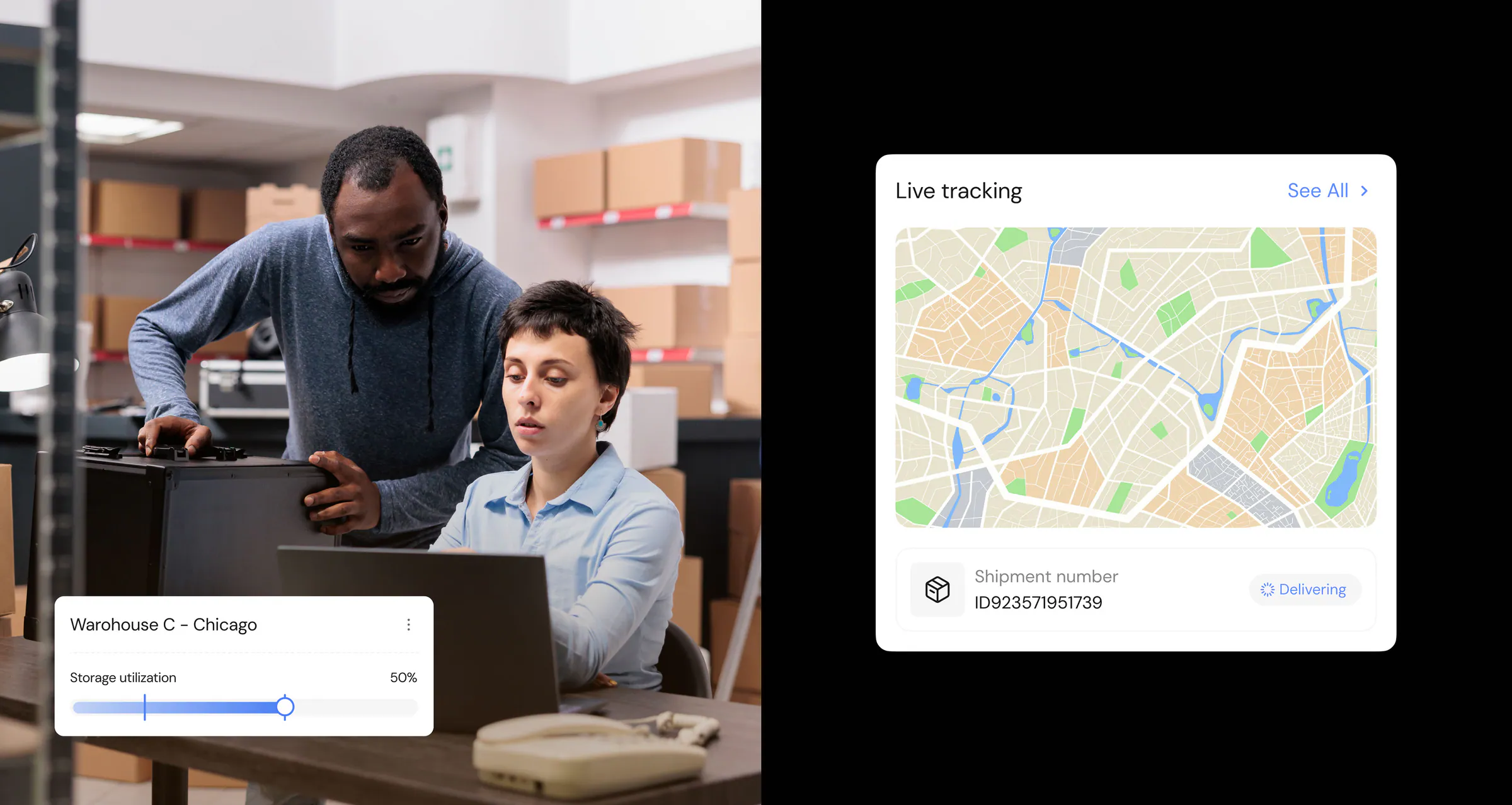
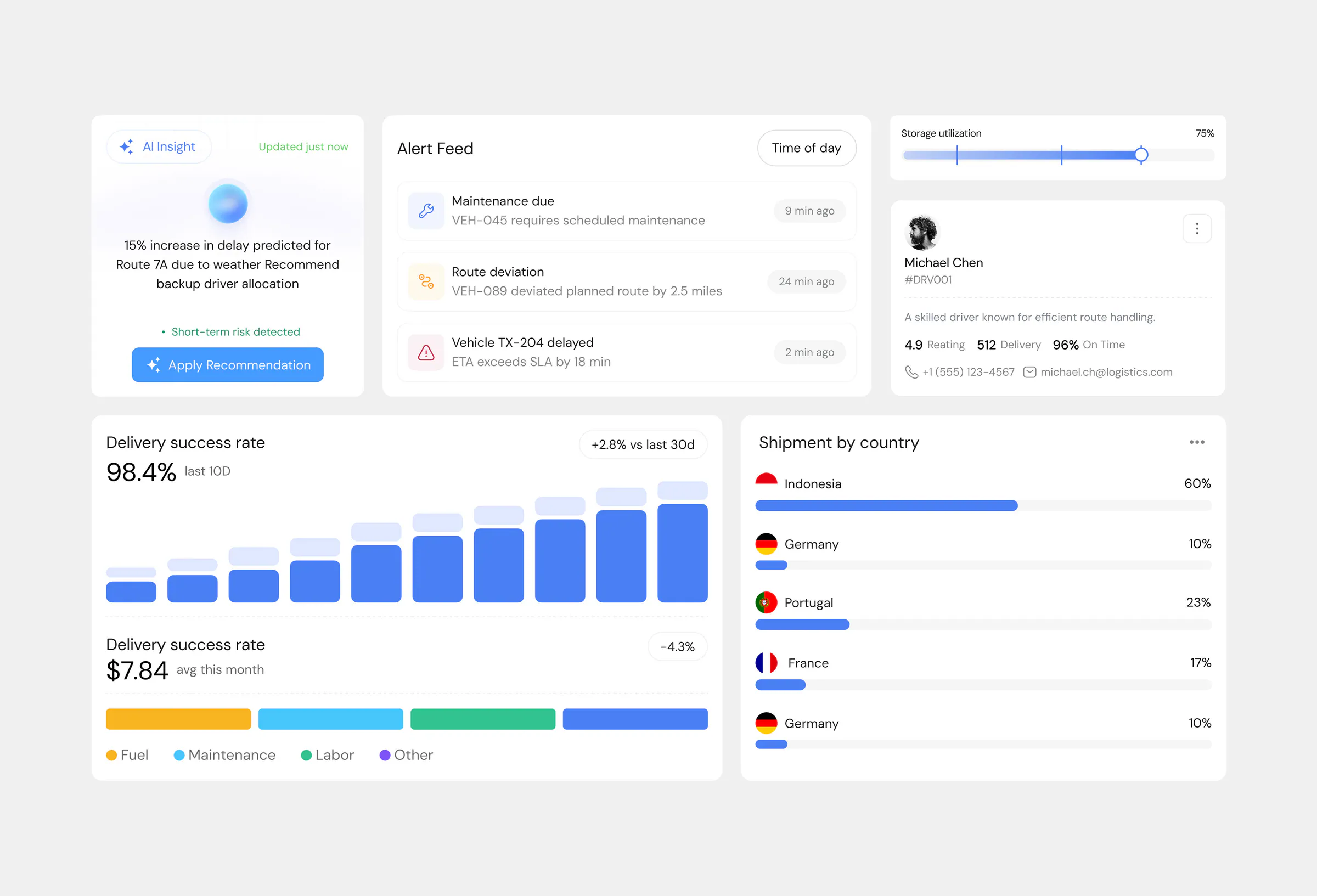
Live tracking pairs a city map with a list of shipments, each showing its route, dates, status and assigned driver, with message and call buttons. An alert feed and an AI insight panel surface issues such as maintenance that is due.
- Vehicle tracking and status on a live map
- Shipment cards with origin, destination and driver contact
- Issue flagging and alerts
- AI insight panel
- Scheduling views
- 03
Performance and system
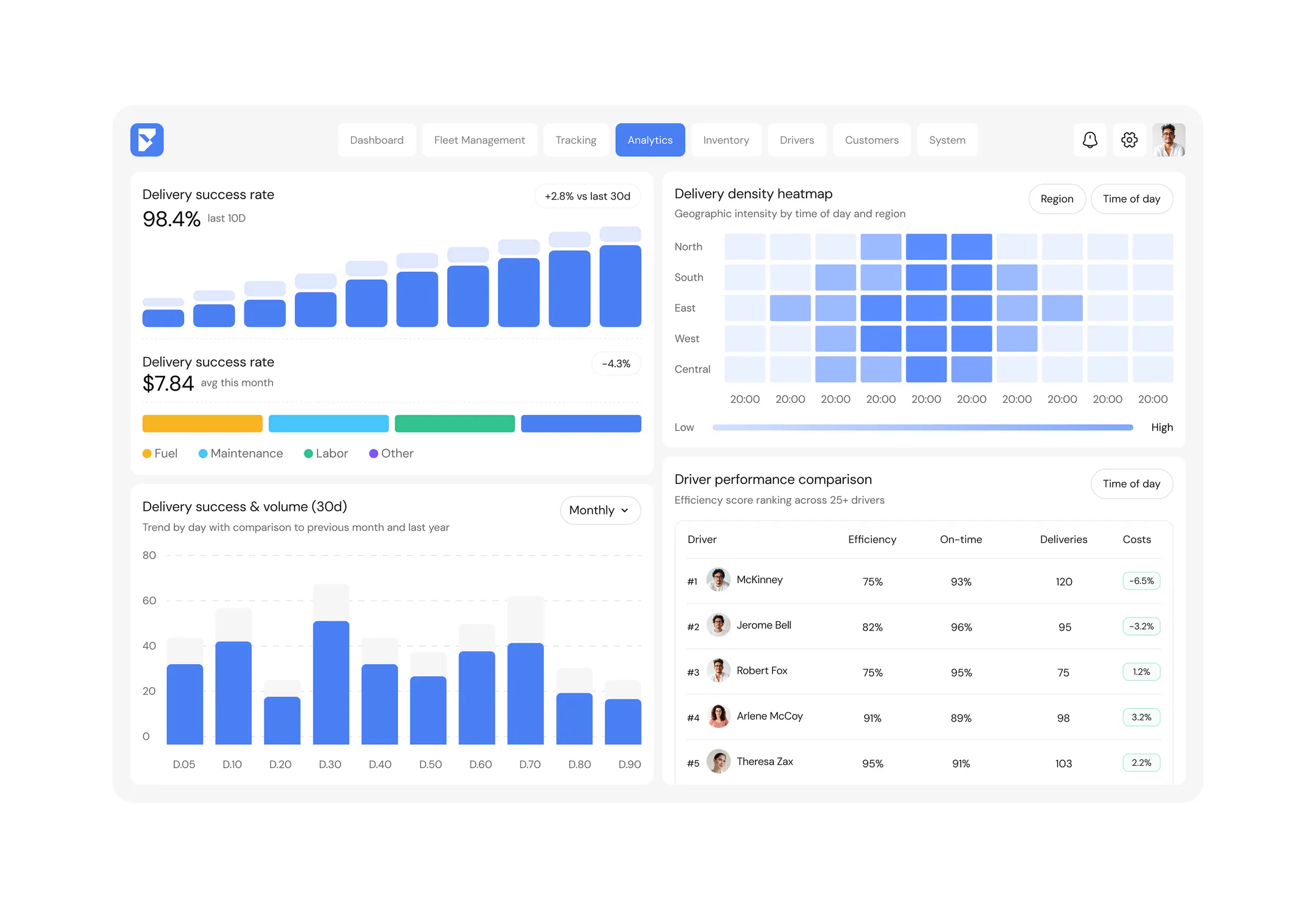
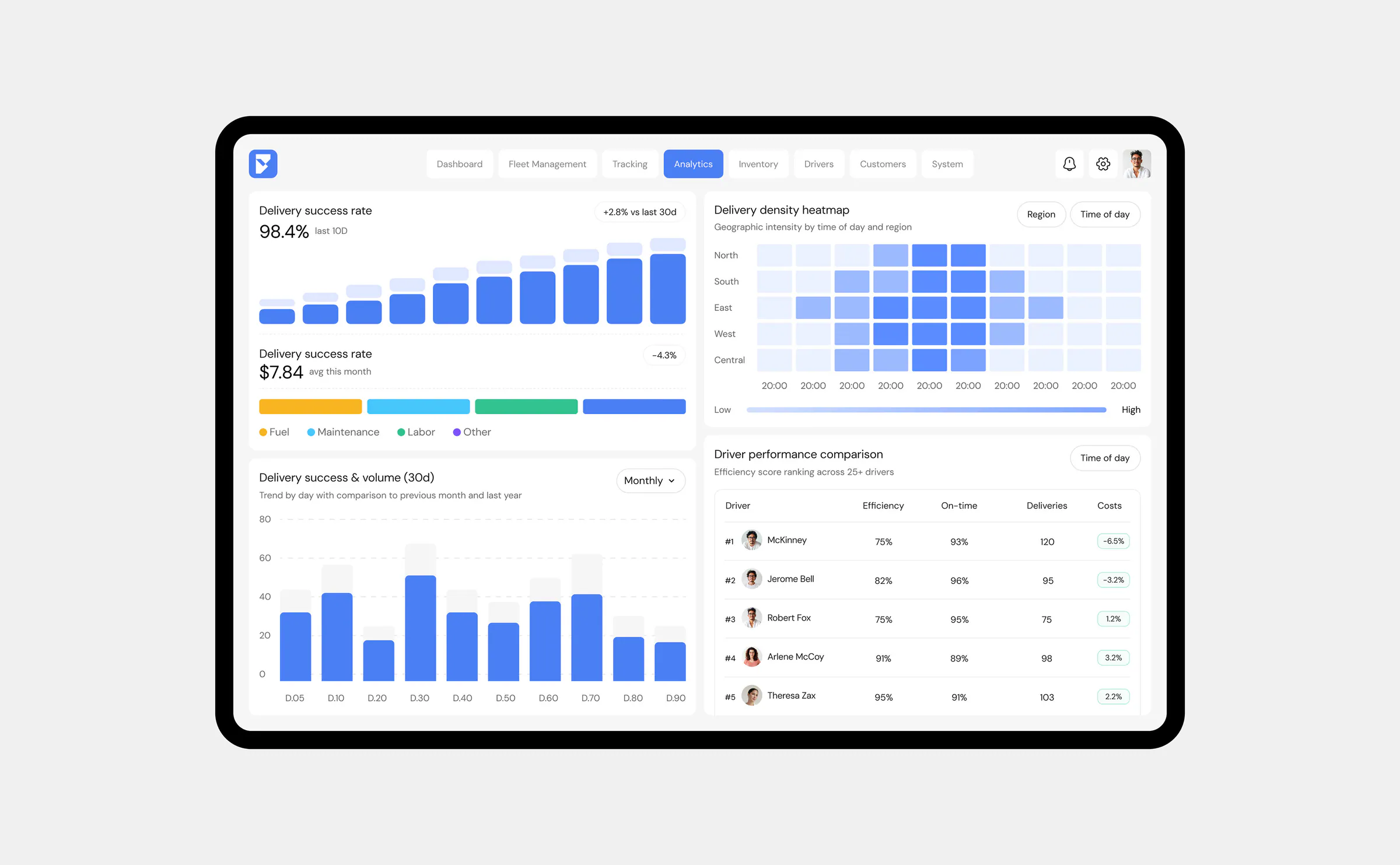
Analytics shows where efficiency is lost: delivery success over time, cost split into fuel, maintenance, labor and other, and a delivery density heatmap by region and time of day.
- Performance monitoring and analytics
- Driver performance comparison: efficiency, on-time rate, deliveries and costs
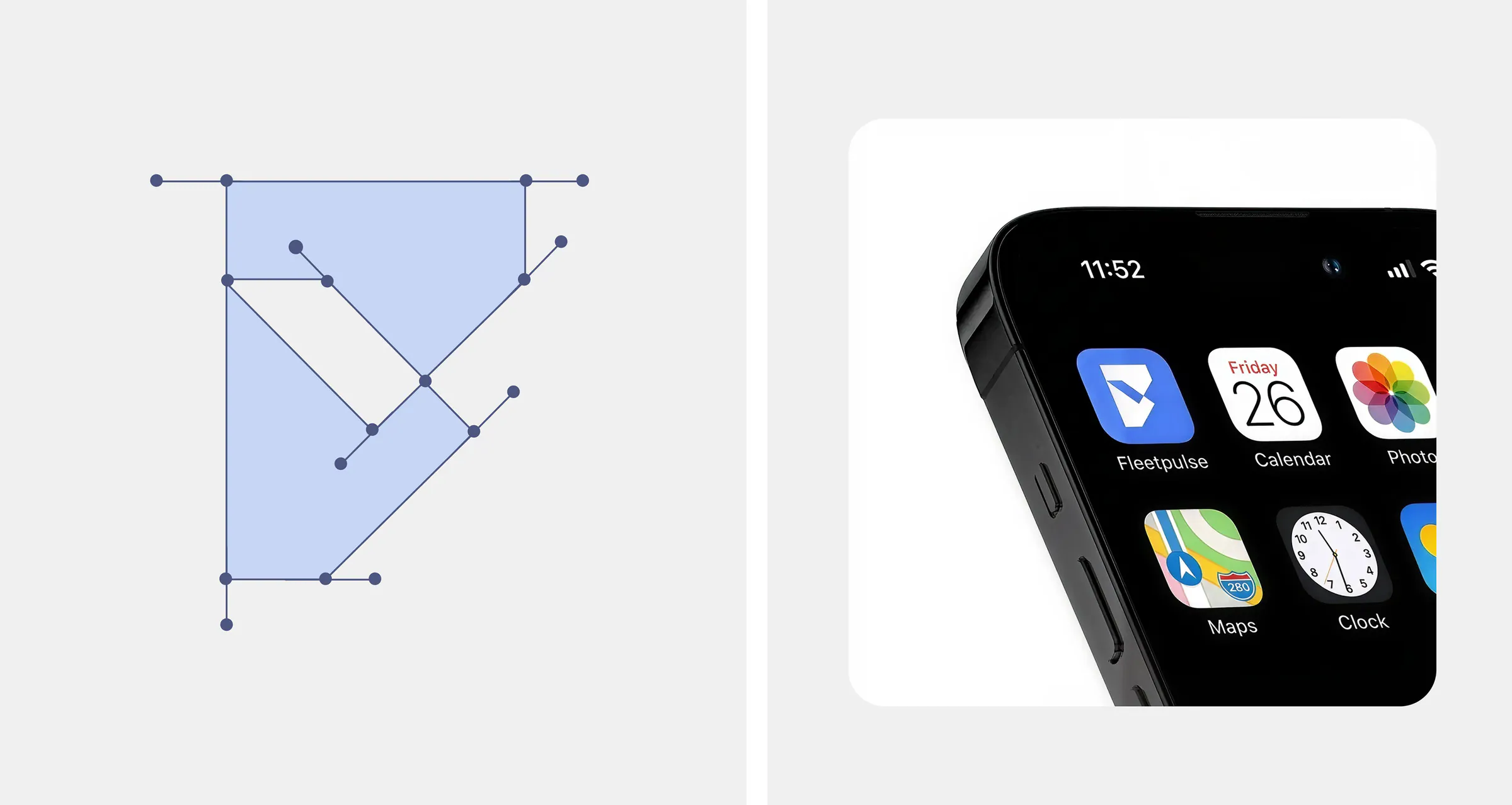
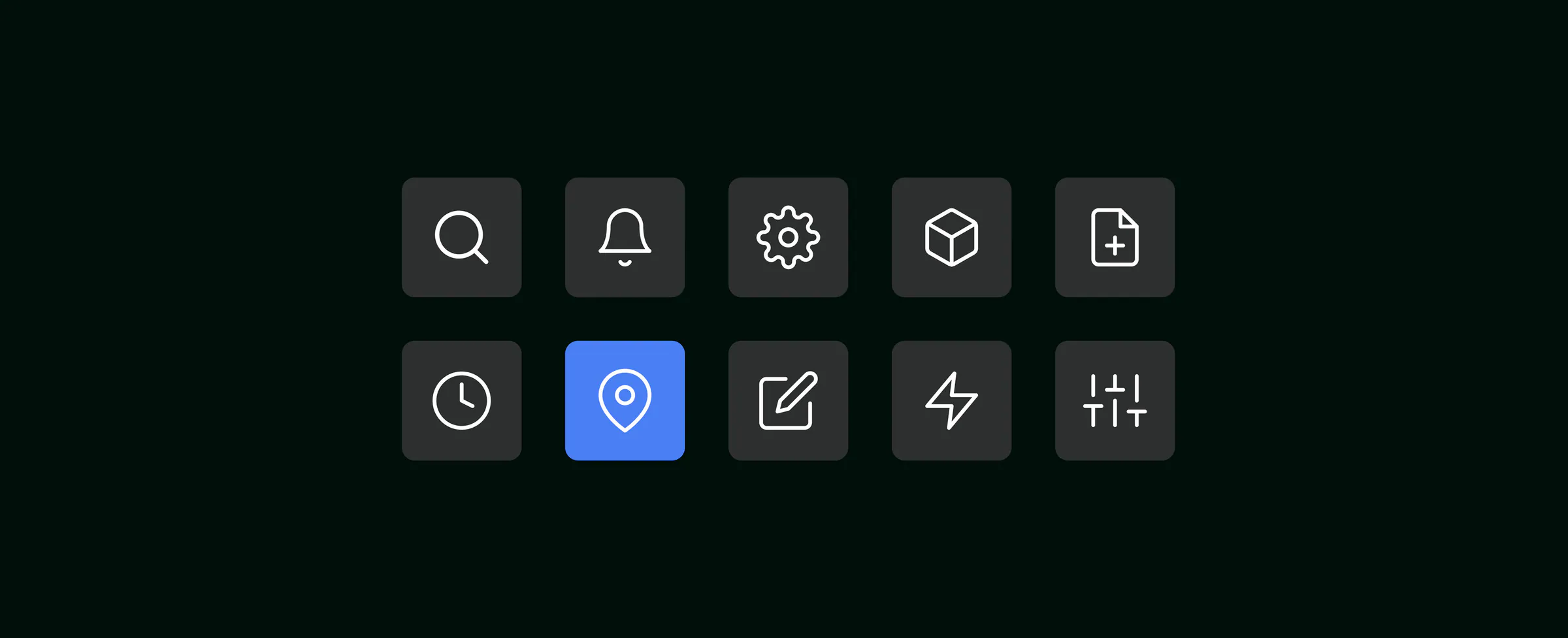
- FleetPulse mark, app icon and line icon set
- Designed in Figma, Illustrator and Photoshop
Selected screens and assets




The result
The result
FleetPulse has a focused fleet management interface that gives logistics teams real-time control from one screen. Tracking, scheduling, alerts and analytics share a single layout instead of living in separate systems.
Because the dashboard leads with exceptions, managers spend their attention on the vehicles and shipments that need it. Week-on-week comparisons, driver rankings and cost breakdowns then help them improve efficiency across their vehicle network.
Next case studies
See all work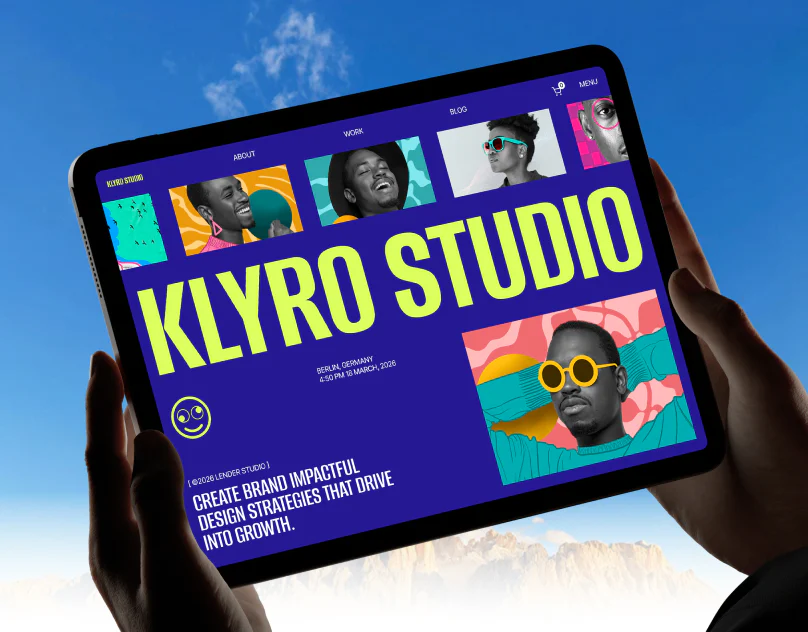 Webflow template
Klyro Studio
A bold dark-mode Webflow template for creative agencies, with editorial typography and CMS-ready sections.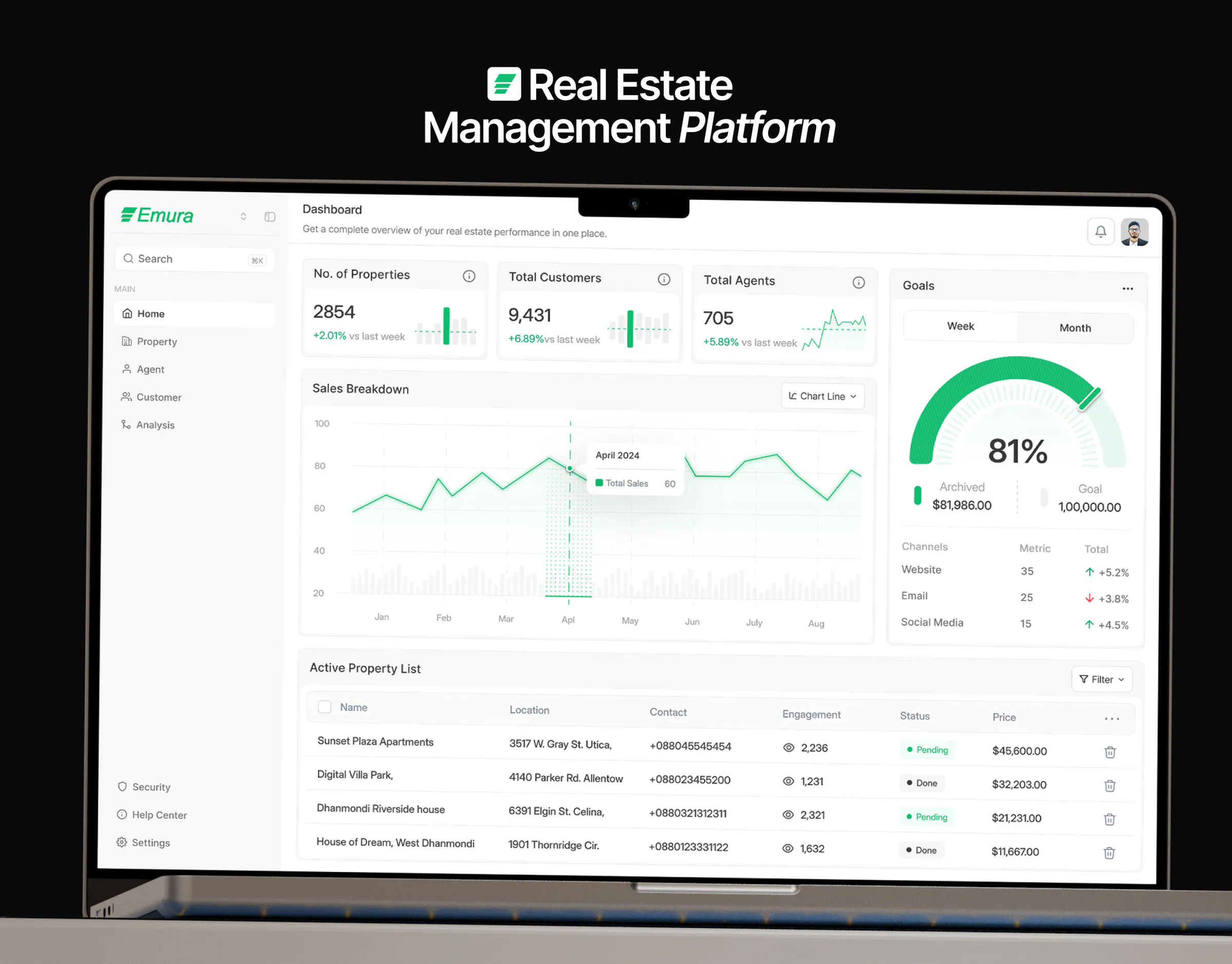
Emura
A real estate management dashboard bringing property, agent, customer and revenue data together.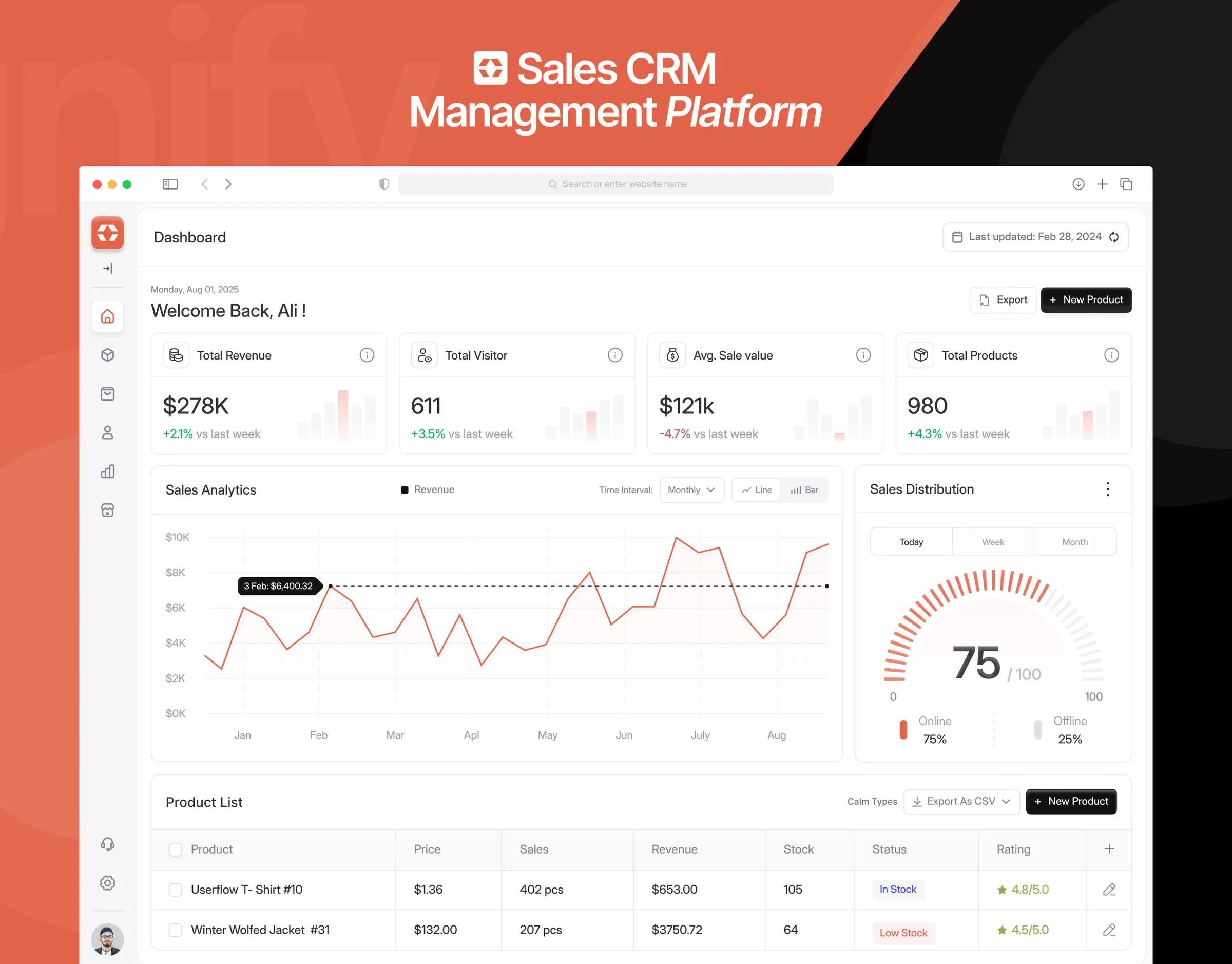
Alignify
A CRM dashboard combining customers, orders, inventory and revenue analytics for sales teams.


Not sure what your brand or product needs?
Book a free 30-minute call. We’ll review where you are and recommend the next step.
Book a free callLet’s talk
Ready to start your project?
- 1Book a free 30-minute call
- 2Get a clear scope and timeline
- 3Sign the agreement and NDA
- 4Kick off with your senior team

Maniruzzaman Jubayer
COO & Co-founder
 +1 (501) 550-1093
A senior designer reads every brief and replies within 4 business hours with a clear next step, not a sales script.
 Webflow Professional Partner
 Featured 25 times on Behance
 Top Product Design Agency on Dribbble
 5.0 rating on Clutch