
HiveQ: HR and Project Management Dashboard
Teams, projects and progress in one HR hub.
 Project overview
HiveQ is an HR and project management hub for teams. It lets managers look after people and projects from one admin dashboard: attendance and leave, hiring, tasks, meetings and team performance. We designed the dashboard's UI and UX.
The idea fits in one line: manage people and projects in one dashboard. A manager should be able to open HiveQ in the morning and see who is in, what is moving and what needs attention, without switching tools.
The challenge
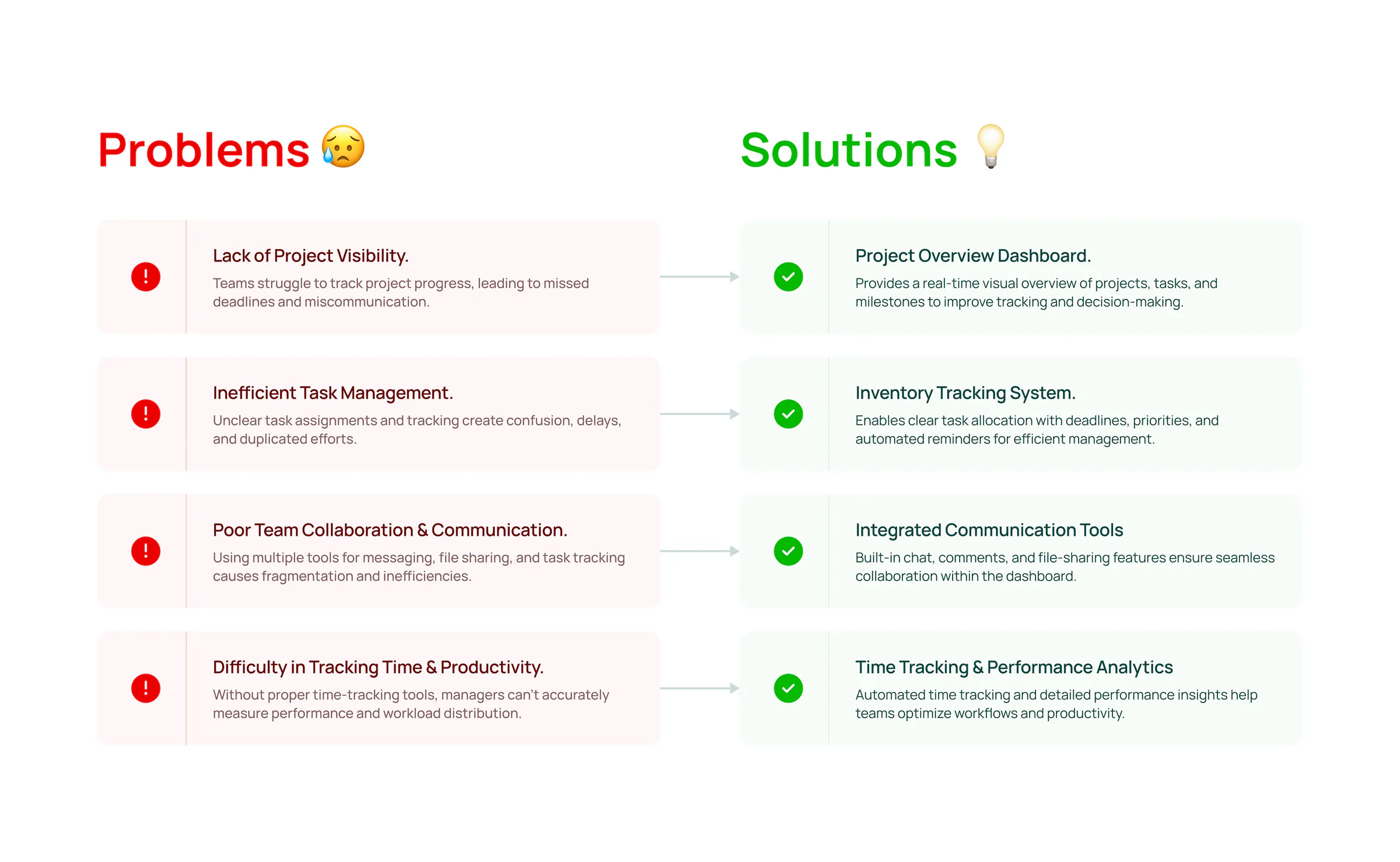
Teams often run HR in one tool and projects in another, so managers cannot see workload, progress and people in one place.
That split has a cost. Leave requests live in one system and deadlines in another, so a manager may only notice that a key person is out when a task slips. Hiring, attendance and delivery get treated as separate subjects when they affect each other every day.
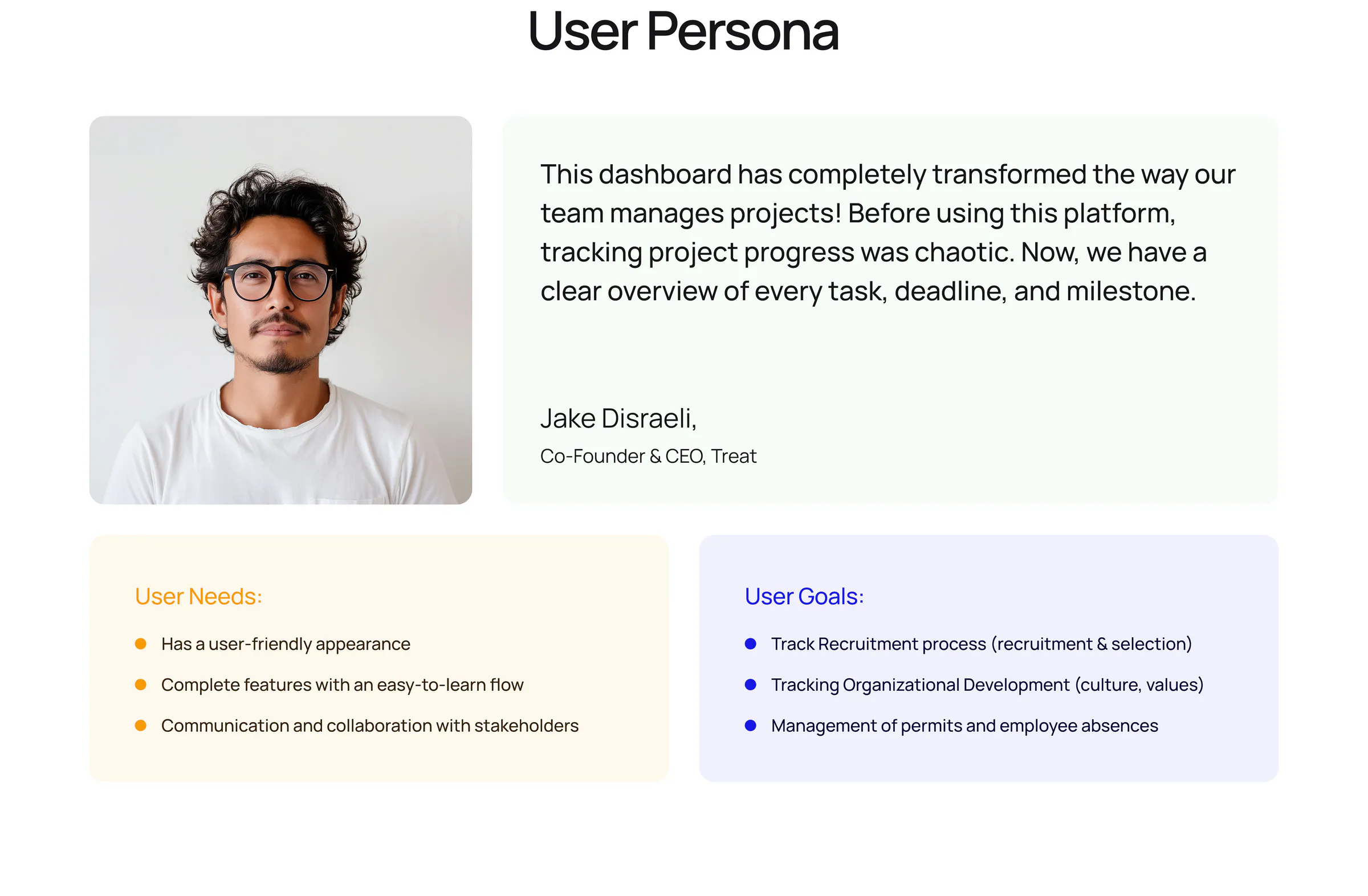
The user persona for HiveQ sums up the needs: a user-friendly appearance, complete features with an easy-to-learn flow, and room to communicate with stakeholders. The goals were just as practical: track recruitment, follow organizational development, and manage permits and employee absences.

Our approach
How we solved it
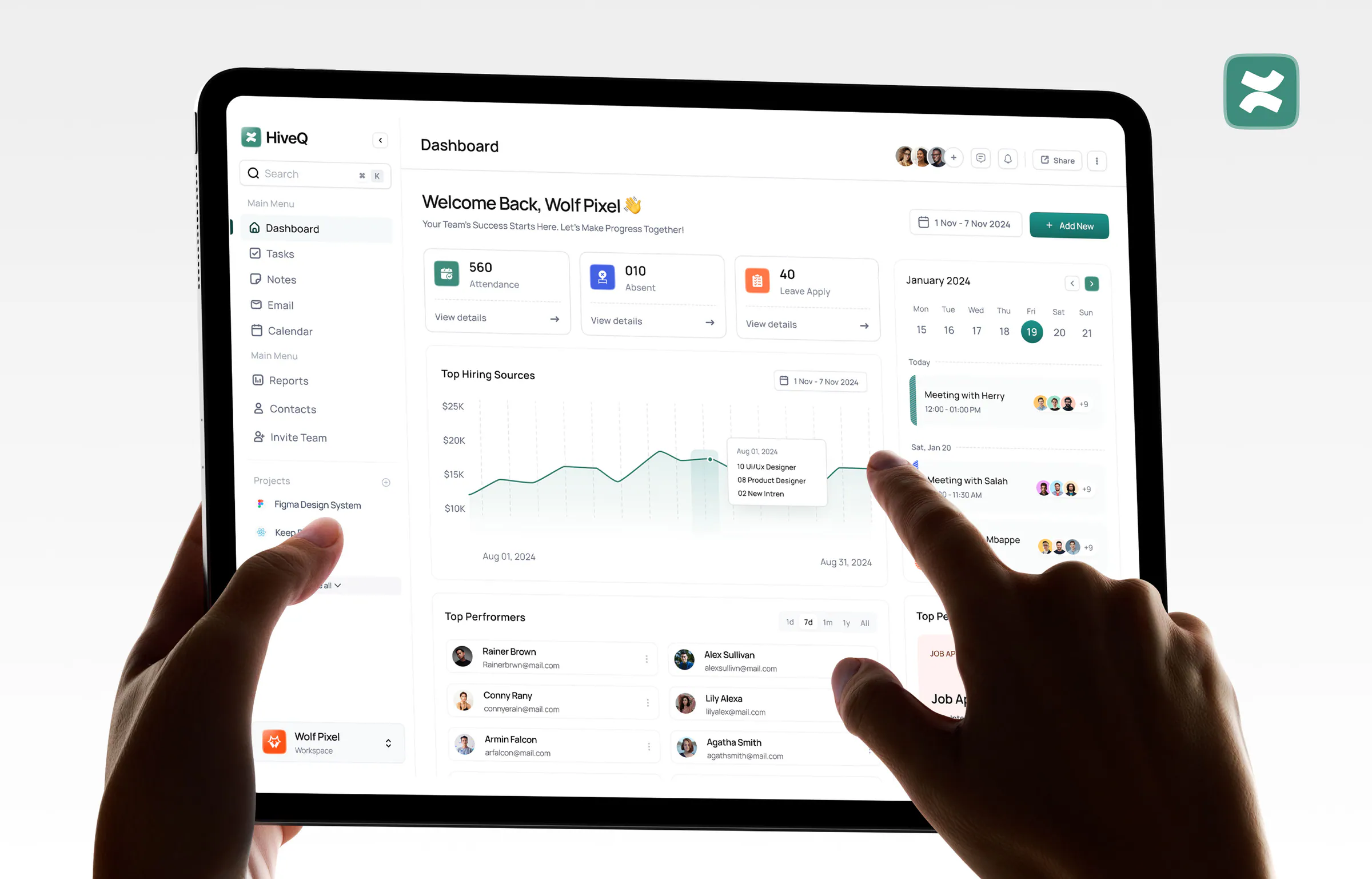
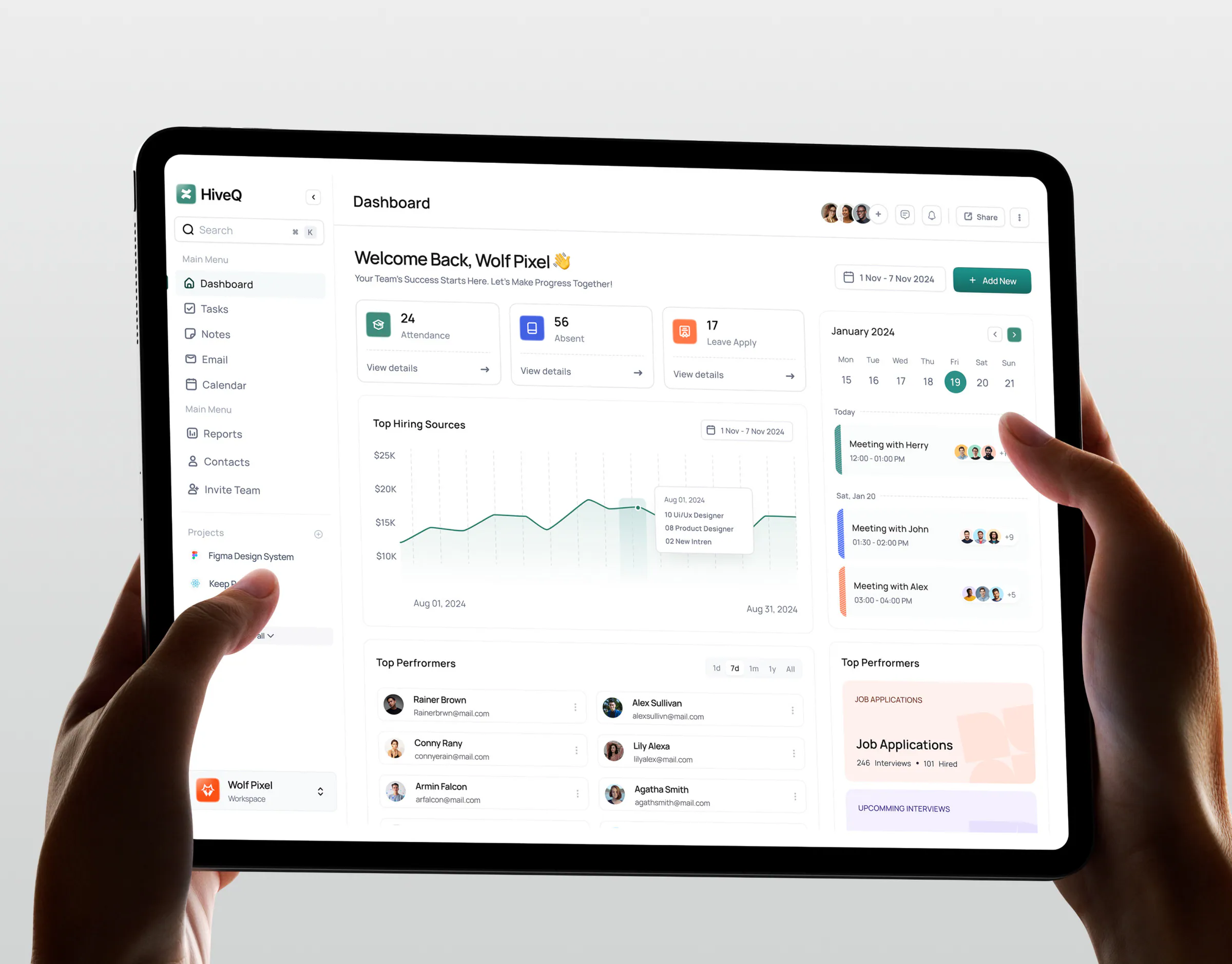
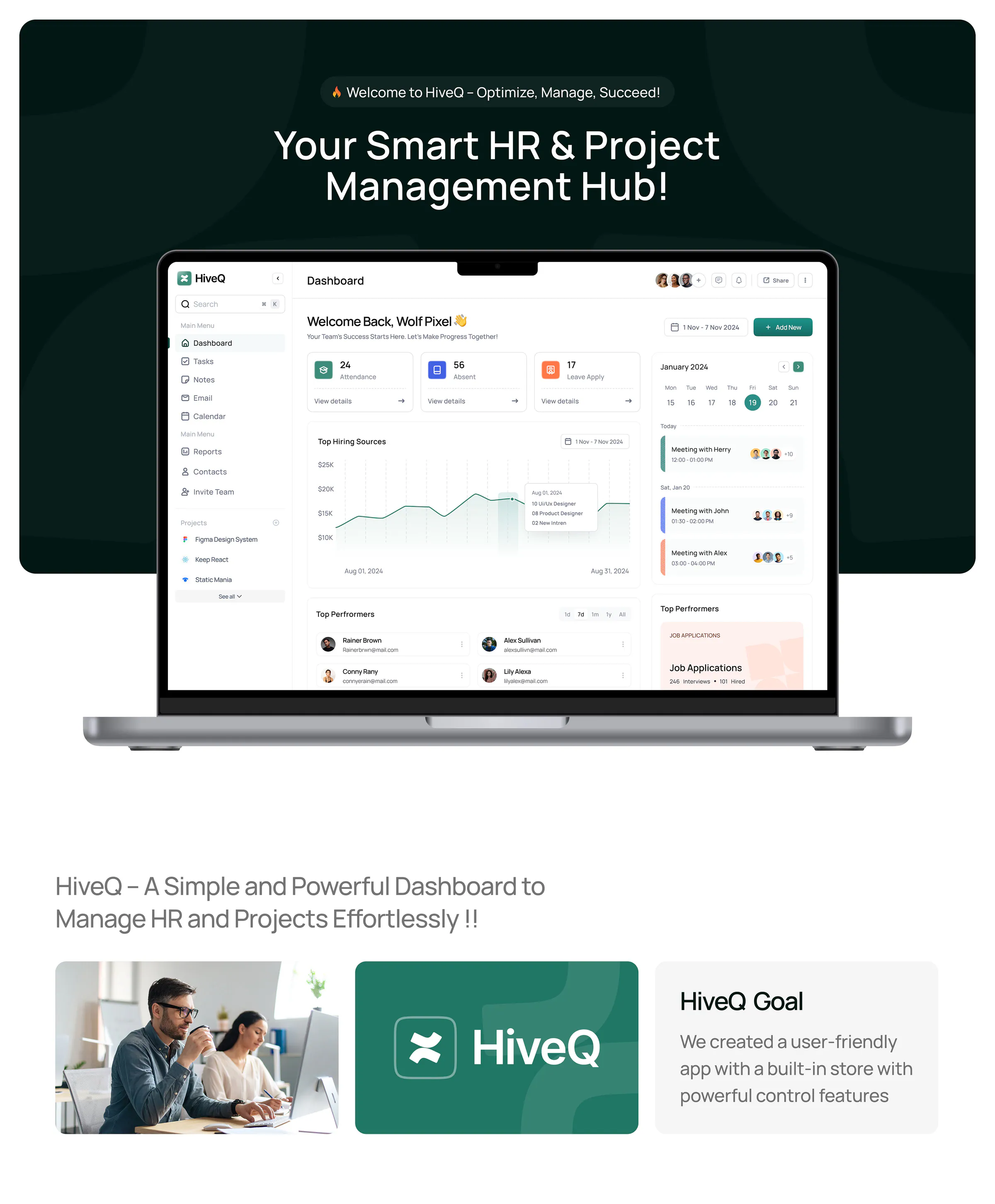
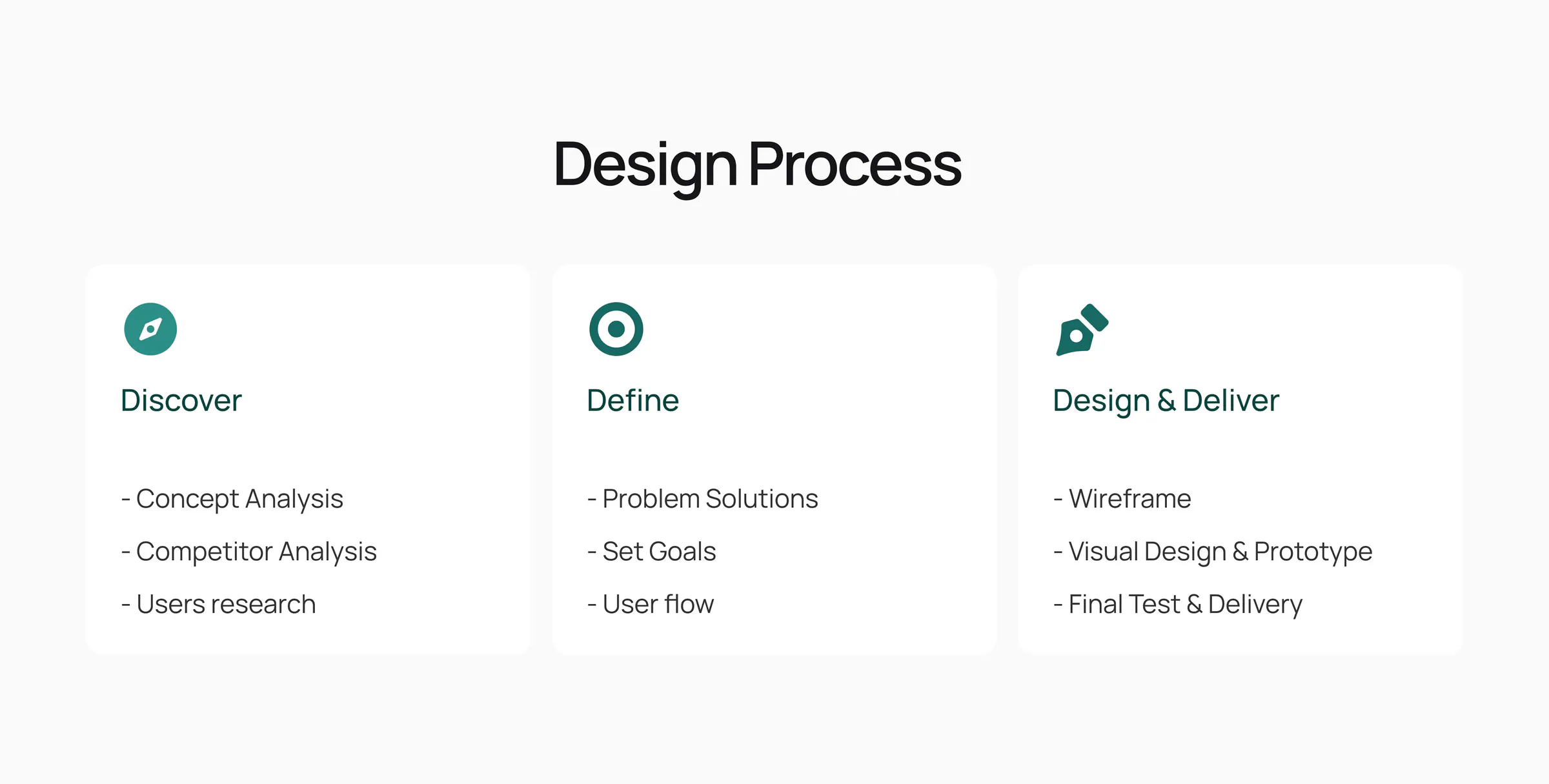
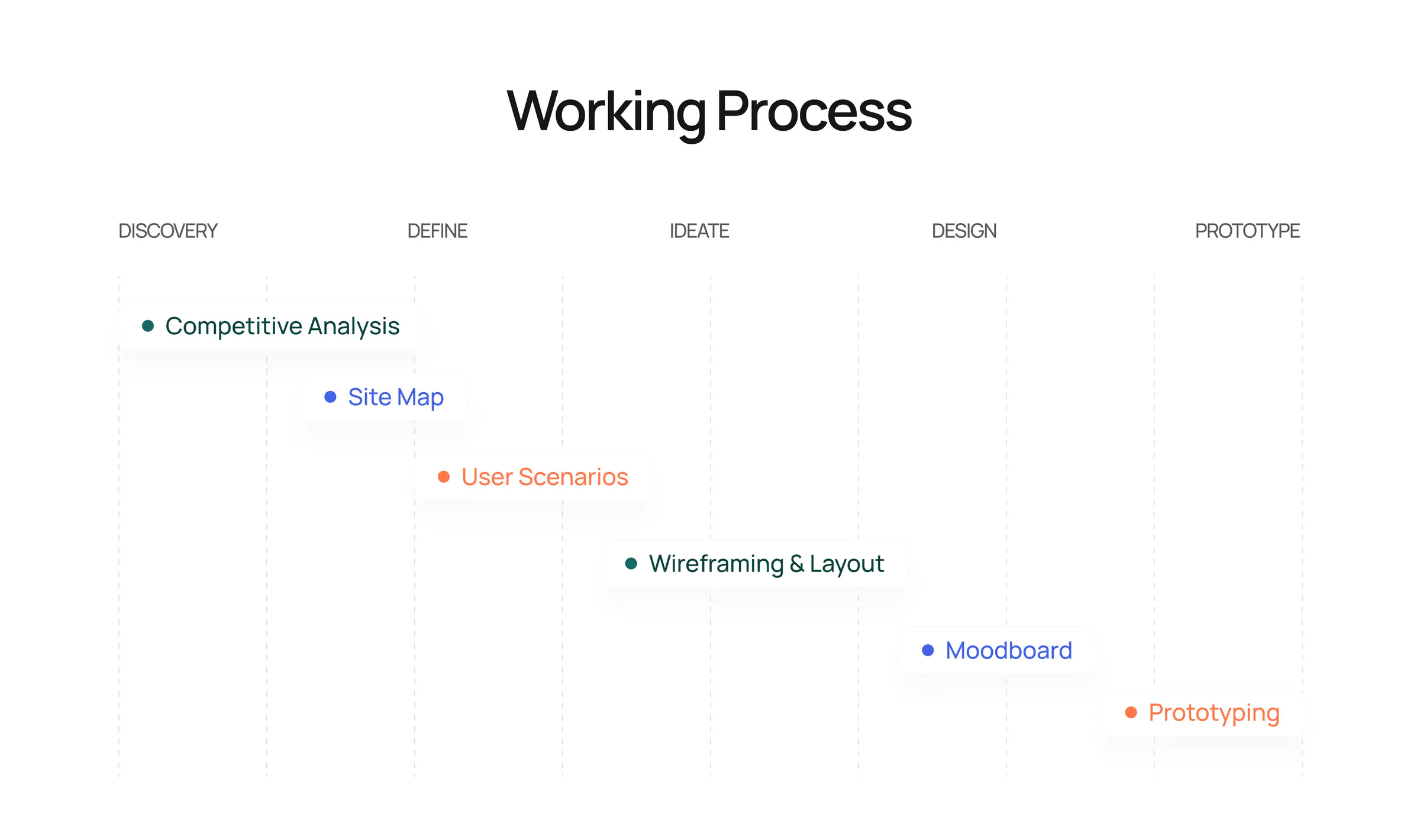
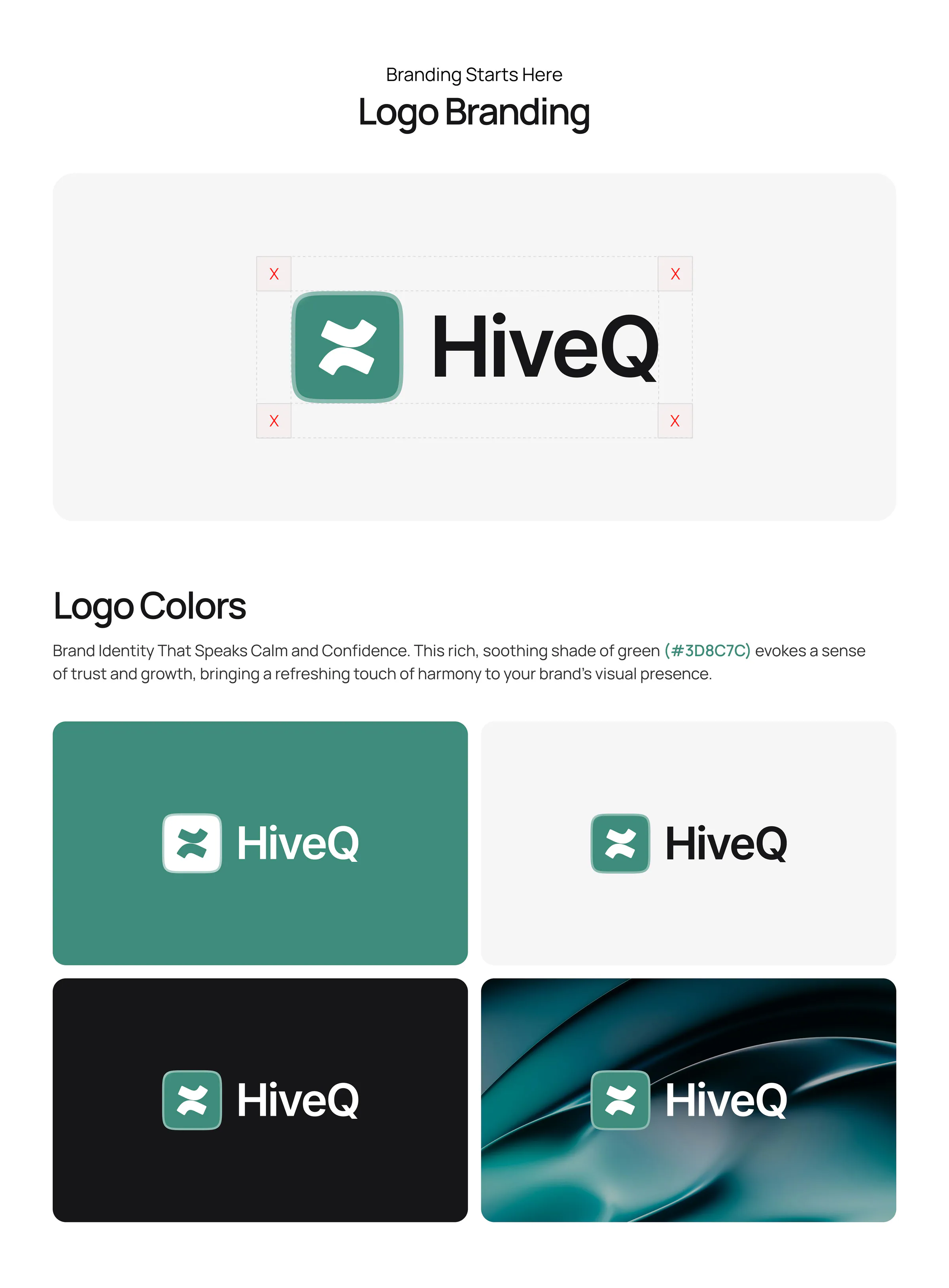
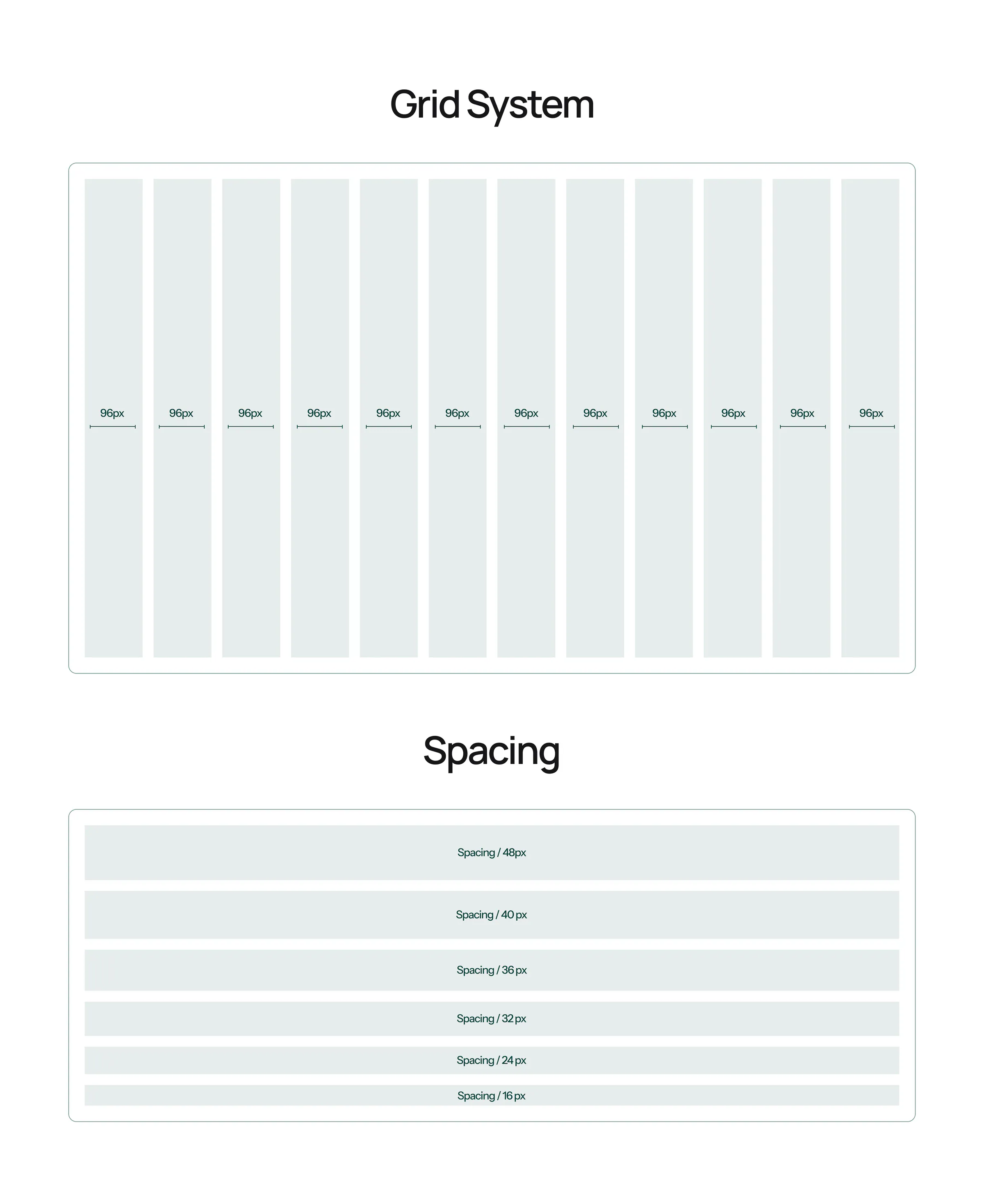
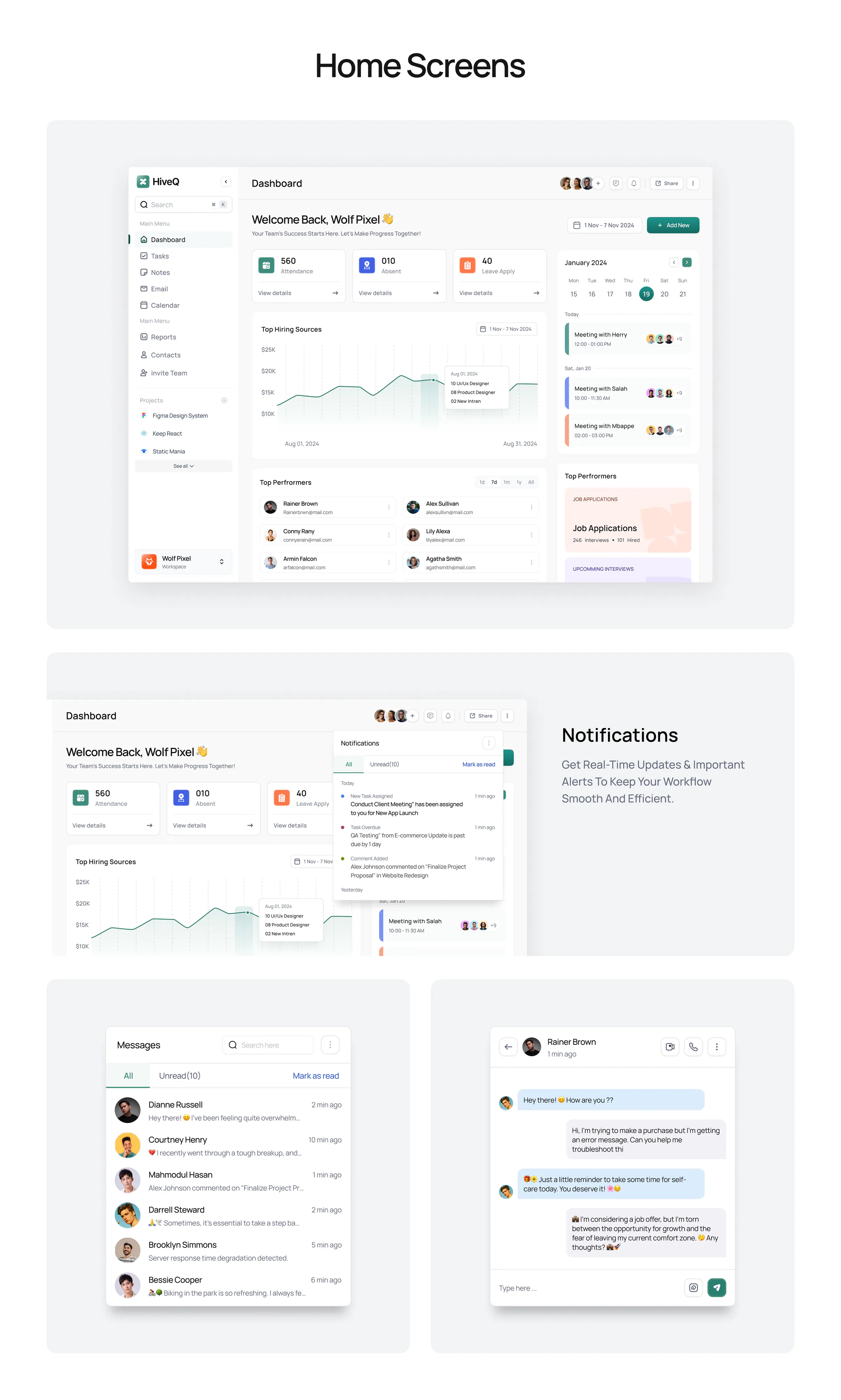
We combined HR and project management in one admin dashboard, with progress tracking front and center so leaders stay organized. The work moved from competitive analysis and a site map to user scenarios, wireframes, a moodboard and a prototype. The overview opens on the numbers that change daily, attendance, absences and leave requests, then puts hiring trends, top performers and the day's meetings beside them. A calm green palette and generous white space keep a dense screen readable.

- 01
Map the product
The structure came first: what lives in the main menu, what belongs to a project and what a manager needs to see first.
- Competitive analysis and site map
- User persona and user scenarios
- Wireframing and layout
- Moodboard and prototyping
- 02
Admin overview dashboard
The overview is the screen managers live on. Daily people numbers sit at the top, with the detail one click away.
- Attendance, absent and leave request cards
- Top hiring sources chart
- Top performers list
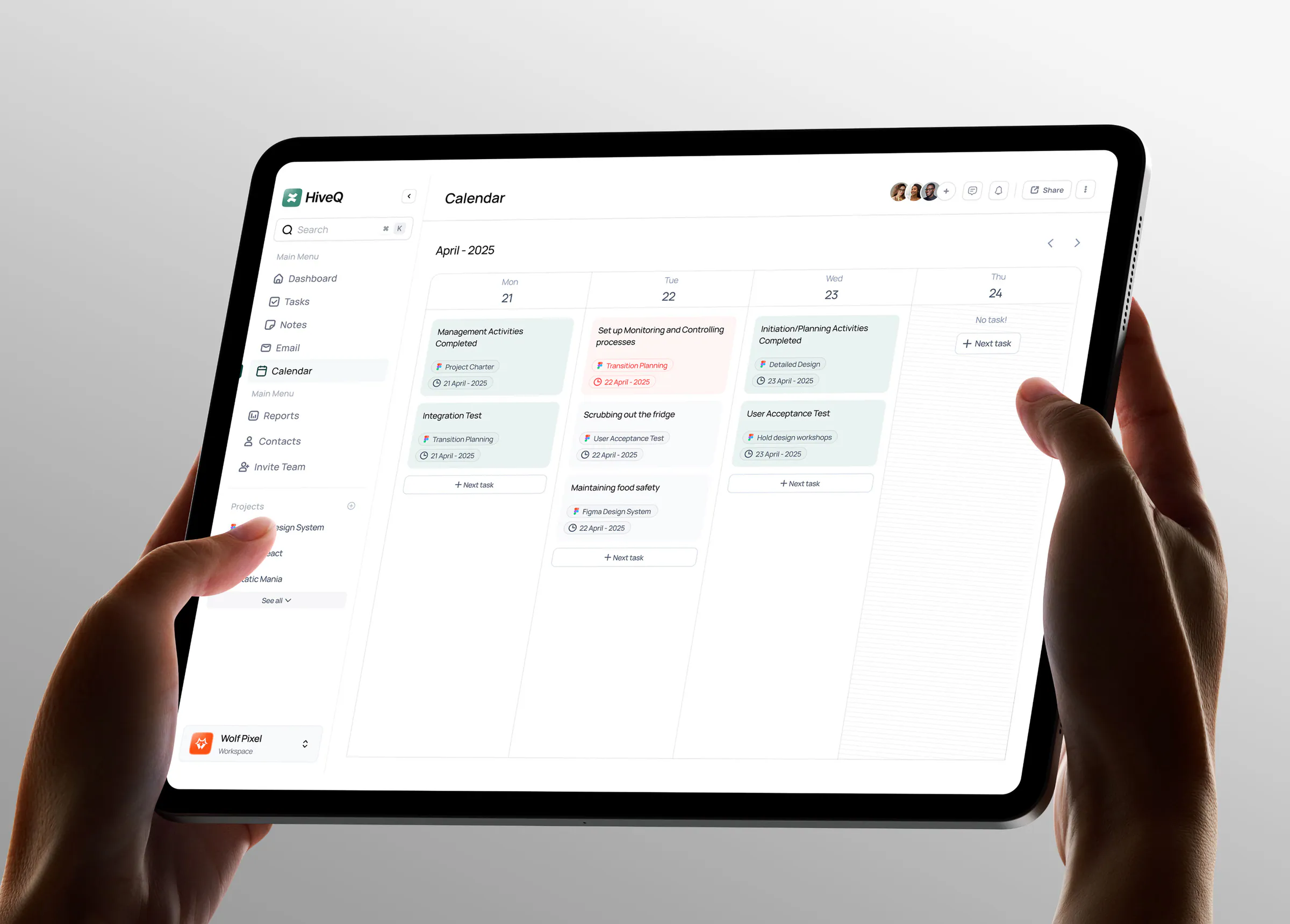
- Calendar with the day's meetings
- Job applications with interviews and hires
- 03
Projects and productivity
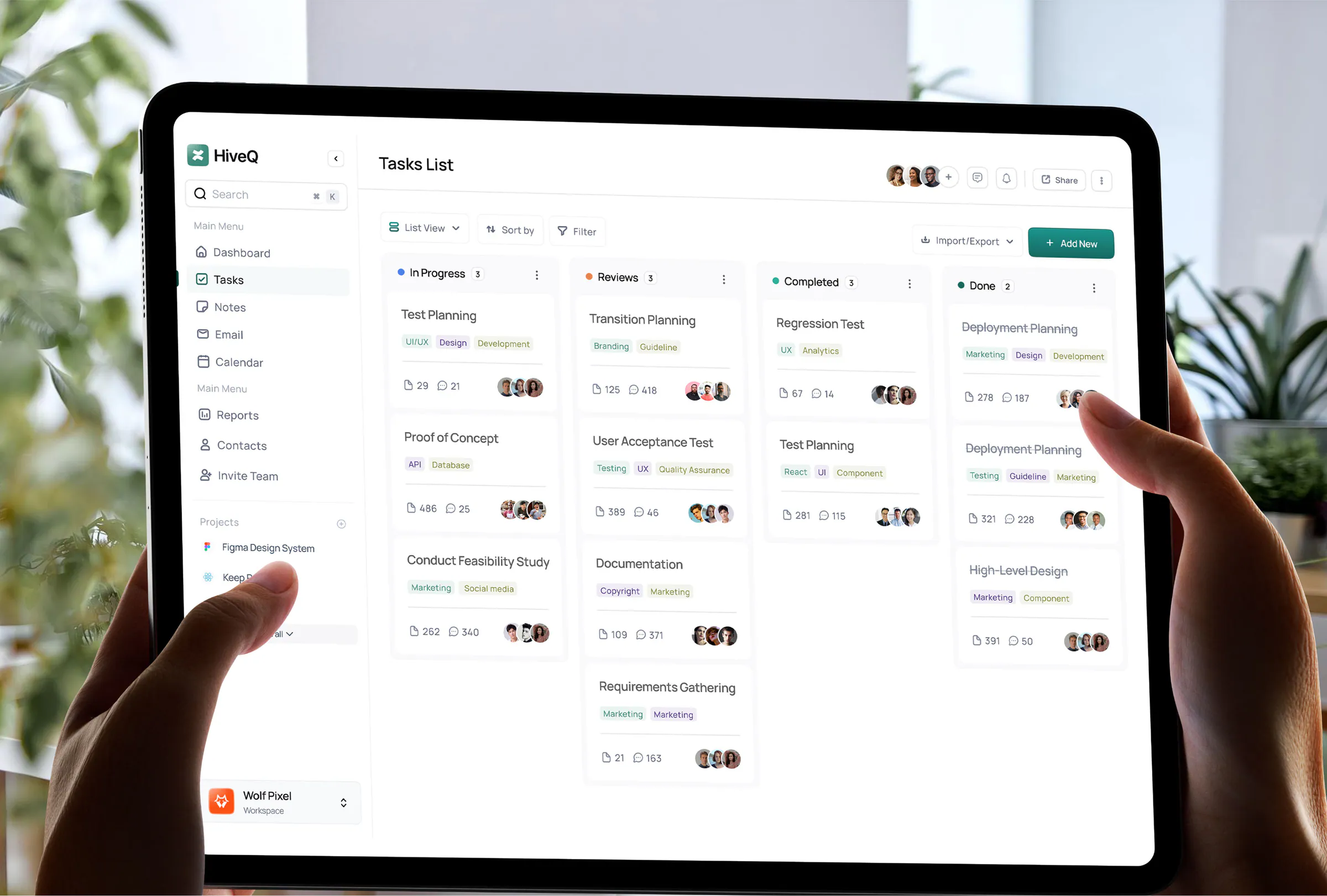
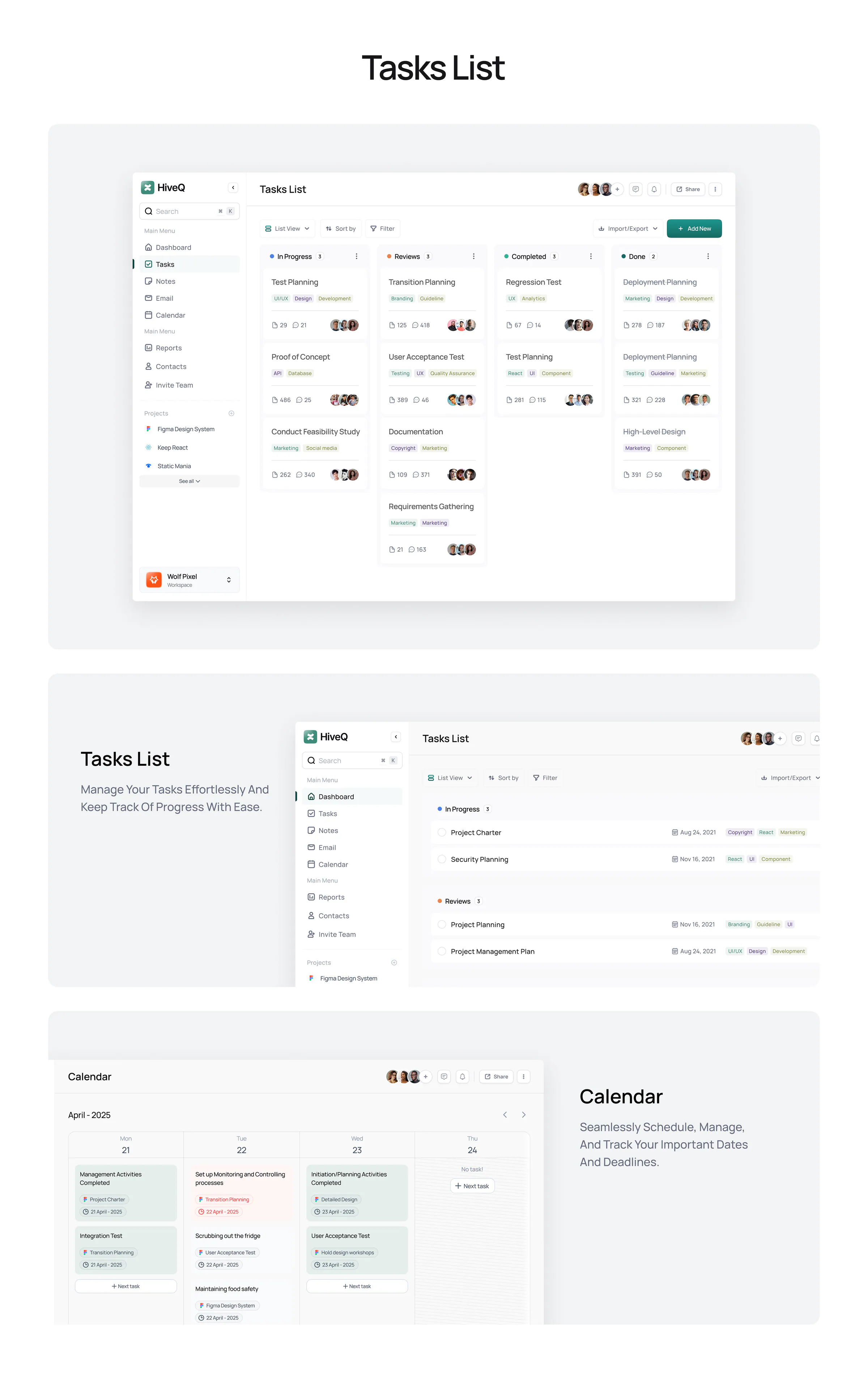
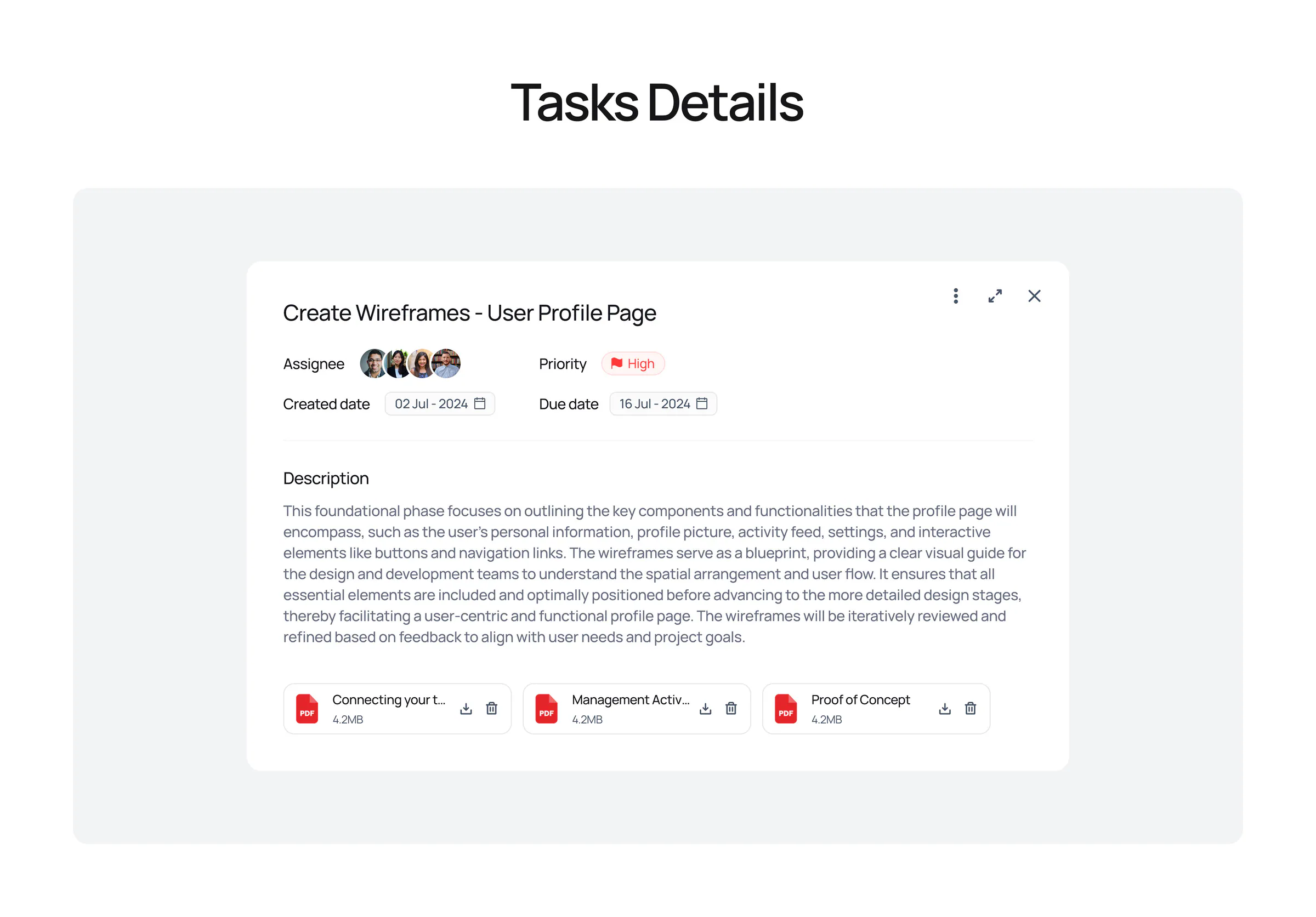
Each task opens into a detail view with everything a team needs to act on it. Completion is shown as a simple status chart.
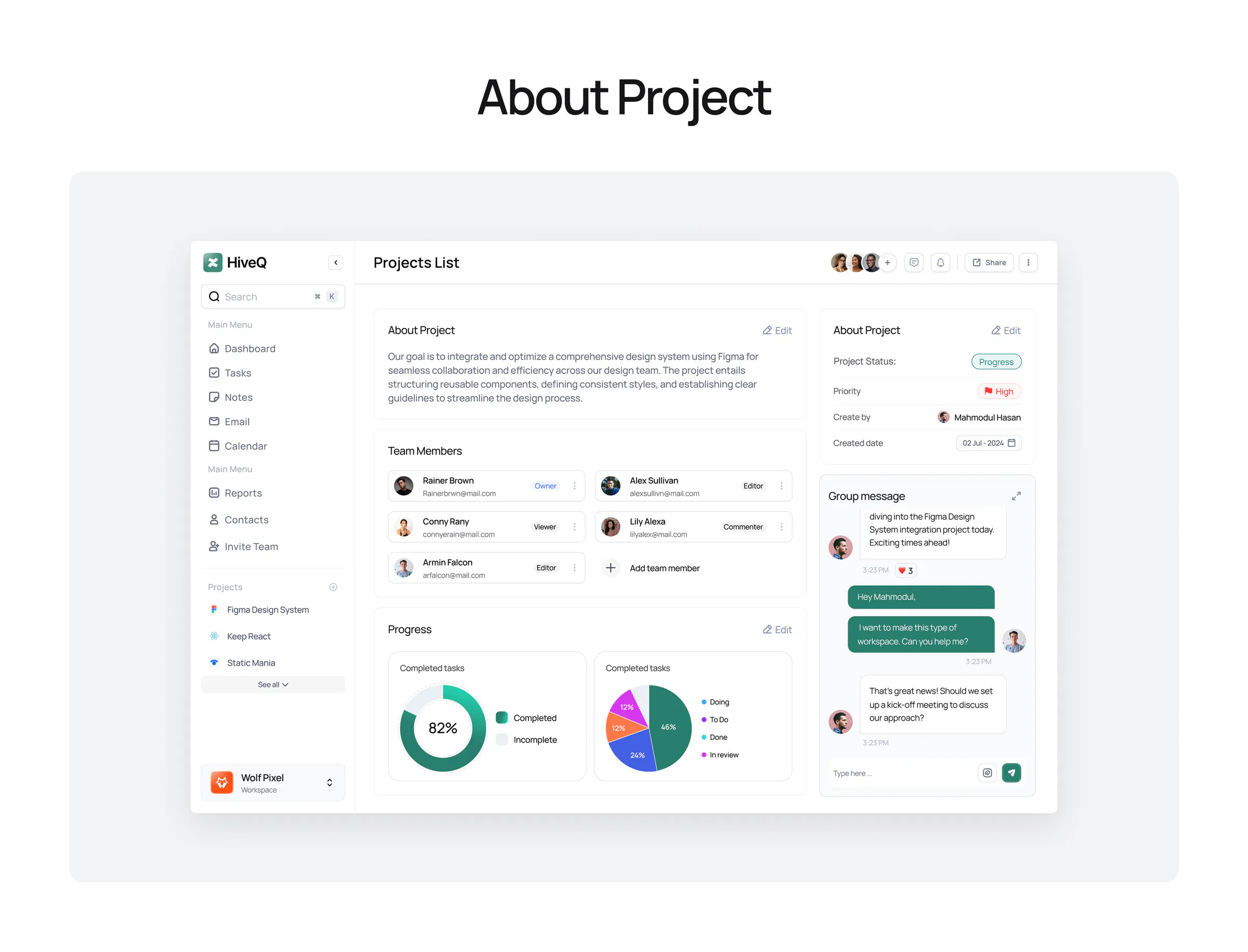
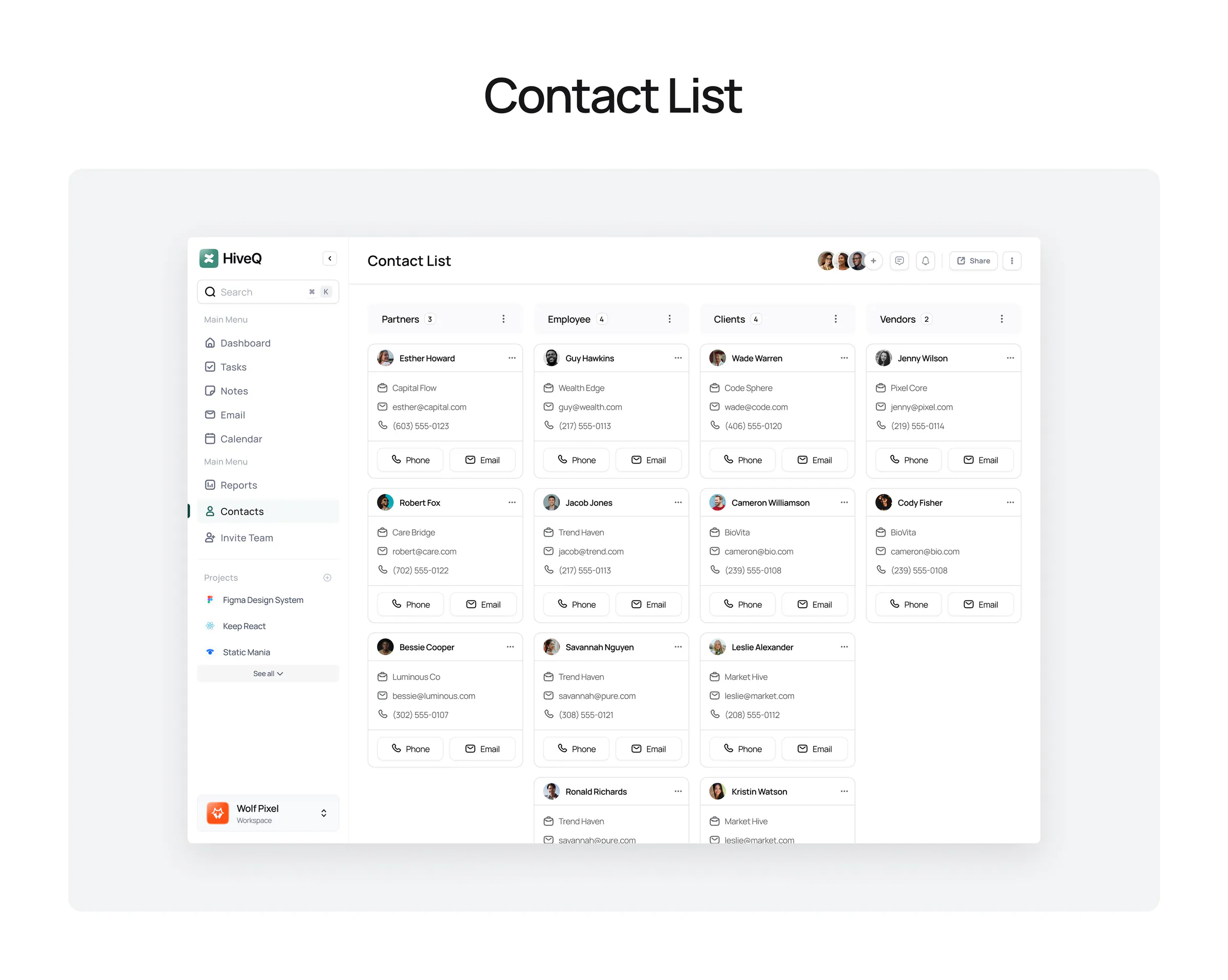
- Team management with an invite team option
- Project management with tasks, notes, email and calendar
- Task details: assignees, priority, created and due dates, description, attachments
- Productivity views: completed tasks by Doing, To Do, Done and In review
Selected screens and assets


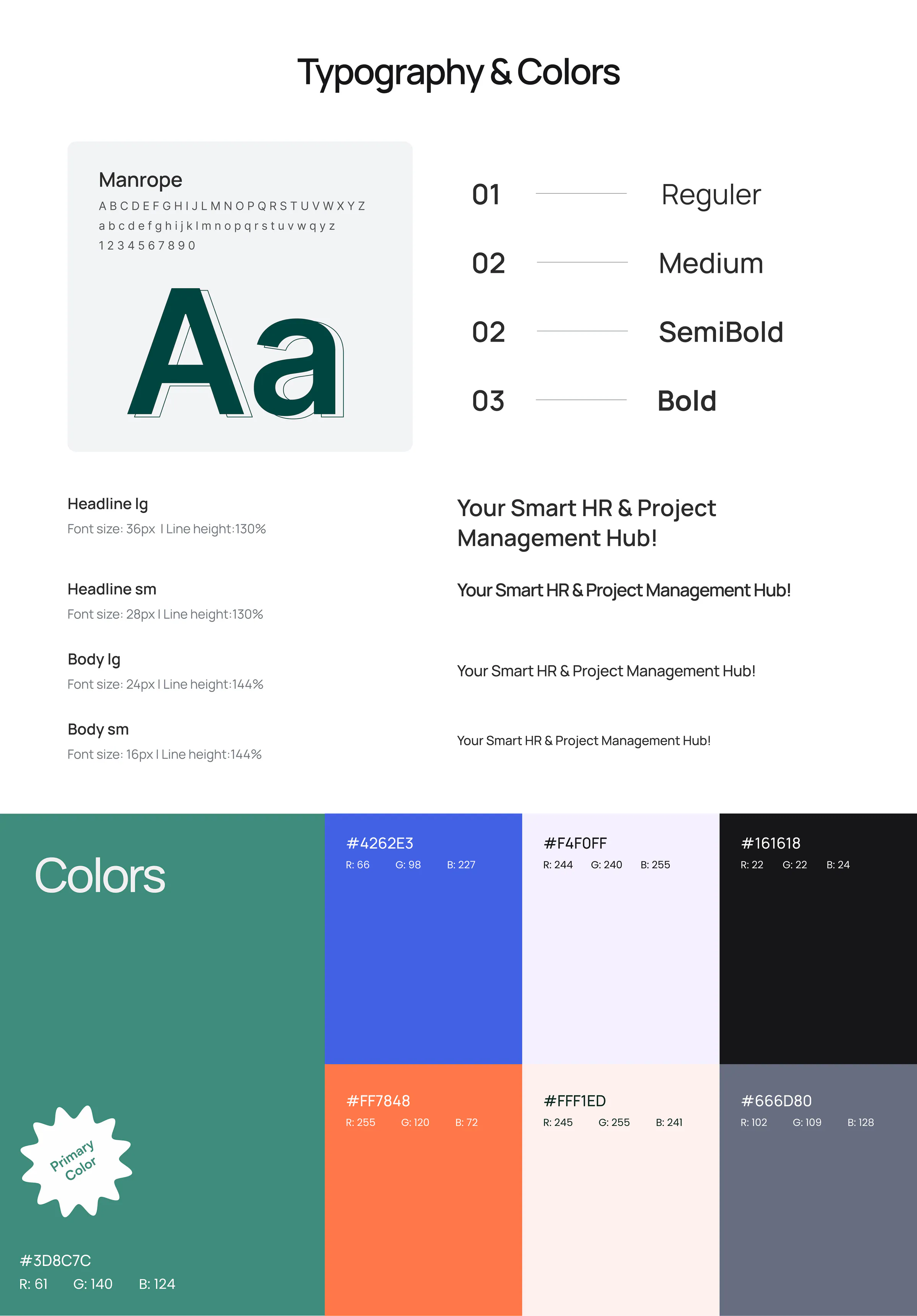

The result
The result
HiveQ is a single hub that helps managers run teams and projects with clarity and confidence.
People data and project progress sit on the same screen, so a manager can see who is available and what is due before planning the day. The structure, from the main menu down to the task detail, gives HiveQ a clear base for new HR or project features without crowding the overview.
Next case studies
See all work


Not sure what your brand or product needs?
Book a free 30-minute call. We’ll review where you are and recommend the next step.
Book a free callLet’s talk
Ready to start your project?
- 1Book a free 30-minute call
- 2Get a clear scope and timeline
- 3Sign the agreement and NDA
- 4Kick off with your senior team

Maniruzzaman Jubayer
COO & Co-founder
 +1 (501) 550-1093
A senior designer reads every brief and replies within 4 business hours with a clear next step, not a sales script.
 Webflow Professional Partner
 Featured 25 times on Behance
 Top Product Design Agency on Dribbble
 5.0 rating on Clutch