



ZapMail — AI Cold Email Outreach Platform by Wolfpixel
ZapMail case study: an AI-powered cold email outreach platform designed by Wolfpixel — inbox warm-up, campaigns, deliverability, and analytics in one dashboard.
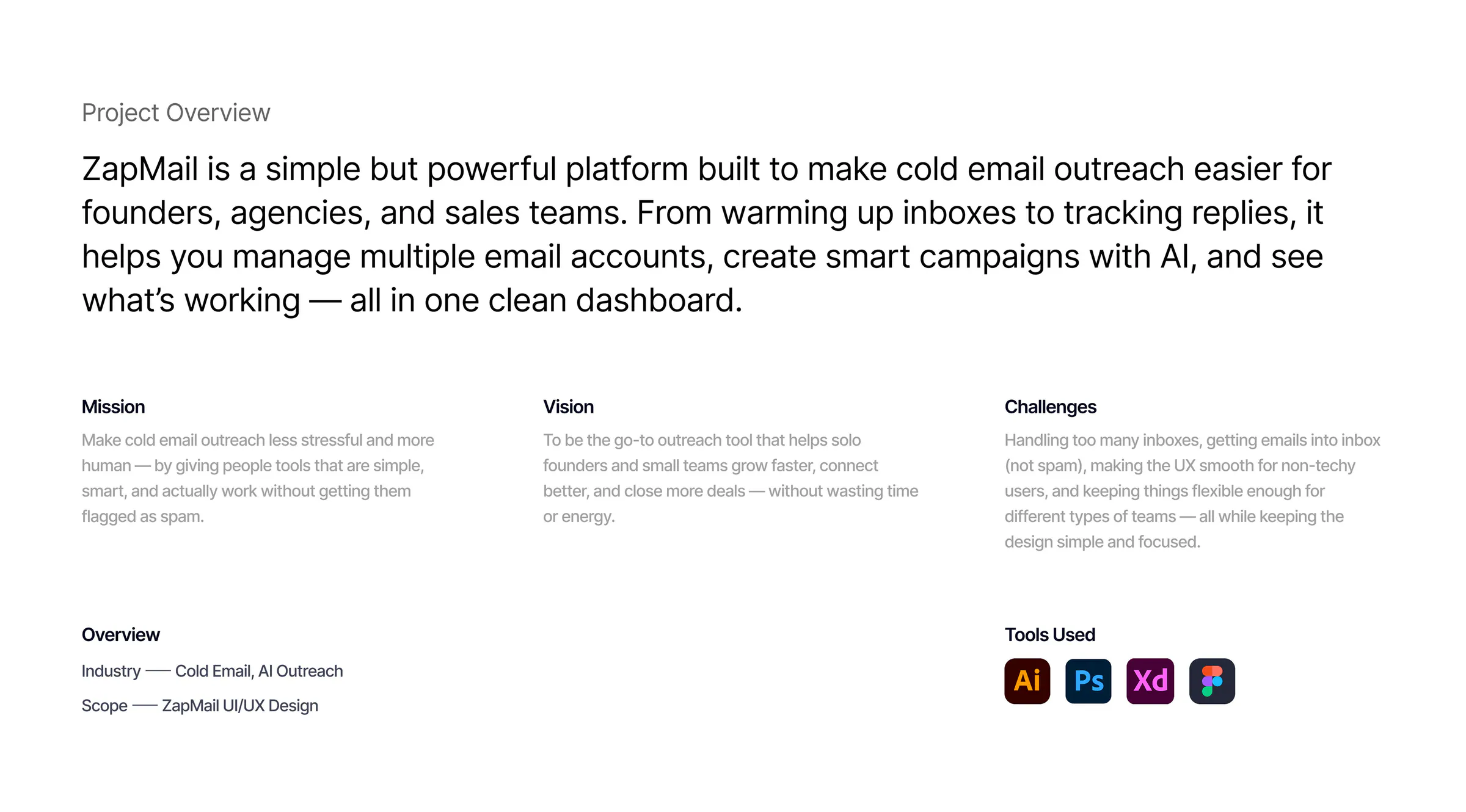
 Project overview
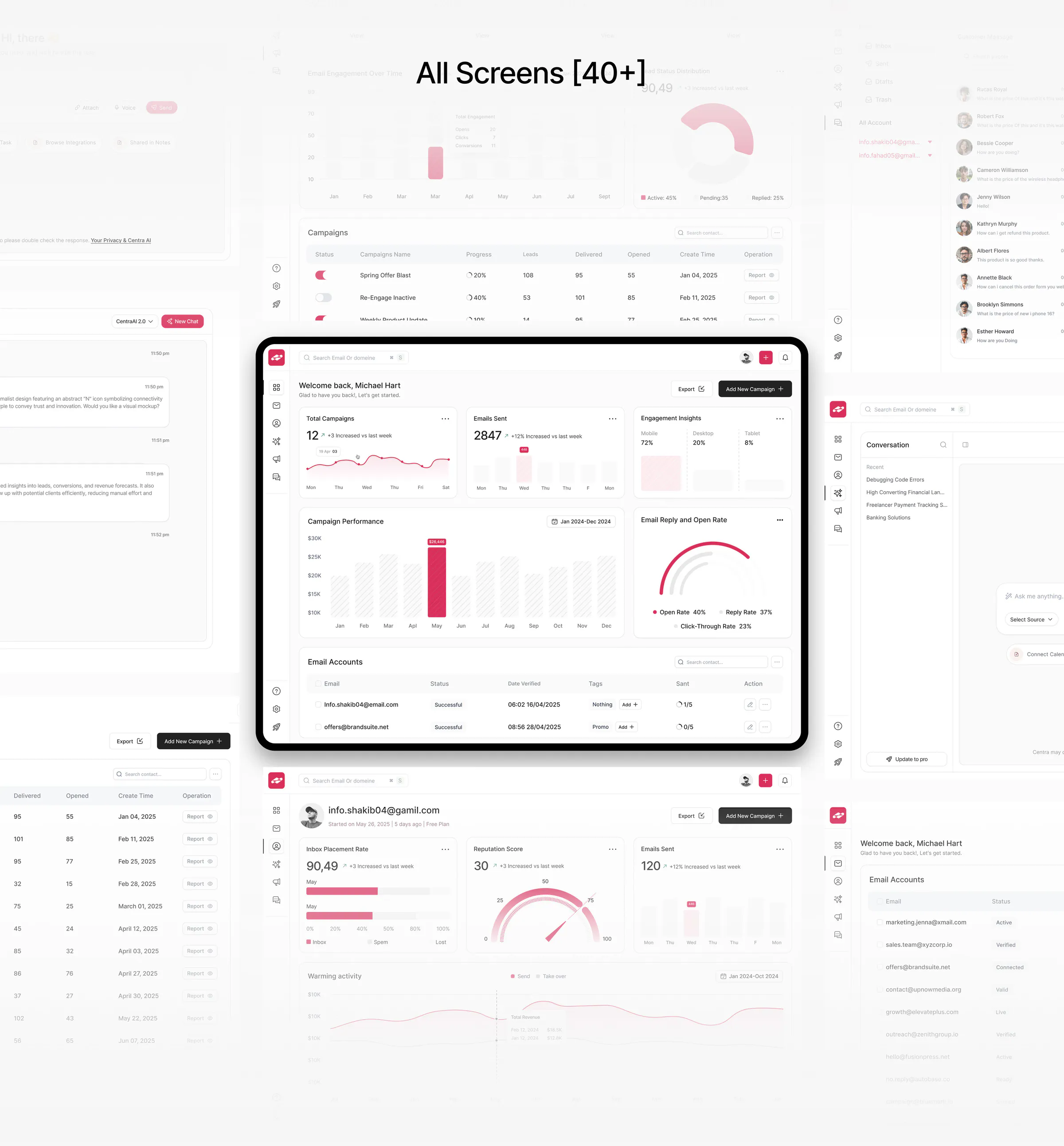
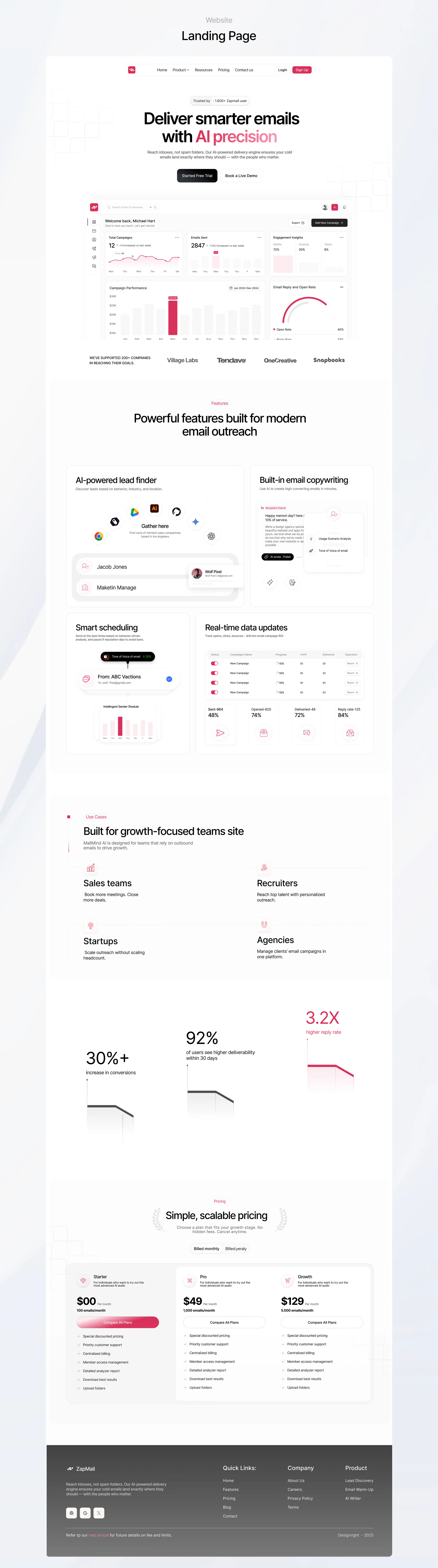
ZapMail is an AI-powered cold email outreach platform for founders, agencies and sales teams. It brings inbox warm-up, campaign creation, account management, reply tracking and performance insights into one focused dashboard. We worked on the product strategy and designed the UI/UX across more than 40 screens.
The idea was inbox warm-up, campaigns, deliverability and analytics in one place. ZapMail's mission, as its project overview puts it, is to make cold email outreach less stressful and more human, with tools that are simple, smart and actually work without getting flagged as spam.
The challenge
Managing multiple inboxes, protecting deliverability and understanding campaign performance quickly becomes complex.
Many outreach tools are built for technical users and overwhelm everyone else. A founder sending a first campaign has to understand warm-up, sender reputation, inbox placement and spam complaints before learning whether anyone replied.
The product also had to stay flexible enough for different kinds of teams, from a solo founder to an agency running campaigns for several clients, while keeping the design simple and focused. And it had to help people write better emails without making them sound like a robot.

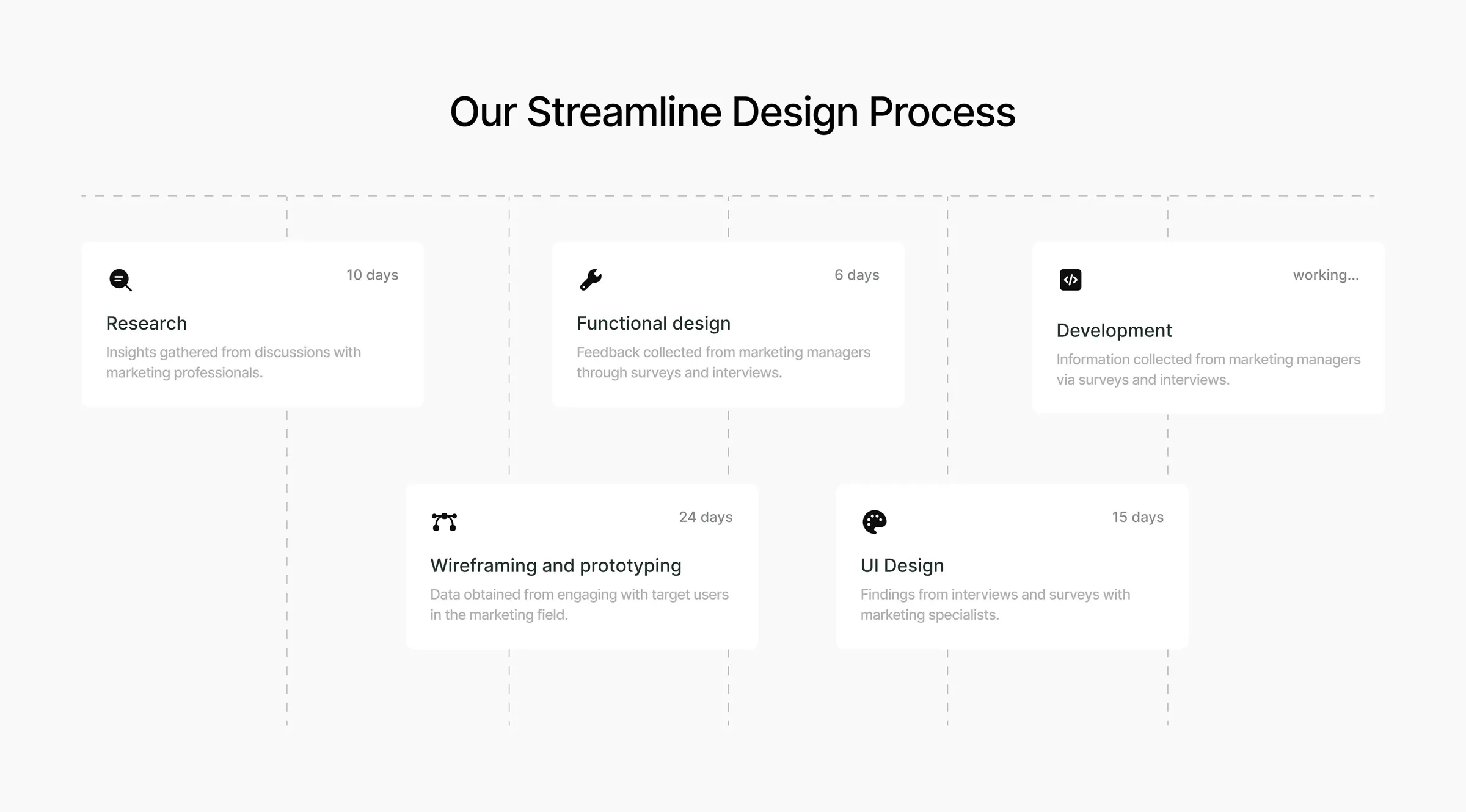
Our approach
How we solved it
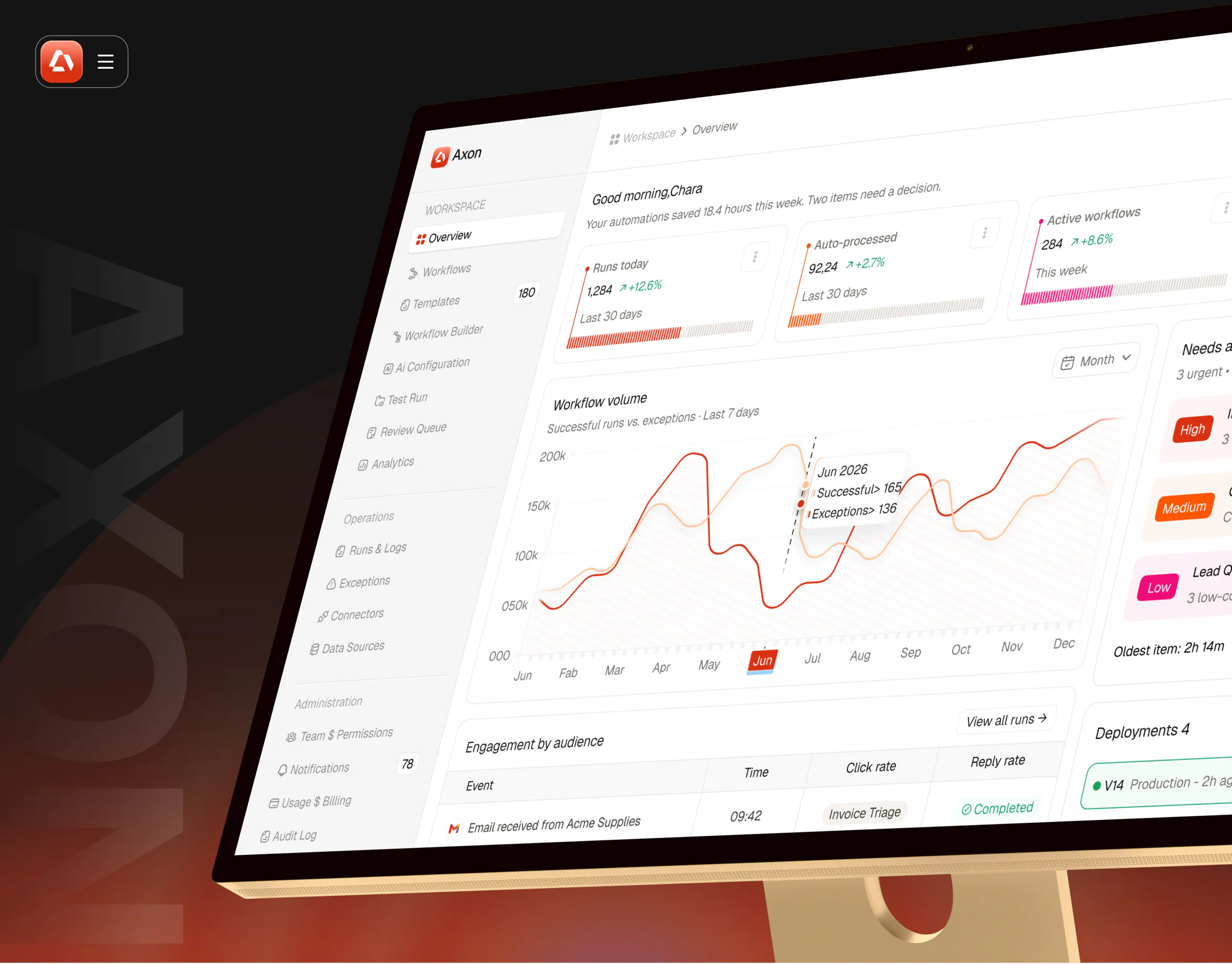
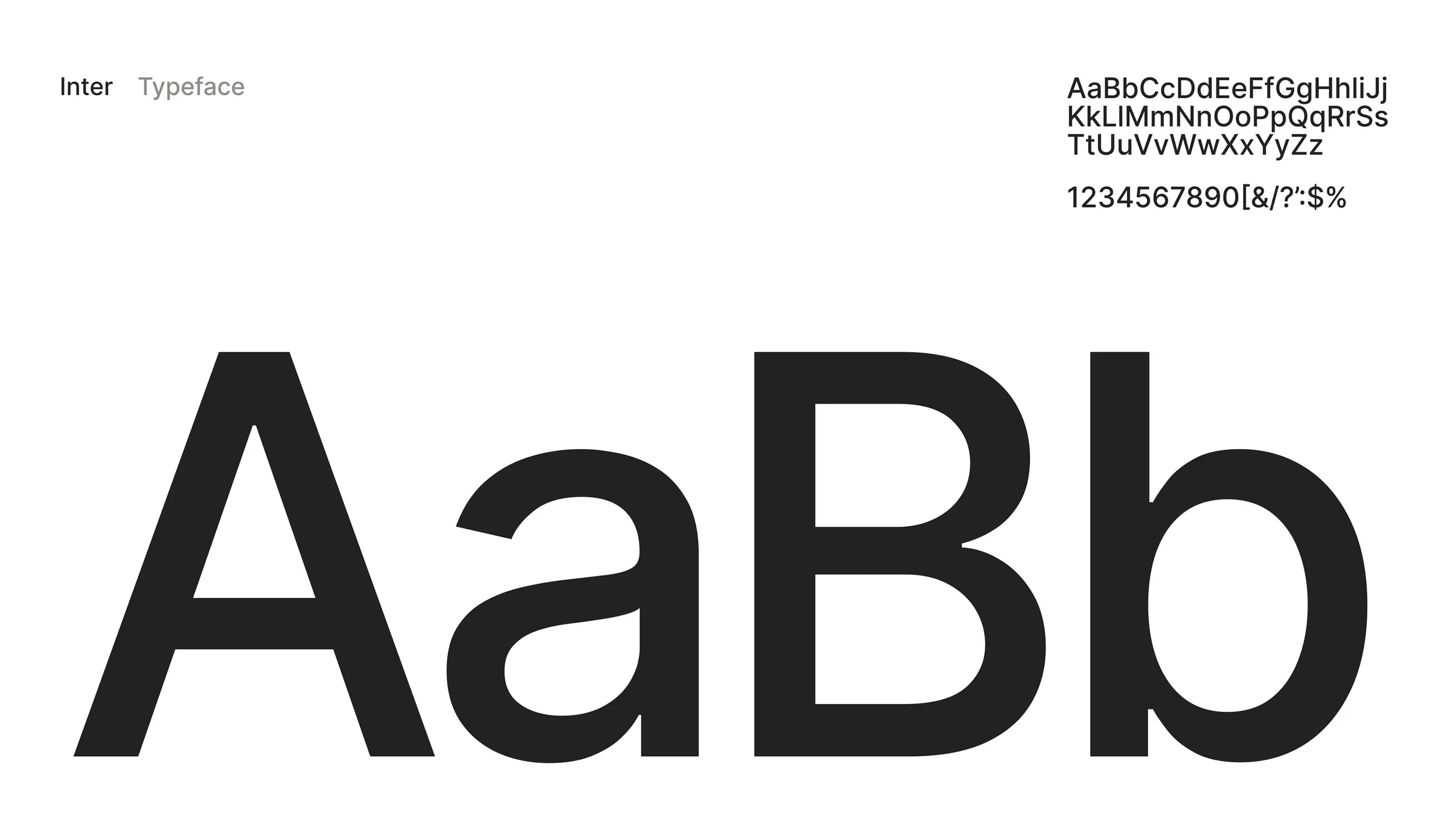
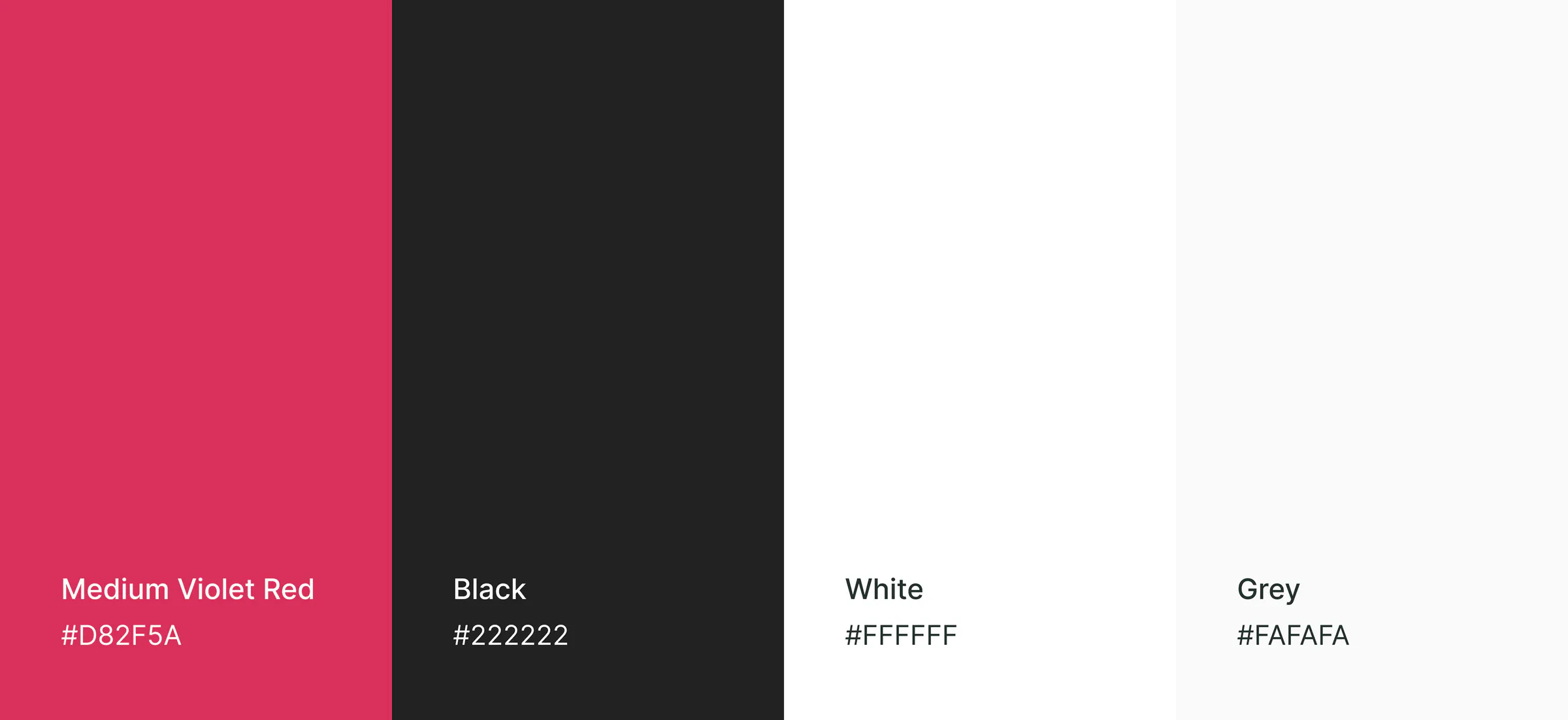
We reduced friction with clear navigation, guided workflows, actionable analytics and AI-assisted campaign tools that non-technical teams can use confidently. The email flow was designed to feel like writing to a real person, not setting up a robot blast. Key numbers come with a direction and a comparison, such as up on last week, so users know whether to act. The visual system stays minimal: Inter typography, plenty of white space and a single violet-red accent kept for key actions, alerts and performance signals.

- 01
Set up a clear system
A minimal interface with strong hierarchy keeps data-heavy screens readable. The violet-red accent marks only what matters: the main action, an alert, the bar worth noticing.
- Inter typography and a focused violet-red accent
- Slim icon sidebar for the main areas of the product
- Responsive layouts for different screen sizes
- 40+ screens in one consistent workflow
- 02
Campaigns with AI help
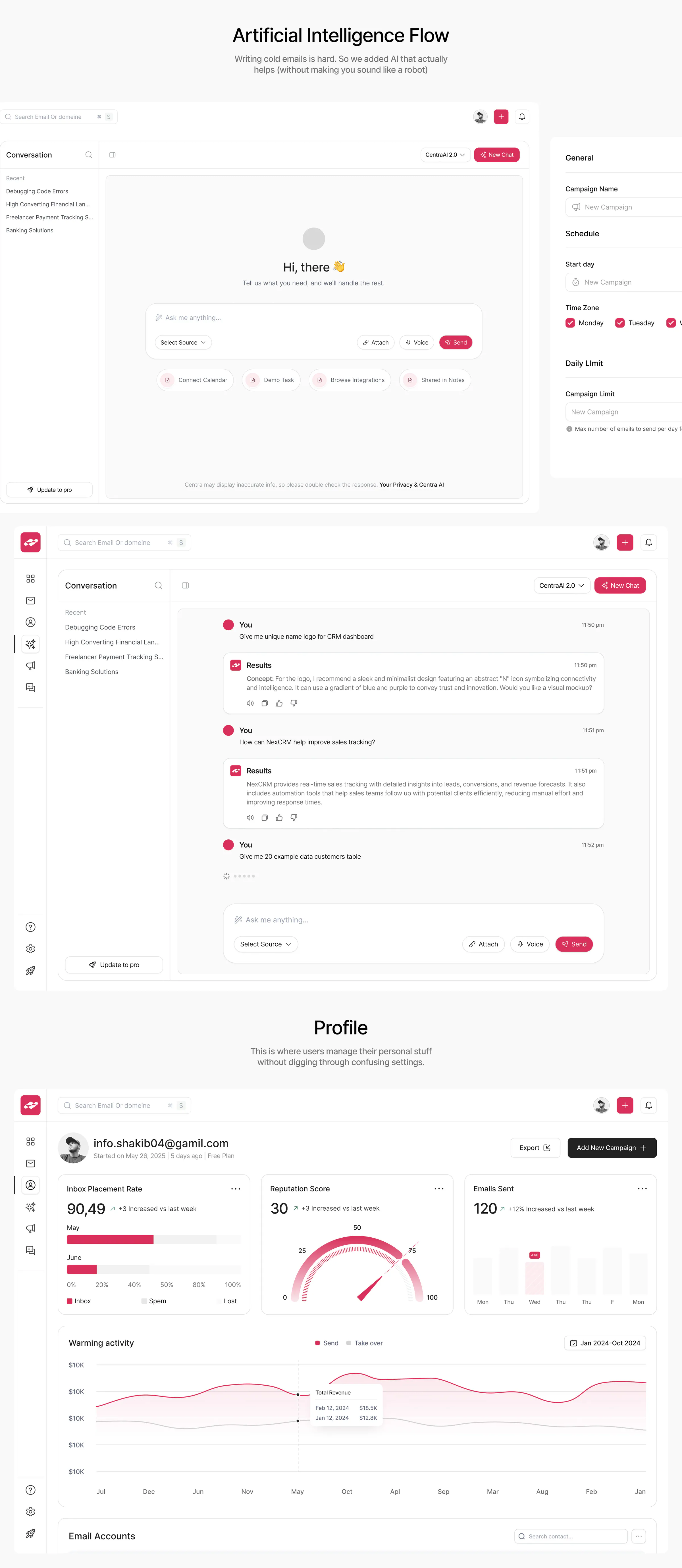
Campaign setup is guided from naming and scheduling to daily sending limits. An AI assistant helps write and research without taking over the voice.
- Campaign setup: name, start day, time zone, sending days, daily limit
- AI conversation assistant with sources, attachments and voice input
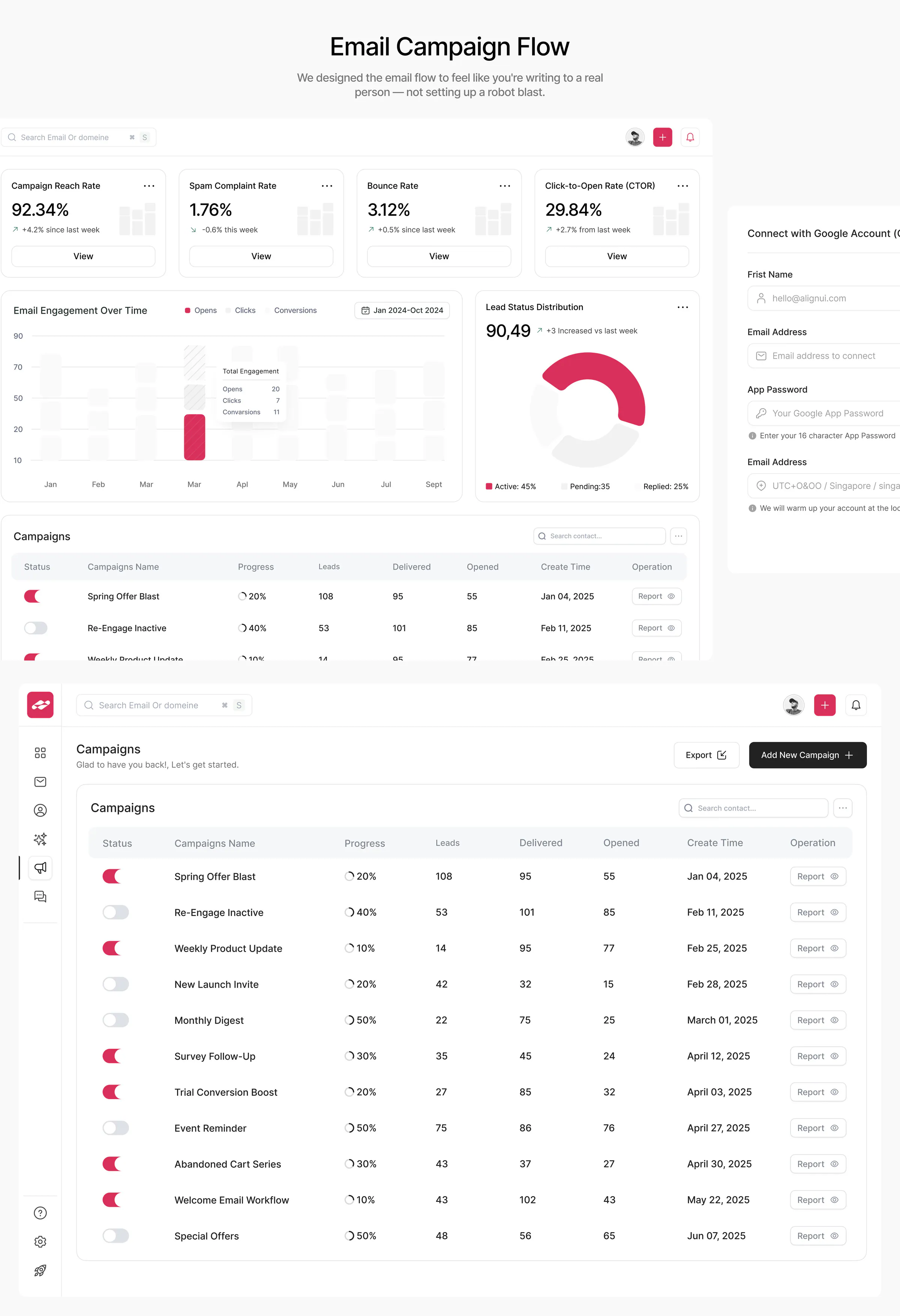
- Campaign list with progress, leads, delivered, opened and reports
- Smart scheduling that sends at the best times and pauses if reputation dips
- 03
Protect deliverability
Warm-up and account health have their own space, so problems surface before they cost a campaign.
- Connect a Google account and start inbox warm-up
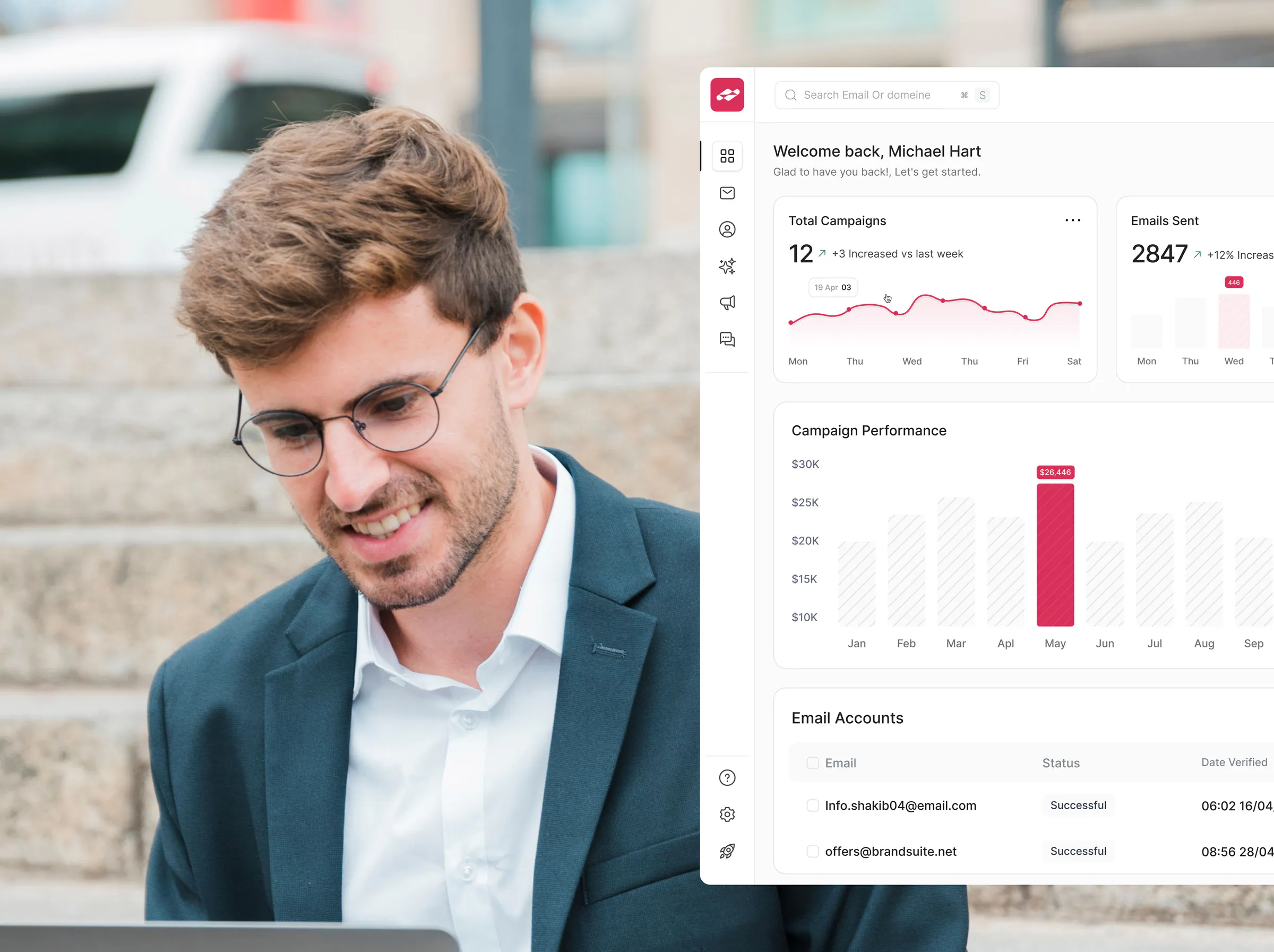
- Email accounts with status, verification date, tags and sent count
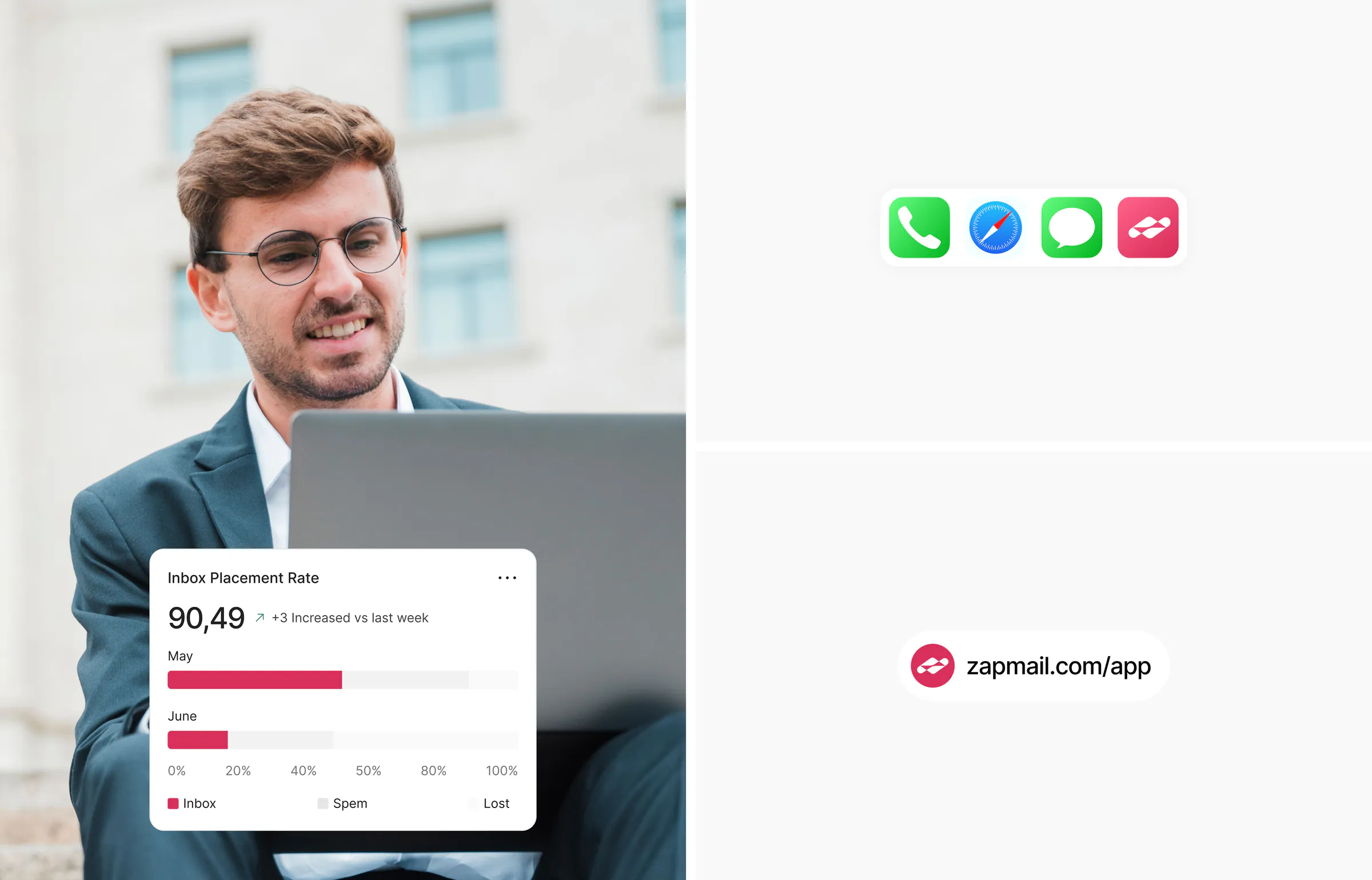
- Inbox placement rate, reputation score and warming activity
- Spam complaint and bounce rate cards
- 04
See what is working
Analytics and alerts answer the questions people come back with: who opened, who replied and which campaign is worth repeating.
- Total campaigns and emails sent, compared with last week
- Campaign performance by month
- Email engagement over time: opens, clicks, conversions
- Open, reply and click-through rates
- Lead status: active, pending, replied
Selected screens and assets


The result
The result
ZapMail became a focused outreach product that turns complex campaign operations into a clear, manageable experience.
The design supports faster campaign setup, better visibility and more confident decisions for growing sales teams and agencies. A non-technical user can launch a campaign, check that it is reaching the inbox and follow up on replies without leaving the dashboard.



Not sure what your brand or product needs?
Book a free 30-minute call. We’ll review where you are and recommend the next step.
Book a free callLet’s talk
Ready to start your project?
- 1Book a free 30-minute call
- 2Get a clear scope and timeline
- 3Sign the agreement and NDA
- 4Kick off with your senior team

Maniruzzaman Jubayer
COO & Co-founder
 +1 (501) 550-1093
A senior designer reads every brief and replies within 4 business hours with a clear next step, not a sales script.
 Webflow Professional Partner
 Featured 25 times on Behance
 Top Product Design Agency on Dribbble
 5.0 rating on Clutch