



RoomMind AI: Interior Design iOS App
Photograph a room, choose a style, get a redesign in under 30 seconds.
 Project overview
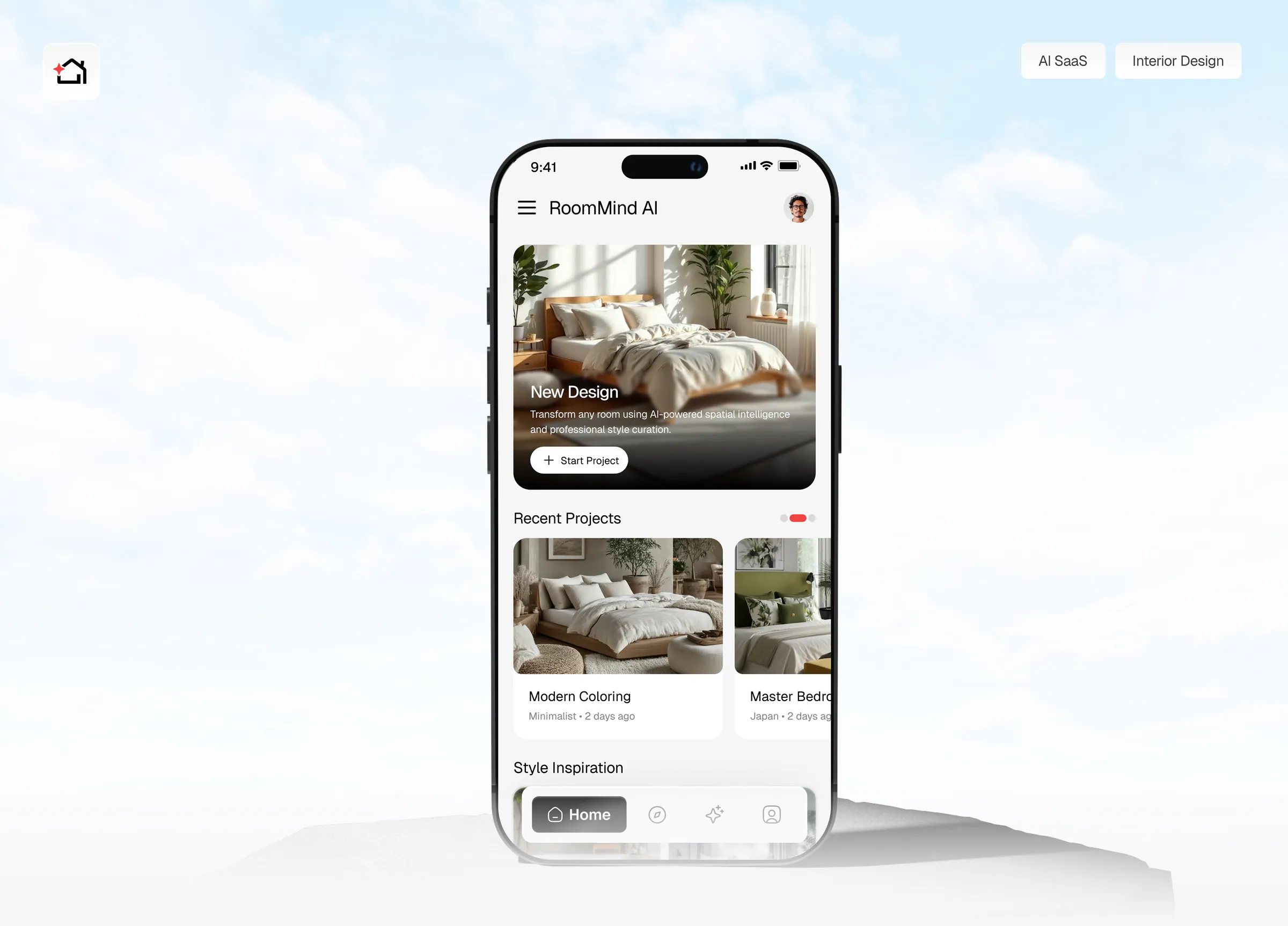
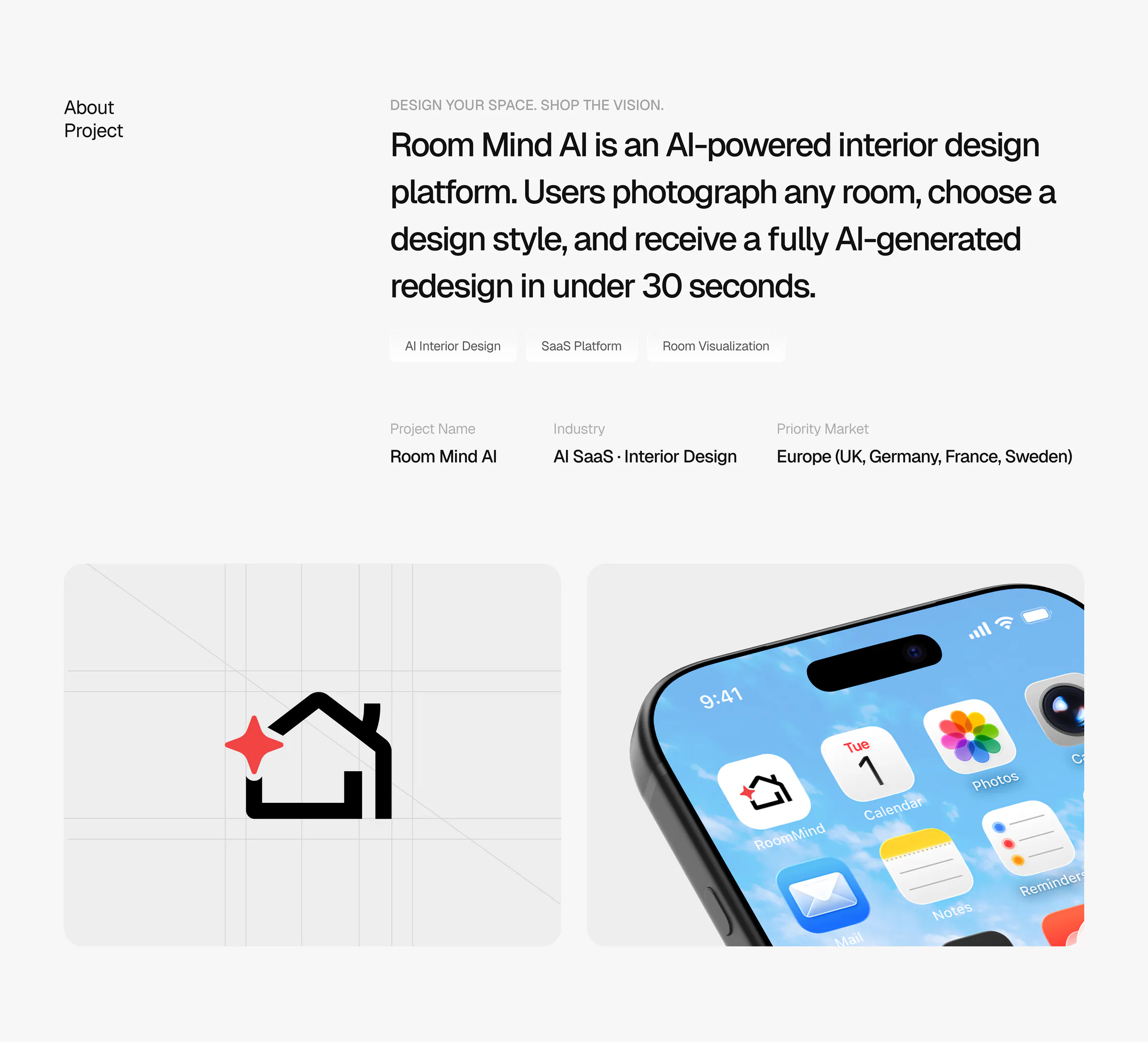
RoomMind AI is an AI interior design app for iOS. You photograph any room, choose a design style and get back a complete AI-generated redesign in under 30 seconds. Its priority market is Europe, starting with the UK, Germany, France and Sweden. We designed the iOS app experience, from the first launch to the finished redesign.
The idea is easy to say and hard to deliver: point your phone at a room and see it redesigned before you lose interest. The product's own line is Design your space. Shop the vision. RoomMind AI wanted that moment to feel quick and a little delightful, not like operating a piece of software.
The challenge
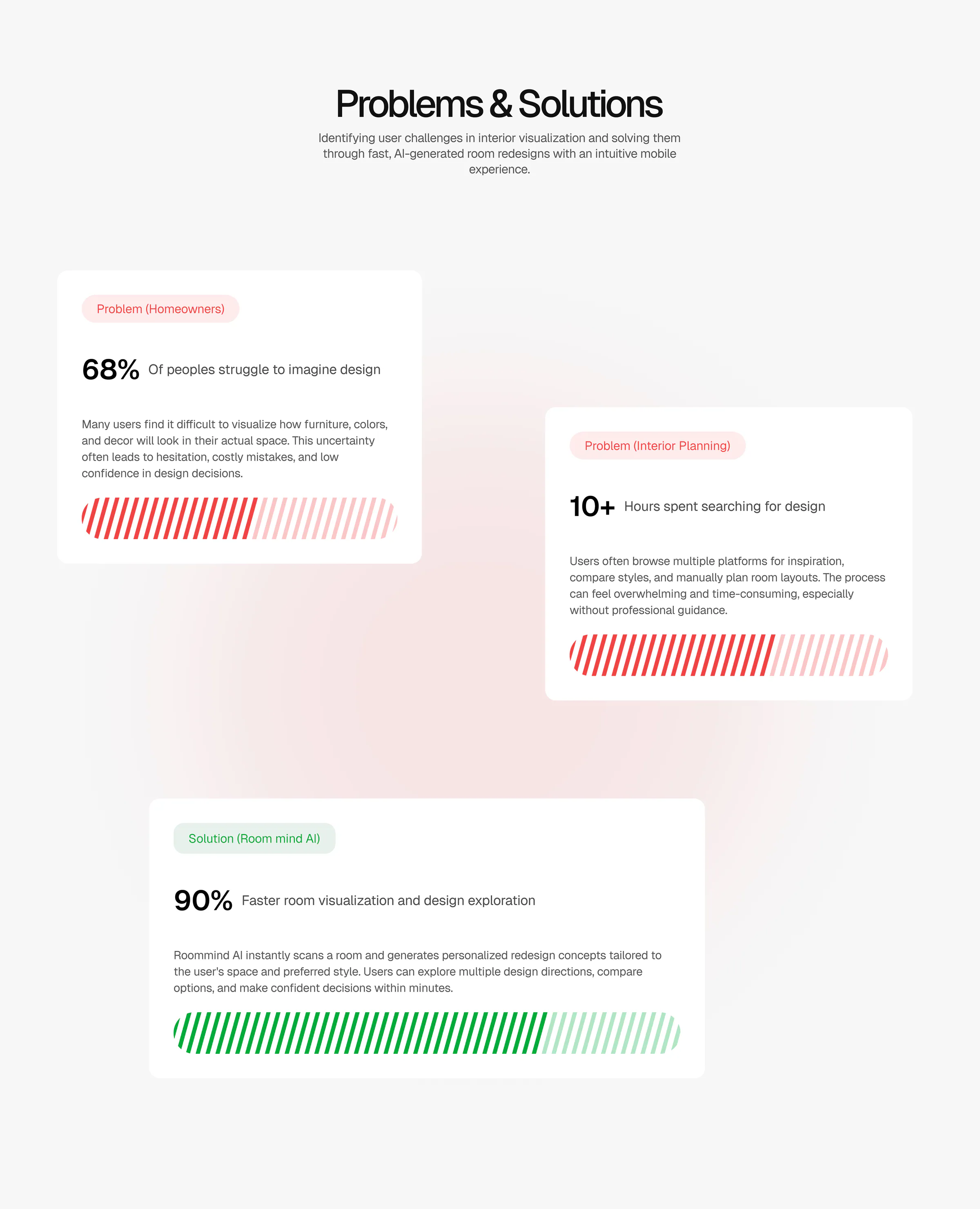
AI design tools can feel technical or gimmicky, and homeowners have little patience for either.
Most people want inspiration they can trust and actually use. They do not want to pick a model, tune settings or learn the difference between Japandi and Scandinavian before they see a result. If the first redesign looks random, they will not try a second.
The app also had to explain a process that happens out of sight. Between the photo and the result, the AI reads the room's architecture, light and dimensions. Users need to see that something careful is happening, without being shown the machinery.

Our approach
How we solved it
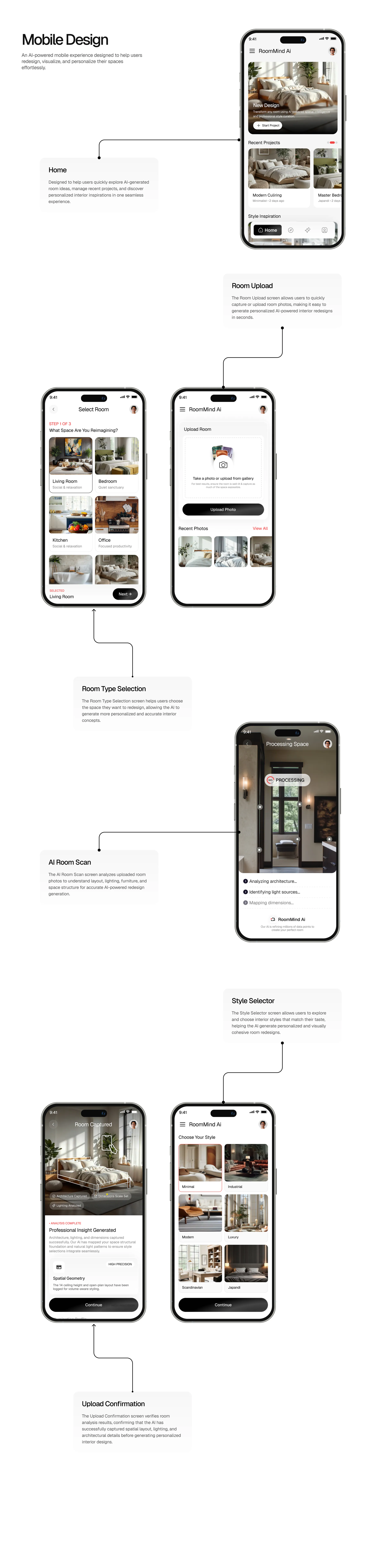
We reduced the experience to three steps: capture, choose, transform. Style selection is visual, so a user picks a room that looks right instead of a word they may not know. While the AI works, the screen names what it is doing, one line at a time, so the wait reads as progress. Results are presented so the before and after can be compared instantly, which is the moment people decide whether to trust the app.

- 01
Capture the room
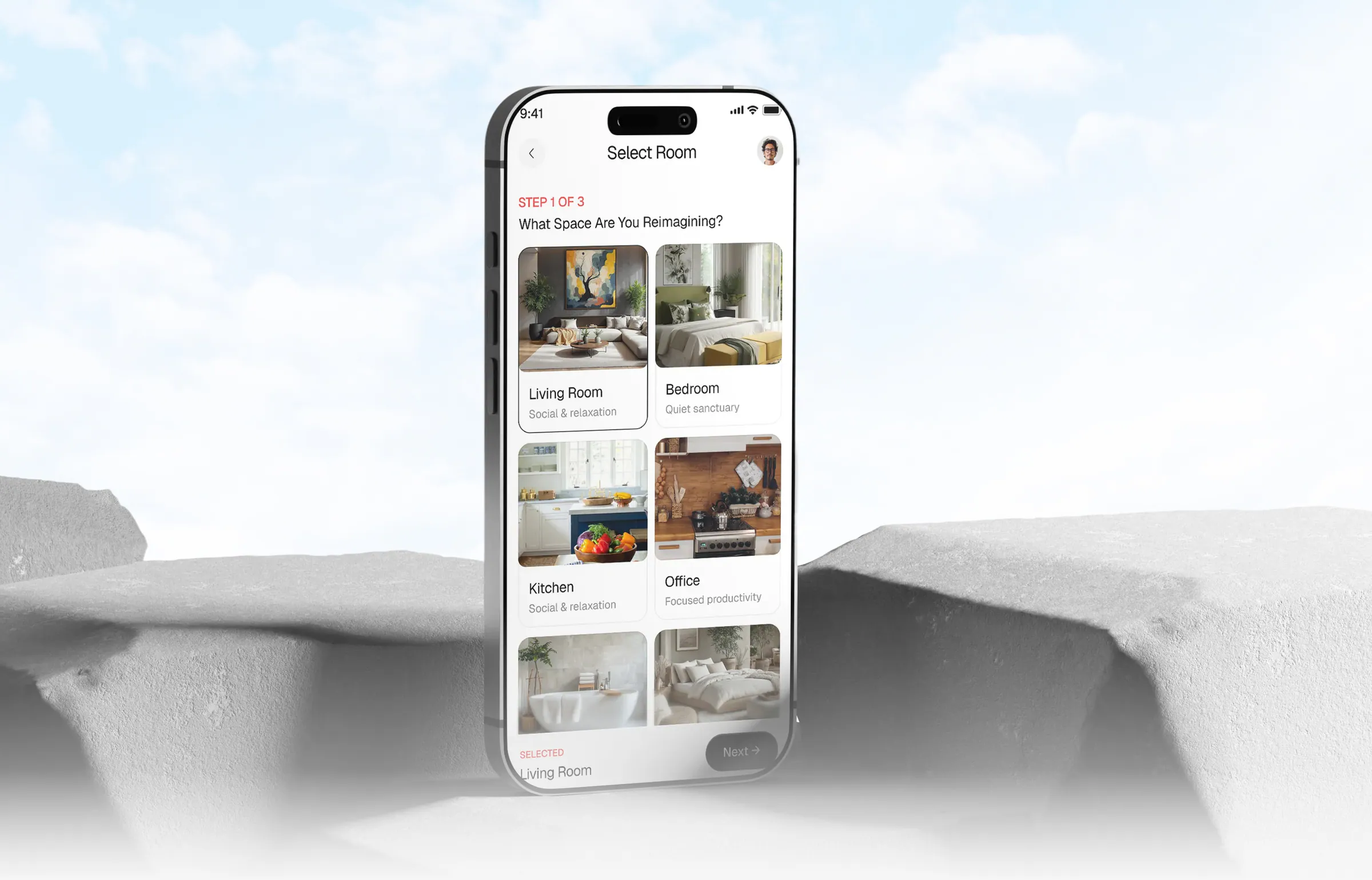
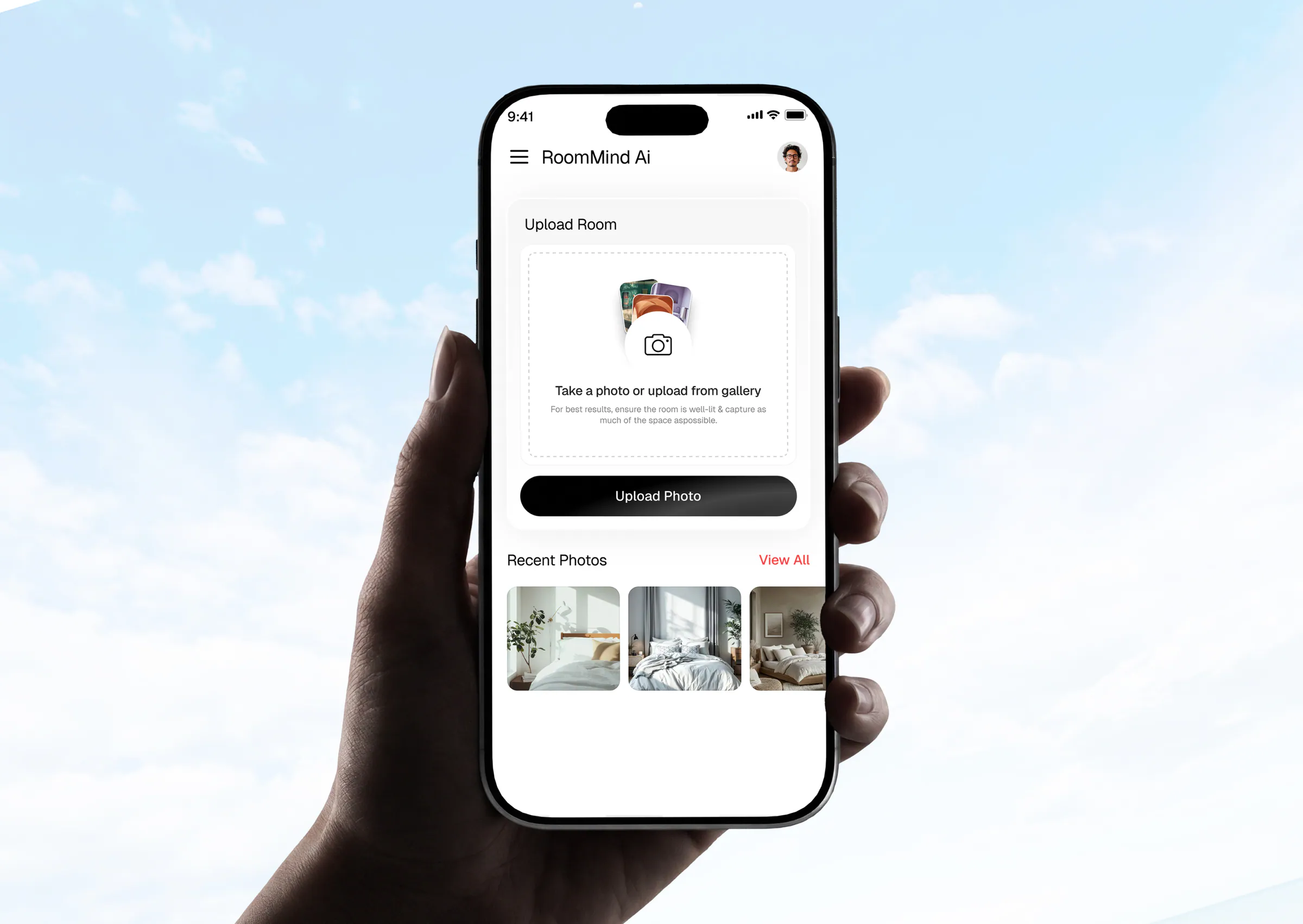
Every redesign starts with two quick decisions. The first screen asks what space you are reimagining, then the upload screen takes a new photo or one from the gallery.
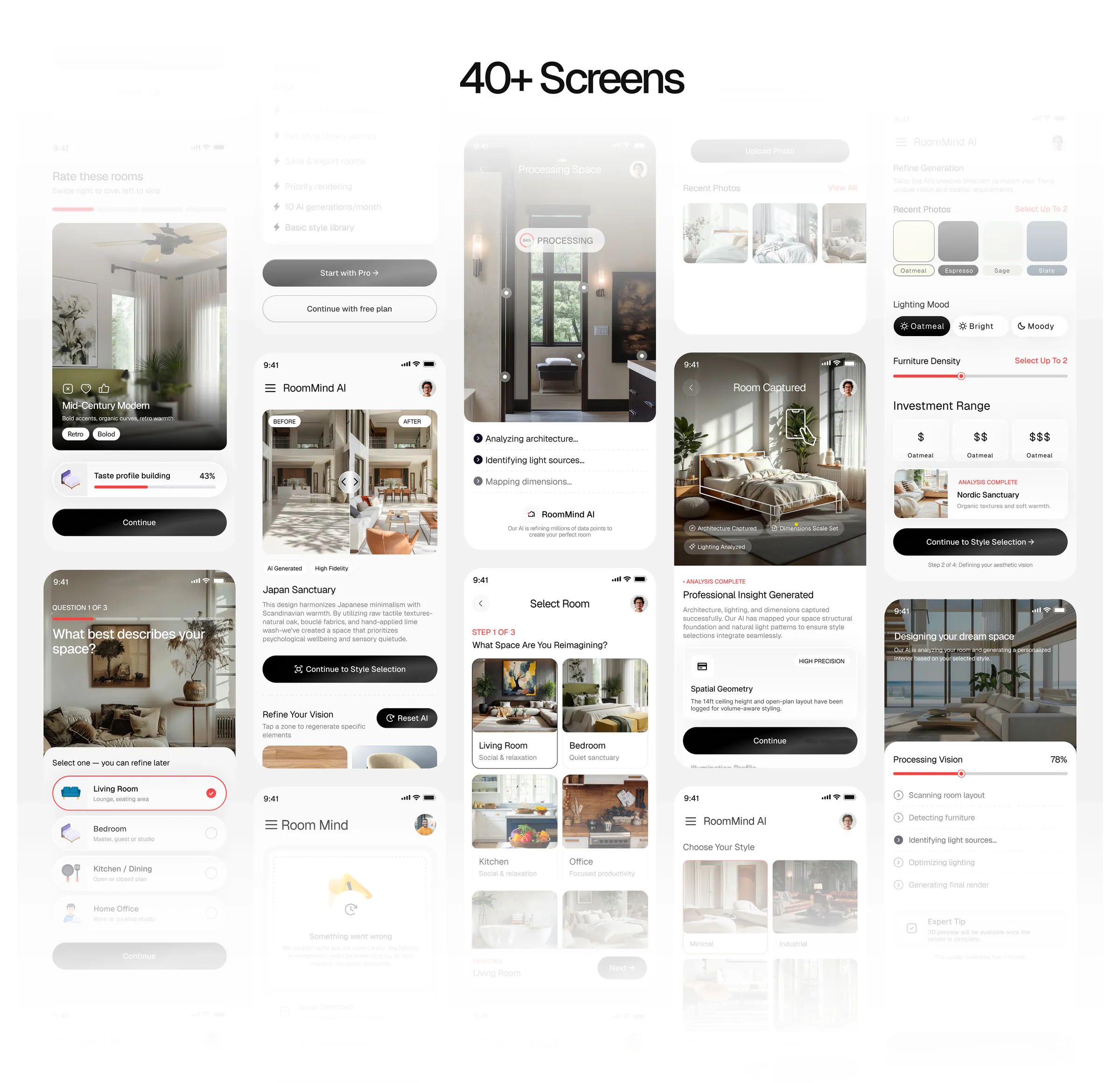
- Room type selection: living room, bedroom, kitchen, office
- Room upload from the camera or gallery, with recent photos
- AI room scan that shows it is analyzing architecture, light sources and dimensions
- Upload confirmation that reports what the scan captured
- 02
Choose a style
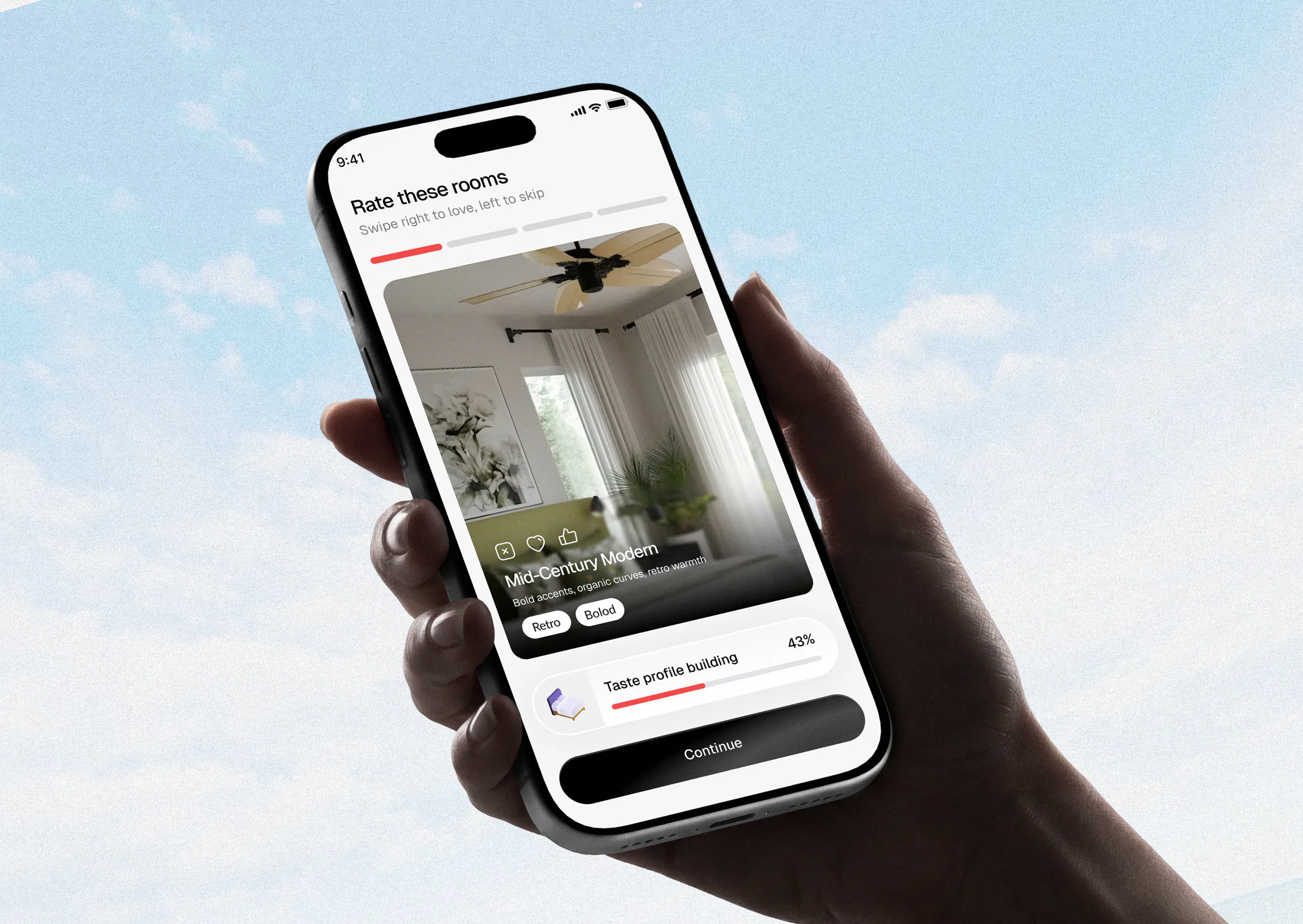
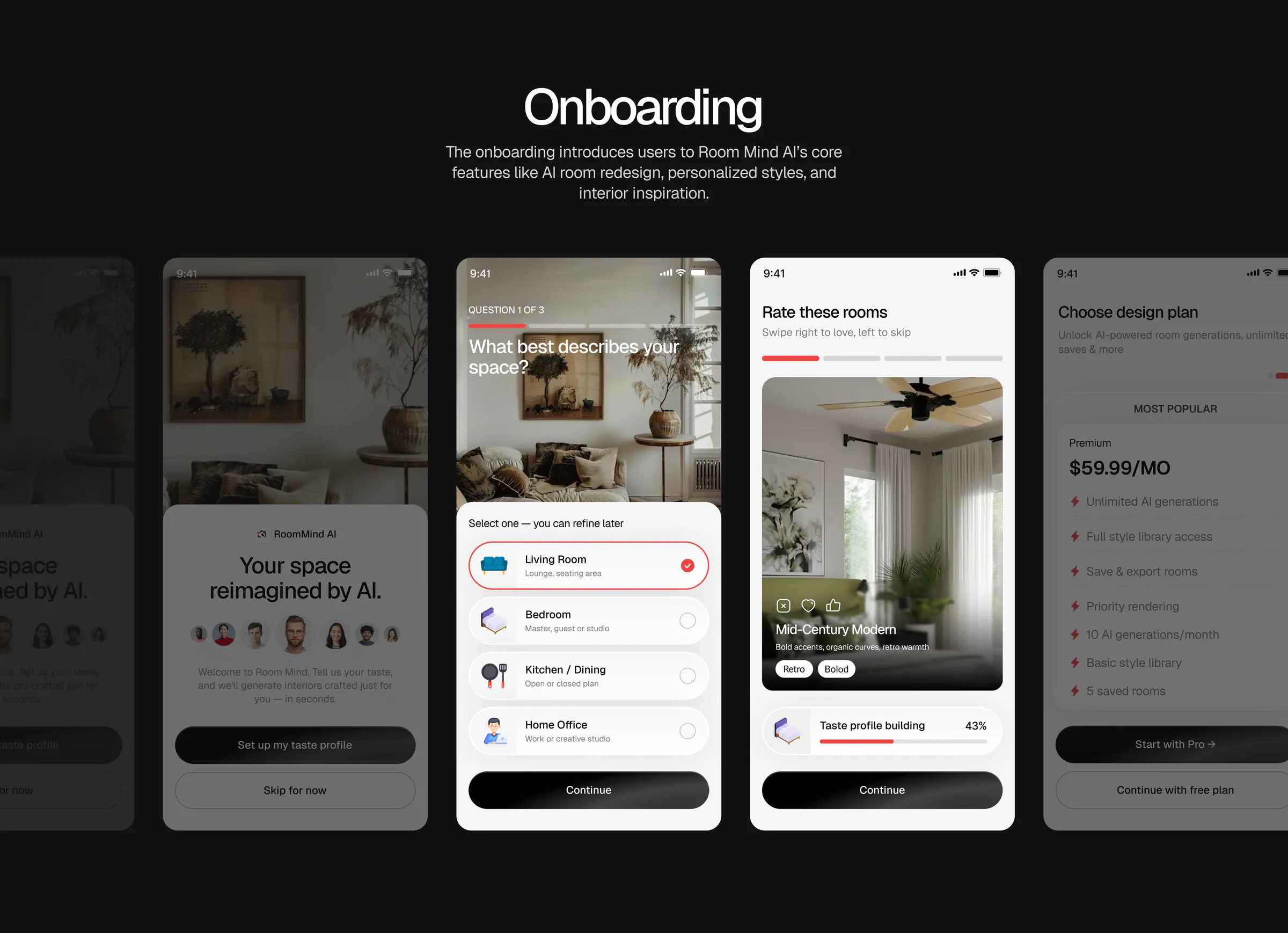
Styles are shown as photographs of real rooms, so taste does the choosing. An optional taste profile at onboarding lets people rate rooms with a swipe, so suggestions start closer to what they like.
- Visual style selector: Minimal, Industrial, Modern, Luxury, Scandinavian, Japandi
- Taste profile onboarding: swipe right to love, left to skip
- Plan selection with a free option
- 03
Transform and compare
The result is the reward, so it gets the most space. Results are built around before-and-after comparison, and the home screen keeps recent projects within reach.
- AI generation and results screens
- Before-and-after comparison
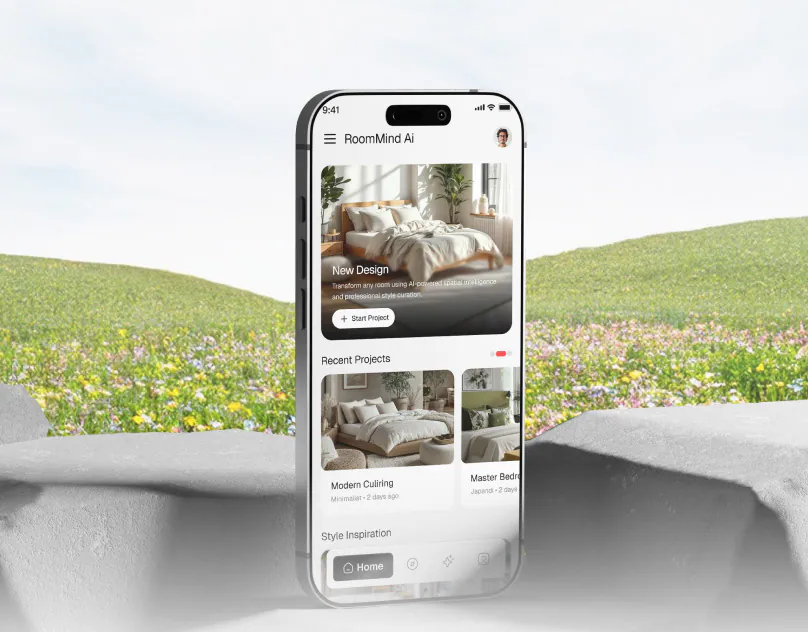
- Home with New Design, Recent Projects and Style Inspiration
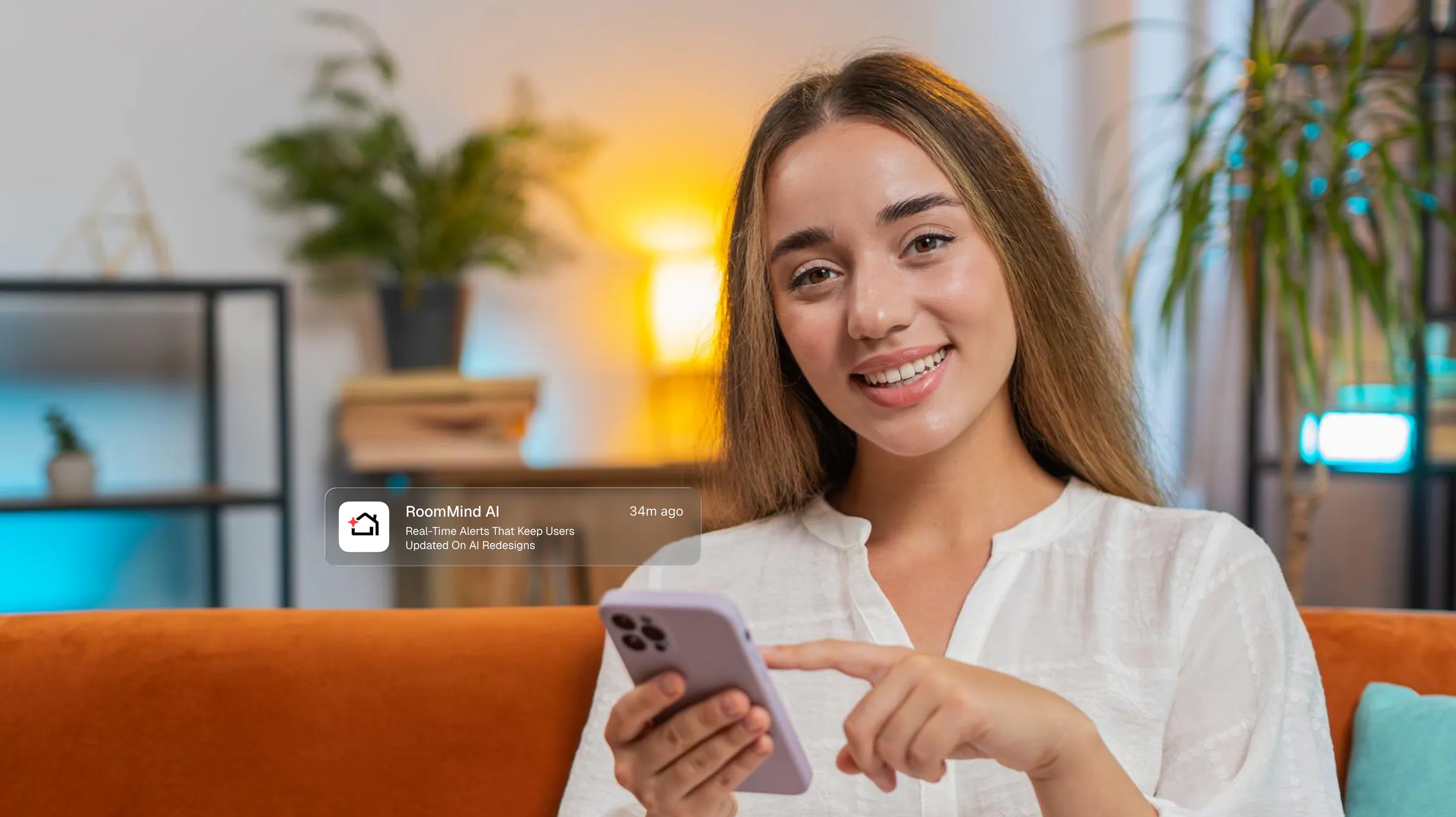
- Notifications that keep users updated on their redesigns
- 04
One calm iOS system
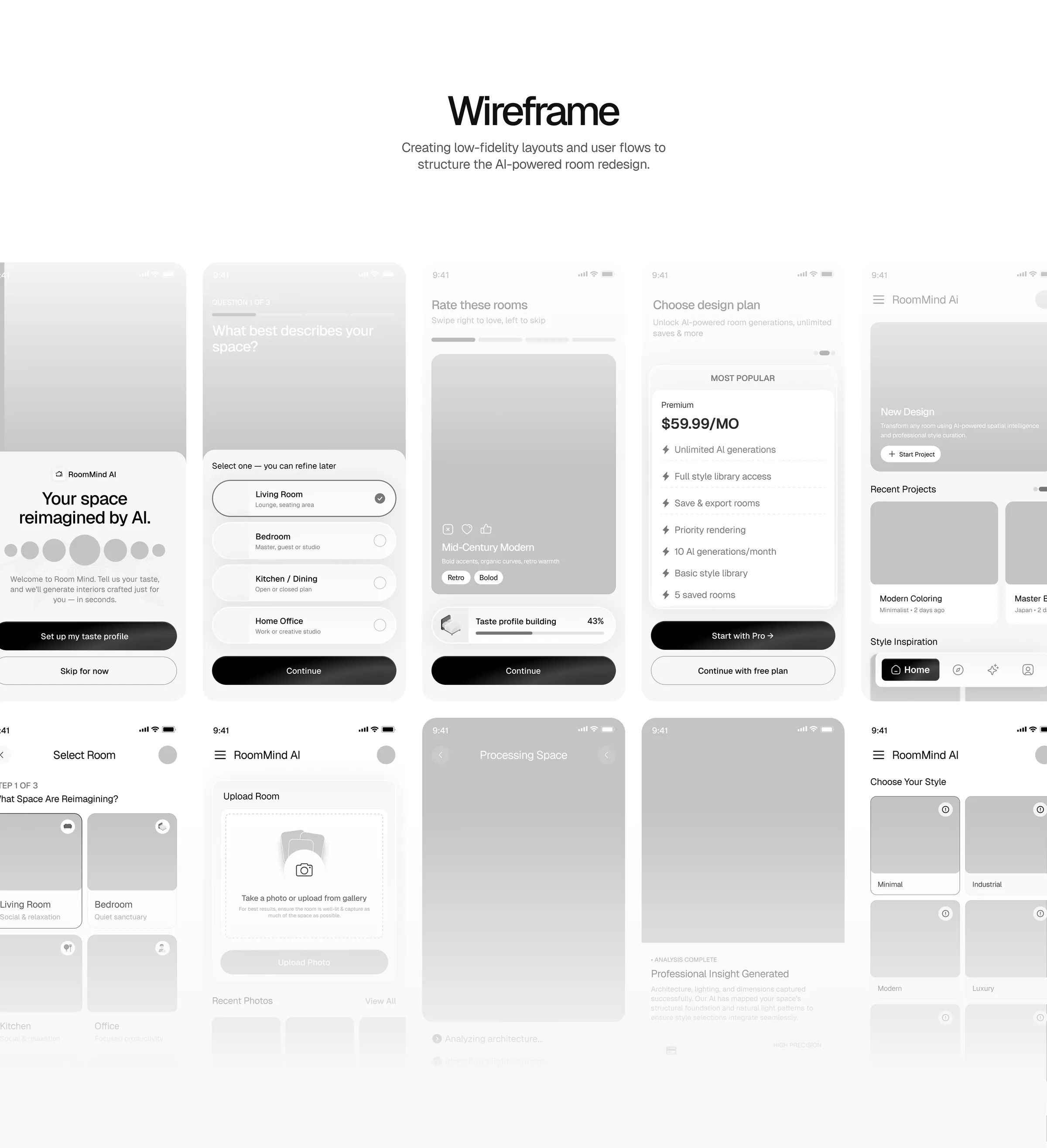
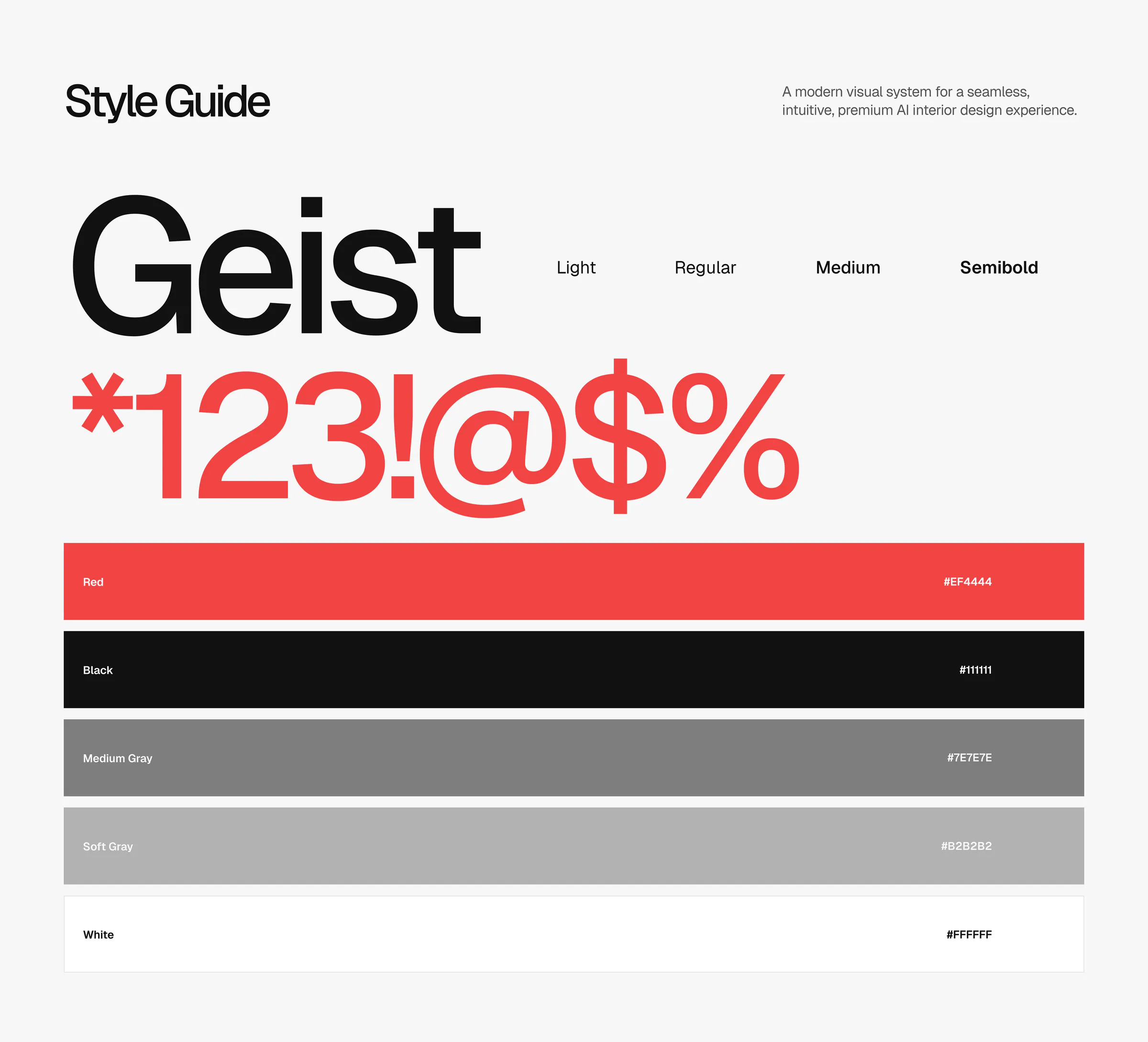
A light, photo-first interface stays quiet so the rooms do the talking. Low-fidelity wireframes and user flows set the structure before the visual design.
- iOS mobile UI system with a floating tab bar
- House-and-sparkle app icon
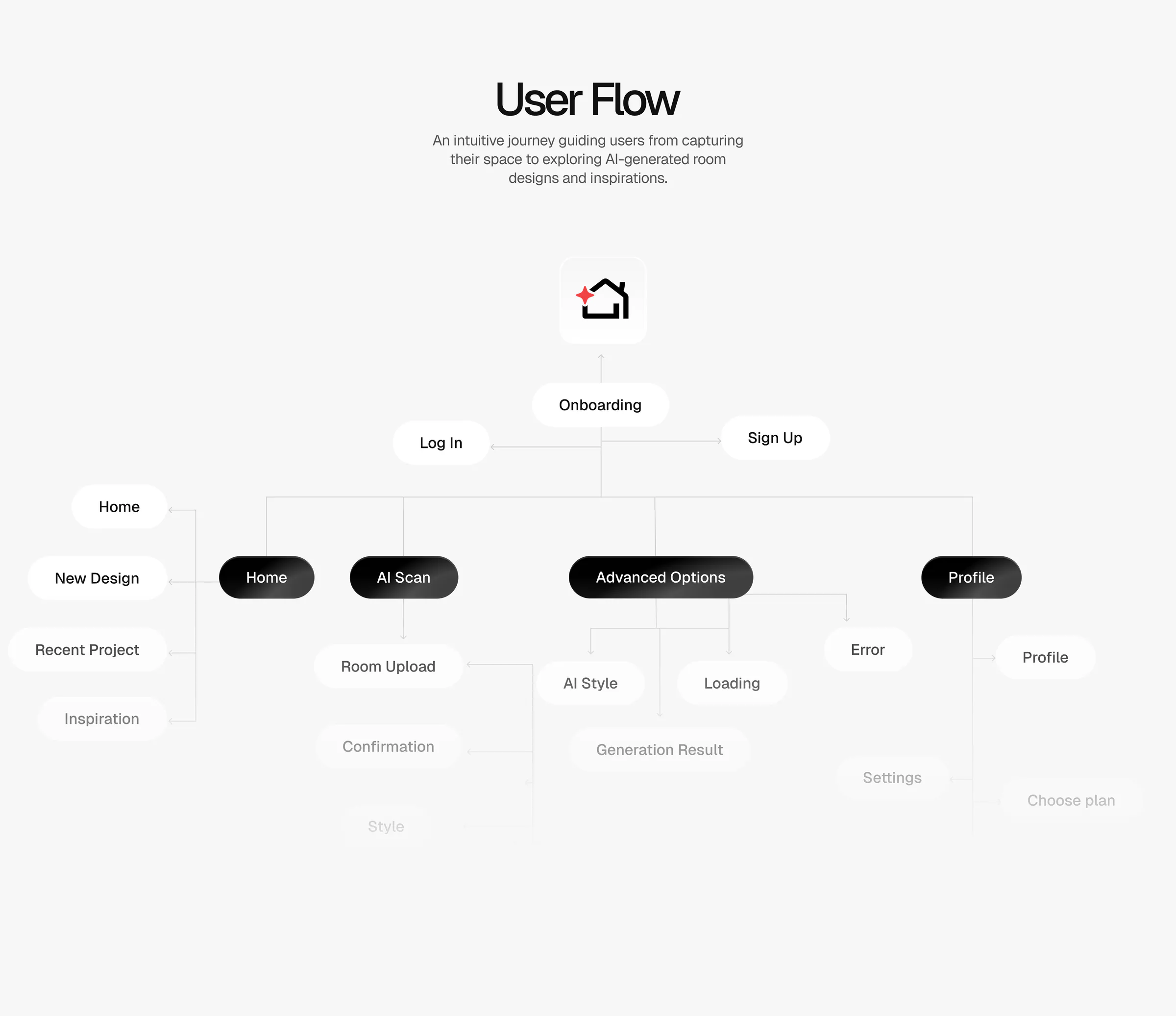
- Wireframes and user flows for the full redesign journey
Selected screens and assets
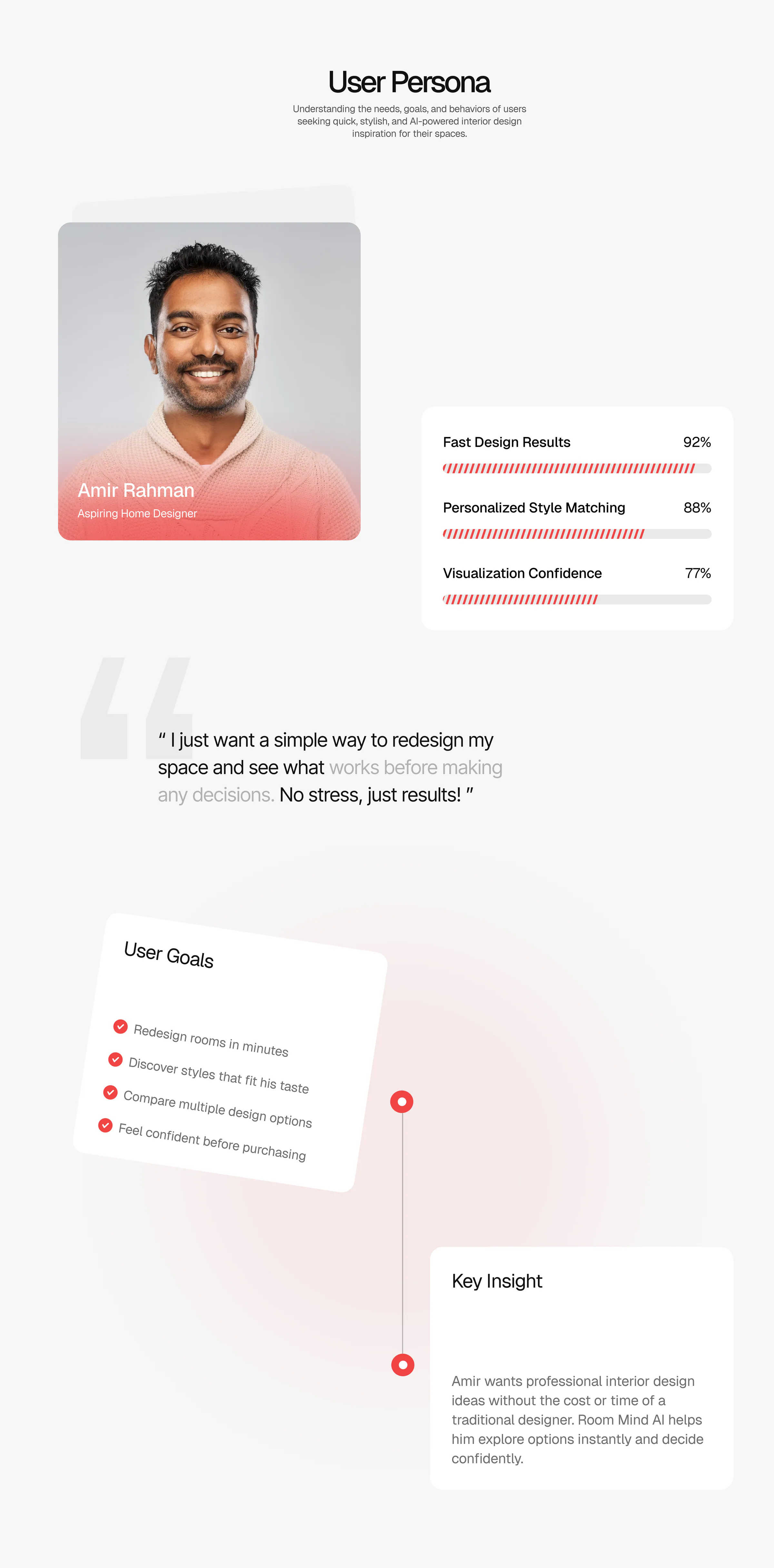
The result
The result
RoomMind AI has a three-step iOS experience that delivers a full room redesign in under 30 seconds: capture, choose, transform.
Because styles are chosen by picture and the AI explains what it is doing while it works, the app turns a complex AI capability into something anyone can use on the first try. The before-and-after view makes the payoff obvious and gives people a reason to try the next room.
Next case studies
See all work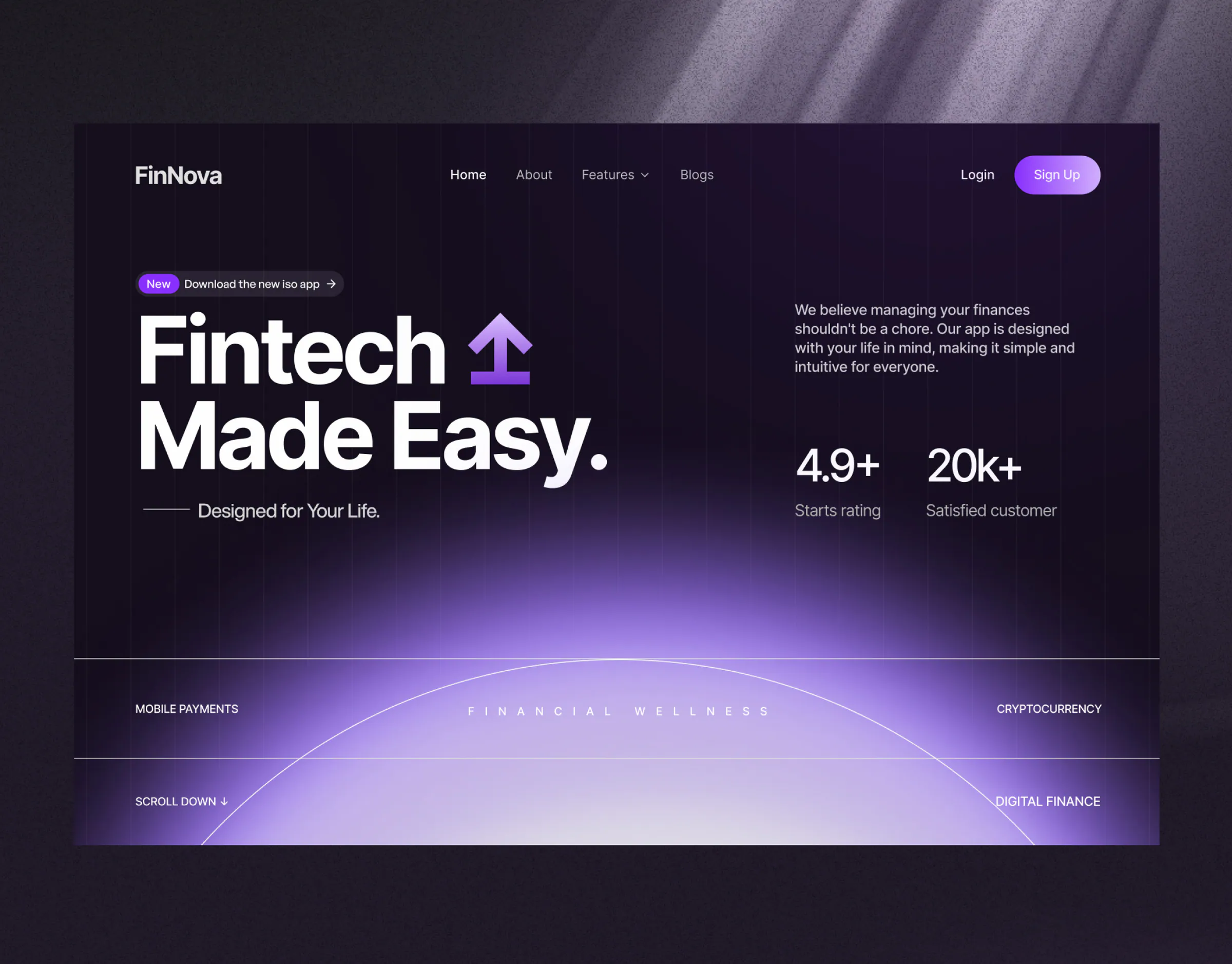
Fintech SaaS Website
A product website UI design for a fintech SaaS brand, designed in Figma.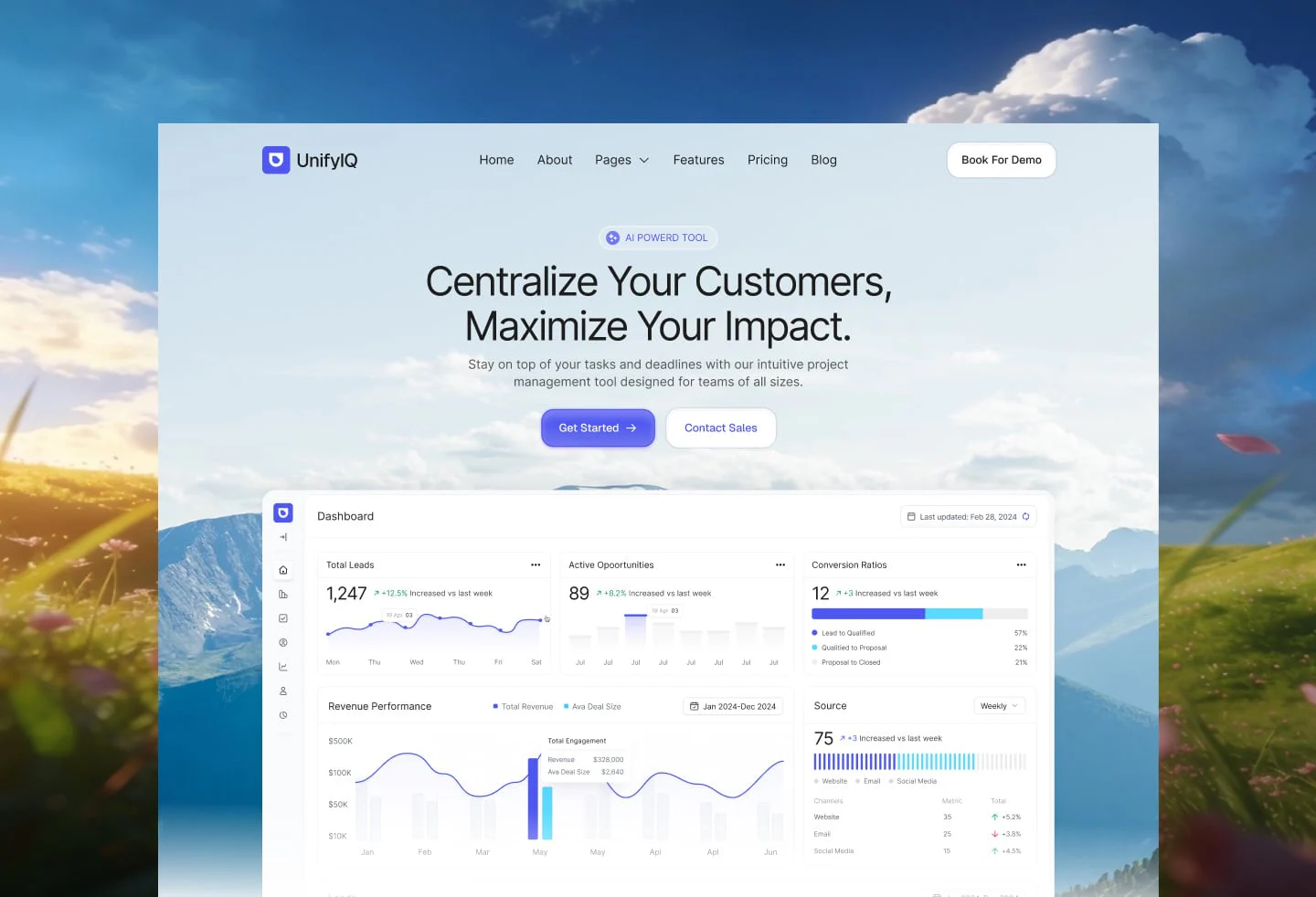 Webflow website
UnifyIQ
A sales management SaaS website designed and built in Webflow, from product story to conversion pages.
SpareCharge
A friendly brand for a peer-to-peer EV charging platform connecting drivers with private chargers.



Not sure what your brand or product needs?
Book a free 30-minute call. We’ll review where you are and recommend the next step.
Book a free callLet’s talk
Ready to start your project?
- 1Book a free 30-minute call
- 2Get a clear scope and timeline
- 3Sign the agreement and NDA
- 4Kick off with your senior team

Maniruzzaman Jubayer
COO & Co-founder
 +1 (501) 550-1093
A senior designer reads every brief and replies within 4 business hours with a clear next step, not a sales script.
 Webflow Professional Partner
 Featured 25 times on Behance
 Top Product Design Agency on Dribbble
 5.0 rating on Clutch