

 16 min read
 Published
To white label web design, you hire a partner to design and build websites that your agency sells and delivers under its own brand. You keep the client relationship, the brief, the reviews and the final sign-off. The partner does the production behind the scenes. Before the first project, decide what you’ll resell, put responsibilities and ownership in writing, test the partner on a paid project, and price the work so your margin survives revisions.
Most agencies come to white label the same way. A client asks for a website, your team is already full, and saying no means handing the relationship to someone else. A partner lets you say yes. The risk is in the details: a rushed handoff, a contract that never transfers the files, a revision loop that eats the margin, or a launch where nobody checked the contact form.
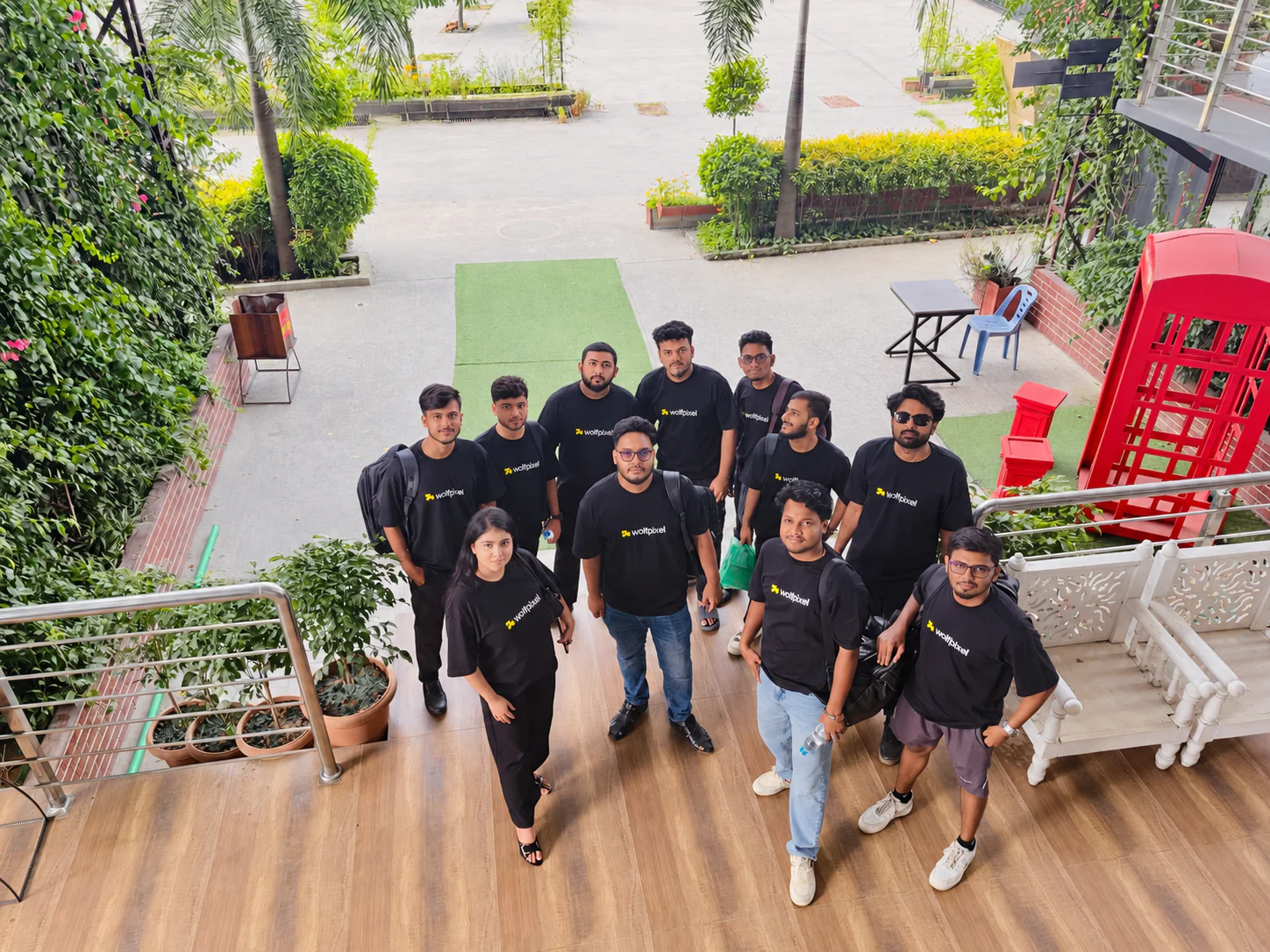
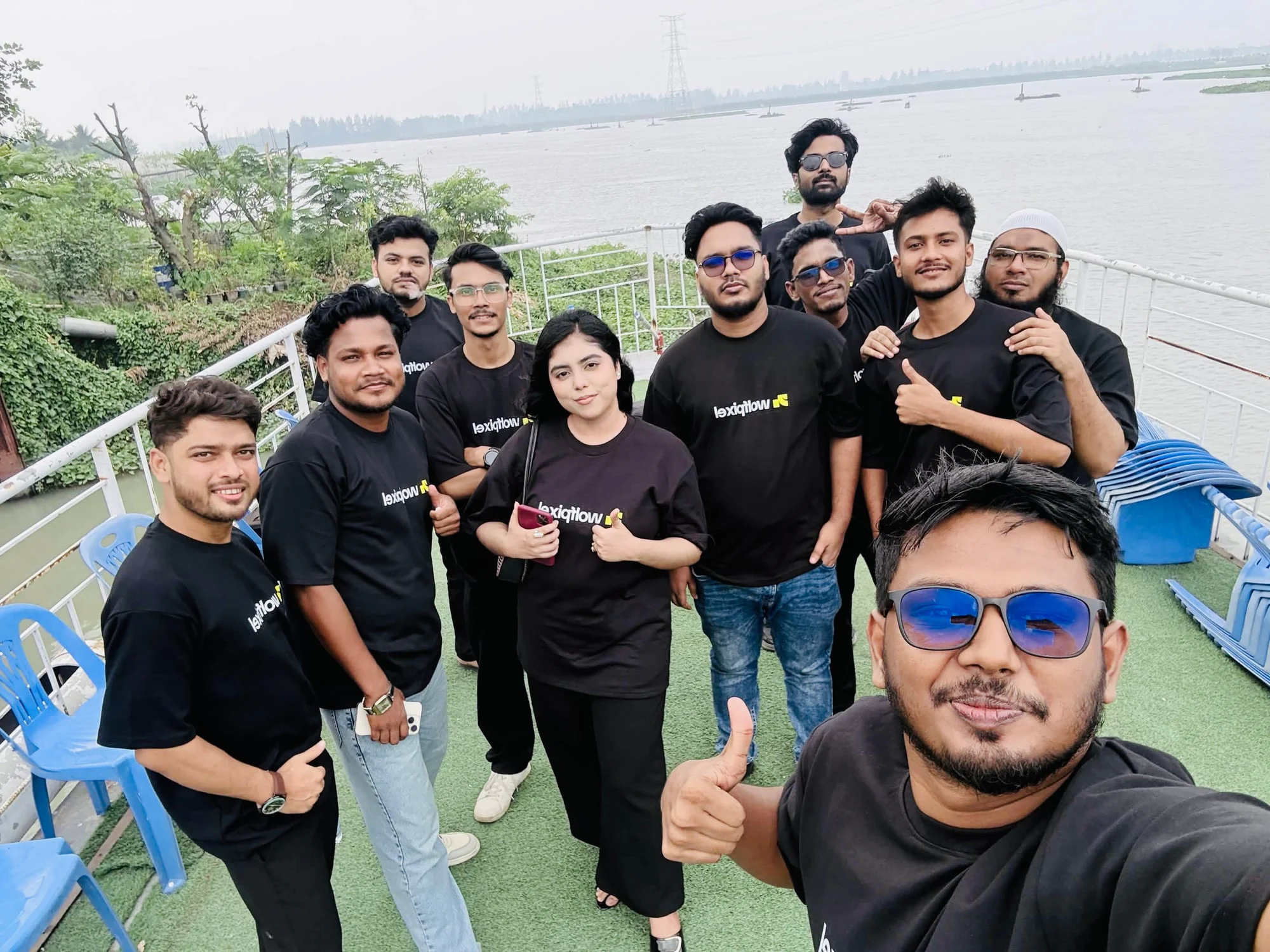
I’m Maniruzzaman Jubayer, Co-founder & COO and product design specialist at Wolfpixel, with 7 years of experience. I personally oversee website, app, dashboard and digital product design, and part of that work is done for other agencies under their brand. That is our bias, and it’s disclosed here. This guide covers what we see work, and fail, from the partner’s side of the table.
It is written for owners and project leads at web, marketing and development agencies. You’ll get:
- A clear split of who does what between your agency and the partner
- A paid test-project method for vetting a partner
- The contract clauses that protect your files and your client
- A worked pricing example that includes your own hours
- A delivery workflow, a pre-launch QA checklist and a handoff package
- What to say when a client asks who built the site
What White Label Web Design Means (and What It Isn’t)
White label web design is a subcontracting arrangement. A partner produces the design and, usually, the build. Your agency sells it, manages it and delivers it as your own work. The client signs with you, pays you and talks to you.
It’s easy to confuse with three other models. Each one carries a different level of control and risk.
| Model | Who the client deals with | Who controls quality | Best for |
|---|---|---|---|
| White label partner | Your agency only | Your agency, with the partner producing | Selling websites as a core service without hiring |
| Referral | The other studio directly | The other studio | Work you don’t want to manage at all, often for a referral fee |
| Open collaboration | Both businesses, named | Shared | Large projects where the client knows and wants both teams |
| White label website builder | Your agency, using a rebranded platform | The platform’s templates and limits | Many small, similar sites at low prices |
This guide is about the first model: a human partner designing and building custom websites. Rebranded website builders are a separate product decision. They suit volume and fixed templates, not bespoke design.
When white labeling makes sense
White label works best when you already win website work, or could, and the bottleneck is production capacity rather than sales. Common triggers:
- A project landed and nobody on your team is free for six weeks
- A designer left mid-project and the deadline didn’t move
- A client wants a platform you don’t build on, such as Webflow
- Several launches fall in the same month and a new hire would take longer than the work
When it probably isn’t right
It is a poor fit when you can’t spare anyone to manage the project. White label moves production off your plate, not responsibility. Someone at your agency still has to own the brief, review the work, run client meetings and check the site before launch. If nobody can do that, a referral is the more honest choice.
Step 1: Decide Exactly What You’ll Resell
Before you contact any partner, write down the service you are selling. Vague offers create vague briefs, and vague briefs create revision loops.
Pick one of these scopes per project:
- Design only. The partner delivers Figma files and specs; your developers build.
- Design and build. The partner designs and builds on an agreed platform, such as Webflow or WordPress.
- Build only. You design; the partner implements your approved files.
- Ongoing care. Updates, new pages and fixes after launch, usually monthly.
Then define the edges. How many page templates? Is copywriting included? Who sources images? Which integrations, such as forms, CRM, booking or ecommerce, are in scope? What browsers and devices will you support? Every answer you settle now is one less argument later. For a reference point, our breakdown of website design packages shows the deliverables and exclusions most proposals list.
Step 2: Split the Responsibilities Before the First Project
The clearest white label partnerships have one rule: the client only ever hears from your agency. Everything else follows from that.
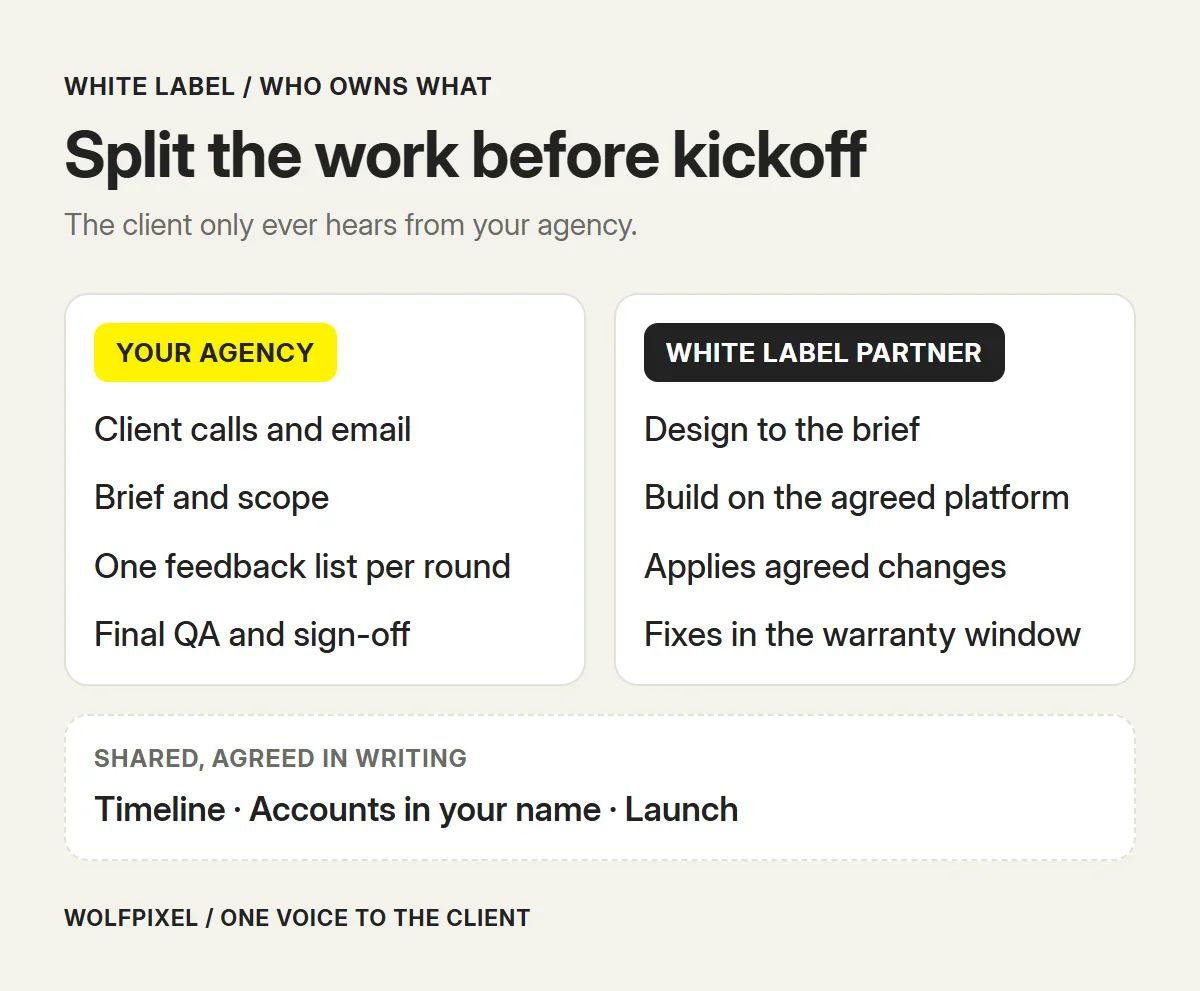
Write the split down and share it with the partner before kickoff:
| Area | Your agency | White label partner |
|---|---|---|
| Client communication | All meetings, emails and calls | None, unless you explicitly invite them |
| Brief and scope | Gathers requirements, writes the brief, approves scope changes | Asks questions, flags gaps and risks |
| Content and assets | Collects copy, images, logos and brand files from the client | Uses what is supplied; requests what is missing |
| Design and build | Reviews and approves before the client sees anything | Produces the design and build to the brief |
| Feedback | Consolidates client feedback into one list per round | Applies the agreed changes |
| Accounts and access | Holds domain, hosting, CMS and analytics in the agency’s or client’s name | Works through invited access, not owned accounts |
| QA | Runs final acceptance testing | Fixes the issues found, within the warranty period |
| Launch and handoff | Coordinates go-live with the client | Supports the launch and supplies documentation |
The access row is the one most agencies skip. If the partner registers the domain, owns the Webflow workspace or holds the only admin login, you don’t fully control your client’s site. Create accounts yourself and invite the partner in.
Step 3: Vet the Partner With a Paid Test Project
Portfolios show what a partner can do on a good day. A small paid project shows how they work on an ordinary one. Choose something real but low-risk, such as a landing page, a single template or a redesign of one section, and watch the process as closely as the output.
What to look for:
- Questions before work starts. A good partner asks about audience, content and constraints. A partner who jumps straight to mockups will do the same on a large project.
- Response time. Agree an expected reply window and see if they keep it.
- File quality. Open the Figma file. Are layers named, components reused and styles consistent? Will your team or the client be able to edit it later? Partners who work from shared components and design tokens make later changes much cheaper.
- Responsive work. Check the mobile layouts, not only the desktop ones.
- Build quality. On the staging site, test forms, navigation, page speed and keyboard access.
- How they take feedback. Do they push back with reasons, or apply every comment without thought? You want the first.
Red flags include a partner who won’t sign an NDA, refuses to transfer source files, wants direct contact with your client, or can’t show who will actually do the work.
If you are comparing models before committing, our guide on design agencies vs freelancers vs in-house teams covers the trade-offs in more depth.
Step 4: Put These Clauses in the Agreement
Most white label problems come from a contract that is too short. You don’t need a long agreement, but you do need the right clauses. This is not legal advice; have a lawyer in your jurisdiction review the final version.
Ownership and IP assignment. In the US, a commissioned contractor generally keeps the copyright in what they create unless it is assigned in writing (US Copyright Office, Circular 30). Many other countries work similarly. The agreement should assign designs, code, source files and other deliverables to your agency on payment, so you can pass them to your client. Licensed fonts, stock images and plugins follow their own licences, so list who buys them.
Confidentiality. The partner must keep your client’s identity, data and business information confidential. A mutual NDA covers both sides.
Non-solicitation. The partner agrees not to contact or pitch your client, directly or indirectly, during the partnership and for an agreed period afterward.
No credit without consent. The partner can’t show the work in a portfolio, case study or social post, or add a footer credit, unless you agree in writing.
Revisions and change orders. Define what a revision is, how many rounds are included and how out-of-scope requests are quoted. “Unlimited revisions” only works when the brief is clear about what is in scope.
Timeline and dependencies. Milestones should depend on your inputs. If the client sends content two weeks late, the dates move.
Warranty period. A window after launch, often 30 days, during which the partner fixes defects in their own work at no cost.
Termination and handover. If either side ends the agreement, the partner hands over all work paid for, including source files, in an agreed format and time.
Payment terms. Deposit, milestone payments and when ownership transfers. Line these up with your client’s payment schedule so you aren’t funding the project yourself.
Use this as a checklist when you review a partner’s draft agreement:
WHITE LABEL AGREEMENT CHECKLIST
[ ] IP assigned to agency on payment
[ ] Licensed fonts and assets listed
[ ] Mutual NDA signed
[ ] No contact with your client
[ ] No portfolio use or credit
[ ] Revision rounds defined
[ ] Change-order pricing agreed
[ ] Dates tied to your inputs
[ ] Warranty window after launch
[ ] File handover on termination
[ ] Payments match client terms
[ ] Named people doing the work
Step 5: Price It So the Margin Survives Revisions
The most common pricing mistake is to take the partner’s quote and add a percentage. That ignores your own time, which is often a big share of a white label project. Price from the bottom up.
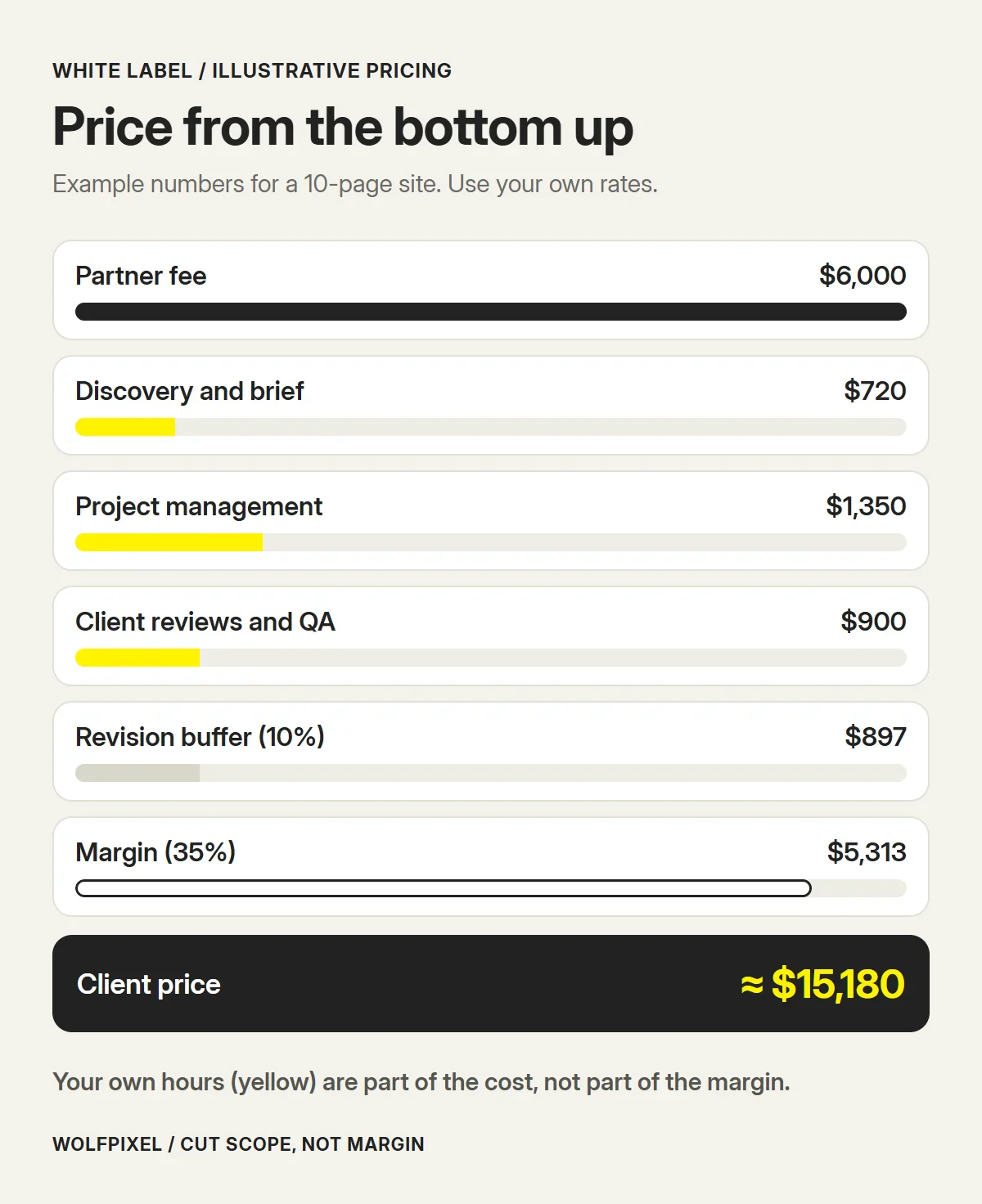
Here’s an illustrative example for a 10-page marketing site. The numbers are made up to show the method. Use your own rates and the partner’s real quote.
| Cost line | Illustrative amount | Notes |
|---|---|---|
| Partner fee (design and build) | $6,000 | The partner’s fixed quote |
| Discovery and brief | 8 hours × $90 = $720 | Kickoff, requirements, sitemap |
| Project management | 15 hours × $90 = $1,350 | Partner coordination, status updates |
| Client reviews and QA | 10 hours × $90 = $900 | Meetings, consolidating feedback, testing |
| Revision and delay buffer (10%) | $897 | 10% of the lines above |
| Total cost | $9,867 | Your break-even |
| Margin | Your choice | Covers sales, risk and profit |
If you need a 35% margin on the client price, the price is $9,867 ÷ 0.65 ≈ $15,180. If that is more than the client will pay, cut the scope (fewer templates, the client supplies copy) rather than your margin or your hours.
Two more points that protect the numbers:
- Match payment terms. If the partner wants 50% upfront, ask your client for at least the same.
- Sell care, not just launches. A monthly care plan for updates, small changes and checks turns one project into recurring revenue, and the partner can often deliver it too.
Step 6: Run a Delivery Workflow Your Client Never Sees
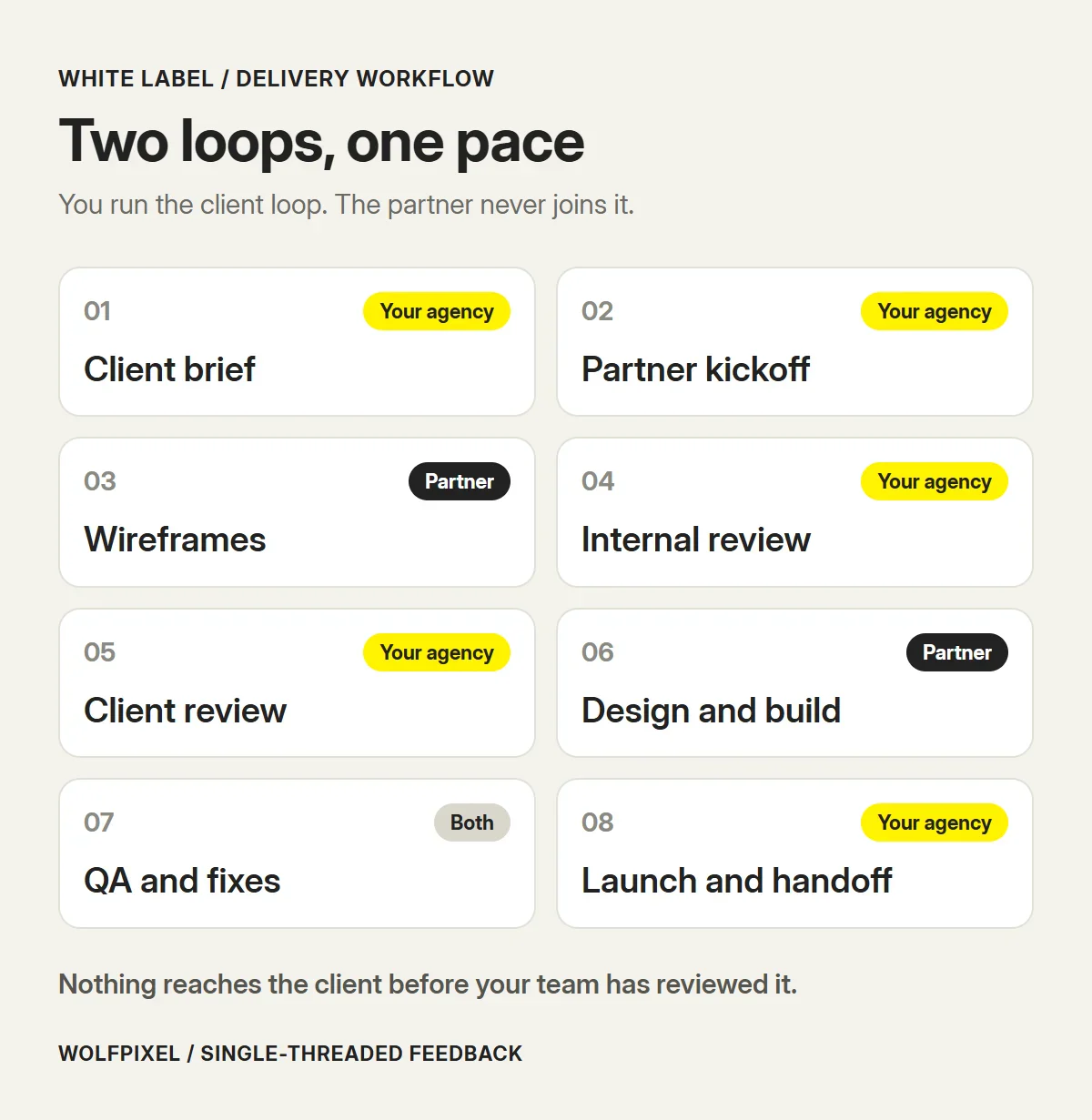
A white label project has two loops: the client loop, which you run, and the production loop, which you run with the partner. The skill is keeping them separate while moving at one pace.
What a good brief includes
The partner can’t ask your client questions, so the brief has to answer them. Copy this template and fill it in before kickoff:
WHITE LABEL WEBSITE BRIEF
Client industry:
Business goal:
Main action on each page:
Audience:
Sites the client likes, and why:
Competitors:
Sitemap and page templates:
Brand files (link):
Copy: final / draft / not started
Images: client / stock / partner
Platform: Webflow / WordPress / other
Hosting and domain owner:
Integrations: forms, CRM, booking
Must-haves: accessibility, speed, SEO
Out of scope:
Review dates:
Launch date:
Decision-maker (agency contact only):
Fill in “Out of scope” every time. It is the line that prevents most arguments later.
Keep feedback single-threaded
Never forward a client’s email chain to the partner. Read it, resolve contradictions with the client and send one numbered list of changes per round. This one habit prevents most revision spirals.
Review internally before the client does
Every design and every staging link passes through your team first. Check it against the brief, the brand and your own standards. Then present it to the client in your agency’s deck, file or staging domain.
Step 7: Run QA Before Anything Reaches the Client
Your client will judge your agency by the launched site, not by who built it. Make QA your agency’s job, even if the partner tests too.
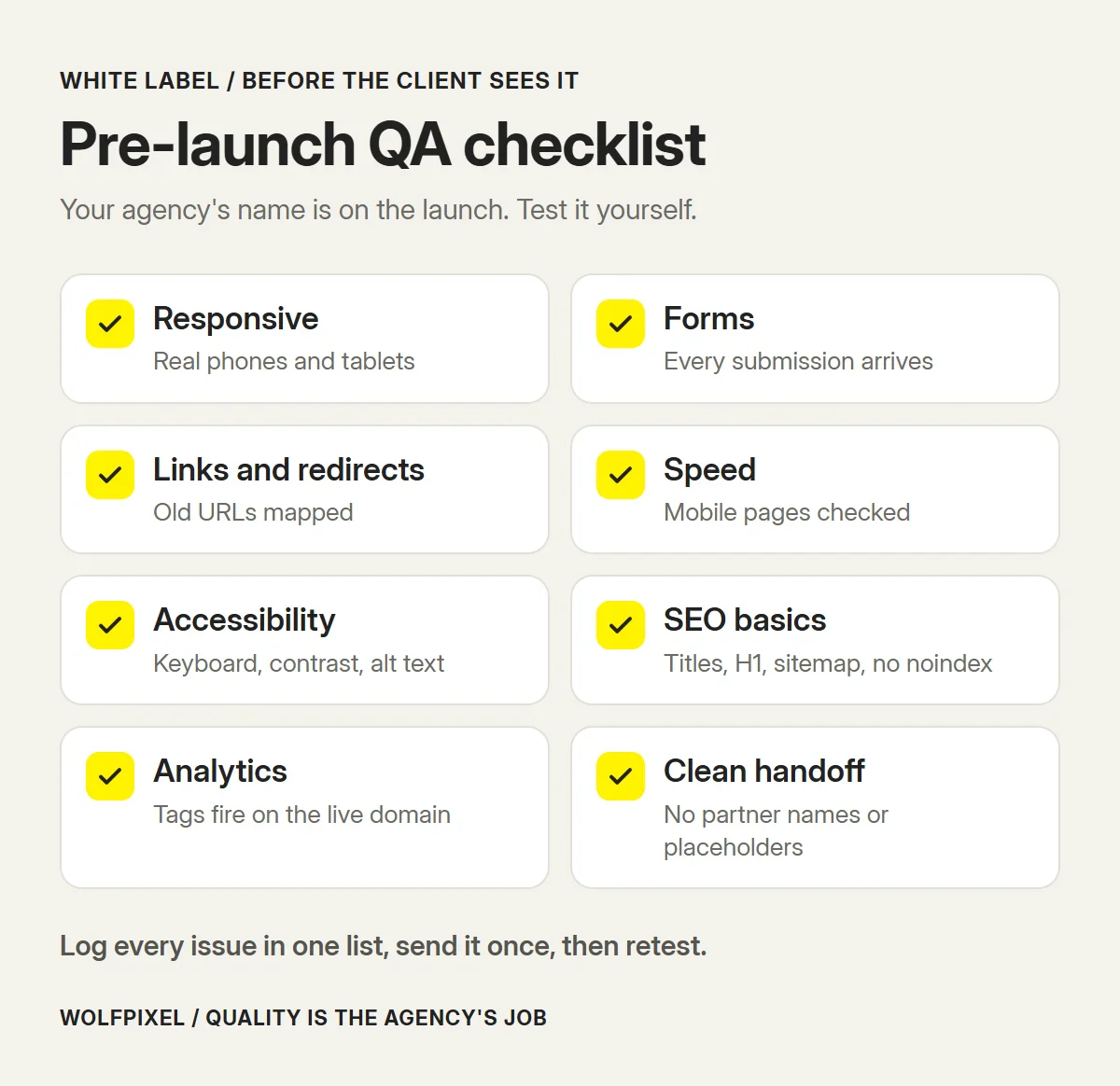
A practical pre-launch checklist:
- Responsive layouts. Test real phones and tablets, not only a resized desktop browser.
- Forms. Submit every form and confirm the message reaches the right inbox or CRM.
- Links and redirects. No broken links. If URLs change on a redesign, map old URLs to new ones with redirects (Google Search Central on site moves). Our website redesign guide covers the migration checks in more detail.
- Performance. Check key pages on mobile with PageSpeed Insights and fix oversized images first.
- Accessibility. Keyboard navigation, visible focus, alt text, colour contrast and form labels. WCAG 2.2 is the reference standard.
- SEO basics. Unique titles and descriptions, one H1 per page, an XML sitemap and no leftover “noindex” from staging.
- Analytics and tags. Analytics, conversion events and any pixels firing on the live domain.
- Content. No placeholder text, no lorem ipsum and no partner names in metadata, file names or code comments.
Log issues in one list, send them to the partner in one round, then retest.
Step 8: Hand Off and Own the Aftercare
The handoff decides whether the client can actually run the site. Prepare a short package:
- Access. Confirm every account from Step 2 is in the client’s name, or yours if you manage the site, and remove partner access you no longer need.
- Source files. Final Figma files and any exported assets, delivered through your agency.
- Documentation. A short guide to editing pages, adding blog posts or updating the CMS.
- Training. A 30–60 minute recorded walkthrough, run by your team.
- Care plan. What happens next for updates, fixes and new pages, and what it costs.
Keep the partner’s warranty window in mind. Defects found in the first weeks after launch should go back to them, routed through you.
What to Tell the Client
This is the question agencies ask most. There are three common positions:
- Say nothing unless asked. The partner is part of your production process, much like your accounting software or hosting provider.
- Describe a production team. “We work with a vetted senior production team under NDA, and our agency is responsible for the result.”
- Disclose fully. Name the partner. Some enterprise and public-sector clients require it in their contracts.
Whatever you choose, keep one rule: if the client asks directly, don’t lie. Something like this works:
“We run strategy, design direction and quality in-house, and we work with a senior production team under NDA. Our agency is responsible for the result, and you’ll keep dealing with us.”
Check your client contract too. If it requires you to approve or disclose subcontractors, that obligation applies whatever your positioning.
Common White Label Risks and How to Cover Them
| Risk | Early warning sign | Safeguard |
|---|---|---|
| Quality slips on a big project | Test project went well, but the team changes | Name the people doing the work in the agreement |
| Partner goes quiet or stops trading | Missed replies, vague status updates | Work in progress at each milestone; every account created by you (Step 2) |
| Partner contacts your client | Requests to “just join a quick call” | Non-solicitation clause; you run every client meeting |
| Margin disappears | Revision rounds keep growing | Defined revision rounds, change-order pricing, consolidated feedback |
| Brand mismatch | Designs look like the partner’s style, not yours | Share your brand, past work and standards at kickoff |
A 30-Day Plan for Your First White Label Project
| Week | Focus | Output |
|---|---|---|
| Week 1 | Define the offer and shortlist partners | Service scope, two or three partners, NDAs signed |
| Week 2 | Run a paid test project | A small real deliverable and notes on communication and quality |
| Week 3 | Agree terms | Signed agreement covering IP, confidentiality, revisions, warranty and termination |
| Week 4 | Price and pitch the first client project | Bottom-up price, brief template and a delivery plan with review dates |
Where Wolfpixel Fits
Wolfpixel is a white label partner for agencies, so weigh this section with that in mind. Our senior designers handle website, Webflow, UI/UX and brand work under the agency’s name and NDA, with the files and IP owned by the agency. If you’re comparing partners, our white label web design services page explains how the work, pricing and handoff are set up. For the production side, see how we approach website design and Webflow development.
Whichever partner you choose, use the checklists in this guide. A good partner will be glad you asked.
How to White Label Web Design: FAQs
Is white label web design legal?
Yes. Reselling work produced by a partner is a normal subcontracting arrangement. What matters is the contract between you and the partner (ownership, confidentiality, non-solicitation) and anything your own client contract says about subcontractors. If your client agreement requires you to disclose or approve subcontractors, follow it.
Do I have to tell my client that a partner built the website?
Usually not, unless your client contract or local rules require it. Many agencies describe partners as part of their production team. The one rule worth keeping is simple. If a client asks you directly, do not lie. Say that you work with a vetted production team under NDA and that your agency remains responsible for the result.
How much should I mark up white label web design?
There is no standard percentage. Price from the bottom up. Take the partner’s cost, add your own hours for discovery, project management, client reviews and QA, add a buffer for revisions and delays, and then add the margin you need. If the result is above what the client will pay, reduce the scope rather than your margin.
Who owns the website when a white label partner builds it?
Whoever the contracts say. In the US and many other countries, a contractor keeps the copyright in what they create unless it is assigned in writing. Make sure the partner assigns the designs, code and source files to your agency on payment, and that your client agreement then passes them on to the client.
How long does a white label website take?
It depends on page count, platform, integrations and how fast the client supplies content and feedback. Ask the partner for a phased timeline after they have read the brief. The client’s content and approvals are often the slowest part, so build those dates into the plan.
Can I white label Webflow websites?
Yes. A partner can design and build the site in Webflow and then transfer the project to your workspace or your client’s. Agree in advance who pays for the site plan and the workspace, and who appears as the owner.
What happens if my white label partner disappears mid-project?
You are protected only if you planned for it. Keep the source files, staging links and account access in your agency’s or client’s name from day one, ask for work in progress at every milestone, and include a termination clause that requires the partner to hand over everything paid for.
Should I start with a single project or a monthly retainer?
Start with one paid project, ideally a real but low-risk one. It shows you the partner’s communication, quality and speed. Move to a monthly design arrangement once you have a steady flow of client work and you know the partner fits your process.
Have a client site you need built under your brand?
Share the brief, the deadline and the platform. We can tell you within four business hours whether the scope, timeline and handoff fit, and sign an NDA first if you need one.

Was this article helpful?

Written by
Maniruzzaman Jubayer
Co-founder & COO | Product Design Specialist at Wolfpixel
Maniruzzaman Jubayer is the Co-founder & COO of Wolfpixel and a product design specialist with 7 years of experience. He personally oversees website, app, dashboard and digital product design at Wolfpixel. In this article, he focuses on how agencies brief, review, price and hand off website work produced by a white label partner.
View all articles